eshinreal
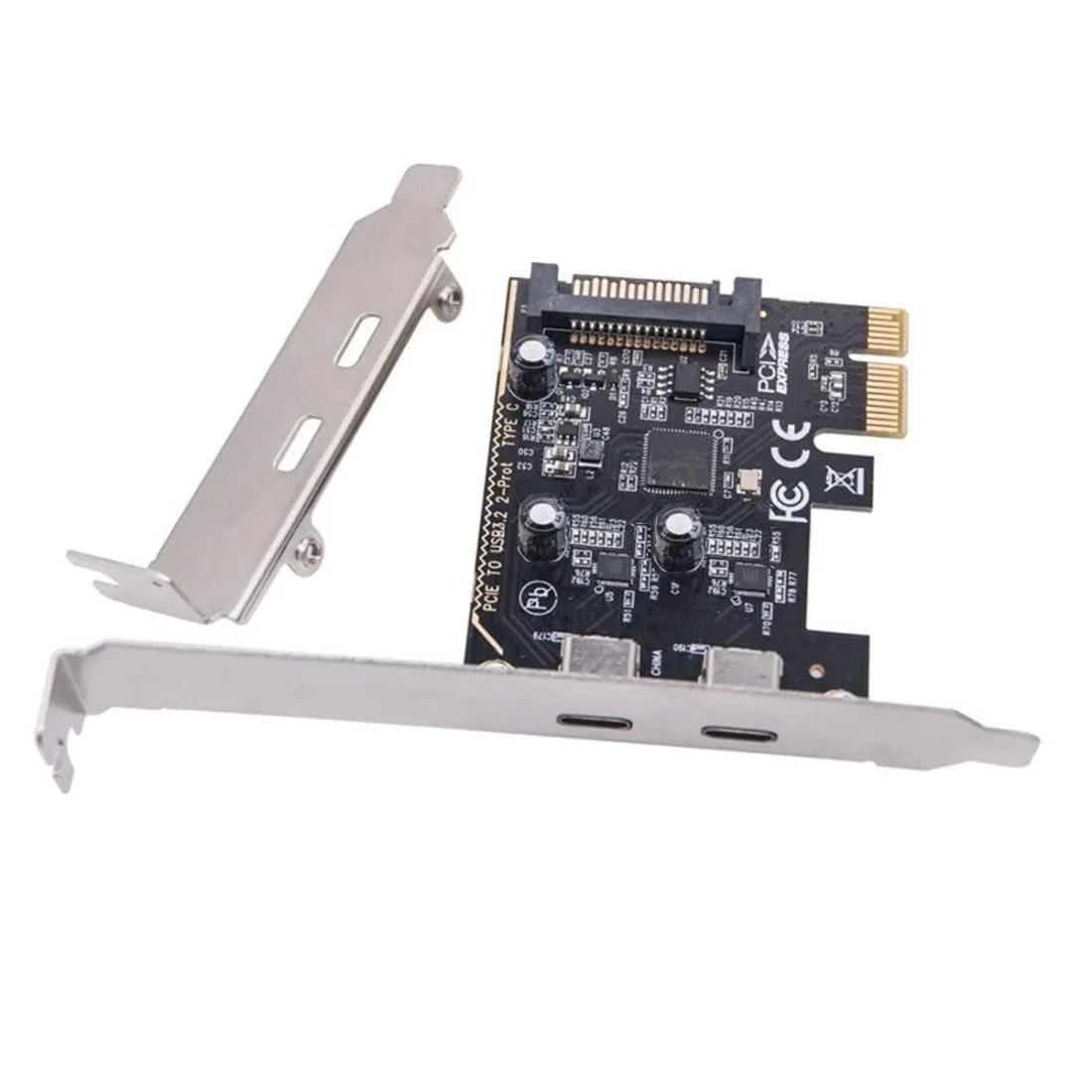
eshinreal 4 Port Mini PCIe to SATA 3 Expansion Card
- Controller Card
25,99 USD
0.00033156BTC
În stocAcceptăm criptomonede — astfel, criptomonedele pe care le dețineți pot cumpăra echipamente reale.Plătiți în cripto, cheltuiți-o pe echipamente reale. Livrare asigurată gratuită oriunde în lume peste 399 $. Cartoane neutre, fără marcă, expediate din Germania.Livrare asigurată gratuită peste 399 $. Cursul dumneavoastră este blocat timp de 30 de minute de la deschiderea paginii de plată.Curs blocat 30 de minute. Fiecare articol este sigilat, numărul de serie este verificat, iar produsul este acoperit de o garanție de 24 de luni.Sigilat, garantat 24 de luni.
Mushkin Enhanced
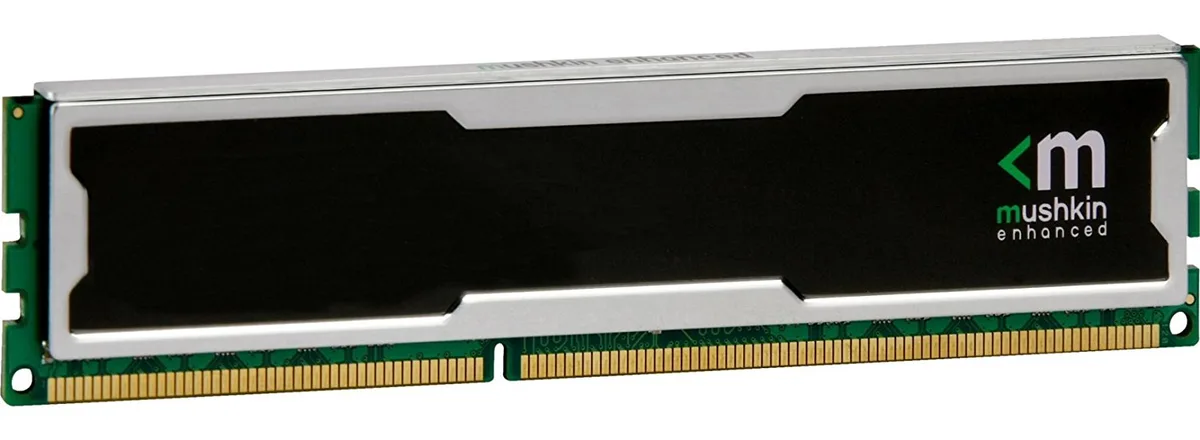
4GB DDR4 desktop memory running at 2133MHz with CL15 latency and 1.5V operation
This 4 GB DDR4 DIMM runs at 2133 MHz with a CAS latency of 15 and a 1.5 V operating voltage. The unbuffered, non-ECC design uses a standard 240-pin layout for desktop motherboards that accept PC4-17000 modules. It suits basic office PCs, light content-consumption rigs or repair jobs where a single low-density stick is required. Buyers needing higher capacities or multi-channel kits should look elsewhere.
At the rated 1.5 V the module draws modest power and generates little heat during typical desktop workloads. No active cooling is included or required; passive airflow inside a normal case is sufficient. The stick runs silently because it has no moving parts. Power draw scales with actual memory activity rather than sitting at a fixed high level.
Nicio specificație publicată pentru acest articol deocamdată.
Align the notch on the module with the key in the motherboard slot, press down firmly until both retention clips click shut, then verify in BIOS that the memory is running at 2133 MHz with CL15 timings.
No routine maintenance is required; keep the contacts dust-free with compressed air and replace the module only if memory errors appear or a capacity upgrade is desired.
Tot din acest raion
Același raion, aceeași finalizare a comenzii — opt monede și un curs blocat 30 de minute.
În ce monedă plătiți și în ce monedă citiți prețurile.
Trimis din portofelul dumneavoastră la finalizarea comenzii
Doar pentru afișare — catalogul este exprimat în dolari
Nicio monedă nu corespunde.
Alegeți limba în care vă vorbește site-ul.
Nicio limbă nu corespunde.
Prima vizită?
Aveți deja un cont?
Nu există o resetare automată: acest magazin nu trimite niciun e-mail, deci nu există niciun link de unică folosință de solicitat. Lăsați adresa în cont. Va fi tratată manual.
Cerere înregistrată
Nu veți primi nimic în căsuța de e-mail — acest magazin nu trimite niciun e-mail. Cineva se ocupă de asta manual.
V-ați amintit-o?