Seagate
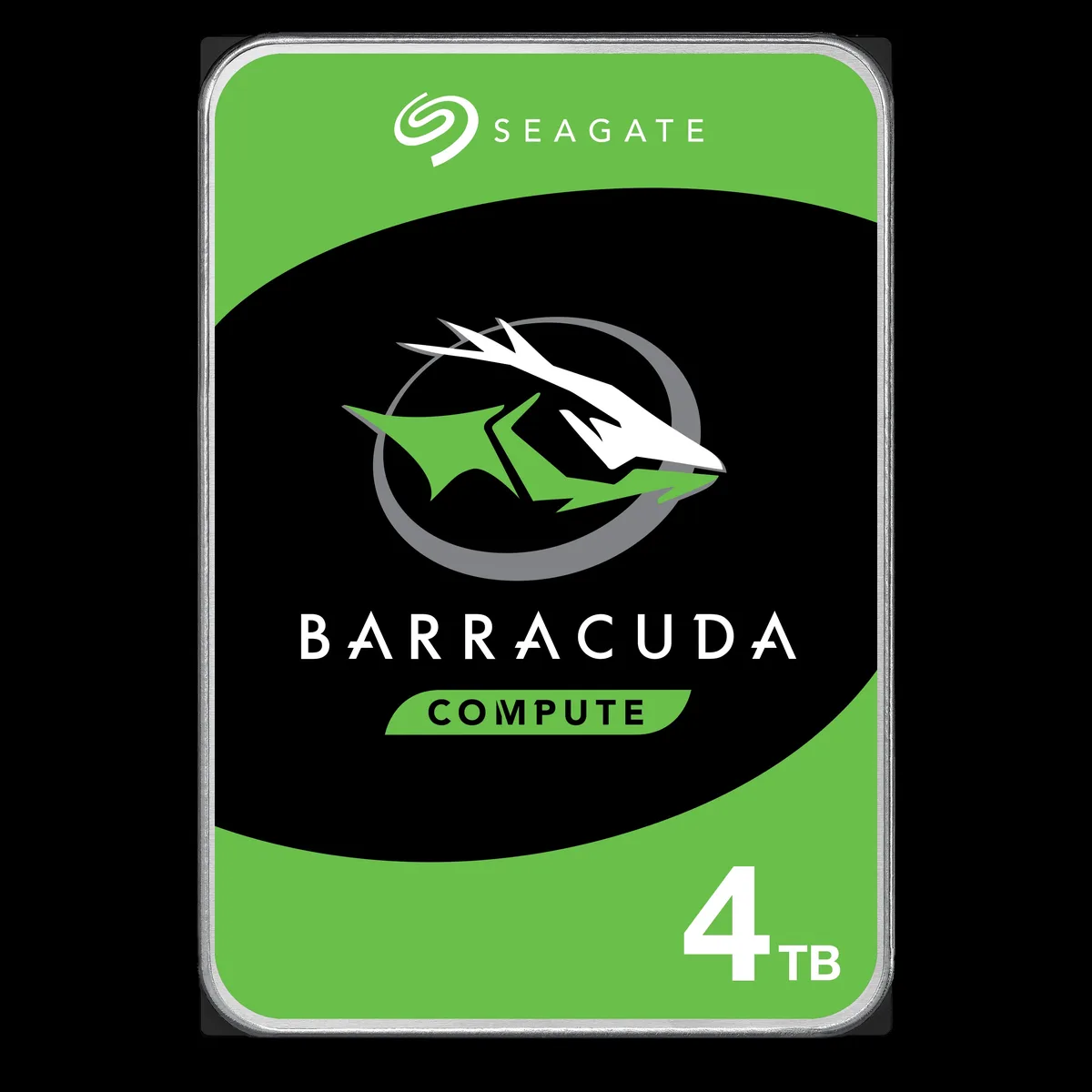
Seagate BarraCuda ST3000DM008 3TB 7200 RPM 64MB SATA 6.0Gb/s 3.5" internal hard drive
- Bare Drive
- SATA 6.0Gb/s
56,99 USD
0.00072567BTC
În stocAcceptăm criptomonede — astfel, criptomonedele pe care le dețineți pot cumpăra echipamente reale.Plătiți în cripto, cheltuiți-o pe echipamente reale. Livrare asigurată gratuită oriunde în lume peste 399 $. Cartoane neutre, fără marcă, expediate din Germania.Livrare asigurată gratuită peste 399 $. Cursul dumneavoastră este blocat timp de 30 de minute de la deschiderea paginii de plată.Curs blocat 30 de minute. Fiecare articol este sigilat, numărul de serie este verificat, iar produsul este acoperit de o garanție de 24 de luni.Sigilat, garantat 24 de luni.


Seagate
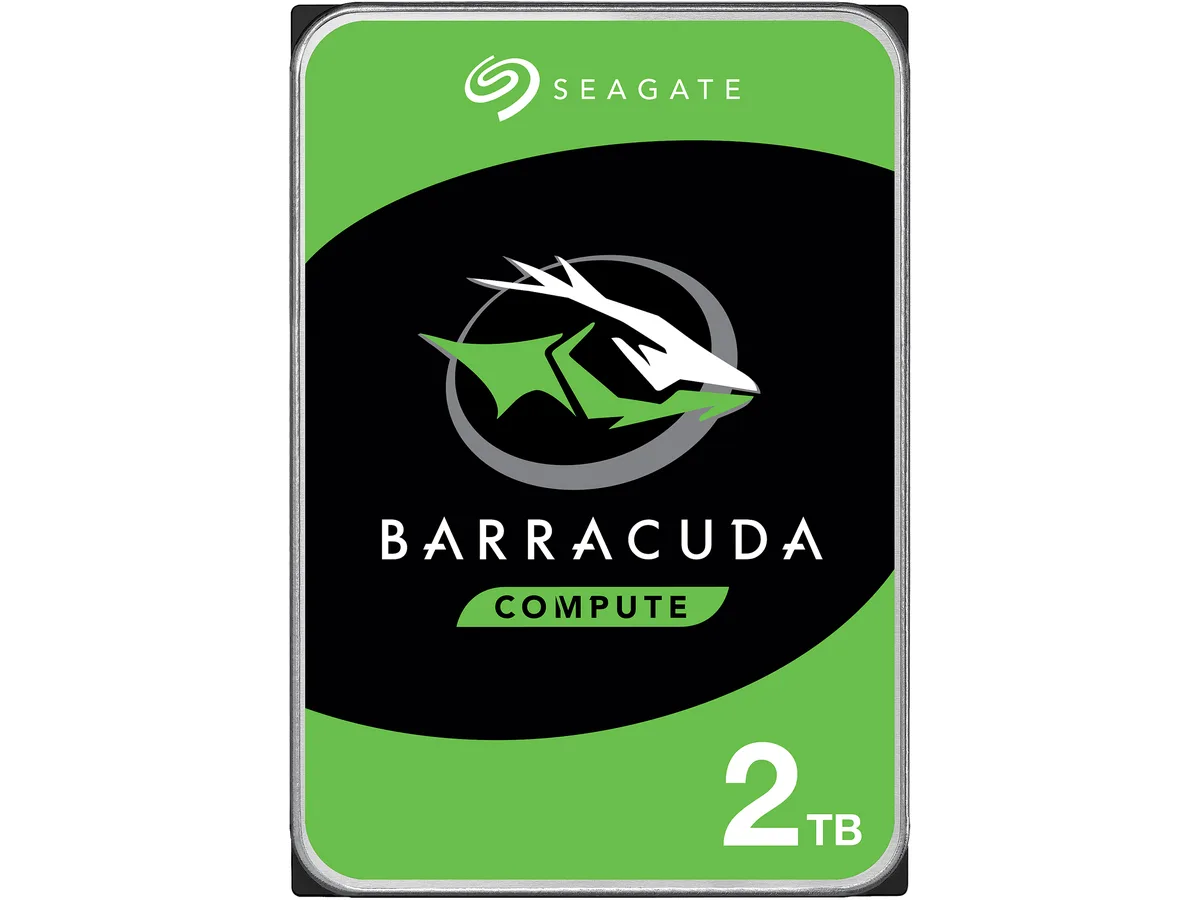
A 2 TB 3.5-inch desktop hard drive spinning at 7200 RPM with 256 MB cache and a SATA 6.0 Gb/s interface for everyday computing
Options 2TB 7200RPM
The Seagate BarraCuda ST2000DM008 is a 2 TB 3.5 inch desktop hard drive that spins at 7200 RPM and connects through a SATA 6.0 Gb/s interface. It carries a 256 MB cache and measures 146.99 mm long, 101.85 mm wide and 20.20 mm high. The drive is supplied new and is built for everyday computing tasks.
This drive fits users who need affordable high-capacity storage for documents, media libraries or backup on a standard desktop PC. Buyers who require the low latency or high sustained throughput of solid-state storage should consider a different technology. Systems limited to the older SATA 3.0 Gb/s standard will not reach the interface burst speed this model offers.
The single specification that determines whether this is the correct part is the SATA 6.0 Gb/s interface. Your motherboard or controller must provide a matching SATA port to install the drive and achieve its rated burst performance. Without that port the drive will not function as intended.
| Brand | Seagate |
|---|---|
| Series | BarraCuda |
| Model | ST2000DM008 |
| Interface | SATA 6.0Gb/s |
| Capacity | 2TB |
| RPM | 7200 RPM |
| Cache | 256MB |
| Features | Versatile HDDs for all your PC needs bring you industry-leading excellence in personal computing. For over 20 years the BarraCuda family has delivered super-reliable storage for the hard drive industry. Capacities up to 8TB for desktops, BarraCuda leads the market with the widest range of storage options available. Advanced Power modes help save energy without sacrificing performance. SATA 6Gb/s interface optimizes burst performance. |
| Usage | For Daily Computing |
| Form Factor | 3.5" |
| Height (maximum) | 20.20mm |
| Width (maximum) | 101.85mm |
| Length (maximum) | 146.99mm |
| Greutate la expediere | 0.40 kg |
| Dimensiunile coletului | 152 × 104 × 25 mm |
Alte versiuni ale acestui model
Aceeași familie, memorie, radiator sau frecvență diferite — comparați înainte de a vă decide.
The SATA 6.0Gb/s interface supports up to 6.0Gb/s burst speeds, while sustained transfer rates are limited by the 7200 RPM platters and 256MB cache.
Yes, the drive measures 146.99mm long, 101.85mm wide and 20.20mm high, matching the standard 3.5" form factor used in desktop cases and drive cages.
Mount the drive using four 3.5" screws, connect a SATA data cable to the motherboard and a SATA power cable from the PSU, then initialise and format the 2TB volume in the OS — the formatting step is frequently overlooked.
Tot din acest raion
Același raion, aceeași finalizare a comenzii — opt monede și un curs blocat 30 de minute.
În ce monedă plătiți și în ce monedă citiți prețurile.
Trimis din portofelul dumneavoastră la finalizarea comenzii
Doar pentru afișare — catalogul este exprimat în dolari
Nicio monedă nu corespunde.
Alegeți limba în care vă vorbește site-ul.
Nicio limbă nu corespunde.
Prima vizită?
Aveți deja un cont?
Nu există o resetare automată: acest magazin nu trimite niciun e-mail, deci nu există niciun link de unică folosință de solicitat. Lăsați adresa în cont. Va fi tratată manual.
Cerere înregistrată
Nu veți primi nimic în căsuța de e-mail — acest magazin nu trimite niciun e-mail. Cineva se ocupă de asta manual.
V-ați amintit-o?