Seagate
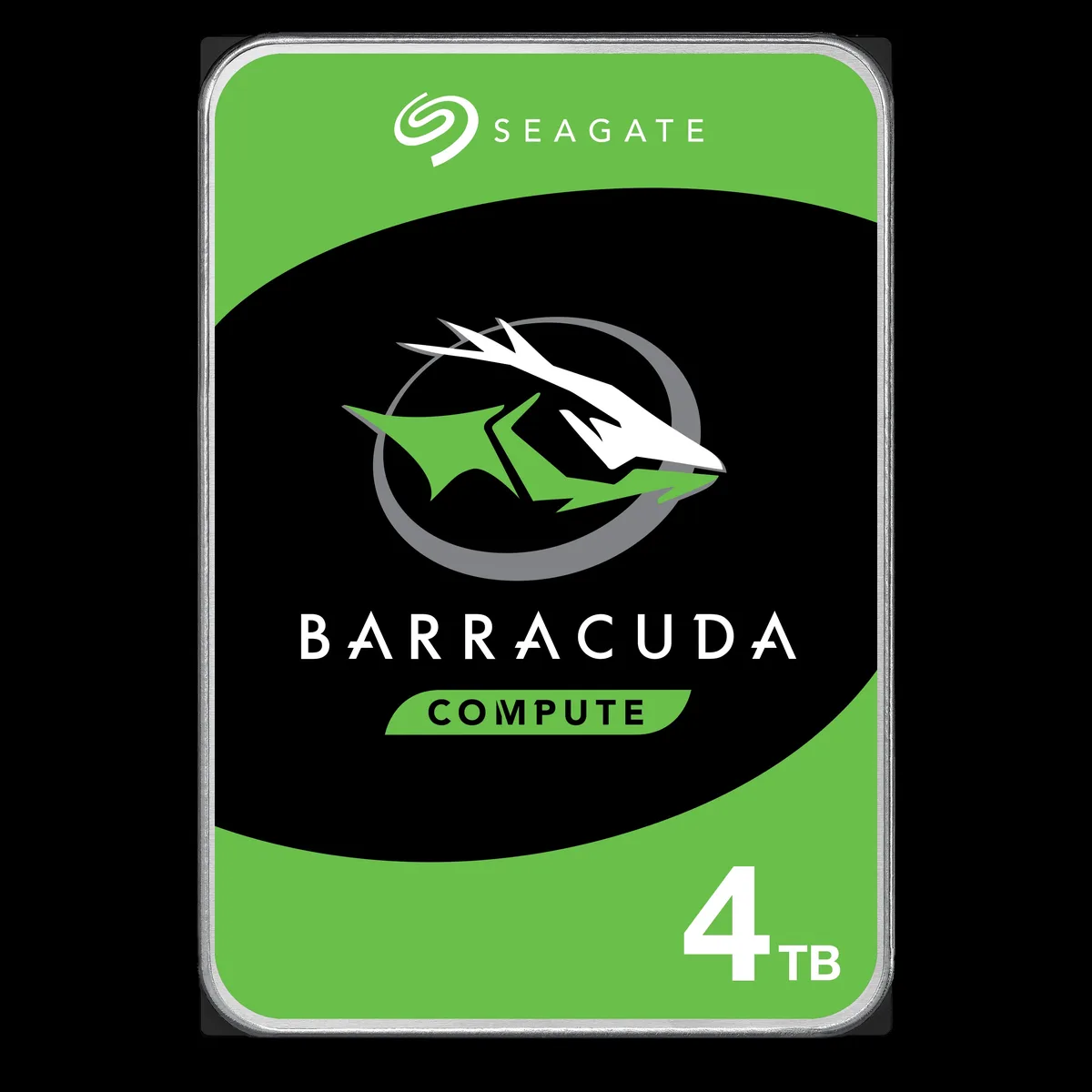
Seagate BarraCuda ST3000DM008 3TB 7200 RPM 64MB SATA 6.0Gb/s 3.5" internal hard drive
- Bare Drive
- SATA 6.0Gb/s
56,99 USD
0.00071168BTC
DostępnyAkceptujemy kryptowaluty — posiadane środki można więc wykorzystać na zakup prawdziwego sprzętu.Płatność kryptowalutą — realny sprzęt w zamian. Bezpłatna, ubezpieczona dostawa na całym świecie powyżej 399 $. Neutralne kartony, bez oznaczeń, wysyłane z Niemiec.Bezpłatna, ubezpieczona dostawa powyżej 399 $. Kurs zostaje zablokowany na 30 minut od otwarcia kasy.Kurs zablokowany na 30 minut. Każdy produkt jest fabrycznie zapieczętowany, jego numer seryjny jest sprawdzany, a całość objęta jest 24-miesięczną gwarancją.Zapieczętowane fabrycznie, 24 miesiące gwarancji.


Seagate
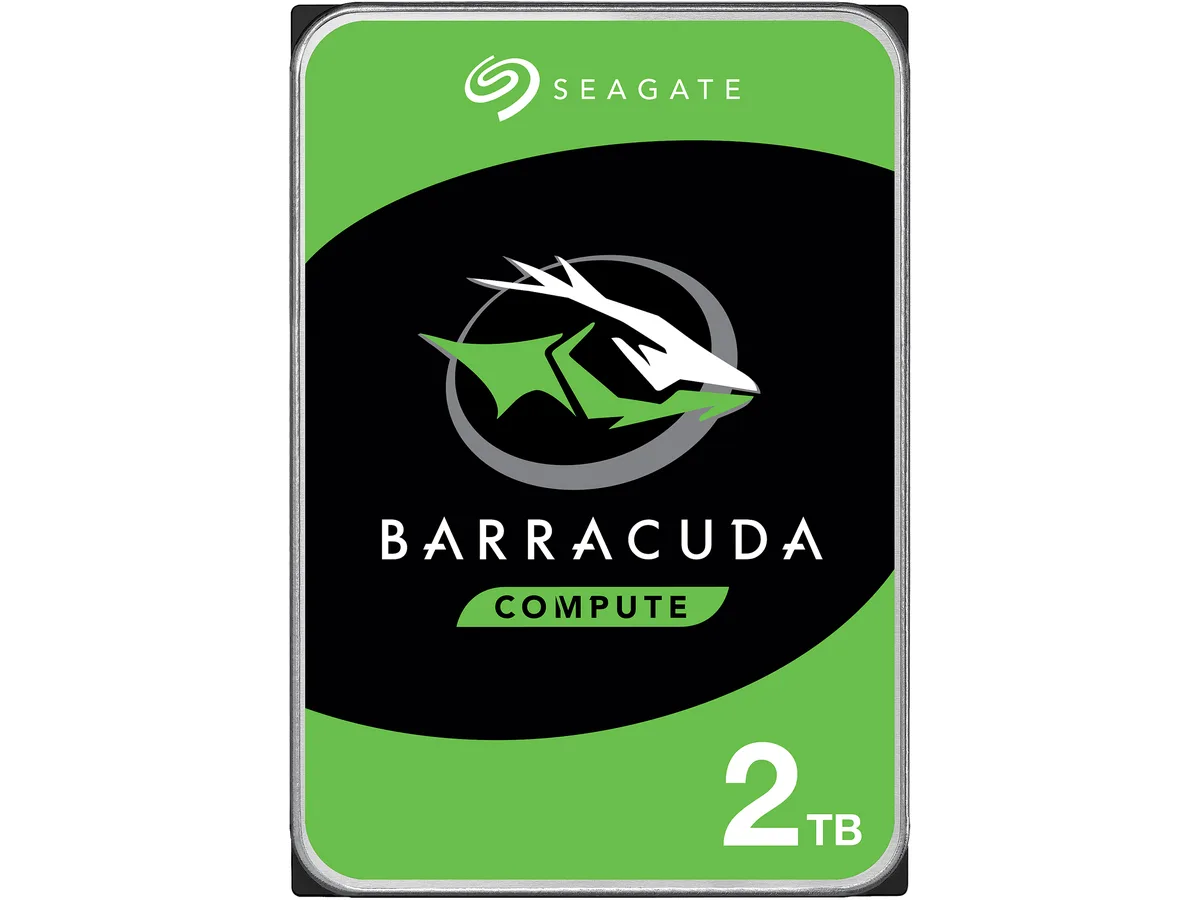
A 2 TB 3.5-inch desktop hard drive spinning at 7200 RPM with 256 MB cache and a SATA 6.0 Gb/s interface for everyday computing
Options 2TB 7200RPM
The Seagate BarraCuda ST2000DM008 is a 2 TB 3.5 inch desktop hard drive that spins at 7200 RPM and connects through a SATA 6.0 Gb/s interface. It carries a 256 MB cache and measures 146.99 mm long, 101.85 mm wide and 20.20 mm high. The drive is supplied new and is built for everyday computing tasks.
This drive fits users who need affordable high-capacity storage for documents, media libraries or backup on a standard desktop PC. Buyers who require the low latency or high sustained throughput of solid-state storage should consider a different technology. Systems limited to the older SATA 3.0 Gb/s standard will not reach the interface burst speed this model offers.
The single specification that determines whether this is the correct part is the SATA 6.0 Gb/s interface. Your motherboard or controller must provide a matching SATA port to install the drive and achieve its rated burst performance. Without that port the drive will not function as intended.
| Brand | Seagate |
|---|---|
| Series | BarraCuda |
| Model | ST2000DM008 |
| Interface | SATA 6.0Gb/s |
| Capacity | 2TB |
| RPM | 7200 RPM |
| Cache | 256MB |
| Features | Versatile HDDs for all your PC needs bring you industry-leading excellence in personal computing. For over 20 years the BarraCuda family has delivered super-reliable storage for the hard drive industry. Capacities up to 8TB for desktops, BarraCuda leads the market with the widest range of storage options available. Advanced Power modes help save energy without sacrificing performance. SATA 6Gb/s interface optimizes burst performance. |
| Usage | For Daily Computing |
| Form Factor | 3.5" |
| Height (maximum) | 20.20mm |
| Width (maximum) | 101.85mm |
| Length (maximum) | 146.99mm |
| Waga przesyłki | 0.40 kg |
| Wymiary opakowania | 152 × 104 × 25 mm |
Inne wersje tego modelu
Ta sama rodzina, inna pamięć, inne chłodzenie lub taktowanie — proszę porównać przed decyzją.
The SATA 6.0Gb/s interface supports up to 6.0Gb/s burst speeds, while sustained transfer rates are limited by the 7200 RPM platters and 256MB cache.
Yes, the drive measures 146.99mm long, 101.85mm wide and 20.20mm high, matching the standard 3.5" form factor used in desktop cases and drive cages.
Mount the drive using four 3.5" screws, connect a SATA data cable to the motherboard and a SATA power cable from the PSU, then initialise and format the 2TB volume in the OS — the formatting step is frequently overlooked.
Także w tym dziale
Ten sam dział, ta sama kasa — osiem kryptowalut i 30-minutowa blokada kursu.
Waluta płatności i waluta wyświetlania cen.
Wysyłane z portfela przy kasie
Tylko podgląd — katalog wyceniony jest w dolarach
Brak pasującej waluty.
Wybierz język, w którym wyświetla się strona.
Pierwsza wizyta?
Konto już założone?
Nie ma automatycznego resetowania hasła: ten sklep nie wysyła żadnych e-maili, więc nie ma jednorazowego linku, o który można by poprosić. Adres pozostawiony przy koncie zostanie obsłużony ręcznie.
Zgłoszenie zapisane
Do skrzynki odbiorczej nic nie trafi — ten sklep nie wysyła żadnych e-maili. Zgłoszenia są obsługiwane ręcznie.
Hasło się przypomniało?