Lenovo
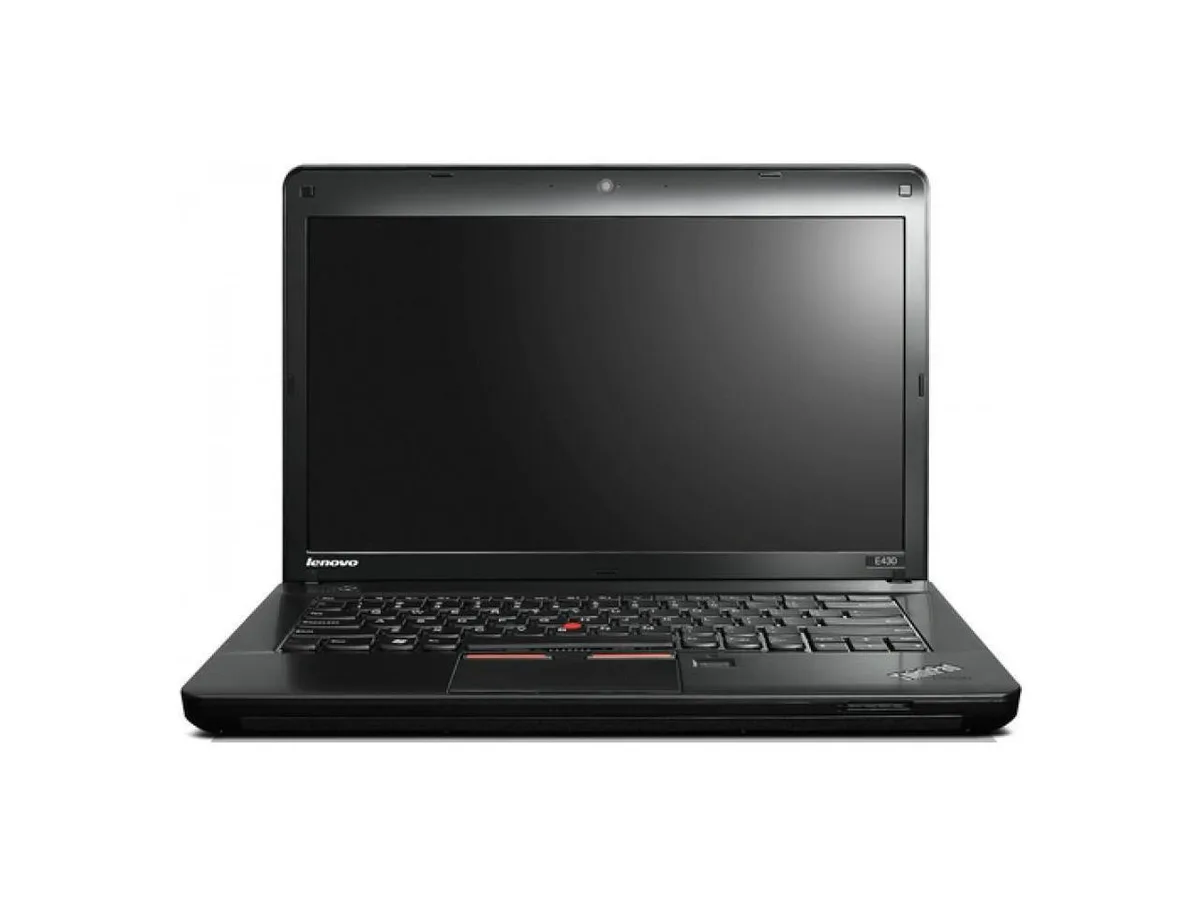
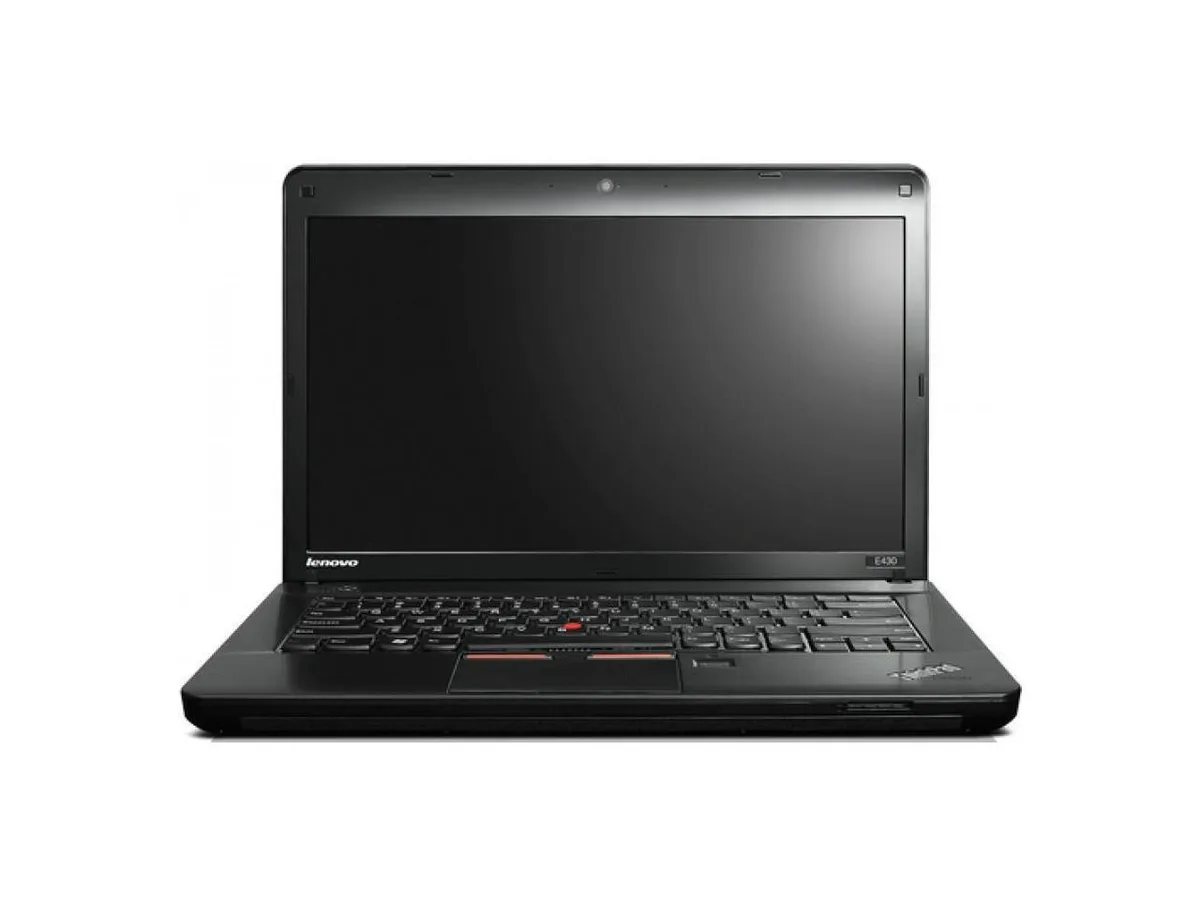
Lenovo ThinkPad Edge E430 laptop 14" Core i3 2.4GHz 16GB DDR3 256GB SSD
- Black
- Windows 10 Pro
287,99 US$
0.00367002BTC
I lagerVi tar emot kryptovaluta — så att kryptot du äger kan köpa riktig hårdvara.Betala med krypto, använd det till riktig hårdvara. Fri, försäkrad frakt över hela världen vid köp över 399 $. Neutrala, omärkta ytterkartonger, skickade från Tyskland.Fri, försäkrad frakt över 399 $. Din kurs låses i 30 minuter så snart kassan öppnas.Kursen låst i 30 minuter. Varje artikel är förseglad, har kontrollerat serienummer och täcks av 24 månaders garanti.Förseglad, 24 månaders garanti.


Lenovo
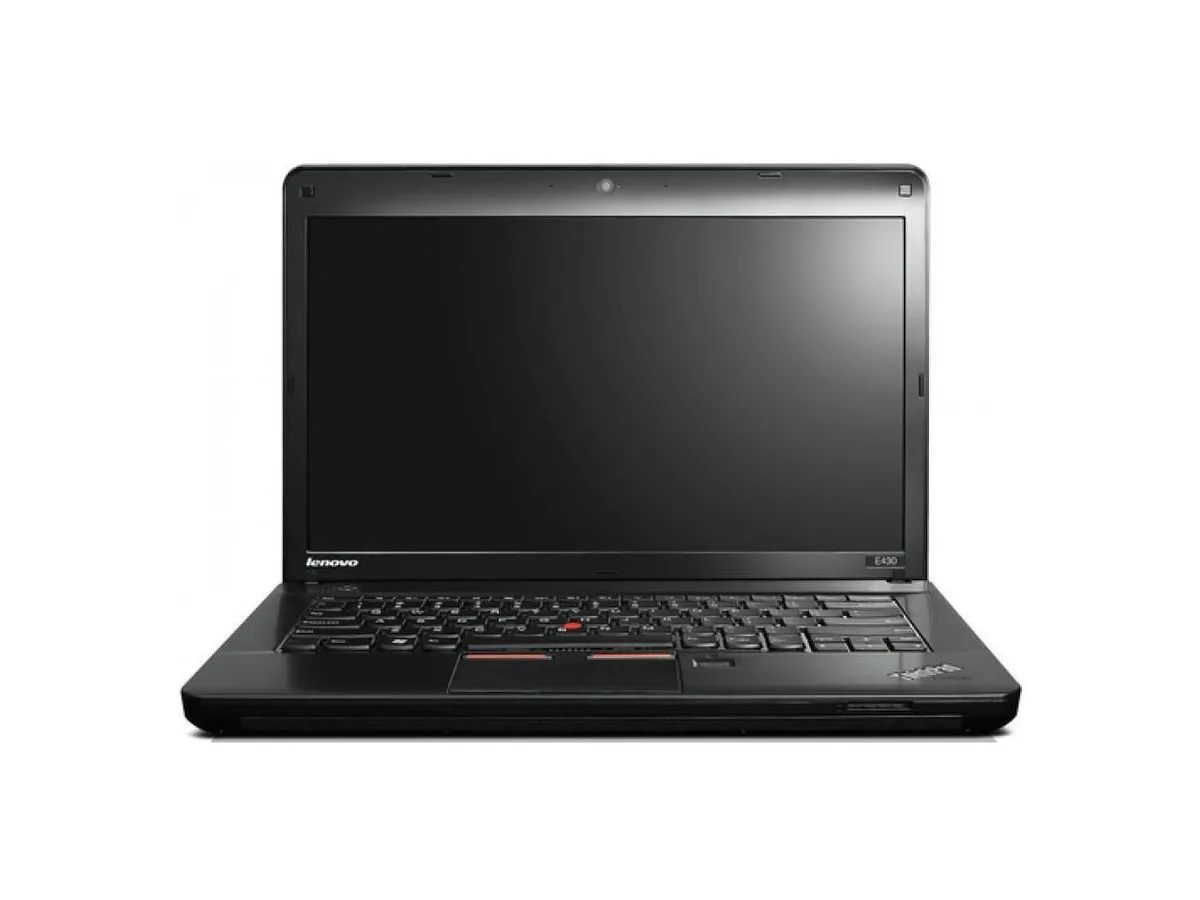
A 14-inch laptop with an Intel Core i3 2.4 GHz processor, 4 GB DDR3 memory, 256 GB SSD, DVD-RW drive and Windows 10 Pro
Options 4GB/256GB
This 14.0 inch laptop uses an Intel Core i3 processor running at 2.40GHz. It comes with 4GB of DDR3 memory in a dual-channel 2 GB x 2 configuration across two filled slots. A 2.5 inch 256GB solid-state drive provides storage. Windows 10 Pro 64-bit is pre-installed with a Certificate of Authenticity.
The 1360 x 768 non-touch screen and integrated graphics handle documents and web browsing. The DVD-RW drive reads and writes optical media. Both VGA and HDMI outputs connect external displays. Buyers who want more storage or faster multi-tasking should look at models with larger SSDs and higher memory configurations.
Under continuous load the dual-core processor maintains its 2.40GHz clock while the SSD keeps data access consistent. The 4GB DDR3 limit means heavy multi-tasking will swap to the drive, reducing responsiveness. The 16 GB maximum supported memory allows a future upgrade if workloads grow.
| Brand | Lenovo |
|---|---|
| Series | Edge |
| Model | Thinkpad |
| Part Number | E430 |
| Color | Black |
| Operating System | Windows 10 Pro |
| CPU Type | Intel Core i3 |
| Processor Name | 2.40GHz |
| Screen Size | 14.0" |
| Touchscreen | Non-Touch Screen |
| Resolution | 1360 x 768 |
| SSD | 256GB |
| HDD | No |
| Storage Spec | 2.5" 256 GB Solid State Drive |
| Memory | 4GB |
| Memory Speed | DDR3 |
| Memory Spec | 2 GB x 2 |
| Memory Slot (Total) | 2 |
| Memory Slot (Available) | 0 |
| Max Memory Supported | 16 GB |
| Optical Drive Type | DVD-R/RW |
| LAN | 10/100/1000Mbps |
| WLAN | 802.11b/g/n |
| USB | 3 x USB 3.0, 1 x Powered USB 2.0 |
| Video Port | 1 x VGA, 1 x HDMI |
| HDMI | 1 x HDMI |
| Audio Ports | 1 x Headphone/Microphone Combo Jack |
| Audio | Integrated Sound card |
| Speaker | Internal Speakers |
| Touchpad | ThinkPad UltraNav |
| Keyboard | Standard |
| Other Input Devices | Yes |
| Webcam | Yes |
| Card Reader | 4-in-1 |
| Style | Standard |
| Type | Everyday Value |
| Usage | Consumer |
| AC Adapter/Charger | 65-watt AC Adapter |
| Weight | 7 - 7.9 lbs. |
| Software Included | Installed |
Andra versioner av den här modellen
Samma familj, men olika minne, kylning eller klockfrekvens — jämför innan du bestämmer dig.
The board has two DDR3 slots, both filled with 2 GB modules. To reach the 16 GB limit you would replace both with 8 GB DDR3 SO-DIMMs.
Yes, the integrated graphics can mirror or extend to an external display over VGA or HDMI while the internal screen remains on.
Open Windows Settings, go to System > Storage, and verify the 256 GB drive appears as the C: partition with Windows 10 Pro installed.
Även i den här avdelningen
Samma hylla, samma kassa — åtta mynt och ett 30-minuters kurslås.
Det du betalar med, och det du ser priserna i.
Skickas från din plånbok i kassan
Endast visning — katalogen är prissatt i US-dollar
Ingen valuta matchar.
Välj det språk du vill att webbplatsen ska visas på.
Inga språk matchar.
Ny här?
Har du redan ett konto?
Det finns ingen automatisk återställning: den här butiken skickar inga e-postmeddelanden, så det finns ingen engångslänk att begära. Lämna adressen kopplad till kontot, så hanteras den för hand.
Förfrågan noterad
Inget är på väg till din inkorg — den här butiken skickar aldrig e-post. Någon tar hand om detta manuellt.
Kom du på det?