Lenovo
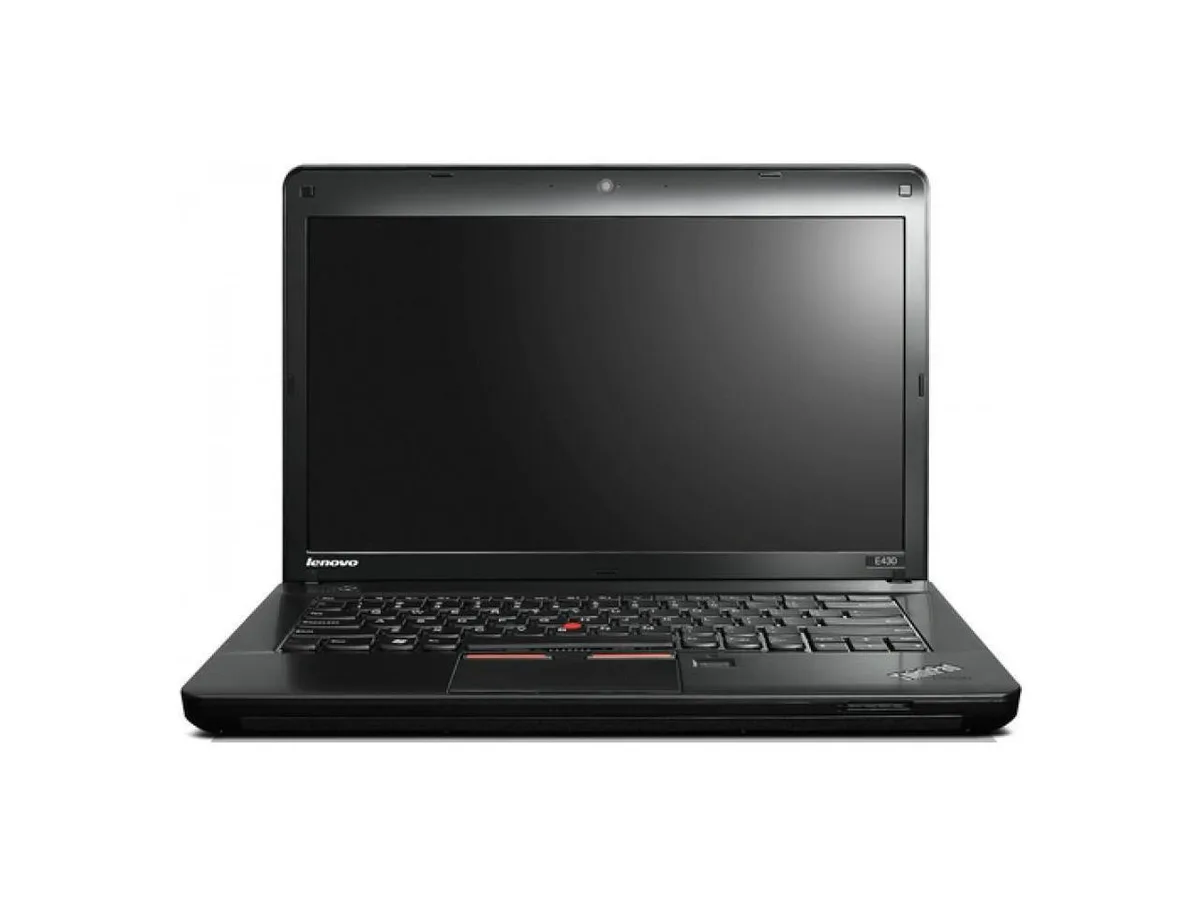
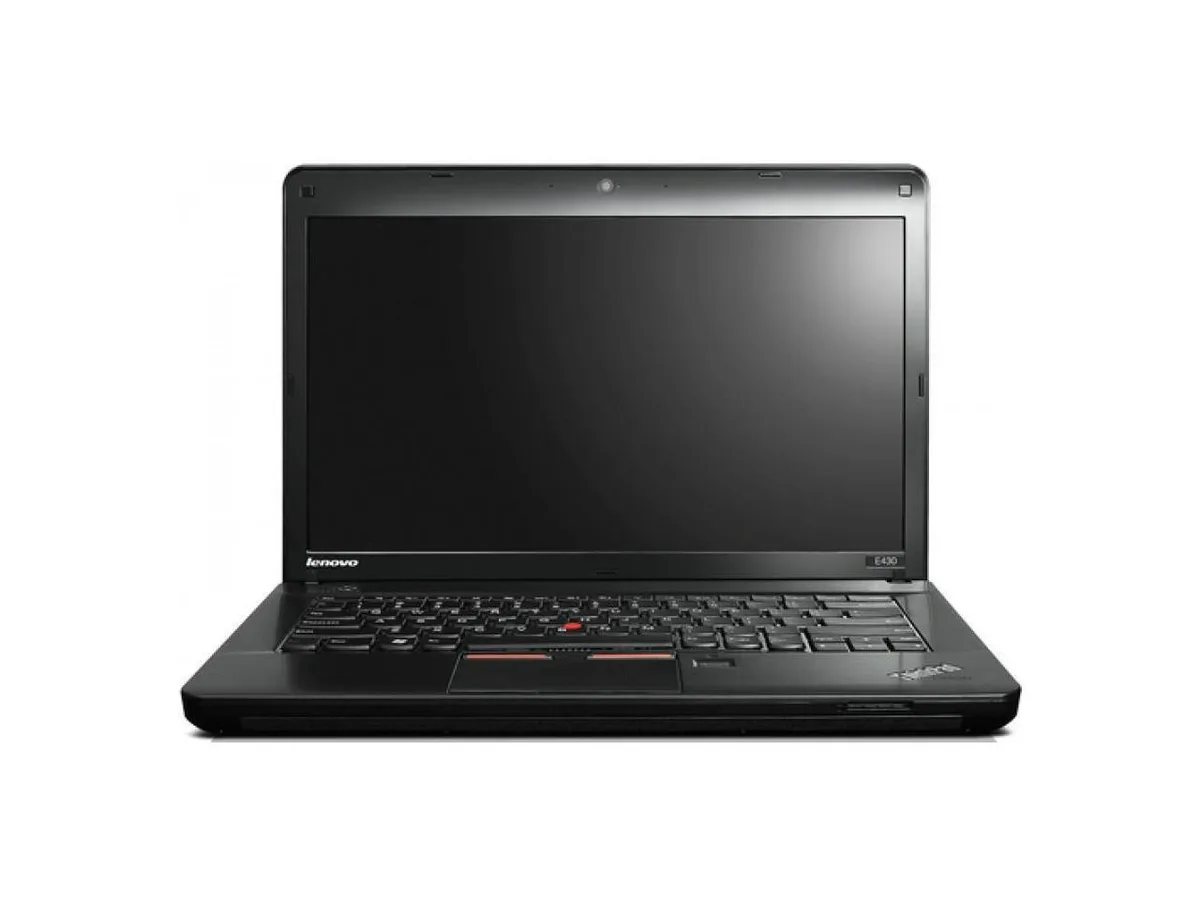
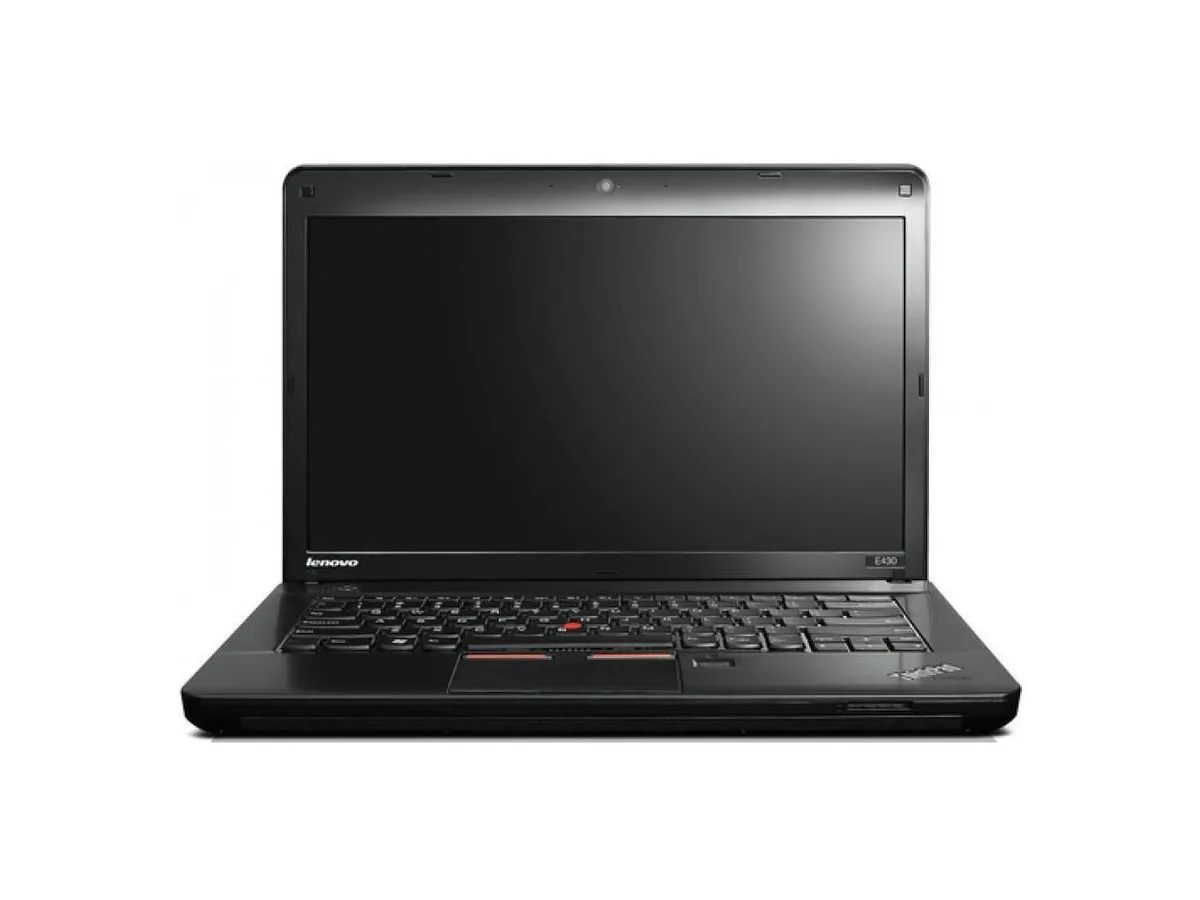
Lenovo ThinkPad Edge E430 laptop 14" Core i3 2.4GHz 16GB DDR3 256GB SSD
- Black
- Windows 10 Pro
US$ 287,99
0.00370634BTC
Op voorraadWij accepteren cryptovaluta — zo kunnen de munten die u bezit echte hardware kopen.Betaal in crypto, besteed het aan echte hardware. Gratis verzekerde verzending wereldwijd vanaf $399. Neutrale dozen zonder merk, verzonden vanuit Duitsland.Gratis verzekerde verzending vanaf $399. Uw koers wordt 30 minuten vastgezet zodra het afrekenen begint.Koers 30 minuten vastgezet. Elk artikel is verzegeld, het serienummer wordt gecontroleerd, en het valt onder 24 maanden garantie.Verzegeld, 24 maanden garantie.


Lenovo
A 14-inch laptop with an Intel Core i3 2.4 GHz processor, 4 GB DDR3 memory, 256 GB SSD, DVD-RW drive and Windows 10 Pro
Options 4GB/256GB
This 14.0 inch laptop uses an Intel Core i3 processor running at 2.40GHz. It comes with 4GB of DDR3 memory in a dual-channel 2 GB x 2 configuration across two filled slots. A 2.5 inch 256GB solid-state drive provides storage. Windows 10 Pro 64-bit is pre-installed with a Certificate of Authenticity.
The 1360 x 768 non-touch screen and integrated graphics handle documents and web browsing. The DVD-RW drive reads and writes optical media. Both VGA and HDMI outputs connect external displays. Buyers who want more storage or faster multi-tasking should look at models with larger SSDs and higher memory configurations.
Under continuous load the dual-core processor maintains its 2.40GHz clock while the SSD keeps data access consistent. The 4GB DDR3 limit means heavy multi-tasking will swap to the drive, reducing responsiveness. The 16 GB maximum supported memory allows a future upgrade if workloads grow.
| Brand | Lenovo |
|---|---|
| Series | Edge |
| Model | Thinkpad |
| Part Number | E430 |
| Color | Black |
| Operating System | Windows 10 Pro |
| CPU Type | Intel Core i3 |
| Processor Name | 2.40GHz |
| Screen Size | 14.0" |
| Touchscreen | Non-Touch Screen |
| Resolution | 1360 x 768 |
| SSD | 256GB |
| HDD | No |
| Storage Spec | 2.5" 256 GB Solid State Drive |
| Memory | 4GB |
| Memory Speed | DDR3 |
| Memory Spec | 2 GB x 2 |
| Memory Slot (Total) | 2 |
| Memory Slot (Available) | 0 |
| Max Memory Supported | 16 GB |
| Optical Drive Type | DVD-R/RW |
| LAN | 10/100/1000Mbps |
| WLAN | 802.11b/g/n |
| USB | 3 x USB 3.0, 1 x Powered USB 2.0 |
| Video Port | 1 x VGA, 1 x HDMI |
| HDMI | 1 x HDMI |
| Audio Ports | 1 x Headphone/Microphone Combo Jack |
| Audio | Integrated Sound card |
| Speaker | Internal Speakers |
| Touchpad | ThinkPad UltraNav |
| Keyboard | Standard |
| Other Input Devices | Yes |
| Webcam | Yes |
| Card Reader | 4-in-1 |
| Style | Standard |
| Type | Everyday Value |
| Usage | Consumer |
| AC Adapter/Charger | 65-watt AC Adapter |
| Weight | 7 - 7.9 lbs. |
| Software Included | Installed |
Andere versies van dit model
Dezelfde familie, met ander geheugen, andere koeler of kloksnelheid — vergelijk voordat u beslist.
The board has two DDR3 slots, both filled with 2 GB modules. To reach the 16 GB limit you would replace both with 8 GB DDR3 SO-DIMMs.
Yes, the integrated graphics can mirror or extend to an external display over VGA or HDMI while the internal screen remains on.
Open Windows Settings, go to System > Storage, and verify the 256 GB drive appears as the C: partition with Windows 10 Pro installed.
Ook in deze afdeling
Dezelfde afdeling, dezelfde kassa — acht munten en een koers die 30 minuten vaststaat.
Waarmee u betaalt, en waarin u de prijzen leest.
Verzonden vanuit uw wallet bij het afrekenen
Alleen ter weergave — de catalogus is geprijsd in USD
Geen valuta gevonden.
Kies de taal waarin de site met u spreekt.
Geen taal gevonden.
Nieuw hier?
Al een account?
Er is geen automatisch herstel: deze winkel verstuurt geen e-mail, dus er is geen eenmalige link om aan te vragen. Laat het adres op het account achter en het wordt handmatig opgepakt.
Verzoek genoteerd
Er is niets onderweg naar uw inbox — deze winkel verstuurt helemaal geen e-mail. Iemand pakt dit handmatig op.
Weet u het weer?