Western Digital
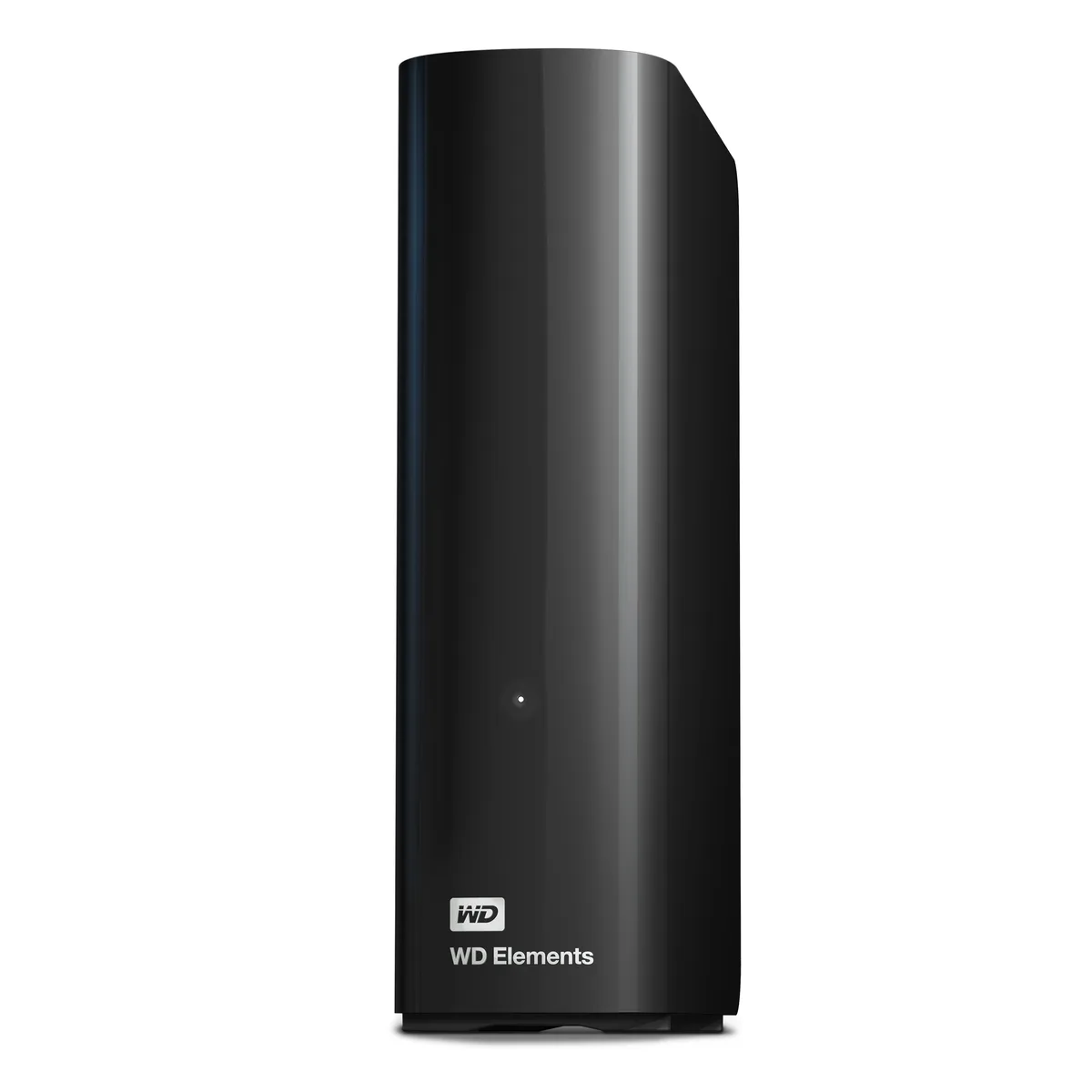
Western Digital WDBWLG0140HBK-NESN 14TB external hard drive
- Black
- USB 3.0, Micro-B
467,99 US$
0.00583638BTC
I lagerVi tar emot kryptovaluta — så att kryptot du äger kan köpa riktig hårdvara.Betala med krypto, använd det till riktig hårdvara. Fri, försäkrad frakt över hela världen vid köp över 399 $. Neutrala, omärkta ytterkartonger, skickade från Tyskland.Fri, försäkrad frakt över 399 $. Din kurs låses i 30 minuter så snart kassan öppnas.Kursen låst i 30 minuter. Varje artikel är förseglad, har kontrollerat serienummer och täcks av 24 månaders garanti.Förseglad, 24 månaders garanti.


Western Digital
20 TB desktop drive with USB 3.0 interface for high-capacity add-on storage
The WD Elements 20TB desktop external hard drive provides 20TB of capacity in a 3.5-inch form factor. It connects via a USB 3.0 interface using the included SuperSpeed USB-A cable and requires the supplied AC adapter for power. The drive is plug-and-play ready for Windows 10 and later systems.
This drive suits Windows users who want a single high-capacity volume for photos, videos, music and documents without internal installation. It is not suited for buyers who need native macOS compatibility without reformatting, nor for users who require bus-powered portable operation or faster transfer speeds than USB 3.0 provides.
Before ordering, confirm your computer runs Windows 10 or newer and has an available USB-A port for the supplied cable. Ensure you have space for the 6.53 by 5.30 by 1.89 inch enclosure and access to a mains outlet for the AC adapter. macOS users should be prepared to reformat the drive before use.
| Brand | WD |
|---|---|
| Series | Elements |
| Model | WDBWLG0200HBK-NESN |
| Color | Black |
| Interface | USB 3.0 |
| Capacity | 20TB |
| Features | High capacity in a sleek design The sleek design offers up to 20TB capacity, making WD Elements HDD desktop storage the ideal solution for easy, add-on storage of all your important photos, music, videos, and files. Improve PC performance When your internal hard drive is almost full, your PC slows down. Don't delete files - free up space on your internal hard drive by transferring files to your WD Elements HDD desktop storage and get your computer moving again. Fast transfer rates When connected to a USB 3.0 port, the WD Elements desktop hard disk drive delivers fast data transfer ra |
| System Requirements | Windows 10+ Reformatting required for use with MacOS Note: Compatibility may vary depending on user's hardware configuration and operating system. |
| Form Factor | 3.5" |
| Dimensions | 6.53" x 1.89" x 5.30" |
| Weight | 1.98 lbs. |
| Package Contents | WD Elements Desktop hard drive SuperSpeed USB-A cable (5Gbps) AC adapter Quick Install Guide |
| Fraktvikt | 1.23 kg |
| Paketstorlek | 226 × 208 × 89 mm |
Andra versioner av den här modellen
Samma familj, men olika minne, kylning eller klockfrekvens — jämför innan du bestämmer dig.
The drive is plug-and-play ready for Windows 10 and later; simply connect the supplied SuperSpeed USB-A cable and the 20TB volume appears in File Explorer.
Yes, the USB 3.0 interface is backward compatible with USB 2.0, so the drive will function at the slower 2.0 speed when connected to a legacy port.
Open Device Manager, locate the drive under Disk Drives, check its Properties > Details for a 5Gbps SuperSpeed link, and confirm transfer rates approach that ceiling with large files.
Även i den här avdelningen
Samma hylla, samma kassa — åtta mynt och ett 30-minuters kurslås.
Det du betalar med, och det du ser priserna i.
Skickas från din plånbok i kassan
Endast visning — katalogen är prissatt i US-dollar
Ingen valuta matchar.
Välj det språk du vill att webbplatsen ska visas på.
Ny här?
Har du redan ett konto?
Det finns ingen automatisk återställning: den här butiken skickar inga e-postmeddelanden, så det finns ingen engångslänk att begära. Lämna adressen kopplad till kontot, så hanteras den för hand.
Förfrågan noterad
Inget är på väg till din inkorg — den här butiken skickar aldrig e-post. Någon tar hand om detta manuellt.
Kom du på det?