Western Digital
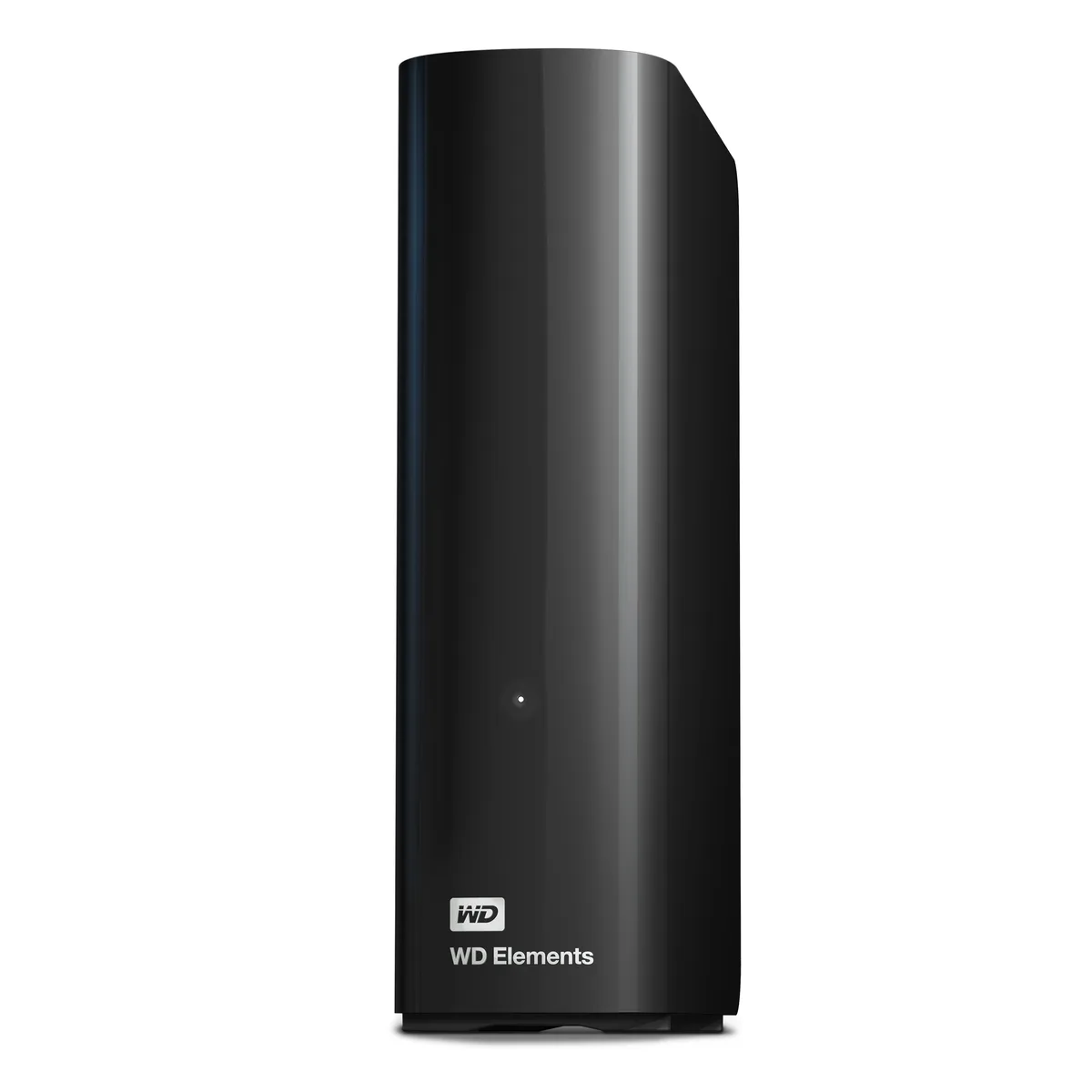
Western Digital WDBWLG0140HBK-NESN 14TB external hard drive
- Black
- USB 3.0, Micro-B
$467.99
0.00596044BTC
In stockWe take cryptocurrency — so the coins you hold can buy real hardware.Pay in crypto, spend it on real hardware. Free insured shipping worldwide over $399. Plain, unbranded boxes, sent from Germany.Free insured shipping over $399. Your rate is locked for 30 minutes once checkout opens.Rate locked 30 minutes. Every item sealed, serial-checked and covered by a 24-month warranty.Sealed, 24-month warranty.


Western Digital
20 TB desktop drive with USB 3.0 interface for high-capacity add-on storage
The WD Elements 20TB desktop external hard drive provides 20TB of capacity in a 3.5-inch form factor. It connects via a USB 3.0 interface using the included SuperSpeed USB-A cable and requires the supplied AC adapter for power. The drive is plug-and-play ready for Windows 10 and later systems.
This drive suits Windows users who want a single high-capacity volume for photos, videos, music and documents without internal installation. It is not suited for buyers who need native macOS compatibility without reformatting, nor for users who require bus-powered portable operation or faster transfer speeds than USB 3.0 provides.
Before ordering, confirm your computer runs Windows 10 or newer and has an available USB-A port for the supplied cable. Ensure you have space for the 6.53 by 5.30 by 1.89 inch enclosure and access to a mains outlet for the AC adapter. macOS users should be prepared to reformat the drive before use.
| Brand | WD |
|---|---|
| Series | Elements |
| Model | WDBWLG0200HBK-NESN |
| Color | Black |
| Interface | USB 3.0 |
| Capacity | 20TB |
| Features | High capacity in a sleek design The sleek design offers up to 20TB capacity, making WD Elements HDD desktop storage the ideal solution for easy, add-on storage of all your important photos, music, videos, and files. Improve PC performance When your internal hard drive is almost full, your PC slows down. Don't delete files - free up space on your internal hard drive by transferring files to your WD Elements HDD desktop storage and get your computer moving again. Fast transfer rates When connected to a USB 3.0 port, the WD Elements desktop hard disk drive delivers fast data transfer ra |
| System Requirements | Windows 10+ Reformatting required for use with MacOS Note: Compatibility may vary depending on user's hardware configuration and operating system. |
| Form Factor | 3.5" |
| Dimensions | 6.53" x 1.89" x 5.30" |
| Weight | 1.98 lbs. |
| Package Contents | WD Elements Desktop hard drive SuperSpeed USB-A cable (5Gbps) AC adapter Quick Install Guide |
| Shipping weight | 1.23 kg |
| Package size | 226 × 208 × 89 mm |
Other versions of this model
Same family, different memory, cooler or clock — compare before you commit.
The drive is plug-and-play ready for Windows 10 and later; simply connect the supplied SuperSpeed USB-A cable and the 20TB volume appears in File Explorer.
Yes, the USB 3.0 interface is backward compatible with USB 2.0, so the drive will function at the slower 2.0 speed when connected to a legacy port.
Open Device Manager, locate the drive under Disk Drives, check its Properties > Details for a 5Gbps SuperSpeed link, and confirm transfer rates approach that ceiling with large files.
Also in this aisle
Same shelf, same checkout — eight coins and a 30-minute rate lock.
What you pay in, and what you read prices in.
Sent from your wallet at checkout
Display only — the catalogue is priced in USD
No currency matches that.
Pick the language the site speaks to you in.
New here?
Already have one?
There is no automatic reset: this shop sends no mail, so there is no one-time link to ask for. Leave the address on the account and it gets picked up by hand.
Request noted
Nothing is on its way to your inbox — this shop sends no mail at all. Someone picks these up by hand.
Remembered it?