Western Digital
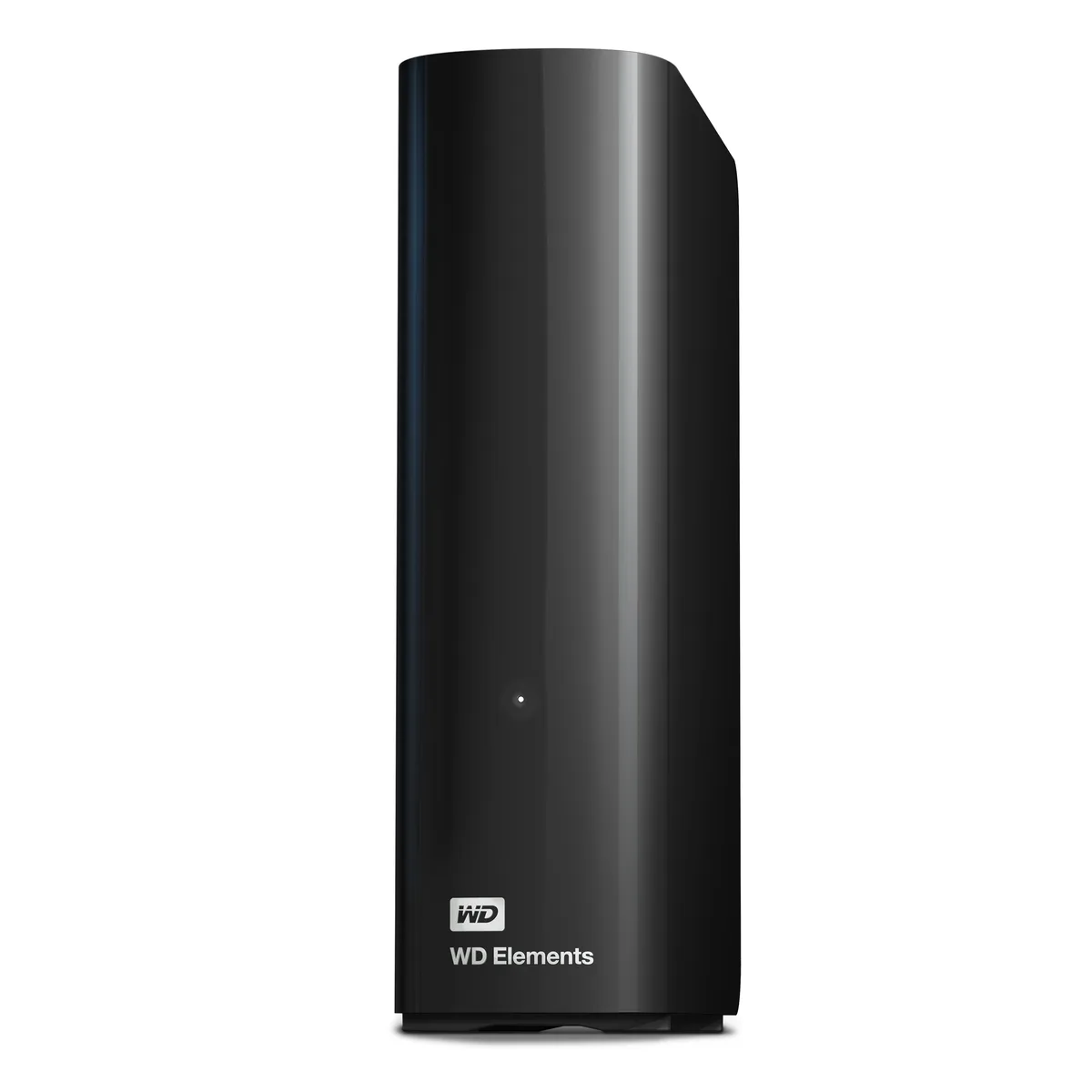
Western Digital WDBWLG0140HBK-NESN 14TB external hard drive
- Black
- USB 3.0, Micro-B
467,99 $US
0.00593919BTC
En stockNous acceptons la cryptomonnaie — les cryptos que vous détenez peuvent ainsi acheter du matériel réel.Payez en crypto, dépensez-la en matériel réel. Livraison assurée offerte partout dans le monde au-delà de 399 $. Cartons neutres, sans marque, expédiés depuis l’Allemagne.Livraison assurée offerte au-delà de 399 $. Votre taux est bloqué pendant 30 minutes dès l’ouverture de la caisse.Taux bloqué 30 minutes. Chaque article est scellé, son numéro de série est vérifié, et il est couvert par une garantie de 24 mois.Scellé, garanti 24 mois.


Western Digital
20 TB desktop drive with USB 3.0 interface for high-capacity add-on storage
The WD Elements 20TB desktop external hard drive provides 20TB of capacity in a 3.5-inch form factor. It connects via a USB 3.0 interface using the included SuperSpeed USB-A cable and requires the supplied AC adapter for power. The drive is plug-and-play ready for Windows 10 and later systems.
This drive suits Windows users who want a single high-capacity volume for photos, videos, music and documents without internal installation. It is not suited for buyers who need native macOS compatibility without reformatting, nor for users who require bus-powered portable operation or faster transfer speeds than USB 3.0 provides.
Before ordering, confirm your computer runs Windows 10 or newer and has an available USB-A port for the supplied cable. Ensure you have space for the 6.53 by 5.30 by 1.89 inch enclosure and access to a mains outlet for the AC adapter. macOS users should be prepared to reformat the drive before use.
| Brand | WD |
|---|---|
| Series | Elements |
| Model | WDBWLG0200HBK-NESN |
| Color | Black |
| Interface | USB 3.0 |
| Capacity | 20TB |
| Features | High capacity in a sleek design The sleek design offers up to 20TB capacity, making WD Elements HDD desktop storage the ideal solution for easy, add-on storage of all your important photos, music, videos, and files. Improve PC performance When your internal hard drive is almost full, your PC slows down. Don't delete files - free up space on your internal hard drive by transferring files to your WD Elements HDD desktop storage and get your computer moving again. Fast transfer rates When connected to a USB 3.0 port, the WD Elements desktop hard disk drive delivers fast data transfer ra |
| System Requirements | Windows 10+ Reformatting required for use with MacOS Note: Compatibility may vary depending on user's hardware configuration and operating system. |
| Form Factor | 3.5" |
| Dimensions | 6.53" x 1.89" x 5.30" |
| Weight | 1.98 lbs. |
| Package Contents | WD Elements Desktop hard drive SuperSpeed USB-A cable (5Gbps) AC adapter Quick Install Guide |
| Poids d’expédition | 1.23 kg |
| Dimensions du colis | 226 × 208 × 89 mm |
Autres versions de ce modèle
Même famille, mémoire, ventirad ou fréquence différents — comparez avant de vous décider.
The drive is plug-and-play ready for Windows 10 and later; simply connect the supplied SuperSpeed USB-A cable and the 20TB volume appears in File Explorer.
Yes, the USB 3.0 interface is backward compatible with USB 2.0, so the drive will function at the slower 2.0 speed when connected to a legacy port.
Open Device Manager, locate the drive under Disk Drives, check its Properties > Details for a 5Gbps SuperSpeed link, and confirm transfer rates approach that ceiling with large files.
Également dans ce rayon
Même rayon, même caisse — huit monnaies et un taux bloqué 30 minutes.
Ce que vous envoyez, et ce dans quoi vous lisez les prix.
Envoyé depuis votre portefeuille à la caisse
Affichage seul — le catalogue est libellé en dollars
Aucune monnaie ne correspond.
Choisissez la langue dans laquelle le site vous parle.
Première visite ?
Vous avez déjà un compte ?
Il n’y a pas de réinitialisation automatique : cette boutique n’envoie aucun e-mail, il n’existe donc aucun lien à usage unique à demander. Laissez l’adresse sur le compte, elle sera traitée à la main.
Demande enregistrée
Rien n’arrivera dans votre boîte de réception — cette boutique n’envoie aucun e-mail. Quelqu’un s’en occupe à la main.
Vous l’avez retrouvé ?