Western Digital
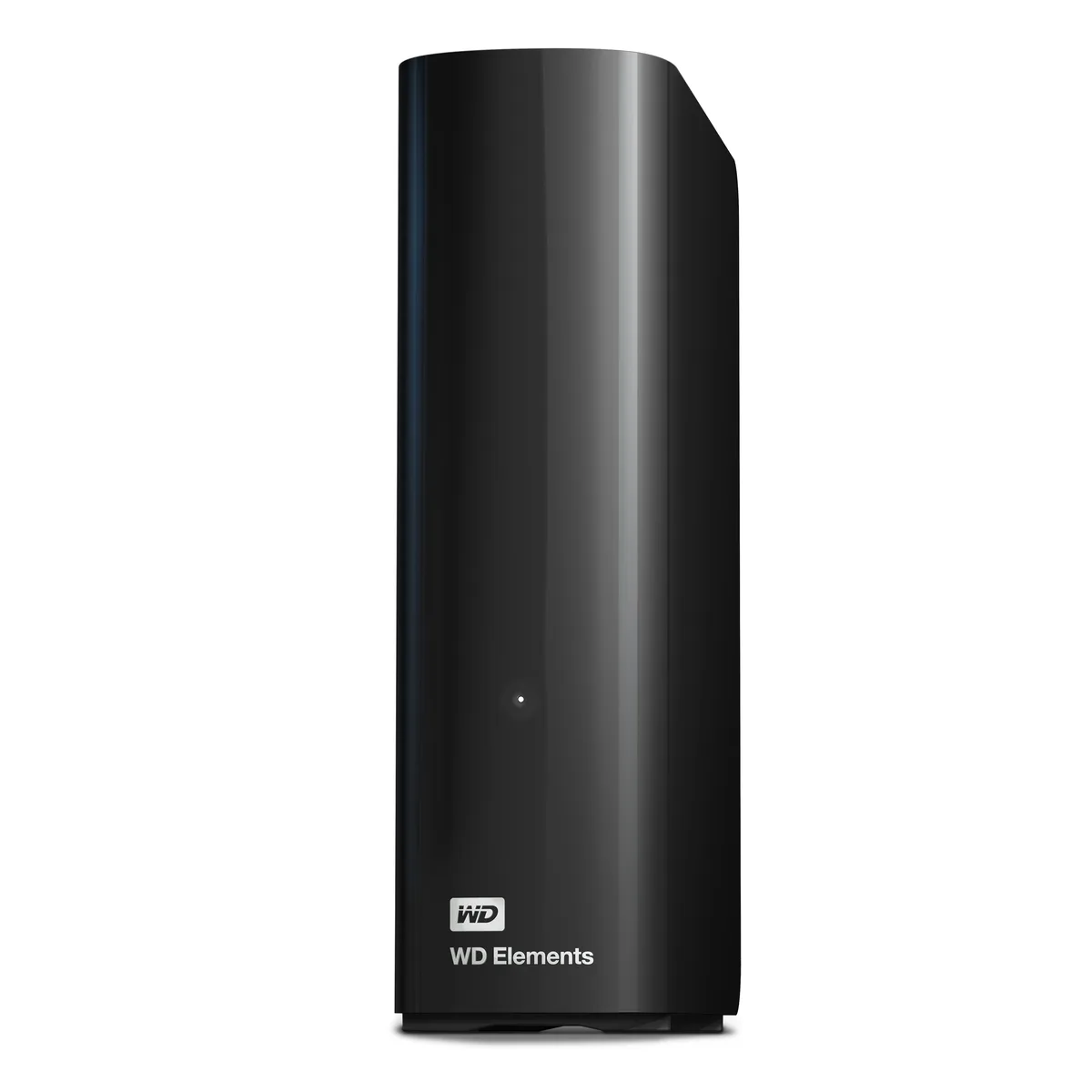
Western Digital WDBWLG0140HBK-NESN 14TB external hard drive
- Black
- USB 3.0, Micro-B
467,99 USD
0.00587447BTC
DisponibileAccettiamo criptovalute — così le crypto che Lei possiede possono comprare hardware reale.Paghi in crypto, la spenda in hardware reale. Spedizione assicurata gratuita in tutto il mondo oltre i 399 $. Cartoni neutri, senza marchio, spediti dalla Germania.Spedizione assicurata gratuita oltre i 399 $. Il Suo tasso resta bloccato per 30 minuti dall’apertura del checkout.Tasso bloccato 30 minuti. Ogni articolo è sigillato, il numero di serie è verificato, ed è coperto da una garanzia di 24 mesi.Sigillato, garantito 24 mesi.


Western Digital
20 TB desktop drive with USB 3.0 interface for high-capacity add-on storage
The WD Elements 20TB desktop external hard drive provides 20TB of capacity in a 3.5-inch form factor. It connects via a USB 3.0 interface using the included SuperSpeed USB-A cable and requires the supplied AC adapter for power. The drive is plug-and-play ready for Windows 10 and later systems.
This drive suits Windows users who want a single high-capacity volume for photos, videos, music and documents without internal installation. It is not suited for buyers who need native macOS compatibility without reformatting, nor for users who require bus-powered portable operation or faster transfer speeds than USB 3.0 provides.
Before ordering, confirm your computer runs Windows 10 or newer and has an available USB-A port for the supplied cable. Ensure you have space for the 6.53 by 5.30 by 1.89 inch enclosure and access to a mains outlet for the AC adapter. macOS users should be prepared to reformat the drive before use.
| Brand | WD |
|---|---|
| Series | Elements |
| Model | WDBWLG0200HBK-NESN |
| Color | Black |
| Interface | USB 3.0 |
| Capacity | 20TB |
| Features | High capacity in a sleek design The sleek design offers up to 20TB capacity, making WD Elements HDD desktop storage the ideal solution for easy, add-on storage of all your important photos, music, videos, and files. Improve PC performance When your internal hard drive is almost full, your PC slows down. Don't delete files - free up space on your internal hard drive by transferring files to your WD Elements HDD desktop storage and get your computer moving again. Fast transfer rates When connected to a USB 3.0 port, the WD Elements desktop hard disk drive delivers fast data transfer ra |
| System Requirements | Windows 10+ Reformatting required for use with MacOS Note: Compatibility may vary depending on user's hardware configuration and operating system. |
| Form Factor | 3.5" |
| Dimensions | 6.53" x 1.89" x 5.30" |
| Weight | 1.98 lbs. |
| Package Contents | WD Elements Desktop hard drive SuperSpeed USB-A cable (5Gbps) AC adapter Quick Install Guide |
| Peso di spedizione | 1.23 kg |
| Dimensioni del pacco | 226 × 208 × 89 mm |
Altre versioni di questo modello
Stessa famiglia, con memoria, dissipatore o frequenza diversi — confronti prima di decidere.
The drive is plug-and-play ready for Windows 10 and later; simply connect the supplied SuperSpeed USB-A cable and the 20TB volume appears in File Explorer.
Yes, the USB 3.0 interface is backward compatible with USB 2.0, so the drive will function at the slower 2.0 speed when connected to a legacy port.
Open Device Manager, locate the drive under Disk Drives, check its Properties > Details for a 5Gbps SuperSpeed link, and confirm transfer rates approach that ceiling with large files.
Anche in questo reparto
Stesso reparto, stessa cassa — otto monete e un cambio bloccato per 30 minuti.
Cosa invia per pagare, e in quale valuta legge i prezzi.
Inviato dal Suo portafoglio alla cassa
Solo a titolo indicativo — il catalogo è espresso in dollari
Nessuna valuta corrisponde.
Scelga la lingua in cui il sito Le parla.
Prima visita?
Ne ha già uno?
Non esiste un ripristino automatico: questo negozio non invia e-mail, quindi non esiste alcun link monouso da richiedere. Lasci l’indirizzo sull’account: verrà gestito manualmente.
Richiesta registrata
Non arriverà nulla nella Sua casella di posta — questo negozio non invia e-mail. Qualcuno se ne occupa manualmente.
L’ha ritrovata?