
ASUS
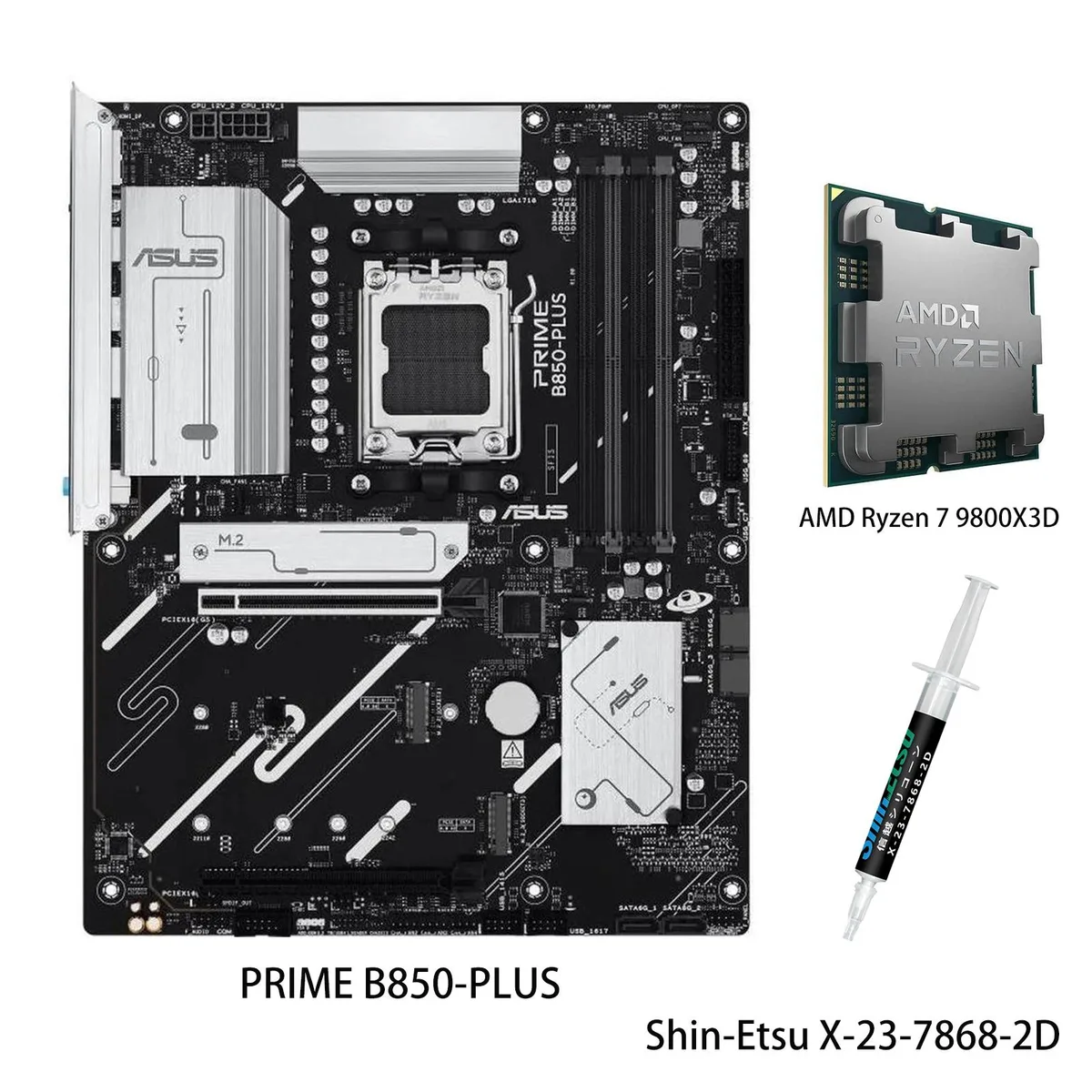
ASUS PRIME B850-PLUS & Ryzen 7 9800X3D AMD motherboard CPU combo
- AM5
US$898.99
0.01137285BTC
มีสินค้าเรารับชำระด้วยคริปโต — เหรียญที่คุณถืออยู่จึงนำมาซื้อฮาร์ดแวร์ของจริงได้จ่ายด้วยคริปโต แล้วนำไปซื้อฮาร์ดแวร์ของจริง จัดส่งฟรีพร้อมประกันภัยทั่วโลก เมื่อสั่งซื้อเกิน US$399 กล่องพัสดุเรียบไม่มีตราสินค้า จัดส่งจากประเทศเยอรมนีจัดส่งฟรีพร้อมประกันภัย เมื่อสั่งซื้อเกิน US$399 อัตราแลกเปลี่ยนของคุณจะถูกล็อกไว้ 30 นาที ทันทีที่เปิดหน้าชำระเงินล็อกอัตราแลกเปลี่ยน 30 นาที สินค้าทุกชิ้นปิดผนึกจากโรงงาน ตรวจสอบหมายเลขซีเรียล และรับประกัน 24 เดือนปิดผนึกจากโรงงาน รับประกัน 24 เดือน


ASUS
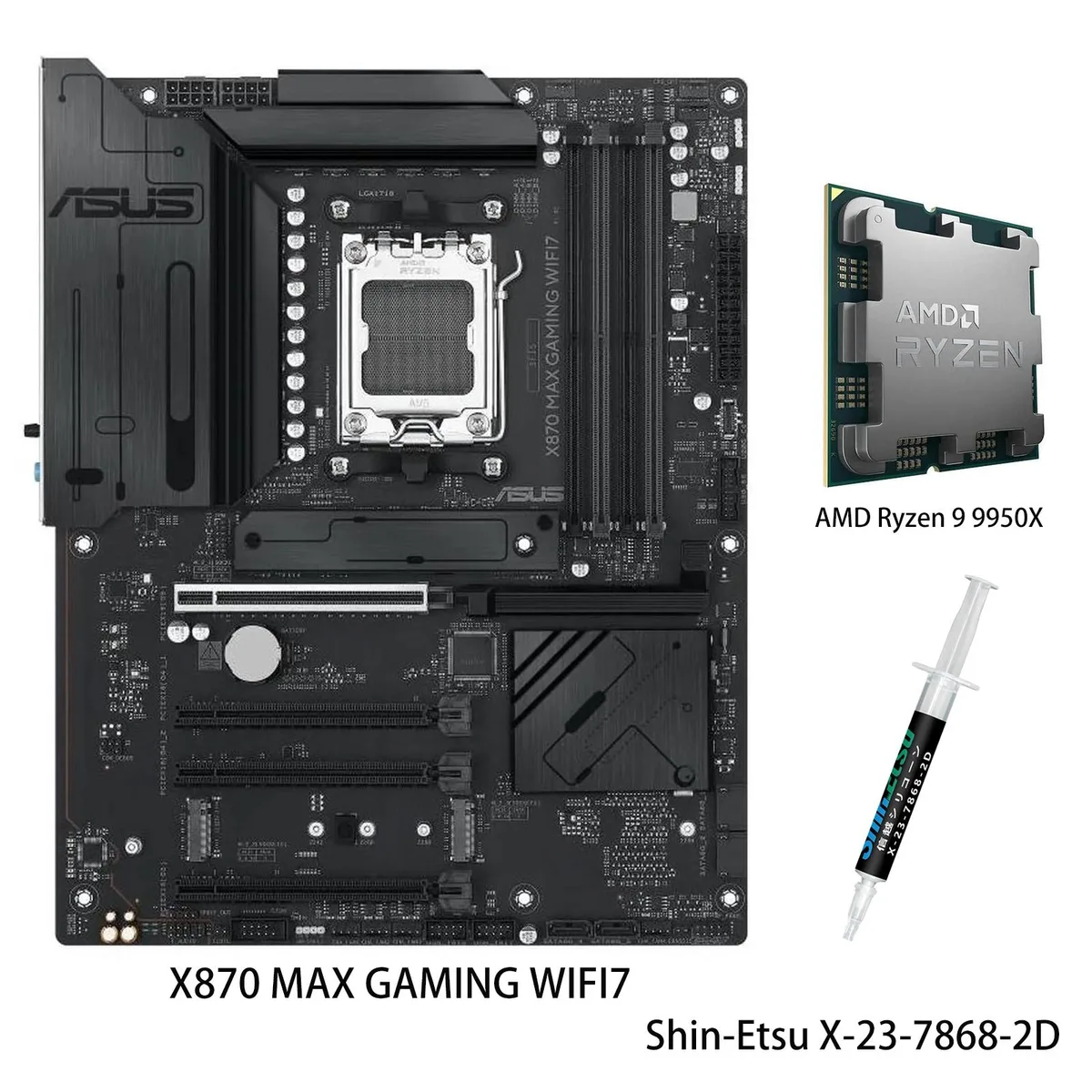
Combines an X870 ATX board with Wi-Fi 7, three M.2 slots and 40 Gbps USB4 alongside a 16-core Ryzen 9 9950X reaching 5.7 GHz boost
Motherboard X870 MAX GAMING WIFI7
CPU + R9 9950X
This bundle pairs an ASUS X870 MAX GAMING WIFI7 motherboard with an AMD Ryzen 9 9950X processor for AM5 systems. It targets builders who want a matched platform for AI workloads, heavy multitasking and high-refresh gaming without selecting parts separately. The board delivers Wi-Fi 7, USB4 40Gbps Type-C and a front USB 20Gbps Type-C connector alongside three M.2 slots and Realtek 2.5Gb Ethernet.
The combination replaces an older AM4 or early AM5 build when core count, memory bandwidth and PCIe 5.0 connectivity become bottlenecks. The CPU brings 16 cores and 32 threads with a 5.7 GHz max boost, 64MB L3 cache and DDR5-5600 support, while the board adds a 12+2+1 80A DrMOS design on an 8-layer PCB. The jump is worth it when rendering, compilation or local AI inference scale beyond what 8- or 12-core chips can sustain.
Installation is streamlined by a pre-mounted I/O shield, PCIe Slot Q-Release, Q-Antenna and a flexible M.2 heatsink that reduce screw counts. BIOSFlashBack lets you update firmware without a CPU installed, and Q-LED Core plus Q-Dashboard give immediate post-code feedback. The main pitfalls are forgetting to seat the 12VHPWR or 8-pin EPS cables fully, and neglecting to enable EXPO in BIOS so DDR5 runs at rated speed.
| Brand | ASUS |
|---|---|
| Model | X870 MAX GAMING WIFI7+R9 9950X |
| CPU Socket Type | AM5 |
รุ่นอื่นในตระกูลเดียวกัน
ตระกูลเดียวกัน แต่หน่วยความจำ คูลเลอร์ หรือสัญญาณนาฬิกาต่างกัน — เปรียบเทียบก่อนตัดสินใจ
The board uses standard ATX dimensions with nine screw holes and a pre-mounted I/O shield; verify your chassis supports ATX and has standoffs in the standard locations before installation.
Rename the BIOS file on the FAT32 USB drive to the exact name the manual specifies, plug it into the dedicated BIOSFlashBack port, then hold the rear button until the LED starts blinking — skipping the rename stops the update.
Replace the coin cell when the system loses date, time or BIOS configuration after power-off; this restores BIOSFlashBack profiles, Q-LED Core status, and Fan Xpert 4 curves.
อื่น ๆ ในหมวดนี้
หมวดเดียวกัน การชำระเงินแบบเดียวกัน — แปดสกุลเงินคริปโตและอัตราแลกเปลี่ยนที่ล็อกไว้ 30 นาที
สิ่งที่คุณใช้ชำระ และสิ่งที่คุณใช้อ่านราคา
ส่งจากกระเป๋าเงินของคุณเมื่อชำระเงิน
แสดงผลเท่านั้น — แคตตาล็อกสินค้าตั้งราคาเป็นดอลลาร์สหรัฐ
ไม่พบสกุลเงินที่ตรงกัน
เลือกภาษาที่ต้องการให้เว็บไซต์แสดงผล
ไม่พบภาษาที่ตรงกัน
ยังไม่เคยใช้งานใช่ไหม
มีบัญชีอยู่แล้วใช่ไหม
ไม่มีการรีเซ็ตแบบอัตโนมัติ ร้านนี้ไม่ส่งอีเมลใด ๆ จึงไม่มีลิงก์ใช้ครั้งเดียวให้ขอ ปล่อยที่อยู่อีเมลนี้ไว้ในบัญชี แล้วเจ้าหน้าที่จะดำเนินการให้ด้วยตนเอง
รับคำขอแล้ว
ไม่มีอะไรถูกส่งไปยังกล่องจดหมายของคุณ — ร้านนี้ไม่ส่งอีเมลใด ๆ เลย มีคนดำเนินการเรื่องนี้ให้ด้วยมือ
นึกออกแล้วใช่ไหม





