

SanDisk
SanDisk Cruzer Blade 8 GB USB 2.0 USB flash drive Black SDCZ50-008G-B35
391,99 $
0.00496341BTC
Auf LagerWir akzeptieren Kryptowährungen — so können die Coins, die Sie besitzen, echte Hardware kaufen.Zahlen Sie mit Krypto, geben Sie sie für echte Hardware aus. Weltweit kostenloser versicherter Versand ab 399 $. Neutrale Kartons ohne Markenaufdruck, versendet aus Deutschland.Kostenloser versicherter Versand ab 399 $. Ihr Kurs wird 30 Minuten lang gesperrt, sobald die Kasse geöffnet wird.Kurs 30 Minuten gesperrt. Jeder Artikel ist versiegelt, die Seriennummer wird geprüft, und es gilt eine Garantie von 24 Monaten.Versiegelt, 24 Monate Garantie.
SAMSUNG
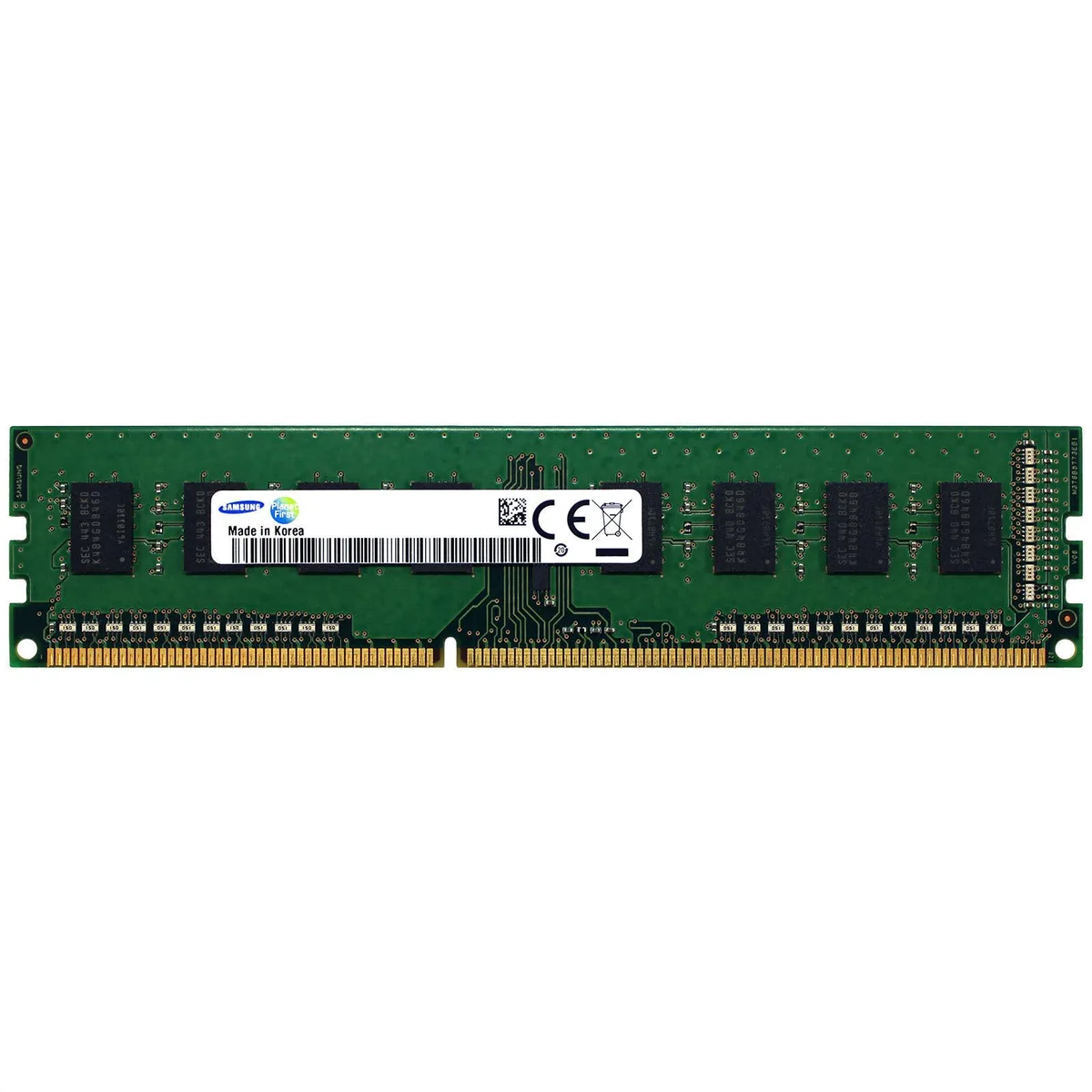
4GB DDR3 desktop memory module running at 1600MHz with PC3-12800 bandwidth
This Samsung module provides 4GB of DDR3 memory rated at 1600MHz with a PC3-12800 bandwidth rating. It is a non-ECC unbuffered DIMM intended for standard desktop motherboards that support DDR3. The M378B5173EB0-CK0 part number identifies this specific 4Gb density configuration.
Four gigabytes suits basic office work, web browsing and light multitasking on older DDR3 platforms. Memory-intensive tasks such as modern gaming, video editing or running multiple virtual machines will exceed this capacity. Systems limited to a single DIMM slot cannot expand beyond this module without replacement.
Für diesen Artikel sind noch keine technischen Daten veröffentlicht.
It operates at 1600MHz with PC3-12800 bandwidth. Most boards clock all installed modules to the speed of the slowest stick, so mixed speeds will run at the lower frequency.
Check the memory speed reported in BIOS or UEFI, or use a tool such as CPU-Z on Windows to confirm the module shows 1600MHz and PC3-12800 timings.
Ebenfalls in dieser Kategorie
Gleiche Abteilung, gleiche Kasse — acht Kryptowährungen und ein für 30 Minuten fixierter Kurs.
Womit Sie bezahlen und in welcher Währung Sie die Preise sehen.
Wird von Ihrem Wallet an der Kasse gesendet
Nur zur Anzeige — der Katalog ist in US-Dollar ausgezeichnet
Keine passende Währung gefunden.
Wählen Sie die Sprache, in der die Seite mit Ihnen spricht.
Keine passende Sprache gefunden.
Neu hier?
Haben Sie bereits eins?
Es gibt keine automatische Zurücksetzung: Dieser Shop versendet keine E-Mails, daher gibt es auch keinen Einmal-Link, den Sie anfordern könnten. Lassen Sie die im Konto hinterlegte Adresse stehen, sie wird von Hand bearbeitet.
Anfrage vermerkt
Es ist nichts auf dem Weg in Ihr Postfach — dieser Shop versendet grundsätzlich keine E-Mails. Jemand bearbeitet diese Anfragen von Hand.
Wieder eingefallen?



