ASUS
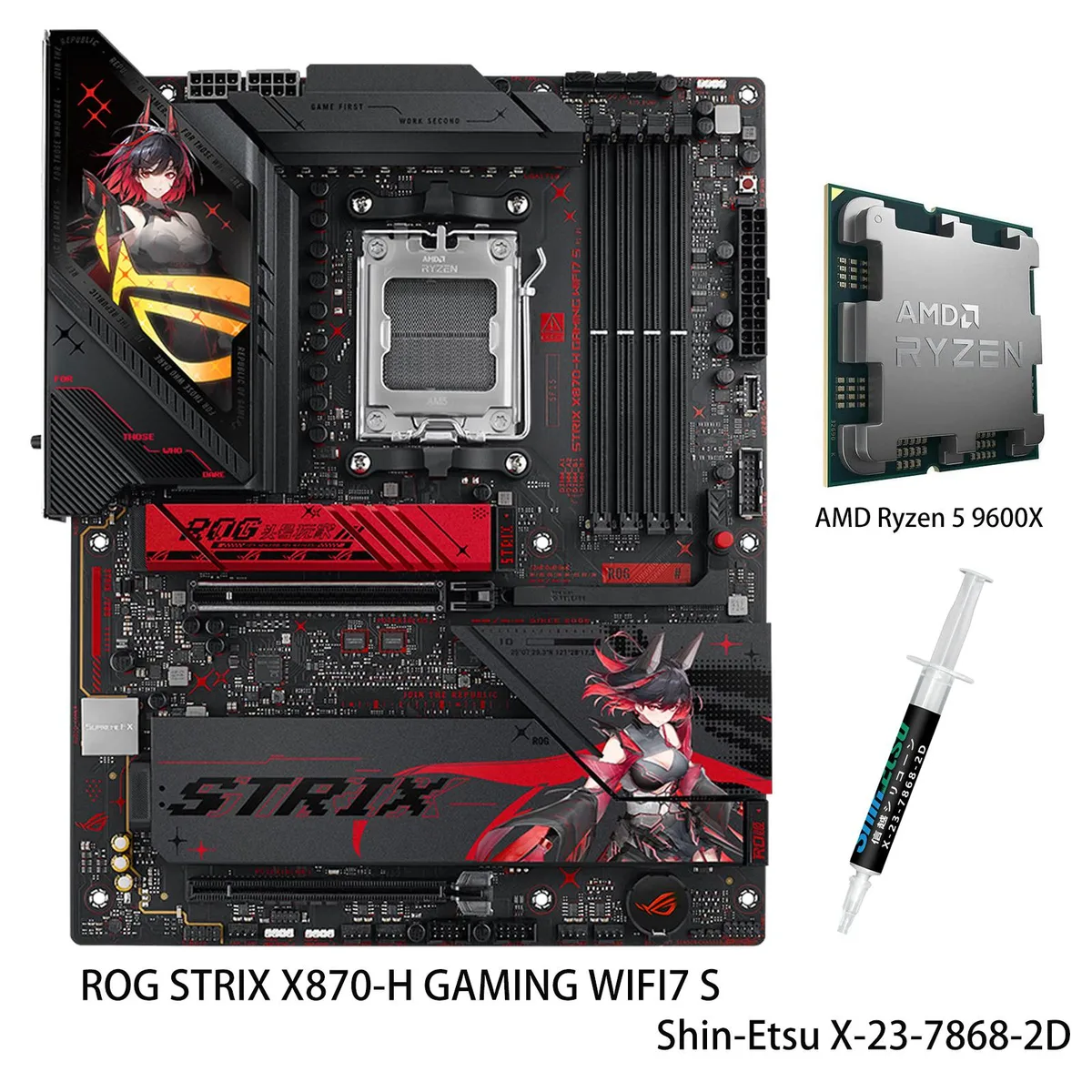
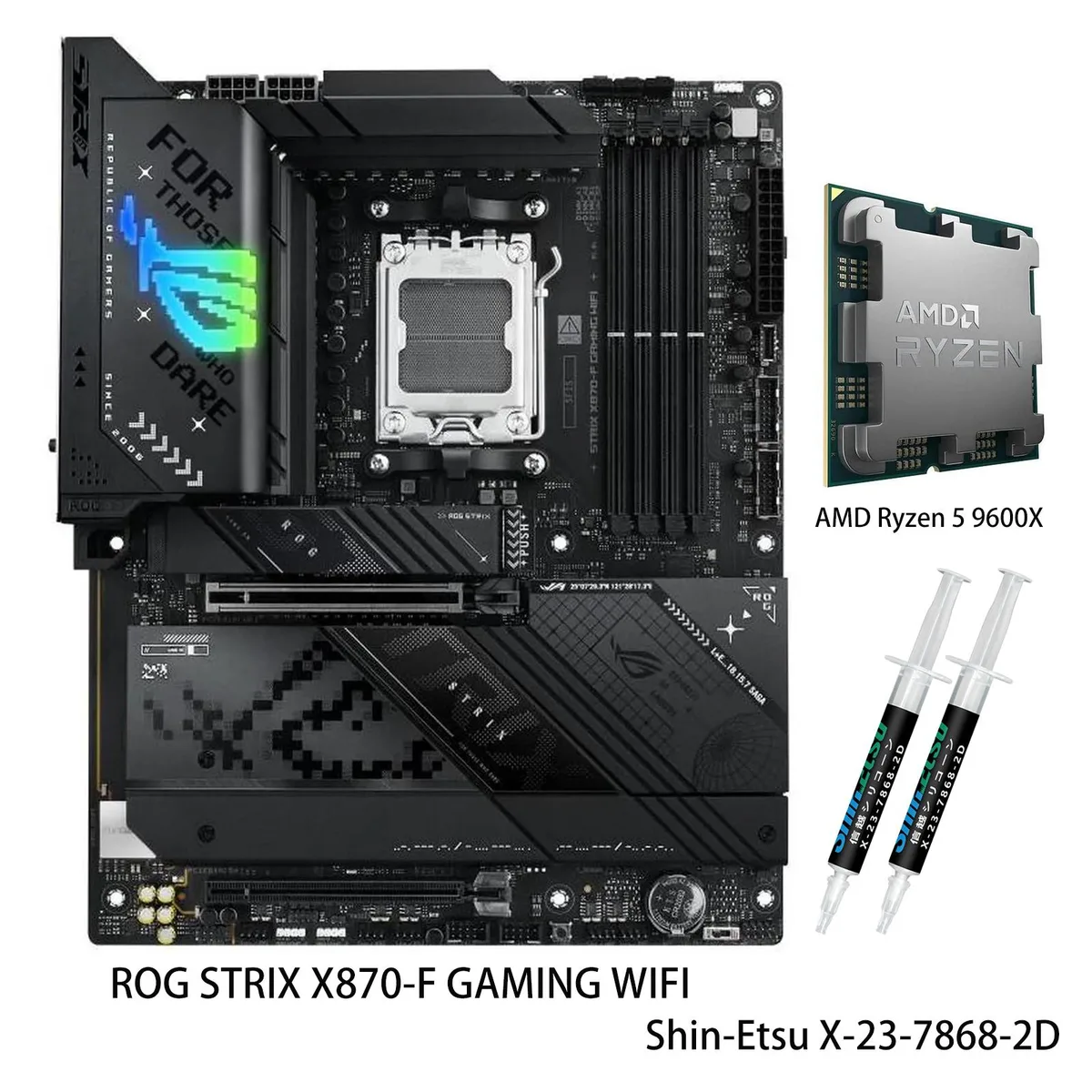
ASUS ROG STRIX X870-A GAMING WIFI S AMD motherboard & Ryzen 5 9600X CPU Combo
- AM5
- AMD X870
$841.93
0.01088989BTC
En stockNous acceptons la cryptomonnaie — les cryptos que vous détenez peuvent ainsi acheter du matériel réel.Payez en crypto, dépensez-la en matériel réel. Livraison assurée offerte partout dans le monde au-delà de 399 $. Cartons neutres, sans marque, expédiés depuis l’Allemagne.Livraison assurée offerte au-delà de 399 $. Votre taux est bloqué pendant 30 minutes dès l’ouverture de la caisse.Taux bloqué 30 minutes. Chaque article est scellé, son numéro de série est vérifié, et il est couvert par une garantie de 24 mois.Scellé, garanti 24 mois.


ASUS
Mini-ITX AMD X870 motherboard bundled with a 16-core Ryzen 9 9950X CPU, DDR5 to 8400 MT/s, PCIe 5.0 M.2, WiFi 7 and 2.5 Gbps LAN
model ROG STRIX X870-I GAMING WIFI
+CPU +R9 9950X
The ASUS ROG STRIX X870-I GAMING WIFI motherboard paired with the AMD Ryzen 9 9950X processor targets builders who need a compact platform for advanced AI workloads. The AM5 socket supports Ryzen 7000, 8000 and 9000 series CPUs. Four DDR5 slots accept up to 96GB of memory. Integrated WiFi 7 and USB4 connectivity handle high-throughput data movement.
This combo replaces an older AM5 board and CPU when the workload demands 16 cores and 32 threads with a 5.7 GHz max boost. The jump is worth it if you require the 10+2+1 power stage design rated for 110A per stage to sustain heavy multi-core loads. The Dynamic OC Switcher and Core Flex features add granular overclocking control not found on entry-level X870 boards.
Massive heatsinks with an integrated I/O cover, high-conductivity thermal pads and an L-shaped backplate dissipate heat from the VRM and the single PCIe 5.0 M.2 slot during extended runs. AI Cooling II manages fan curves based on system-wide thermal sensors. The robust power solution maintains stable voltage delivery across all 16 cores without throttling under continuous AI or compute tasks.
| Brand | ASUS |
|---|---|
| Model | ROG STRIX X870-I GAMING WIFI+R9 9950X |
| Chipset | AMD X870 |
| Number of Memory Slots | 4x288pin (DDR5) |
| Memory Standard | DDR5 4400 |
| Maximum Memory Supported | 96GB |
| ECC Supported | Non-ECC |
| Buffer Supported | Un-buffered |
| Memory Feature | 2 x DIMM slots, max. 96GB, DDR5 Supports up to 8400+MT/s(OC) with Ryzen™ 9000 Series Processors, 8600+MT/s(OC) with Ryzen™ 8000 Series Processors, 8000+MT/s(OC) with Ryzen™ 7000 Series Processors, ECC and Non-ECC Un-buffered DIMM*" Dual channel memory architecture Supports AMD Extended Profiles for Overclocking (EXPO) ASUS Enhanced Memory Profile (AEMP) * Supported memory types, data rate (speed), and number of DRAM modules vary depending on the CPU and memory configuration, for more information please refer to CPU/Memory Support list under the Support tab of product information site |
| PCI Express 5.0 x16 | AMD Ryzen 9000 & 7000 Series Desktop Processors 1 x PCIe 5.0 x16 slot |
| PCI Express 4.0 x16 | AMD Ryzen 8000 Series Desktop Processors 1 x PCIe 4.0 x16 slot (supports x8/x4 mode) |
| Serial ATA (SATA) | 2 x SATA 6Gb/s |
| M.2 | AMD Ryzen 9000 & 7000 Series Desktop Processors* M.2_1 slot (Key M), type 2280(supports PCIe 5.0 x4 mode) AMD Ryzen 8000 Series Desktop Processors* M.2_1 slot (Key M), type 2280(supports PCIe 4.0 x4 mode) AMD X870 Chipset M.2_2 slot (Key M), type 2242/2260/2280 (supports PCIe 4.0 x4) *** Install ROG FPS Card to support 2 x SATA 6Gb/s ports. |
| SATA RAID | * AMD RAIDXpert2 Technology supports both PCIe RAID 0/1/10 and SATA RAID 0/1 |
| Max LAN Speed | 2.5Gbps |
| Wireless LAN | Wi-Fi 7* 2x2 Wi-Fi 7 (802.11be) Supports 2.4/5/6GHz frequency band** Support Wi-Fi 7 320MHz bandwidth, up to 6.5Gbpstransfer rate. *Wi-Fi features may vary depending on the operating system For Windows 11, Wi-Fi 7 will require24H2 or later version for full functions, Windows 11 21H2/22H2/23H2 only support Wi-Fi 6E. For Windows 10, please note that no driver is available, refer to the Wi-Fi chipset vendor's website for details. ** Wi-Fi 6GHz frequency band and bandwidth regulatory may vary between countries. |
| Bluetooth | Bluetooth v5.4*** *** The Bluetooth version may vary, please refer to the Wi-Fi module manufacturer's website for the latest specifications. |
| USB 3.0 | USB4 |
| Onboard USB | USB 1 x USB 10Gbps connector (supports USB Type-C® ) 1 x USB 5Gbps header support(s) 2 additional USB 5Gbps ports |
| Other Connectors | Fan and Cooling Related 1 x 4-pin CPU Fan header(s) 1 x 4-pin AIO Pump header(s) 1 x 4-pin Chassis Fan header(s) Power Related 1 x 24-pin Main Power connector 1 x 8-pin +12V CPU Power connector Storage Related 2 x M.2 slots (Key M) Miscellaneous 2 x Addressable Gen 2 headers 1 x 2-pin Power Button header 1 x Thermal Sensor header 2 x USB Type-C® connectors to install ROG FPS card ROG FPS card 2 x SATA 6Gb/s ports 1 x CPU Over Voltage jumper 1 x Front Panel header 1 x Alteration PCIe Mode switch 2 x USB 2.0 headers support 3 additional USB 2.0 ports |
| Form Factor | Mini ITX |
| Dimensions (W x L) | 6.7" x 6.7" |
| BIOS Feature | 256 Mb Flash ROM, UEFI AMI BIOS |
| Software | ROG Exclusive Software - ROG CPU-Z - Dolby Atmos ASUS Exclusive Software Armoury Crate - AIDA64 (60 days free trial) - Aura Creator - Aura Sync - Fan Xpert 4 (with AI Cooling II) - GameFirst - HWiNFO - Power Saving ASUS Driver Hub ASUS GlideX Adobe Creative Cloud (Free Trial) Norton 360 for Gamers (60 Days Free Trial) WinRAR (40 Days Free Trial) UEFI BIOS AI Overclocking Guide ASUS EZ DIY - ASUS CrashFree BIOS 3 - ASUS EZ Flash 3 - ASUS UEFI BIOS EZ Mode - ASUS MyHotkey FlexKey Dynamic OC Switcher |
| Features | ASUS Q-Design - M.2 Q-Latch - PCIe Slot Q-Release Slim (with PCIe SafeSlot) - Q-Antenna - Q-Code - Q-DIMM - Q-LED (CPU [red], DRAM [yellow], VGA [white], Boot Device [yellow green]) - Q-Slot ASUS Thermal Solution - M.2 heatsink - Aluminum backplate ASUS EZ DIY - BIOS FlashBack™ button - BIOS FlashBack™ LED - Clear CMOS button - ProCool II - Pre-mounted I/O shield - SafeSlot - SafeDIMM Aura Sync - Addressable Gen 2 header(s) ROG STRIX HIVE II 1 x USB Type-C® connects to motherboard 2 x USB 10Gbps port ( 1 x Type-A + 1 x USB Type-C®) 1 x Headphone jack with mic in 1 x Power button 1 x |
| Package Contents | 1 x AMD Ryzen 9 9950X CPU Cables 1 x Panel cable 1 x ROG USB2.0 splitter cable 2 x SATA 6Gb/s cables ROG FPS Card 1 x ROG FPS Card ROG STRIX HIVE II 1 x ROG STRIX HIVE II 1 x USB Type-C® power connection cable Miscellaneous 1 x ASUS WiFi Q-Antenna 1 x Cable ties package 1 x M.2 Q-Latch package(s) 1 x ROG key chain 1 x ROG Strix stickers 1 x M.2 rubber package(s) Documentation 1 x Quick start guide |
Autres versions de ce modèle
Même famille, mémoire, ventirad ou fréquence différents — comparez avant de vous décider.
The board is a standard Mini-ITX form factor; the integrated I/O cover and large VRM heatsinks sit within the usual keep-out zone, so any case that fits Mini-ITX and allows room for a 24-pin and 8-pin CPU power connector will work.
The two screw-on antenna posts are on the rear I/O; the antenna base must be screwed on fully before positioning it upright, otherwise the 2x2 Wi-Fi 7 module cannot reach its rated 6.5Gbps throughput.
Check the pads whenever you remove an M.2 drive — if a pad is torn, compressed flat, or no longer tacky, replace it with a pad of the same thickness to keep the PCIe 5.0 and PCIe 4.0 slots within thermal limits.
Également dans ce rayon
Même rayon, même caisse — huit monnaies et un taux bloqué 30 minutes.
Ce que vous envoyez, et ce dans quoi vous lisez les prix.
Envoyé depuis votre portefeuille à la caisse
Affichage seul — le catalogue est libellé en dollars
Aucune monnaie ne correspond.
Choisissez la langue dans laquelle le site vous parle.
Première visite ?
Vous avez déjà un compte ?
Il n’y a pas de réinitialisation automatique : cette boutique n’envoie aucun e-mail, il n’existe donc aucun lien à usage unique à demander. Laissez l’adresse sur le compte, elle sera traitée à la main.
Demande enregistrée
Rien n’arrivera dans votre boîte de réception — cette boutique n’envoie aucun e-mail. Quelqu’un s’en occupe à la main.
Vous l’avez retrouvé ?