ASUS
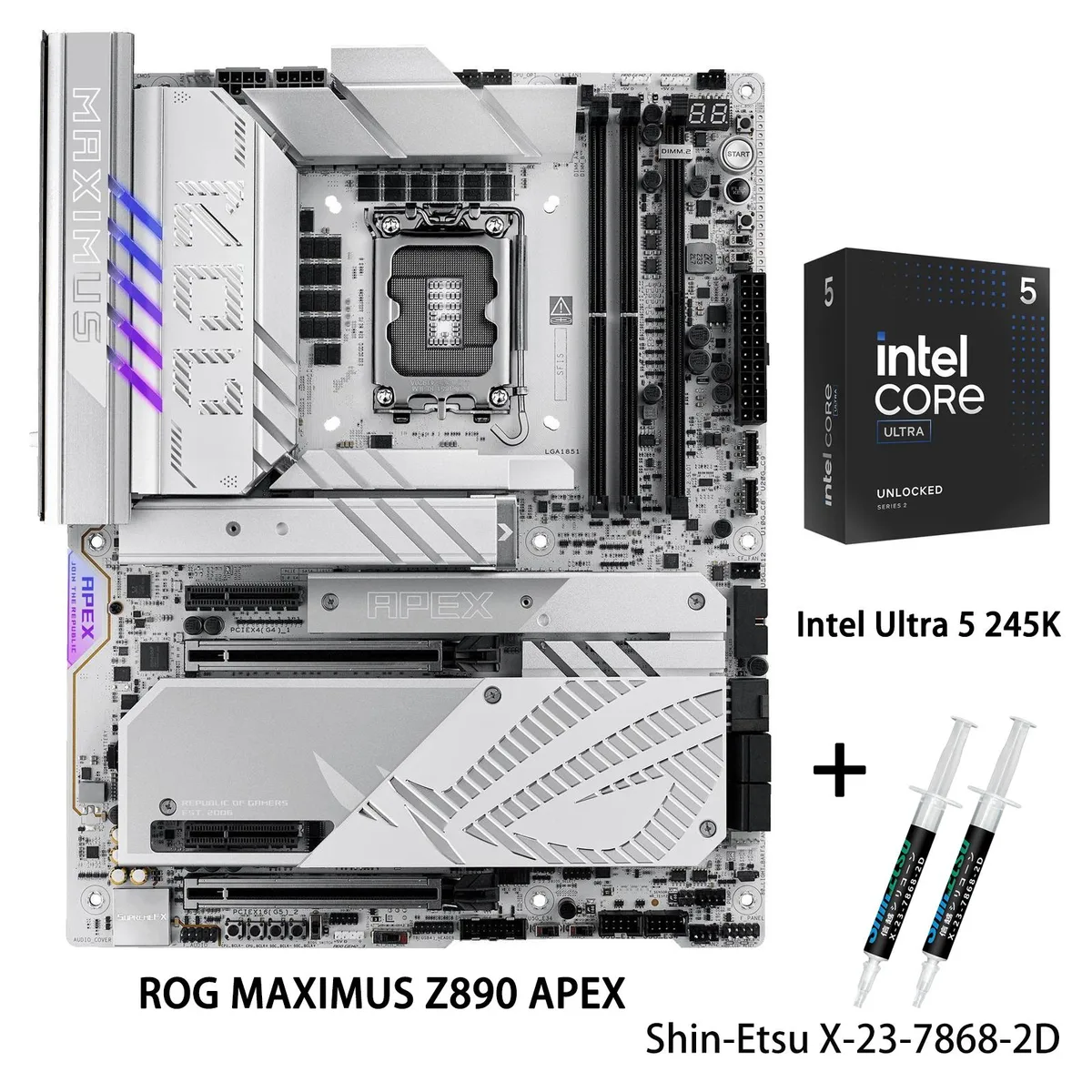
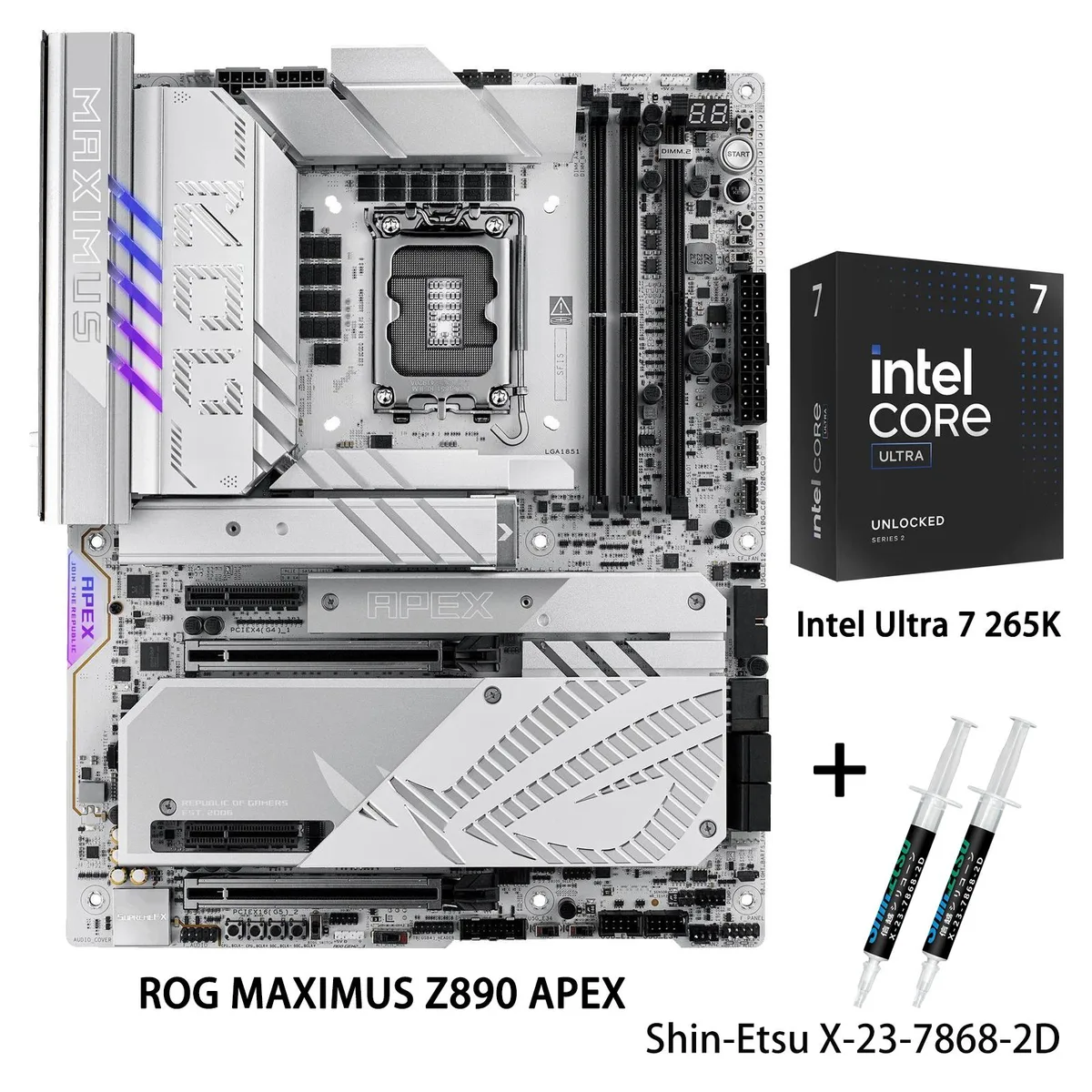
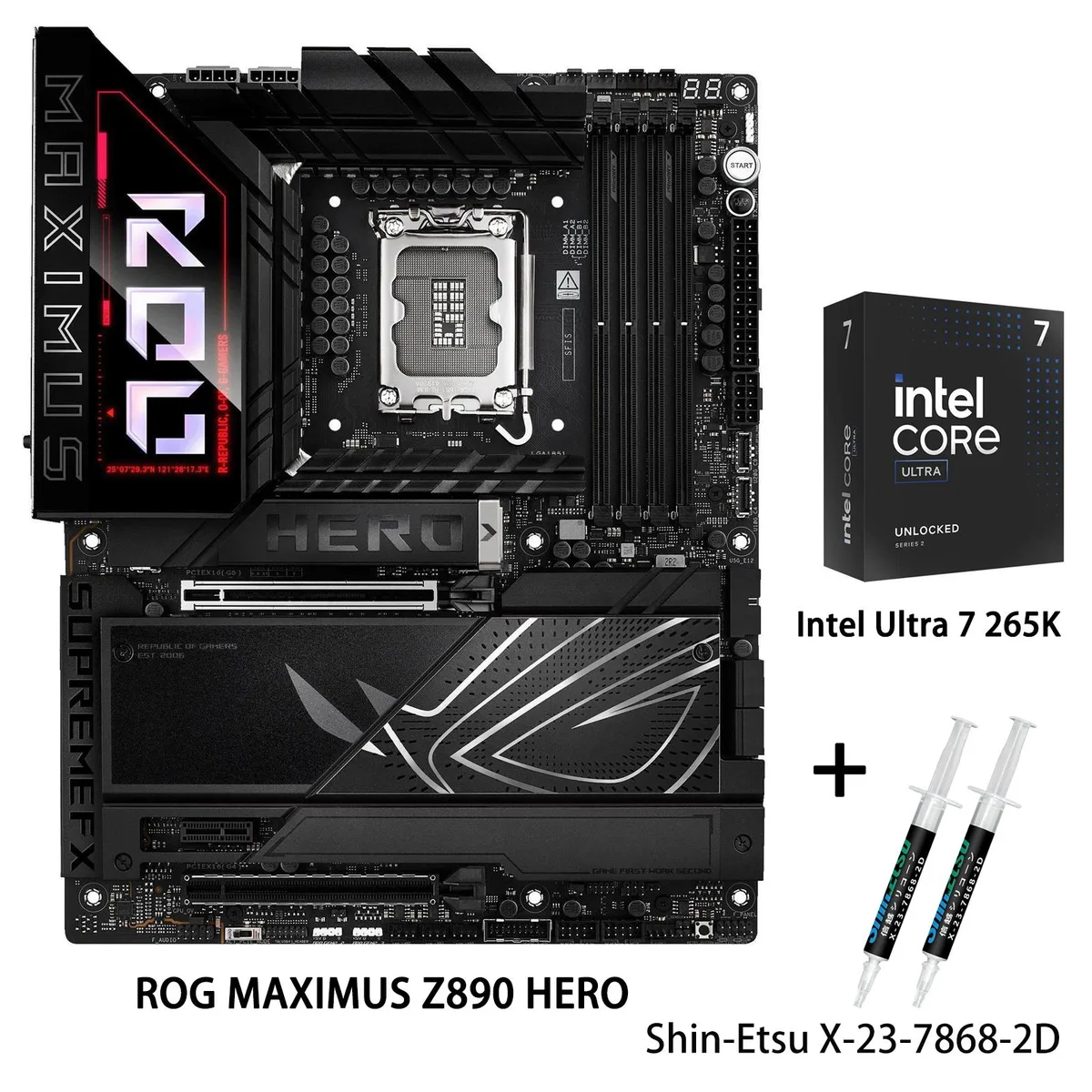
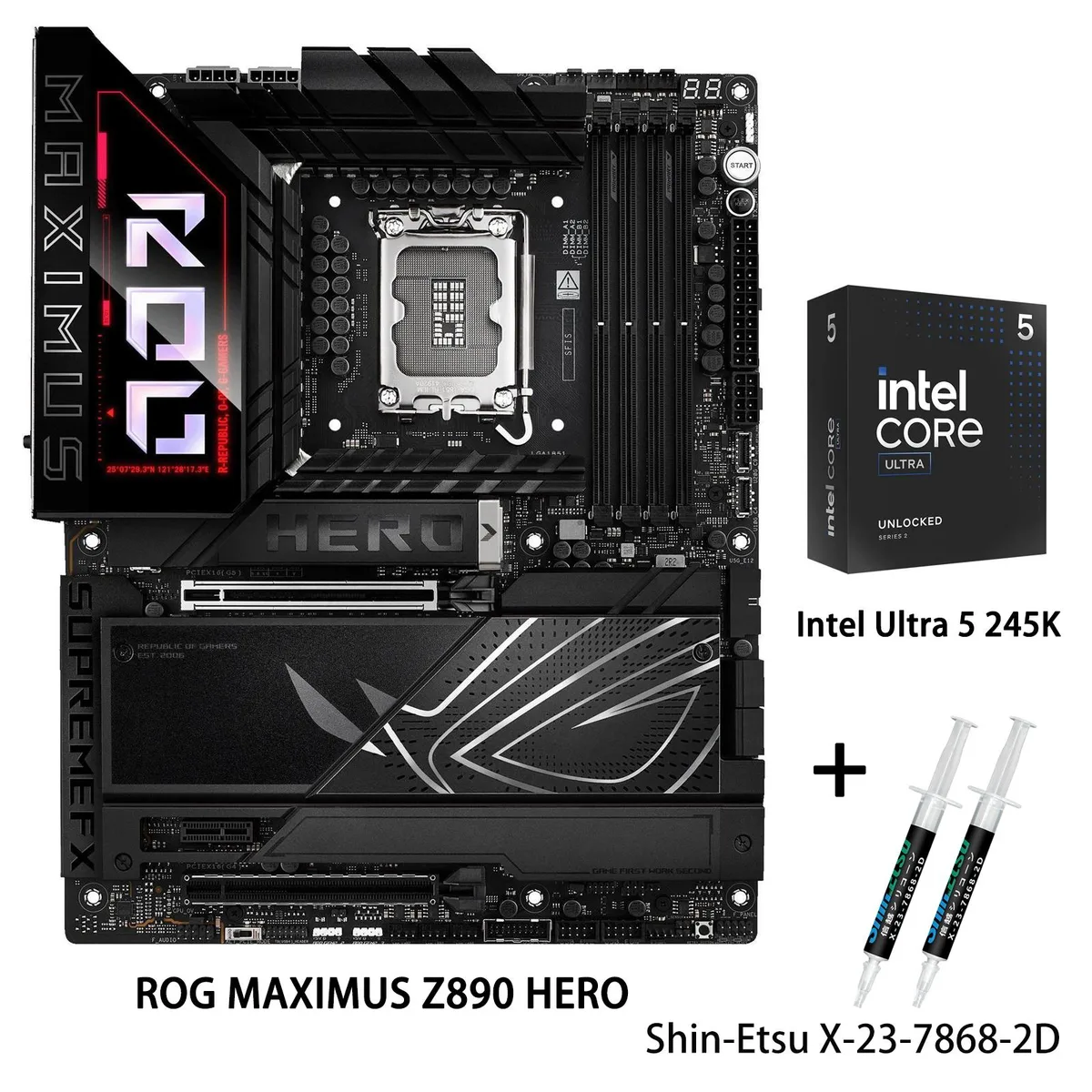
ASUS ROG MAXIMUS Z890 HERO + Core Ultra 5 245K Combo
- LGA 1851
- Intel Core Ultra Pr…
$958.20
0.01238208BTC
En stockNous acceptons la cryptomonnaie — les cryptos que vous détenez peuvent ainsi acheter du matériel réel.Payez en crypto, dépensez-la en matériel réel. Livraison assurée offerte partout dans le monde au-delà de 399 $. Cartons neutres, sans marque, expédiés depuis l’Allemagne.Livraison assurée offerte au-delà de 399 $. Votre taux est bloqué pendant 30 minutes dès l’ouverture de la caisse.Taux bloqué 30 minutes. Chaque article est scellé, son numéro de série est vérifié, et il est couvert par une garantie de 24 mois.Scellé, garanti 24 mois.


ASUS
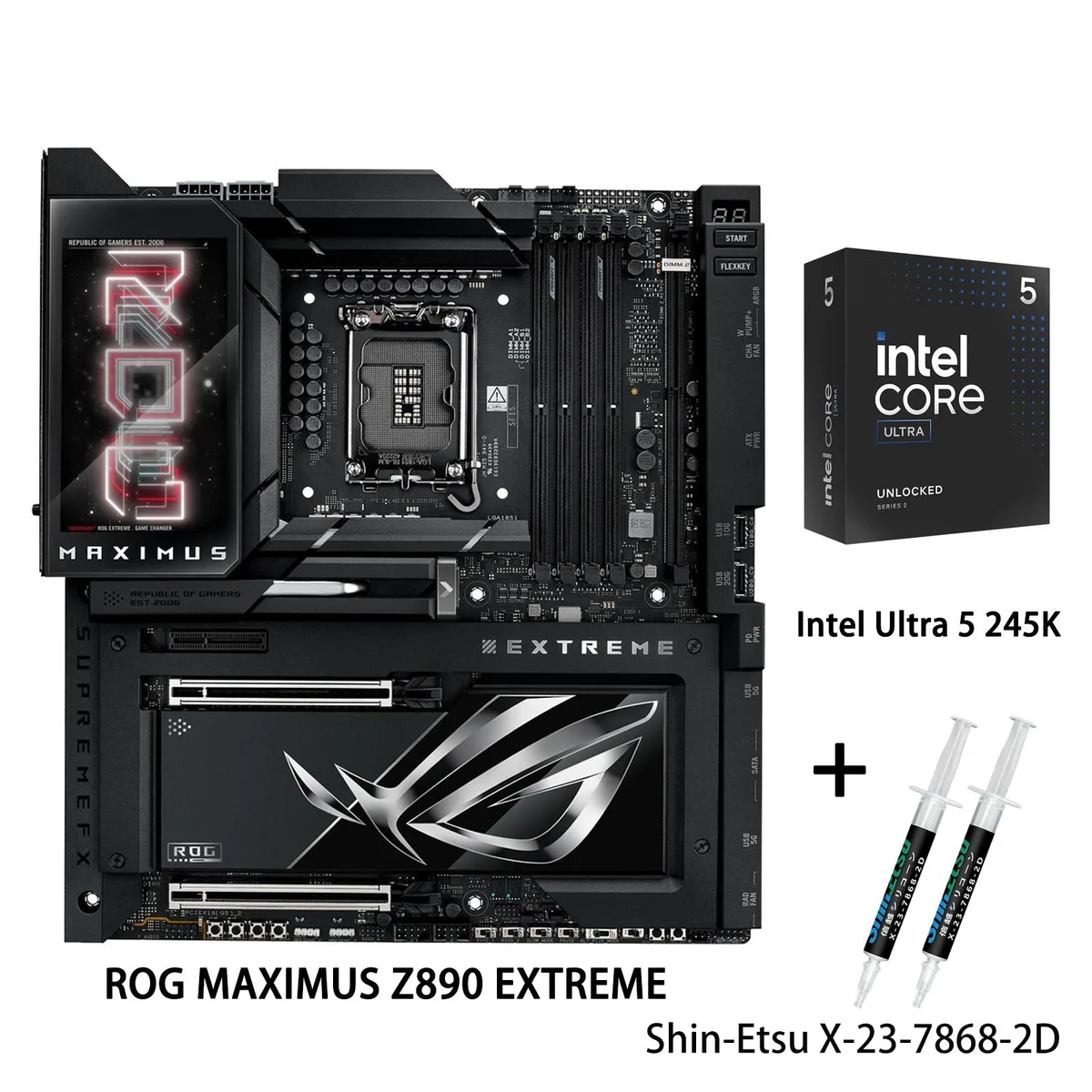
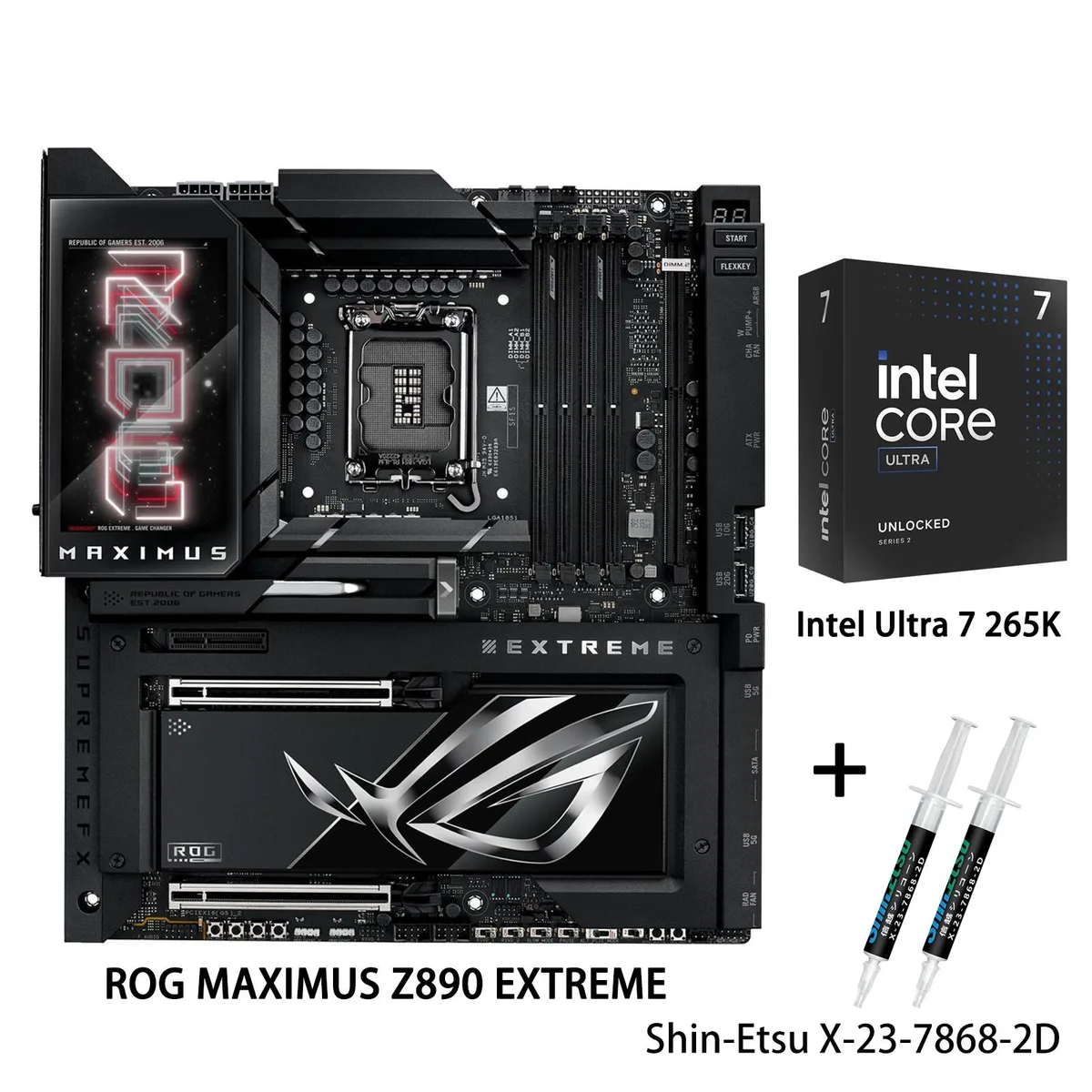
LGA 1851 E-ATX motherboard paired with an Intel Core Ultra 7 265K CPU, 24+2+1+2 power stages, DDR5 up to 9200 MT/s, WiFi7, 2.5G and 10G LAN, PCIe 5.0 M.2 and Thunderbolt 5
Motherboard ROG MAXIMUS Z890 EXTREME
+CPU +Ultra 7 265K
This bundle pairs the ROG MAXIMUS Z890 EXTREME motherboard with the Intel Core Ultra 7 265K processor. The board uses the Intel Z890 chipset and an LGA 1851 socket to support Intel Core Ultra Processors (Series 2). It targets builders who want a platform designed for demanding AI applications and high-performance desktop computing.
The E-ATX board integrates massive heatsinks with the I/O cover, linked by a U-shaped heatpipe and high-conductivity thermal pads. Rear I/O provides two Thunderbolt 5 USB Type-C ports, one USB 20Gbps Type-C port, seven USB 10Gbps ports, HDMI, Intel 2.5Gb Ethernet, Marvell 10Gb Ethernet, WiFi7 and Bluetooth 5.4. Four SATA 6Gb/s ports and multiple M.2 slots with PCIe 5.0 and 4.0 support handle storage. The 24+2+1+2 stage power design feeds the CPU.
Massive heatsinks, a U-shaped heatpipe and a 3D VC M.2 heatsink for a PCIe 5.0 slot dissipate heat from the 125W processor and power stages. AI Cooling II manages fan speeds based on system temperatures. The CPU includes Intel Graphics; a separate cooling device is not included.
| Brand | ASUS |
|---|---|
| Series | ROG MAXIMUS Z890 EXTREME+Ultra 7 265K |
| Model | ROG MAXIMUS Z890 EXTREME+Ultra 7 265K |
| CPU Socket Type | LGA 1851 |
| CPU Type | Intel Core Ultra Processors (Series 2) |
| Chipset | Intel Z890 |
| Number of Memory Slots | 4x288pin (DDR5) |
| Maximum Memory Supported | 256GB |
| Channel Supported | Dual Channel |
| Memory Feature | Support up to 9200+MT/s (OC), Non-ECC, Un-buffered ,Clocked Unbuffered DIMM (CUDIMM)* Dual Channel Memory Architecture Supports Intel Extreme Memory Profile (XMP) memory module ASUS Enhanced Memory Profile III (AEMP III) Supports DIMM Flex DIMM Fit NitroPath DRAM Technology * Non-ECC, un-buffered DDR5 memory supports On-Die ECC function. |
| PCI Express 5.0 x16 | Intel Core Ultra Processors (series 2)* 2 x PCIe 5.0 x16 slots (supports x16 or x8/x8 or x8/x4/x4 modes)** |
| PCI Express x4 | Intel Z890 Chipset** 1 x PCIe 4.0x4 slot **M.2_3 & M.2_4 share bandwidth with PCIEX16(G5)_2. When M.2_3 is enabled, PCIEX16(G5)_1 will run x8 & PCIEX16(G5)_2 will run x4. When M.2_3 & M.2_4 are enabled, PCIEX16(G5)_1 will run x8 & PCIEX16(G5)_2 will disabled. |
| Serial ATA (SATA) | 4 x SATA 6Gb/s |
| M.2 | Support Intel Core Ultra Processors (series 2)* M.2_1 slot (Key M), type 2242/2260/2280/22110 (supports PCIe 5.0 x4 mode) M.2_2 slot (Key M), type 2242/2260/2280 (supports PCIe 4.0 x4 mode) M.2_3 slot (Key M), type 2242/2260/2280/22110 (supports PCIe 5.0 x4 modes)** M.2_4 slot (Key M), type 2242/2260/2280 (supports PCIe 5.0 x4 modes)** Intel Z890 Chipset DIMM.2_1 slot (Key M) via ROG Q-DIMM.2, type 2230/2242/2260/2280/22110 (supports PCIe 4.0 x4 mode) DIMM.2_2 slot (Key M) via ROG Q-DIMM.2, type 2230/2242/2260/2280/22110 (supports PCIe 4.0 x4 mode) **M.2_3 & M.2_4 share bandwidth wit |
| SATA RAID | *Intel Rapid Storage Technology supports PCIe RAID 0/1/5/10, SATA RAID 0/1/5/10, M.2 slot from CPU only supports RAID 0/1/5. |
| Audio Channels | ROG SupremeFX 7.1 Surround Sound High Definition Audio CODEC ALC4082** - Impedance sense for front and rear headphone outputs - Supports: Jack-detection, Multi-streaming, Front Panel MIC Jack-retasking - High quality 120 dB SNR stereo playback output and 10 dB SNR recording input - Supports up to 32-Bit/384 kHz playback on front panel Audio Features - SupremeFX Shielding Technology - ESS ES9219 QUAD DAC - LED-illuminated audio jacks - Rear optical S/PDIF out port - Premium audio capacitors * A chassis with an HD audio module in the front panel is required to support 7.1 Surround Soun |
| Max LAN Speed | 10Gbps + 2.5Gbps |
| Wireless LAN | Wi-Fi 802.11 be |
| Bluetooth | Bluetooth 5.4 |
| Back I/O Ports | 2 x Thunderbolt 5 USB Type-C ports 1 x USB 20Gbps port (1 x USB Type-C) 7 x USB 10Gbps ports (5 x Type-A + 2 x USB Type-C) 1 x HDMITM port 1 x Wi-Fi Module 1 x Intel 2.5Gb Ethernet port 1 x Marvell AQtion 10Gb Ethernet port 2 x LED-illuminated audio jacks 1 x Optical S/PDIF out port 1 x BIOS FlashBack button 1 x Clear CMOS button |
| Onboard USB | 1 x USB 20Gbps connector (supports USB Type-C) 1 x USB 10Gbps connector (supports USB Type-C) 2 x USB 5Gbps headers support 4 additional USB 5Gbps ports 2 x USB 2.0 headers support 4 additional USB 2.0 ports |
| Other Connectors | Fan and Cooling related 1 x 4-pin CPU Fan header 1 x 4-pin CPU OPT Fan header 2 x 4-pin Chassis Fan headers 2 x 4-pin Radiator Fan headers 2 x W_PUMP+ headers 1 x WB_SENSOR header Miscellaneous 1 x 6-pin ARGB Gen 2 header to support 2 x ARGB Gen 2 headers 2 x Addressable Gen 2 header 1 x Alteration PCIe mode switch 4 x BCLK button 1 x BIOS Switch button 1 x FlexKey button 1 x Front Panel Audio header (F_AUDIO) 1 x LN2 Mode jumper 18 x ProbeIt Measurement Points 1 x ReTry button 2 x RSVD switchs 1 x RSVD header 1 x Safe Boot button 1 x Slow Mode switch 1 x Start button 1 x 10⁻¹ pin Sy |
| BIOS Feature | 2 x 256 Mb Flash ROM, UEFI AMI BIOS |
| Software | ROG Exclusive Software - ROG CPU-Z - Dolby Atmos - Internet Security (1-year full version) ASUS Exclusive Software Armoury Crate - AIDA64 Extreme (1 year full version) - Aura Creator - Aura Sync - Fan Xpert 4 (with AI Cooling II) - GameFirst - HWiNFO - Power Saving - LCD Display ASUS AI Advisor ASUS Driver Hub Turbo Vcore ASUS GlideX Thunderbolt Share USB Wattage Watcher WinRAR (40 Days Free Trial) Adobe Creative Cloud (Free Trial) UEFI BIOS AI Overclocking Guide NPU Boost ASUS EZ DIY - ASUS CrashFree BIOS 3 - ASUS EZ Flash 3 - ASUS UEFI BIOS EZ Mode - ASUS MyHotkey |
| Windows 11 | Windows 11, Windows 10 64-bit |
| Form Factor | Extended ATX |
| Dimensions (W x L) | 12.0" x 10.9" |
| Power Pin | 1 x 24-pin Main Power connector 2 x 8-pin +12V CPU Power connector 1 x 8-pin PCIe Power connector |
| Features | Extreme OC Kit - FlexKey button - LN2 Mode - ProbeIt - ReTry button - Safe boot button - Start button - Slow Mode Extreme Engine Digi+ - 10K Black Metallic Capacitors - MicroFine Alloy Choke ASUS Q-Design - M.2 Q-Latch - M.2 Q-Release - M.2 Q-Slide - Q-Release Slim (with PCIe SafeSlot) - Q-Antenna - Q-Code - Q-Connector - Q-Dashboard - Q-LED (CPU [red], DRAM [yellow], VGA [white], Boot Device [yellow green]) - Q-Slot - Q-DIMM.2 ASUS Thermal Solution - Fan bracket - M.2 heatsink backplate - M.2 heatsink - Metal backplate - VRM heatsink design - 3D VC M.2 Heatsink ASUS EZ DIY - Backpla |
Autres versions de ce modèle
Même famille, mémoire, ventirad ou fréquence différents — comparez avant de vous décider.
The M.2_1 slot runs PCIe 5.0 x4, capping sequential throughput at the drive's PCIe 5.0 limit.
The board needs an E-ATX compatible case with standard ATX standoffs and enough vertical clearance for the tall heatsink and U-shaped heatpipe assembly.
Align the processor notches with the socket keys, lower the load plate, and engage the retention lever; the step often missed is removing the protective socket cover before seating the CPU.
Également dans ce rayon
Même rayon, même caisse — huit monnaies et un taux bloqué 30 minutes.
Ce que vous envoyez, et ce dans quoi vous lisez les prix.
Envoyé depuis votre portefeuille à la caisse
Affichage seul — le catalogue est libellé en dollars
Aucune monnaie ne correspond.
Choisissez la langue dans laquelle le site vous parle.
Première visite ?
Vous avez déjà un compte ?
Il n’y a pas de réinitialisation automatique : cette boutique n’envoie aucun e-mail, il n’existe donc aucun lien à usage unique à demander. Laissez l’adresse sur le compte, elle sera traitée à la main.
Demande enregistrée
Rien n’arrivera dans votre boîte de réception — cette boutique n’envoie aucun e-mail. Quelqu’un s’en occupe à la main.
Vous l’avez retrouvé ?