


ASUS
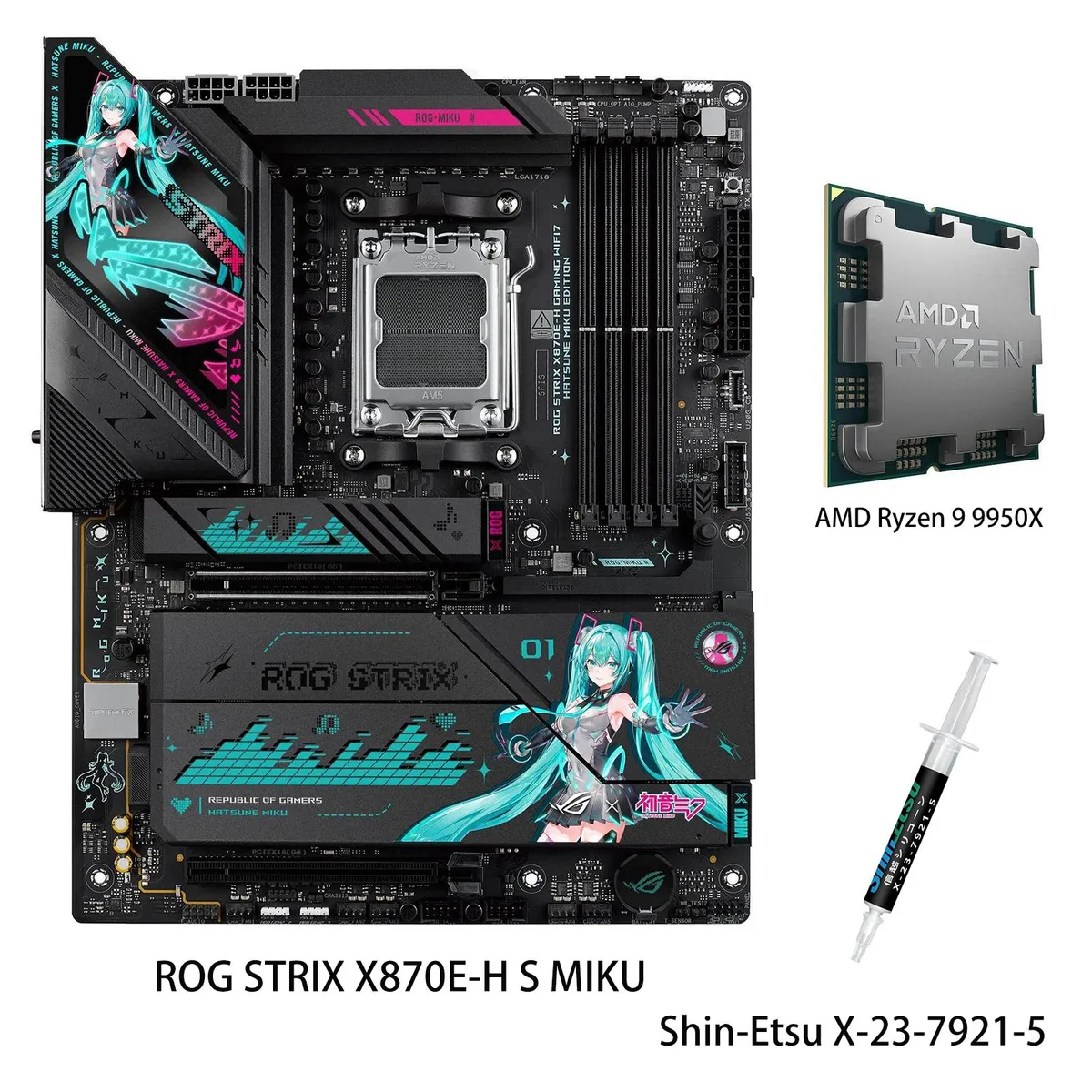
ASUS ROG STRIX X870E-H S MIKU + Ryzen 9 9950X AMD motherboard CPU combo
Combines an AMD X870E ATX motherboard with a 16-core Ryzen 9 9950X, DDR5 support to 8000+ MT/s, dual USB4 ports, two PCIe 5.0 M.2 slots, 5 Gbps LAN and Wi-Fi 7 in a Hatsune Miku edition
- CPU Socket TypeAM5
- CPU TypeAMD Socket AM5 for AMD Ryzen 9000 & 8000 & 7000 Series Deskt
- ChipsetAMD X870E
- Number of Memory Slots4x288pin (DDR5)
- Memory StandardSupports up to 8000+MT/s(OC)
- Maximum Memory Supported256GB
model ROG STRIX X870E-H S MIKU
- PROART X870E-CREATOR WIFI
- PRIME X870-P
- PRIME X870-P WIFI
- X870 MAX GAMING WIFI7
- X870 AYW GAMING WIFI W
- TUF GAMING X870-PRO WIFI7 W NEO
- TUF GAMING X870-PLUS WIFI
- TUF GAMING X870E-PLUS WIFI7
- ROG STRIX X870-I GAMING WIFI
- ROG STRIX X870-H GAMING WIFI7 S
- ROG STRIX X870E-H S MIKU
- ROG STRIX X870E-H GAMING WIFI7
+CPU + Ryzen 9 9950X
- Ready for AMD Ryzen 9000, 8000 and 7000 series processors with AM5 socket
- 16 cores and 32 threads on Zen 5 architecture boost up to 5.7 GHz
- 16+2+1 power stages rated 80A with dual ProCool II connectors for multi-core stability
- Two PCIe 5.0 and two PCIe 4.0 M.2 slots with substantial cooling solutions
- Dual USB4 Type-C ports plus USB 20Gbps front-panel and USB 10Gbps rear with PD 3.0 30W
Hatsune Miku Edition Combo
This bundle pairs the ROG STRIX X870E-H S MIKU motherboard with a Ryzen 9 9950X processor. The AM5 socket supports Ryzen 9000, 8000 and 7000 series CPUs. The 16-core, 32-thread chip reaches a 5.7 GHz max boost and includes 64 MB L3 cache. It targets builders who want a themed platform for gaming and heavy workloads.
Installation Notes
The ATX board fits standard chassis and uses dual ProCool II power connectors for the 16+2+1 phase VRM rated at 80 A per stage. Mount the CPU, attach the cooler, then populate up to four DDR5 slots for a 256 GB dual-channel limit. The I/O shield is integrated, and M.2 heatsinks are pre-fitted. Common issues include forgetting the second 8-pin EPS cable or seating DDR5 modules unevenly.
Interface Limits
The primary PCIe 5.0 x16 slot runs at x16 with Ryzen 9000 and 7000 series but drops to x8 or x4 with 8000 series chips. Two M.2 slots operate at PCIe 5.0 x4 and two at PCIe 4.0 x4; all share CPU lanes. Dual USB4 Type-C ports and a USB 20 Gbps front-panel header provide high-speed external connectivity. Wi-Fi 7 (802.11 be) and 5 Gbps LAN handle networking.
Points forts
- Ready for AMD Ryzen 9000, 8000 and 7000 series processors with AM5 socket
- 16 cores and 32 threads on Zen 5 architecture boost up to 5.7 GHz
- 16+2+1 power stages rated 80A with dual ProCool II connectors for multi-core stability
- Two PCIe 5.0 and two PCIe 4.0 M.2 slots with substantial cooling solutions
- Dual USB4 Type-C ports plus USB 20Gbps front-panel and USB 10Gbps rear with PD 3.0 30W
Caractéristiques
| Brand | ASUS |
|---|---|
| Series | ROG STRIX |
| Model | ROG STRIX X870E-H S MIKU+R9 9950X |
| Part Number | ROG STRIX X870E-H S MIKU+R9 9950X |
| CPU Socket Type | AM5 |
| CPU Type | AMD Socket AM5 for AMD Ryzen 9000 & 8000 & 7000 Series Desktop Processors |
| Chipset | AMD X870E |
| Number of Memory Slots | 4x288pin (DDR5) |
| Memory Standard | Supports up to 8000+MT/s(OC) |
| Maximum Memory Supported | 256GB |
| Channel Supported | Dual Channel |
| PCI Express 5.0 x16 | AMD Ryzen 9000 & 7000 Series Desktop Processors* 1 x PCIe 5.0 x16 slot (supports x16 mode) AMD Ryzen 8000 Series Desktop Processors* 1 x PCIe 4.0 x16 slot (supports x8/x4 mode)** |
| PCI Express 4.0 x16 | 1 x PCIe 4.0 x16 slot (supports x4 mode) |
| Serial ATA (SATA) | 4 x SATA 6Gb/s |
| M.2 | Supports 4 x M.2 slots and 4 x SATA 6Gb/s ports AMD Ryzen 9000 & 7000 Series Desktop Processors M.2_1 slot (Key M), type 2242/2260/2280 (supports PCIe 5.0 x4 mode) M.2_2 slot (Key M), type 2280/22110 (supports PCIe 5.0 x4 mode)* AMD Ryzen 8000 Series Desktop Processors* M.2_1 slot (Key M), type 2242/2260/2280 (supports PCIe 4.0 x4/x2 mode) M.2_2 slot (Key M), type 2280/22110 (Not supports)** AMD X870E Chipset M.2_3 slot (Key M), type 2280 (supports PCIe 4.0 x4 mode) M.2_4 slot (Key M), type 2280 (supports PCIe 4.0 x4 mode) * M.2_2 shares bandwidth with PCIEX16(G5). When M.2_2 is occu |
| SATA RAID | AMD RAIDXpert2 Technology* Ryzen 9000 Series Processors: RAID 0/1/5/10 Ryzen 8000 Series Processors: RAID 0/1 Ryzen 7000 Series Processors: RAID 0/1/10 |
| Audio Chipset | Realtek ALC1220P 7.1 Surround Sound High Definition Audio CODEC* - Impedance sense for front and rear headphone outputs - Internal audio Amplifier to enhance the highest quality sound for headphone and speakers - Supports: Jack-detection, Multi-streaming, Front Panel Jack-retasking - High quality 120 dB SNR stereo playback output and 113 dB SNR recording input (Line-in) - Supports up to 32-Bit/192 kHz playback* Audio Features - SupremeFX Shielding Technology - Savitech SV3H712 AMP - Rear optical S/PDIF out port - Premium audio capacitors - Audio cover |
| Audio Channels | 7.1 Channels |
| Max LAN Speed | 5Gbps |
| Wireless LAN | Wi-Fi 802.11 be |
| Bluetooth | Bluetooth 5.4 |
| Back I/O Ports | 2 x USB4 (40Gbps) ports(2 x USB Type-C) 4 x USB 10Gbps ports (3 x Type-A + 1 x USB Type-C with up to 30W PD/PPS Fast-charge) 6 x USB 5Gbps ports (6 x Type-A) 2 x USB 2.0 ports (2 x Type-A) 1 x HDMI port 1 x Wi-Fi module 1 x Realtek 5Gb Ethernet 2 x Audio jacks 1 x Optical S/PDIF out port 1 x BIOS FlashBack button 1 x Clear CMOS button |
| Onboard USB | 1 x USB 20Gbps connector (supports USB Type-C) 1 x USB 5Gbps header supports 2 additional USB 5Gbps ports 2 x USB 2.0 headers support 4 additional USB 2.0 ports |
| Other Connectors | Fan and Cooling Related 1 x 4-pin CPU Fan header 1 x 4-pin CPU OPT Fan header 1 x 4-pin AIO Pump header 5 x 4-pin Chassis Fan headers Miscellaneous 3 x Addressable RGB Gen 2 headers 1 x Chassis Intrusion header 1 x CPU Over voltage jumper 1 x Front Panel Audio header (F_AUDIO) 1 x Start button 1 x 10⁻¹ pin Front Panel System header 1 x Thermal Sensor header |
| Form Factor | ATX |
| Dimensions (W x L) | 12.0" x 9.6" |
| Power Pin | 1 x 24-pin Main Power connector 2 x 8-pin +12V CPU Power connector |
| BIOS Feature | 256 Mb Flash ROM, UEFI AMI BIOS |
| Software | ROG Exclusive Software - ROG CPU-Z - Dolby Atmos ASUS Exclusive Software Armoury Crate - Aura Creator - Aura Sync - Fan Xpert 4 (with AI Cooling II) - GameFirst ASUS AI Advisor ASUS DriverHub - AIDA64 Extreme (60 days free trial) - HWiNFO ASUS GlideX USB Wattage Watcher TurboV Core Adobe Creative Cloud (Free Trial) Norton 360 for Gamers (60 Days Free Trial) WinRAR (40 Days Free Trial) UEFI BIOS AI Overclocking Guide AI Cache Boost ASUS EZ DIY - ASUS CrashFree BIOS 3 - ASUS EZ Flash 3 - ASUS UEFI BIOS EZ Mode - ASUS MyHotkey FlexKey |
| Windows 11 | Supported |
| Features | Extreme Engine Digi+ - 5K Black metallic capacitors ASUS Q-Design - M.2 Q-Latch - M.2 Q-Release - PCIe Slot Q-Release - Q-Antenna - Q-Dashboard - Q-DIMM - Q-LED (CPU [red], DRAM [yellow], VGA [white], Boot Device [yellow green]) - Q-Slot ASUS Thermal Solution - M.2 heatsink - VRM heatsink design ASUS EZ DIY - BIOS FlashBack button - BIOS FlashBack LED - Clear CMOS button - ProCool II - Pre-mounted I/O shield - SafeSlot - SafeDIMM Aura Sync -Addressable RGB Gen 2 headers |
Autres versions de ce modèle
5 de plus dans cette gamme
Même famille, mémoire, ventirad ou fréquence différents — comparez avant de vous décider.


ASUS
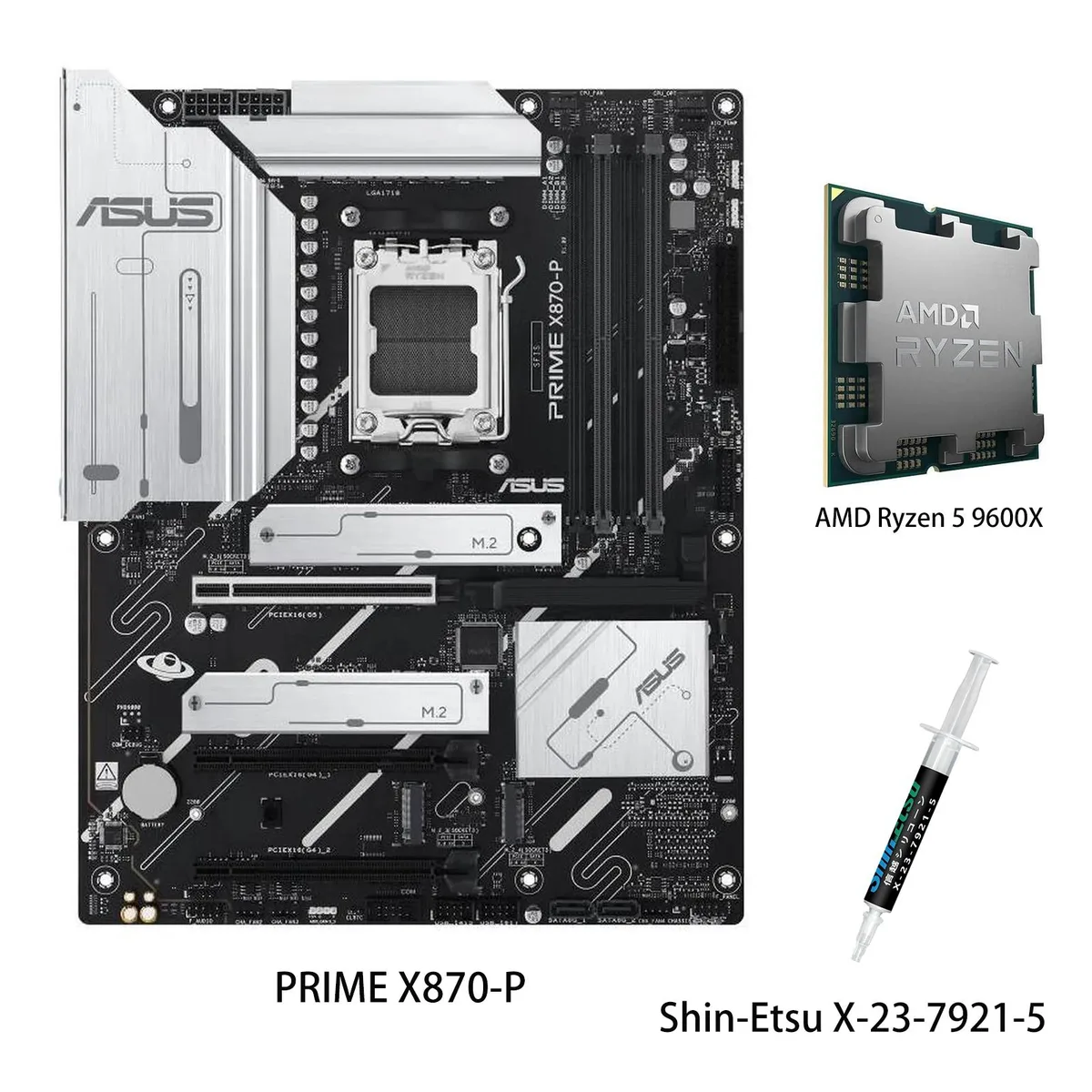
ASUS PRIME X870-P WIFI + Ryzen 5 9600X AMD motherboard CPU combo
- AMD X870
- 4x288pin (DDR5)
769,99 $US
0.00992076BTC
En stock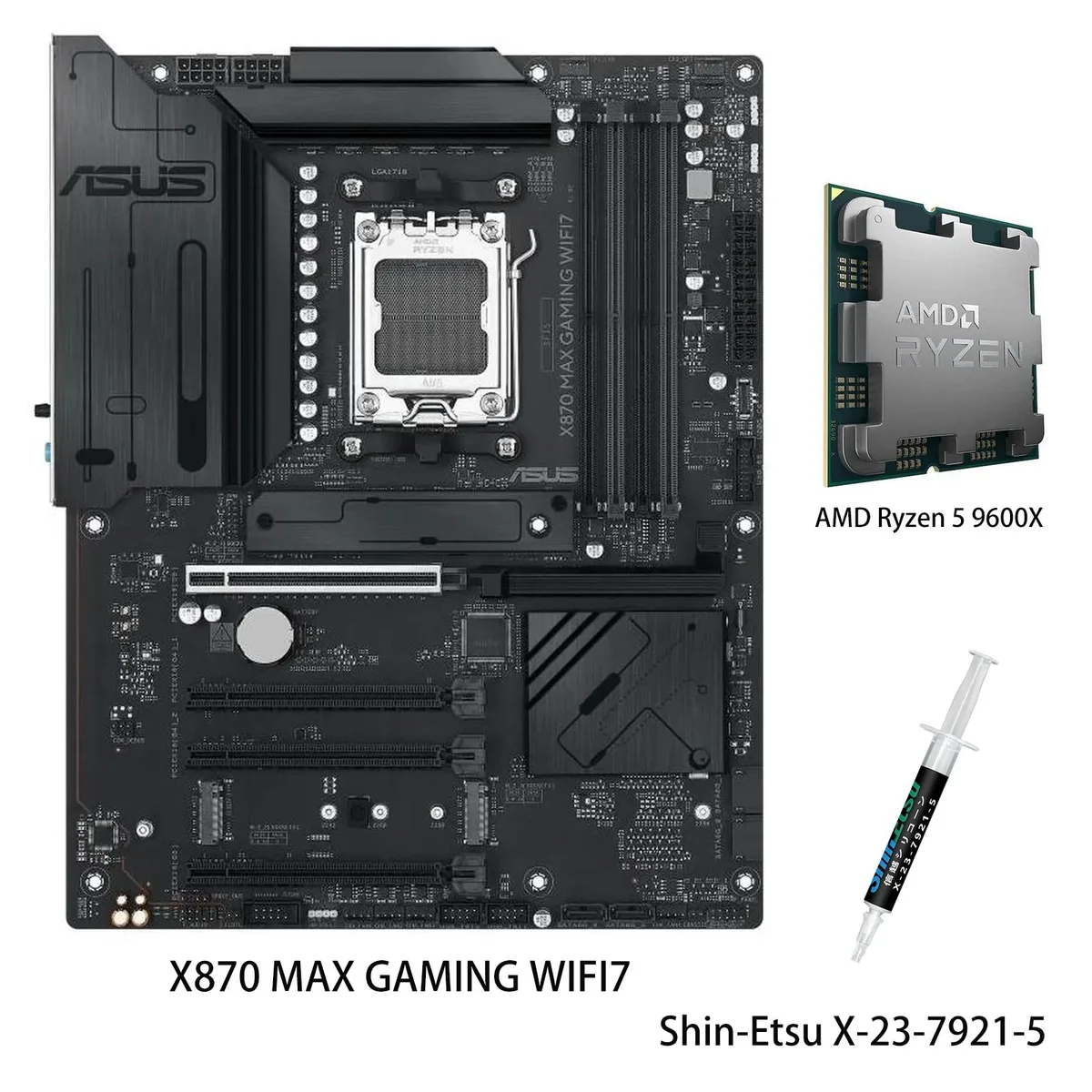
ASUS
ASUS X870 MAX GAMING WIFI7 AMD motherboard & Ryzen 5 9600X CPU combo
- AM5
799,99 $US
0.01030729BTC
En stock

ASUS
ASUS PRIME X870-P WIFI & Ryzen 7 9700X combo AMD motherboard
- AMD X870
- 4x288pin (DDR5)
849,99 $US
0.0109515BTC
En stockQuestions sur cet article
How do I confirm the AI Cooling II and AI Networking II features are active after building with this combo?
Enter the UEFI BIOS and enable ASUS AI Advisor; the dashboard will show AI Cooling II fan curves and AI Networking II traffic optimisation once the Ryzen 9 9950X is detected.
What comes in the box and which items must be purchased separately?
The package includes the ROG STRIX X870E-H S MIKU motherboard, the Ryzen 9 9950X processor, I/O shield, SATA cables, M.2 screws and documentation; DDR5 memory, CPU cooler, graphics card, storage drives and power supply are not included.
Which M.2 slot should I use first for a PCIe 5.0 drive to get full speed with the 9950X?
Install the drive in the M.2_1 slot, which runs at PCIe 5.0 x4 directly from the Ryzen 9000 series CPU; the second PCIe 5.0 slot shares bandwidth with other devices.
Également dans ce rayon
Les clients ont aussi comparé
Même rayon, même caisse — huit monnaies et un taux bloqué 30 minutes.

DARKROCK
DARKROCK EC2 Black ATX Mid Tower PC Case 3x120mm Infinity Fans Type-C Tempered Glass
- ATX Mid Tower
- Black
69,99 $US
0.00090177BTC
En stock
DARKROCK
DARKROCK EC2 Black ATX Mid Tower PC Case with 3x120mm White Infinity Fan & 1x120mm Black Fan
- ATX Mid Tower
- Black
69,99 $US
0.00090177BTC
En stock
GAMDIAS Technology
GAMDIAS Technology MARS M2 Black Tempered Glass ITX Micro-ATX Tower PC Case
- ATX / Micro ATX Mid…
- Black
51,99 $US
0.00066985BTC
En stock