Acer America
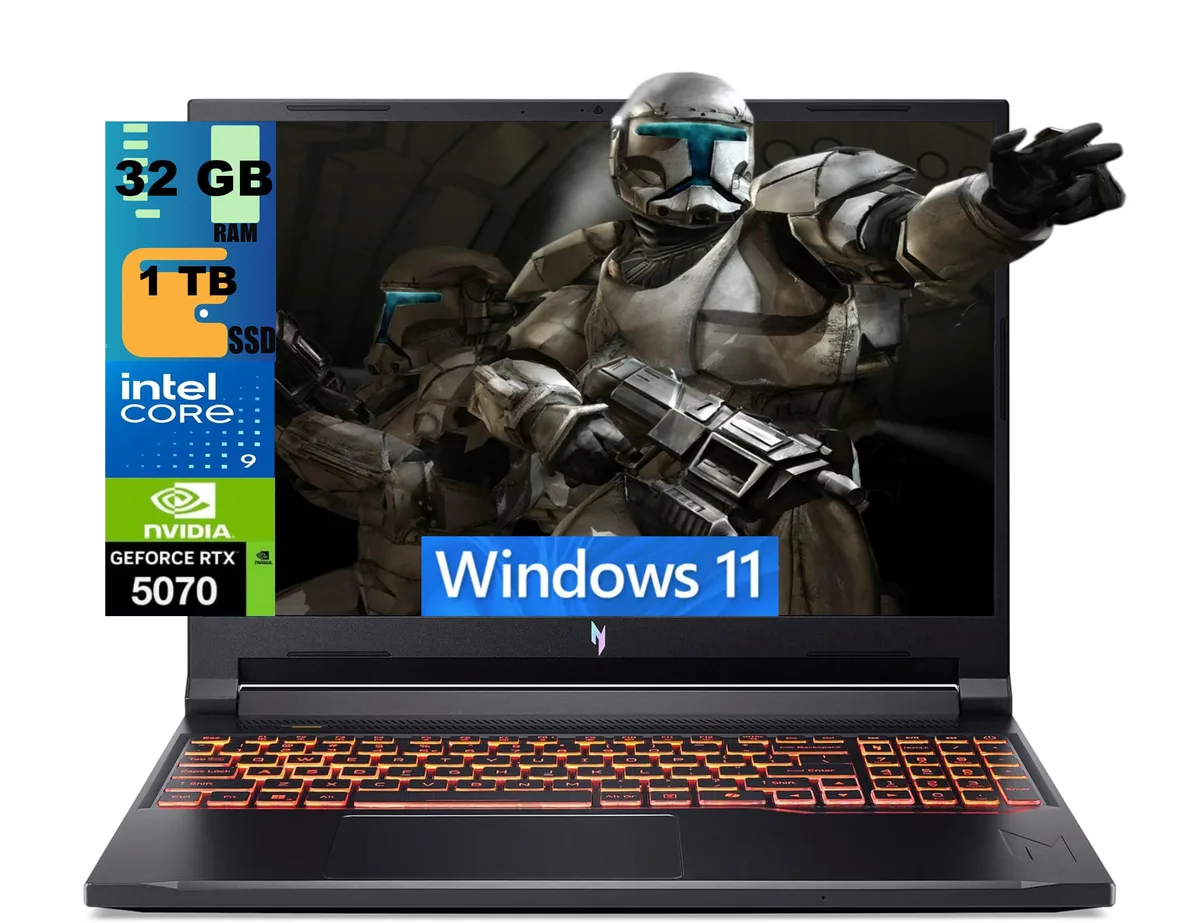
Acer Nitro 16 gaming laptop Ryzen 7 260 RTX 5060 16GB 512GB 180Hz
- AMD Ryzen 7 260
- 16.0"
1,894.99 $
0.02451316BTC
במלאיאנחנו מקבלים תשלום בקריפטו — כך שמטבעות הקריפטו שברשותך יכולים לקנות ציוד אמיתי.שלם בקריפטו, קנה איתו ציוד אמיתי. משלוח חינם ומבוטח לכל העולם מעל 399 $. קרטונים ניטרליים וללא מיתוג, נשלחים מגרמניה.משלוח חינם ומבוטח מעל 399 $. השער שלך ננעל ל-30 דקות מרגע פתיחת הקופה.שער נעול ל-30 דקות. כל פריט אטום, המספר הסידורי שלו נבדק, והוא מכוסה באחריות ל-24 חודשים.אטום, באחריות ל-24 חודשים.


Acer America
A 16-inch 180Hz WUXGA gaming laptop with AMD Ryzen 7 260, RTX 5060 8GB GDDR7, 16GB DDR5 and 512GB PCIe SSD
SSD 4TB PCIe SSD
Operating System Windows 11 Pro
The Acer Nitro 16 is a 16.0 inch Windows 11 Home gaming laptop built around an AMD Ryzen 7 260 octa-core processor and an NVIDIA GeForce RTX 5060 laptop GPU with 8 GB GDDR7 memory. It ships with 16 GB DDR5 system memory and a 512 GB PCIe SSD. The 180 Hz WUXGA display targets players who want smooth motion in competitive titles.
The chassis measures 14.2 by 10.9 by 0.96 inches and weighs 5.38 pounds, giving the cooling system room to move air across the Zen 4 CPU and RTX 5060 GPU. Fan behaviour will scale with the 3.8 GHz base clock and 5.1 GHz boost clock of the processor. Under typical gaming loads the system draws power through its internal battery and the supplied adapter.
External connections include three USB-A 3.2 ports, one USB-C 4 port, one HDMI 2.1 output, one RJ45 Gigabit Ethernet jack and a microSD card reader. Wireless networking uses Wi-Fi 6E and Bluetooth 5.3 for low-latency peripherals. The 720p webcam and four-zone RGB keyboard complete the built-in feature set. Buyers who need more than 512 GB of fast storage or more than 16 GB of system memory should plan an upgrade.
| Processor Name | AMD Ryzen 7 260 |
|---|---|
| Screen Size | 16.0" |
| Operating System | Windows 11 Home |
| GPU/VPU | GeForce RTX 5060 Laptop GPU |
| SSD | 512GB PCIe |
| Memory | 16GB |
| WiFi Generation | Wi-Fi 6 |
גרסאות נוספות של דגם זה
אותה משפחה, זיכרון, קירור או תדר שונים — השווה לפני שתחליט.
Remove the bottom cover, insert the 512GB PCIe SSD into the open M.2 slot, replace the cover, then initialise the new volume in Windows 11 Home so the 512GB appears in File Explorer
Blow dust from the dual fan vents every few months with compressed air and replace the thermal paste on the 8-core CPU if temperatures rise above normal under load
The GPU power ceiling is reached before the 180Hz panel can be fully driven, so frame rates plateau while the screen still has refresh headroom
גם במדף הזה
אותו מדף, אותה קופה — שמונה מטבעות קריפטו ונעילת שער ל-30 דקות.
באיזה מטבע משלמים, ובאיזה מטבע מוצגים המחירים.
נשלח מהארנק שלך בקופה
לתצוגה בלבד — הקטלוג מתומחר בדולר ארה״ב
לא נמצא מטבע מתאים.
בחר את השפה שבה האתר פונה אליך.
אף שפה לא תואמת.
חדש כאן?
כבר יש לך חשבון?
אין כאן איפוס אוטומטי: החנות הזו לא שולחת אימייל, ולכן אין קישור חד-פעמי לבקש. השאר את הכתובת בחשבון, והיא תטופל ידנית.
הבקשה נקלטה
שום דבר לא בדרך לתיבת האימייל שלך — החנות הזו לא שולחת אימייל בכלל. מישהו אוסף את הבקשות האלה ידנית.
נזכרת בה?