Acer America
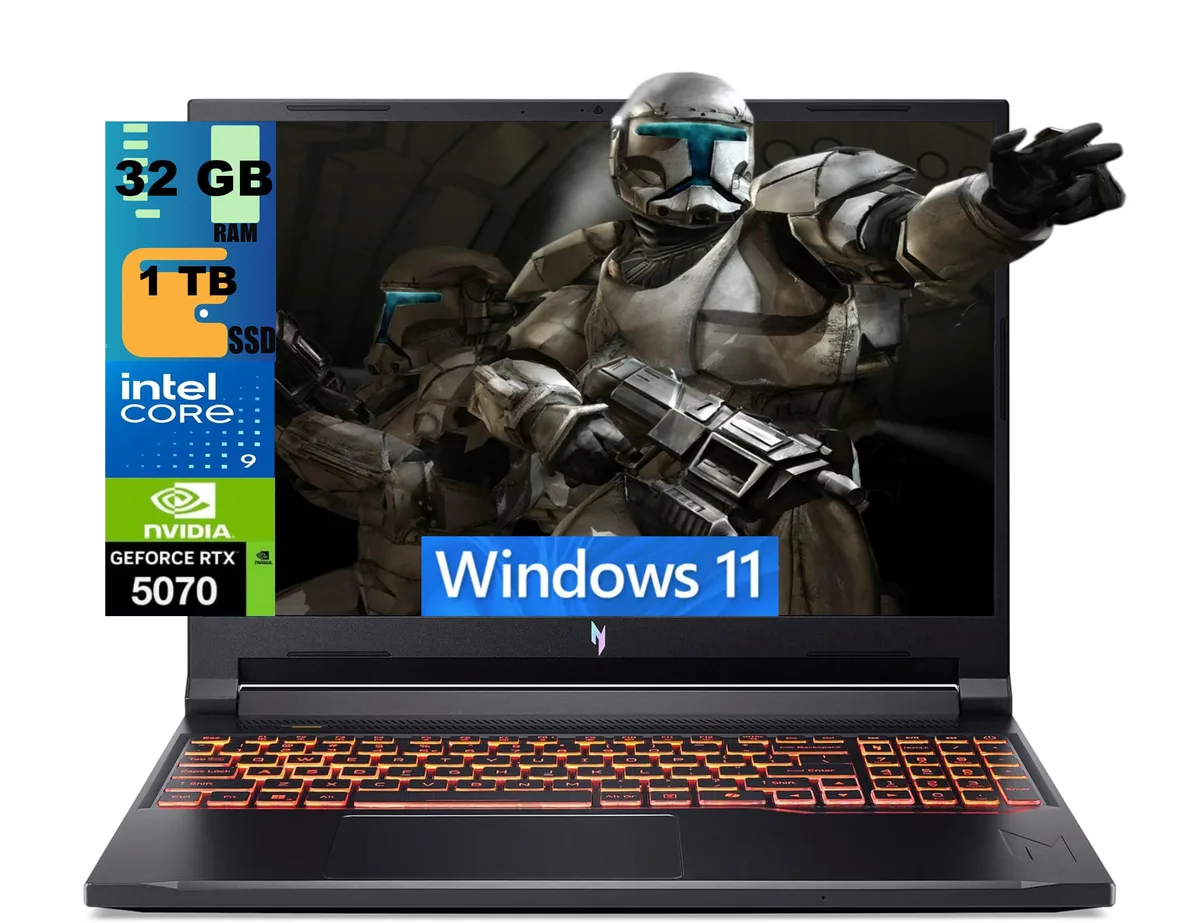
Acer Nitro 16 gaming laptop Ryzen 7 260 RTX 5060 16GB 512GB 180Hz
- AMD Ryzen 7 260
- 16.0"
1.894,99 US$
0.02442438BTC
En stockAceptamos criptomonedas — así, las criptos que usted tiene pueden comprar hardware real.Pague en cripto y gástela en hardware real. Envío asegurado gratis a nivel mundial a partir de $399. Cajas neutras, sin marca, enviadas desde Alemania.Envío asegurado gratis a partir de $399. Su cotización queda bloqueada 30 minutos en cuanto se abre el pago.Cotización bloqueada 30 minutos. Todos los artículos vienen sellados, con el número de serie verificado y cubiertos por una garantía de 24 meses.Sellado, con 24 meses de garantía.


Acer America
A 16-inch 180Hz WUXGA gaming laptop with AMD Ryzen 7 260, RTX 5060 8GB GDDR7, 16GB DDR5 and 512GB PCIe SSD
SSD 4TB PCIe SSD
Operating System Windows 11 Pro
The Acer Nitro 16 is a 16.0 inch Windows 11 Home gaming laptop built around an AMD Ryzen 7 260 octa-core processor and an NVIDIA GeForce RTX 5060 laptop GPU with 8 GB GDDR7 memory. It ships with 16 GB DDR5 system memory and a 512 GB PCIe SSD. The 180 Hz WUXGA display targets players who want smooth motion in competitive titles.
The chassis measures 14.2 by 10.9 by 0.96 inches and weighs 5.38 pounds, giving the cooling system room to move air across the Zen 4 CPU and RTX 5060 GPU. Fan behaviour will scale with the 3.8 GHz base clock and 5.1 GHz boost clock of the processor. Under typical gaming loads the system draws power through its internal battery and the supplied adapter.
External connections include three USB-A 3.2 ports, one USB-C 4 port, one HDMI 2.1 output, one RJ45 Gigabit Ethernet jack and a microSD card reader. Wireless networking uses Wi-Fi 6E and Bluetooth 5.3 for low-latency peripherals. The 720p webcam and four-zone RGB keyboard complete the built-in feature set. Buyers who need more than 512 GB of fast storage or more than 16 GB of system memory should plan an upgrade.
| Processor Name | AMD Ryzen 7 260 |
|---|---|
| Screen Size | 16.0" |
| Operating System | Windows 11 Home |
| GPU/VPU | GeForce RTX 5060 Laptop GPU |
| SSD | 512GB PCIe |
| Memory | 16GB |
| WiFi Generation | Wi-Fi 6 |
Otras versiones de este modelo
Misma familia, con memoria, disipador o frecuencia diferentes — compare antes de decidirse.
Remove the bottom cover, insert the 512GB PCIe SSD into the open M.2 slot, replace the cover, then initialise the new volume in Windows 11 Home so the 512GB appears in File Explorer
Blow dust from the dual fan vents every few months with compressed air and replace the thermal paste on the 8-core CPU if temperatures rise above normal under load
The GPU power ceiling is reached before the 180Hz panel can be fully driven, so frame rates plateau while the screen still has refresh headroom
También en este pasillo
Mismo estante, mismo pago — ocho criptomonedas y un tipo de cambio fijado 30 minutos.
Lo que usted paga, y la moneda en la que lee los precios.
Se envía desde su billetera al finalizar la compra
Solo informativo — el catálogo está en dólares
Ninguna moneda coincide.
Elija el idioma en el que el sitio le habla.
Ningún idioma coincide.
¿Es nuevo aquí?
¿Ya tiene una?
No existe ningún restablecimiento automático: esta tienda no envía correos electrónicos, así que no hay ningún enlace de un solo uso que solicitar. Deje la dirección asociada a la cuenta y se atenderá de forma manual.
Solicitud registrada
No hay nada de camino a su bandeja de entrada: esta tienda no envía correos en absoluto. Alguien se encarga de esto manualmente.
¿La recordó?