Acer America
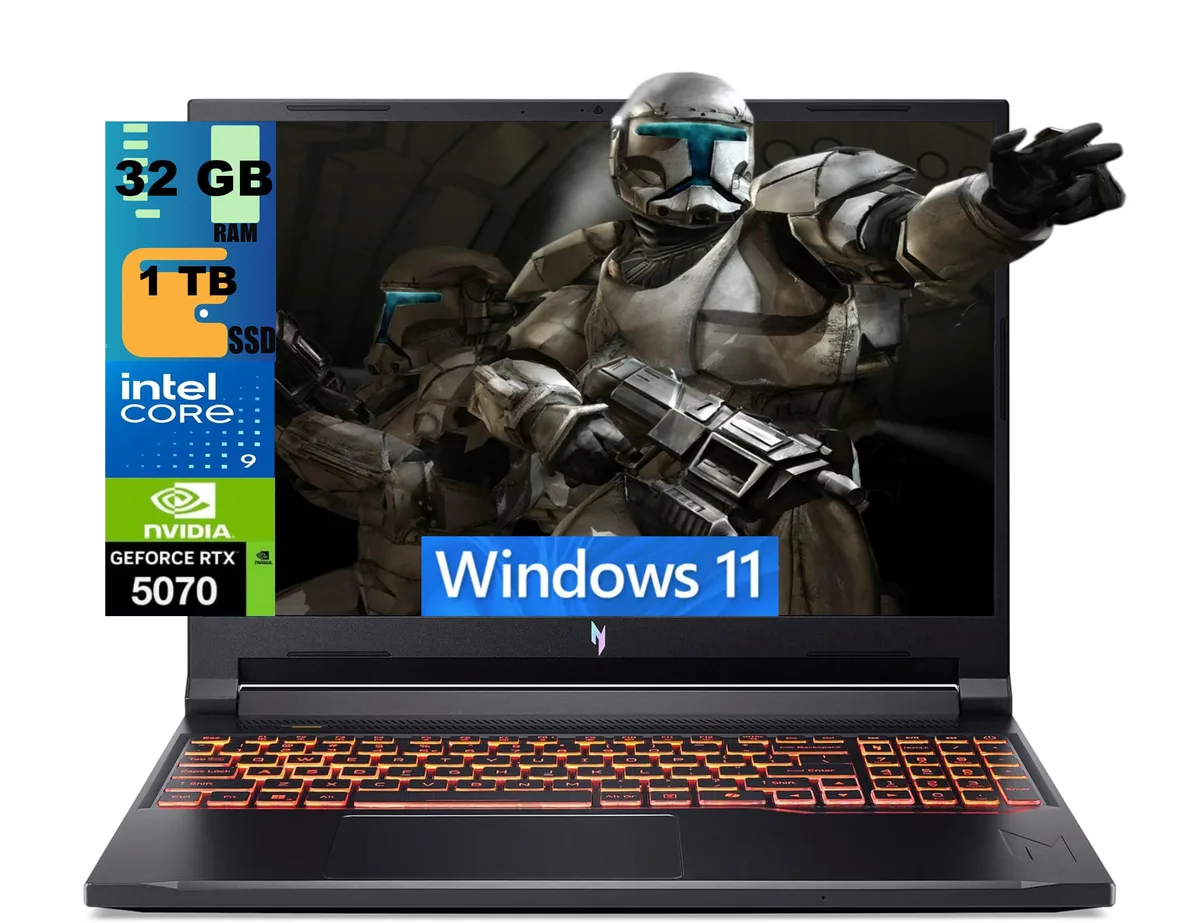
Acer Nitro 16 gaming laptop Ryzen 7 260 RTX 5060 16GB 512GB 180Hz
- AMD Ryzen 7 260
- 16.0"
1 894,99 US$
0.02437788BTC
I lagerVi tar emot kryptovaluta — så att kryptot du äger kan köpa riktig hårdvara.Betala med krypto, använd det till riktig hårdvara. Fri, försäkrad frakt över hela världen vid köp över 399 $. Neutrala, omärkta ytterkartonger, skickade från Tyskland.Fri, försäkrad frakt över 399 $. Din kurs låses i 30 minuter så snart kassan öppnas.Kursen låst i 30 minuter. Varje artikel är förseglad, har kontrollerat serienummer och täcks av 24 månaders garanti.Förseglad, 24 månaders garanti.


Acer America
A 16-inch 180Hz WUXGA gaming laptop with AMD Ryzen 7 260, RTX 5060 8GB GDDR7, 16GB DDR5 and 512GB PCIe SSD
SSD 4TB PCIe SSD
Operating System Windows 11 Pro
The Acer Nitro 16 is a 16.0 inch Windows 11 Home gaming laptop built around an AMD Ryzen 7 260 octa-core processor and an NVIDIA GeForce RTX 5060 laptop GPU with 8 GB GDDR7 memory. It ships with 16 GB DDR5 system memory and a 512 GB PCIe SSD. The 180 Hz WUXGA display targets players who want smooth motion in competitive titles.
The chassis measures 14.2 by 10.9 by 0.96 inches and weighs 5.38 pounds, giving the cooling system room to move air across the Zen 4 CPU and RTX 5060 GPU. Fan behaviour will scale with the 3.8 GHz base clock and 5.1 GHz boost clock of the processor. Under typical gaming loads the system draws power through its internal battery and the supplied adapter.
External connections include three USB-A 3.2 ports, one USB-C 4 port, one HDMI 2.1 output, one RJ45 Gigabit Ethernet jack and a microSD card reader. Wireless networking uses Wi-Fi 6E and Bluetooth 5.3 for low-latency peripherals. The 720p webcam and four-zone RGB keyboard complete the built-in feature set. Buyers who need more than 512 GB of fast storage or more than 16 GB of system memory should plan an upgrade.
| Processor Name | AMD Ryzen 7 260 |
|---|---|
| Screen Size | 16.0" |
| Operating System | Windows 11 Home |
| GPU/VPU | GeForce RTX 5060 Laptop GPU |
| SSD | 512GB PCIe |
| Memory | 16GB |
| WiFi Generation | Wi-Fi 6 |
Andra versioner av den här modellen
Samma familj, men olika minne, kylning eller klockfrekvens — jämför innan du bestämmer dig.
Remove the bottom cover, insert the 512GB PCIe SSD into the open M.2 slot, replace the cover, then initialise the new volume in Windows 11 Home so the 512GB appears in File Explorer
Blow dust from the dual fan vents every few months with compressed air and replace the thermal paste on the 8-core CPU if temperatures rise above normal under load
The GPU power ceiling is reached before the 180Hz panel can be fully driven, so frame rates plateau while the screen still has refresh headroom
Även i den här avdelningen
Samma hylla, samma kassa — åtta mynt och ett 30-minuters kurslås.
Det du betalar med, och det du ser priserna i.
Skickas från din plånbok i kassan
Endast visning — katalogen är prissatt i US-dollar
Ingen valuta matchar.
Välj det språk du vill att webbplatsen ska visas på.
Inga språk matchar.
Ny här?
Har du redan ett konto?
Det finns ingen automatisk återställning: den här butiken skickar inga e-postmeddelanden, så det finns ingen engångslänk att begära. Lämna adressen kopplad till kontot, så hanteras den för hand.
Förfrågan noterad
Inget är på väg till din inkorg — den här butiken skickar aldrig e-post. Någon tar hand om detta manuellt.
Kom du på det?