Acer America
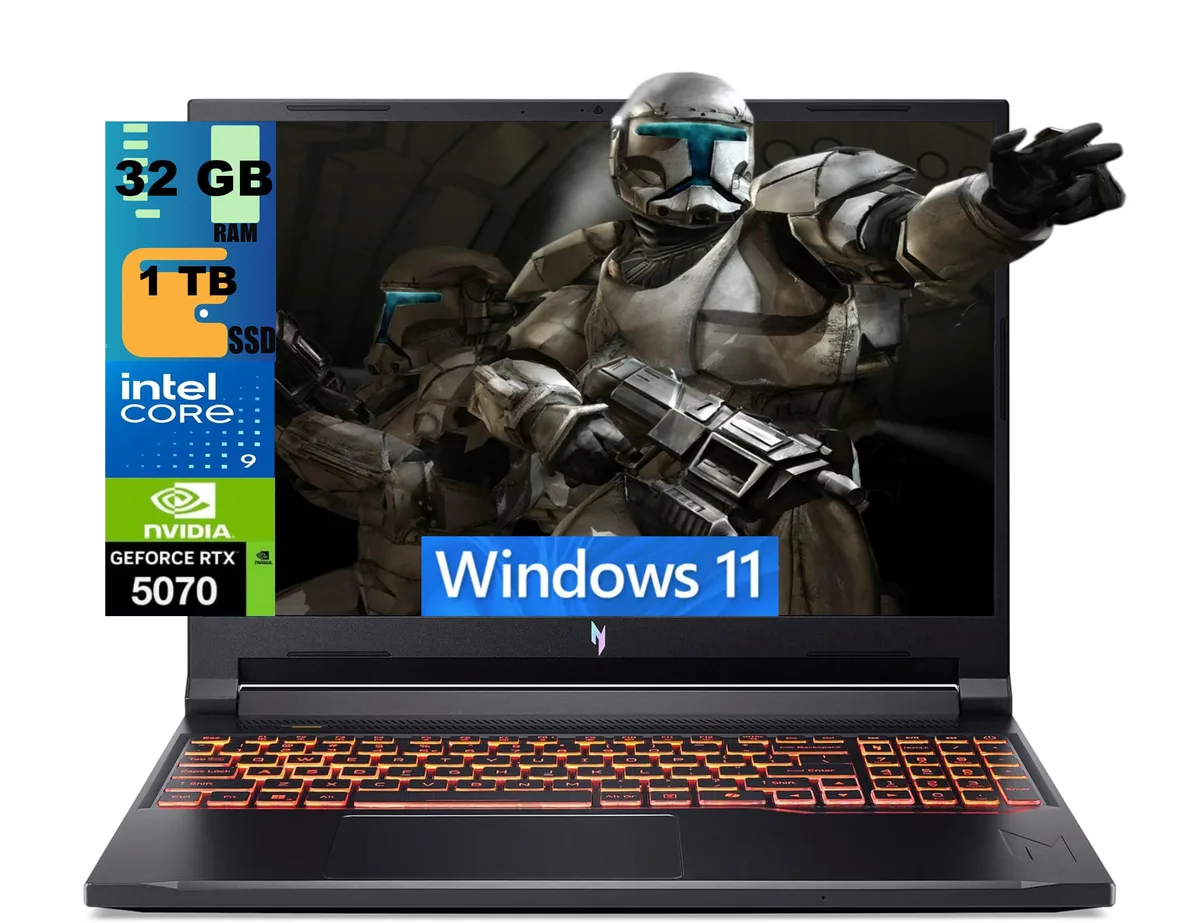
Acer Nitro 16 gaming laptop Ryzen 7 260 RTX 5060 16GB 512GB 180Hz
- AMD Ryzen 7 260
- 16.0"
1.894,99 USD
0.02450048BTC
DisponibileAccettiamo criptovalute — così le crypto che Lei possiede possono comprare hardware reale.Paghi in crypto, la spenda in hardware reale. Spedizione assicurata gratuita in tutto il mondo oltre i 399 $. Cartoni neutri, senza marchio, spediti dalla Germania.Spedizione assicurata gratuita oltre i 399 $. Il Suo tasso resta bloccato per 30 minuti dall’apertura del checkout.Tasso bloccato 30 minuti. Ogni articolo è sigillato, il numero di serie è verificato, ed è coperto da una garanzia di 24 mesi.Sigillato, garantito 24 mesi.


Acer America
A 16-inch 180Hz WUXGA gaming laptop with AMD Ryzen 7 260, RTX 5060 8GB GDDR7, 16GB DDR5 and 512GB PCIe SSD
SSD 4TB PCIe SSD
Operating System Windows 11 Pro
The Acer Nitro 16 is a 16.0 inch Windows 11 Home gaming laptop built around an AMD Ryzen 7 260 octa-core processor and an NVIDIA GeForce RTX 5060 laptop GPU with 8 GB GDDR7 memory. It ships with 16 GB DDR5 system memory and a 512 GB PCIe SSD. The 180 Hz WUXGA display targets players who want smooth motion in competitive titles.
The chassis measures 14.2 by 10.9 by 0.96 inches and weighs 5.38 pounds, giving the cooling system room to move air across the Zen 4 CPU and RTX 5060 GPU. Fan behaviour will scale with the 3.8 GHz base clock and 5.1 GHz boost clock of the processor. Under typical gaming loads the system draws power through its internal battery and the supplied adapter.
External connections include three USB-A 3.2 ports, one USB-C 4 port, one HDMI 2.1 output, one RJ45 Gigabit Ethernet jack and a microSD card reader. Wireless networking uses Wi-Fi 6E and Bluetooth 5.3 for low-latency peripherals. The 720p webcam and four-zone RGB keyboard complete the built-in feature set. Buyers who need more than 512 GB of fast storage or more than 16 GB of system memory should plan an upgrade.
| Processor Name | AMD Ryzen 7 260 |
|---|---|
| Screen Size | 16.0" |
| Operating System | Windows 11 Home |
| GPU/VPU | GeForce RTX 5060 Laptop GPU |
| SSD | 512GB PCIe |
| Memory | 16GB |
| WiFi Generation | Wi-Fi 6 |
Altre versioni di questo modello
Stessa famiglia, con memoria, dissipatore o frequenza diversi — confronti prima di decidere.
Remove the bottom cover, insert the 512GB PCIe SSD into the open M.2 slot, replace the cover, then initialise the new volume in Windows 11 Home so the 512GB appears in File Explorer
Blow dust from the dual fan vents every few months with compressed air and replace the thermal paste on the 8-core CPU if temperatures rise above normal under load
The GPU power ceiling is reached before the 180Hz panel can be fully driven, so frame rates plateau while the screen still has refresh headroom
Anche in questo reparto
Stesso reparto, stessa cassa — otto monete e un cambio bloccato per 30 minuti.
Cosa invia per pagare, e in quale valuta legge i prezzi.
Inviato dal Suo portafoglio alla cassa
Solo a titolo indicativo — il catalogo è espresso in dollari
Nessuna valuta corrisponde.
Scelga la lingua in cui il sito Le parla.
Nessuna lingua corrisponde.
Prima visita?
Ne ha già uno?
Non esiste un ripristino automatico: questo negozio non invia e-mail, quindi non esiste alcun link monouso da richiedere. Lasci l’indirizzo sull’account: verrà gestito manualmente.
Richiesta registrata
Non arriverà nulla nella Sua casella di posta — questo negozio non invia e-mail. Qualcuno se ne occupa manualmente.
L’ha ritrovata?