Acer America
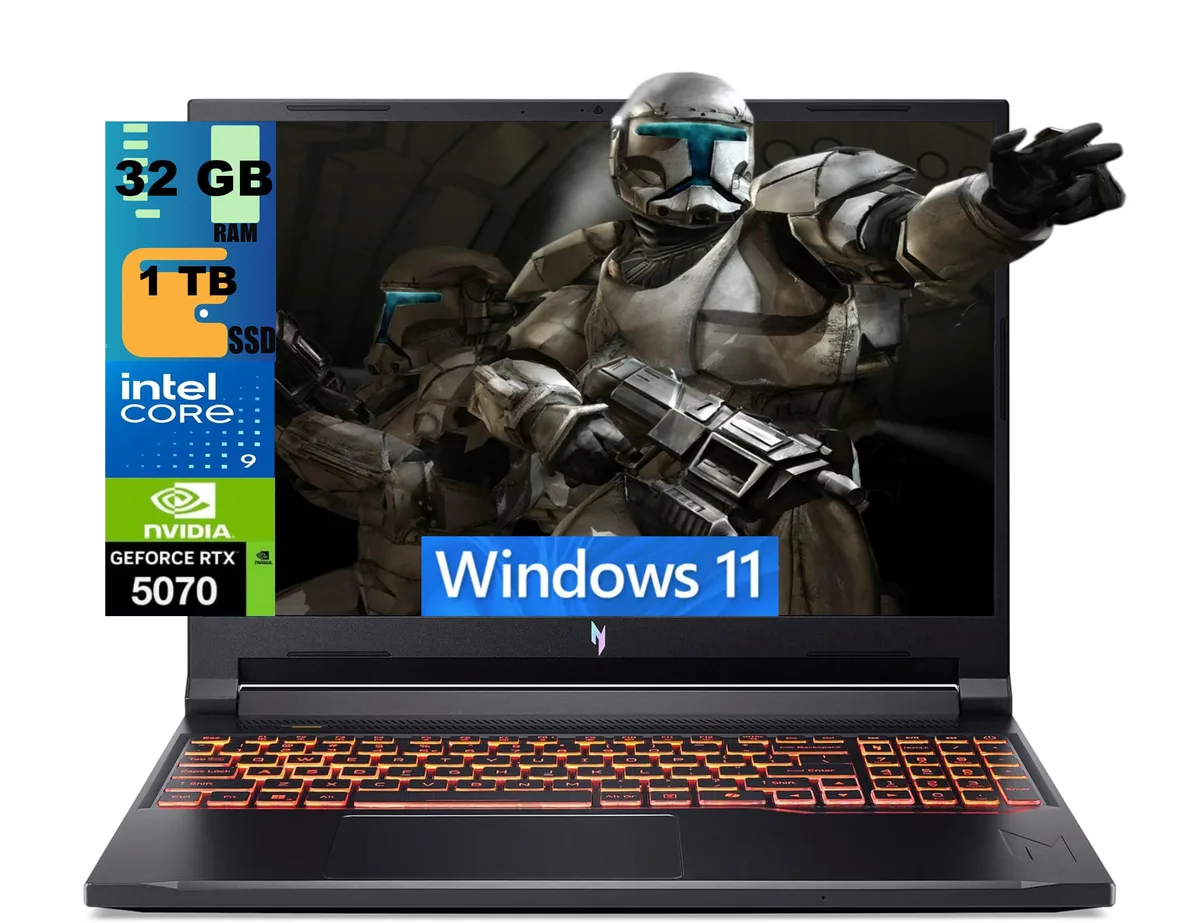
Acer Nitro 16 gaming laptop Ryzen 7 260 RTX 5060 16GB 512GB 180Hz
- AMD Ryzen 7 260
- 16.0"
1,894.99 US$
0.02456432BTC
متوفرنقبل الدفع بالعملة المشفرة — لذلك يمكن للعملات الرقمية التي تملكها أن تشتري أجهزة حقيقية.ادفع بالعملة المشفرة، وأنفقها على أجهزة حقيقية. شحن مؤمن مجانا إلى كل أنحاء العالم لما يتجاوز 399 US$. صناديق شحن بسيطة بلا علامة تجارية، ترسل من ألمانيا.شحن مؤمن مجانا لما يتجاوز 399 US$. يُقفل سعرك لمدة 30 دقيقة بمجرد فتح صفحة الدفع.السعر مقفل لمدة 30 دقيقة. كل قطعة مختومة، ورقمها التسلسلي متحقق منه، ومشمولة بضمان 24 شهرا.مختوم، وبضمان 24 شهرا.


Acer America
A 16-inch 180Hz WUXGA gaming laptop with AMD Ryzen 7 260, RTX 5060 8GB GDDR7, 16GB DDR5 and 512GB PCIe SSD
SSD 4TB PCIe SSD
Operating System Windows 11 Pro
The Acer Nitro 16 is a 16.0 inch Windows 11 Home gaming laptop built around an AMD Ryzen 7 260 octa-core processor and an NVIDIA GeForce RTX 5060 laptop GPU with 8 GB GDDR7 memory. It ships with 16 GB DDR5 system memory and a 512 GB PCIe SSD. The 180 Hz WUXGA display targets players who want smooth motion in competitive titles.
The chassis measures 14.2 by 10.9 by 0.96 inches and weighs 5.38 pounds, giving the cooling system room to move air across the Zen 4 CPU and RTX 5060 GPU. Fan behaviour will scale with the 3.8 GHz base clock and 5.1 GHz boost clock of the processor. Under typical gaming loads the system draws power through its internal battery and the supplied adapter.
External connections include three USB-A 3.2 ports, one USB-C 4 port, one HDMI 2.1 output, one RJ45 Gigabit Ethernet jack and a microSD card reader. Wireless networking uses Wi-Fi 6E and Bluetooth 5.3 for low-latency peripherals. The 720p webcam and four-zone RGB keyboard complete the built-in feature set. Buyers who need more than 512 GB of fast storage or more than 16 GB of system memory should plan an upgrade.
| Processor Name | AMD Ryzen 7 260 |
|---|---|
| Screen Size | 16.0" |
| Operating System | Windows 11 Home |
| GPU/VPU | GeForce RTX 5060 Laptop GPU |
| SSD | 512GB PCIe |
| Memory | 16GB |
| WiFi Generation | Wi-Fi 6 |
إصدارات أخرى من هذا الطراز
نفس الفئة، بذاكرة أو مبرّد أو تردد مختلف — قارن قبل أن تقرر.
Remove the bottom cover, insert the 512GB PCIe SSD into the open M.2 slot, replace the cover, then initialise the new volume in Windows 11 Home so the 512GB appears in File Explorer
Blow dust from the dual fan vents every few months with compressed air and replace the thermal paste on the 8-core CPU if temperatures rise above normal under load
The GPU power ceiling is reached before the 180Hz panel can be fully driven, so frame rates plateau while the screen still has refresh headroom
أيضًا في هذا القسم
نفس القسم، ونفس صفحة الدفع — ثماني عملات رقمية وقفل سعر لمدة 30 دقيقة.
ما تدفعه، وما تُعرض به الأسعار.
يُرسَل من محفظتك عند إتمام الطلب
للعرض فقط — أسعار الكتالوج بالدولار الأمريكي
لا توجد عملة مطابقة.
اختر اللغة التي يخاطبك بها الموقع.
لا توجد لغة مطابقة.
هل أنت جديد هنا؟
لديك حساب بالفعل؟
لا توجد إعادة تعيين تلقائية: هذا المتجر لا يُرسل أي بريد، فلا يوجد رابط لمرة واحدة يمكن طلبه. اترك العنوان في الحساب، وسيُعالَج الأمر يدويًا.
تم تسجيل الطلب
لا شيء في طريقه إلى بريدك الوارد — هذا المتجر لا يُرسل أي بريد إطلاقًا. يتولّى أحدهم معالجة هذه الطلبات يدويًا.
تذكّرتها؟