

EN-Labs
EN-Labs 11-001-366 PCIe x4 USB 3.2 10Gbps 5-port card
- no
- 12CM Case fan,screw…
$31.99
0.00041192BTC
在庫あり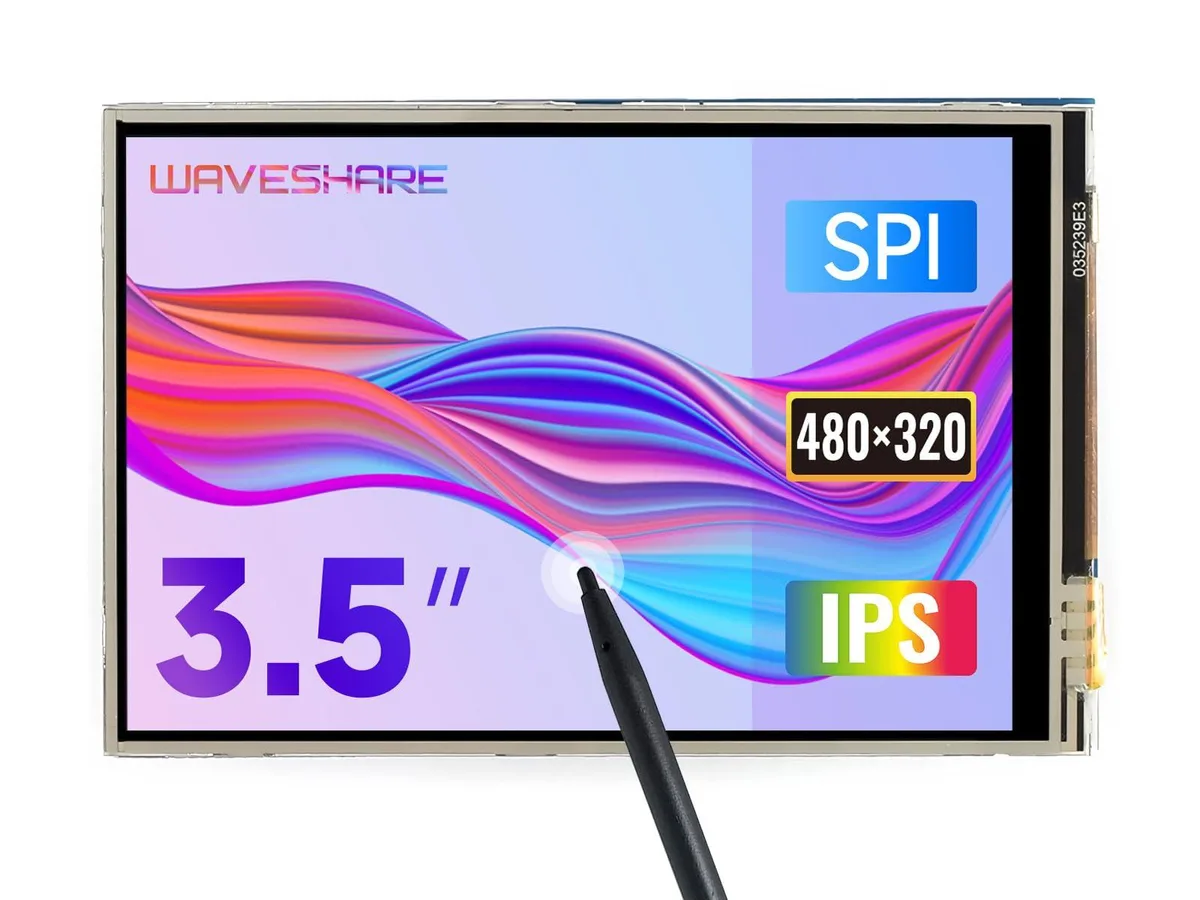


KEHIPI
A 3.5 inch TFT LCD with 480x320 resolution and resistive touch, compatible with Raspberry Pi 5, 4B, 3B, Zero and Pico boards
This 3.5 inch TFT LCD adds a 480x320 resistive touchscreen to Raspberry Pi 5, 4B, 3B, Zero, Zero W, Zero 2W, Pico, Pico W and Pico WH boards. It targets makers and developers who need a small interactive display for embedded projects. The hardware resolution suits simple graphical interfaces and status panels.
The board uses an immersion gold surface finish on its connector for reliable contact with the Raspberry Pi GPIO header. Resistive touch control operates with a stylus or gloved finger, useful in workshop or outdoor environments. Drivers integrate with Raspbian, Ubuntu and Kali without kernel recompilation.
Supplied drivers support FBCP software configuration, letting users adjust the software resolution and mirror or extend the desktop to a second HDMI monitor. An online manual details installation steps and calibration. No separate power adapter or mounting hardware is included in the package.
| Brand | waveshare |
|---|---|
| Model | 3.5inch RPi LCD (A) |
| Part Number | 3.5inch RPi LCD (A) |
The board connects through the Raspberry Pi 40-pin GPIO header and is limited to its native 480x320 hardware resolution.
It aligns with the standard 40-pin header and matches the footprint of Pi B+, 2B, 3B, 3B+ and 4B boards, so no extra mounting holes or spacers are required.
Enable the SPI interface in raspi-config, then run the vendor’s driver install script; the step most people skip is rebooting after enabling SPI before launching the installer.
同じ売り場の商品
同じ売り場、同じレジ — 8種類のコインと30分間のレートロック。
お支払いに使うコインと、価格表示に使う通貨です。
チェックアウト時にウォレットから送信されます。
表示のみ—カタログの価格は米ドル建てです。
該当する通貨がありません。
サイトの表示言語を選択してください。
初めてのご利用ですか?
すでにお持ちですか?
自動的な再設定はありません。当店はメールを送信しないため、ワンタイムリンクをお送りすることもできません。アカウントにメールアドレスを残しておいていただければ、担当者が手作業で確認いたします。
リクエストを受け付けました
受信箱に何かが届くことはありません — 当店はメールを一切送信していません。担当者が手作業で確認いたします。
思い出しましたか?



