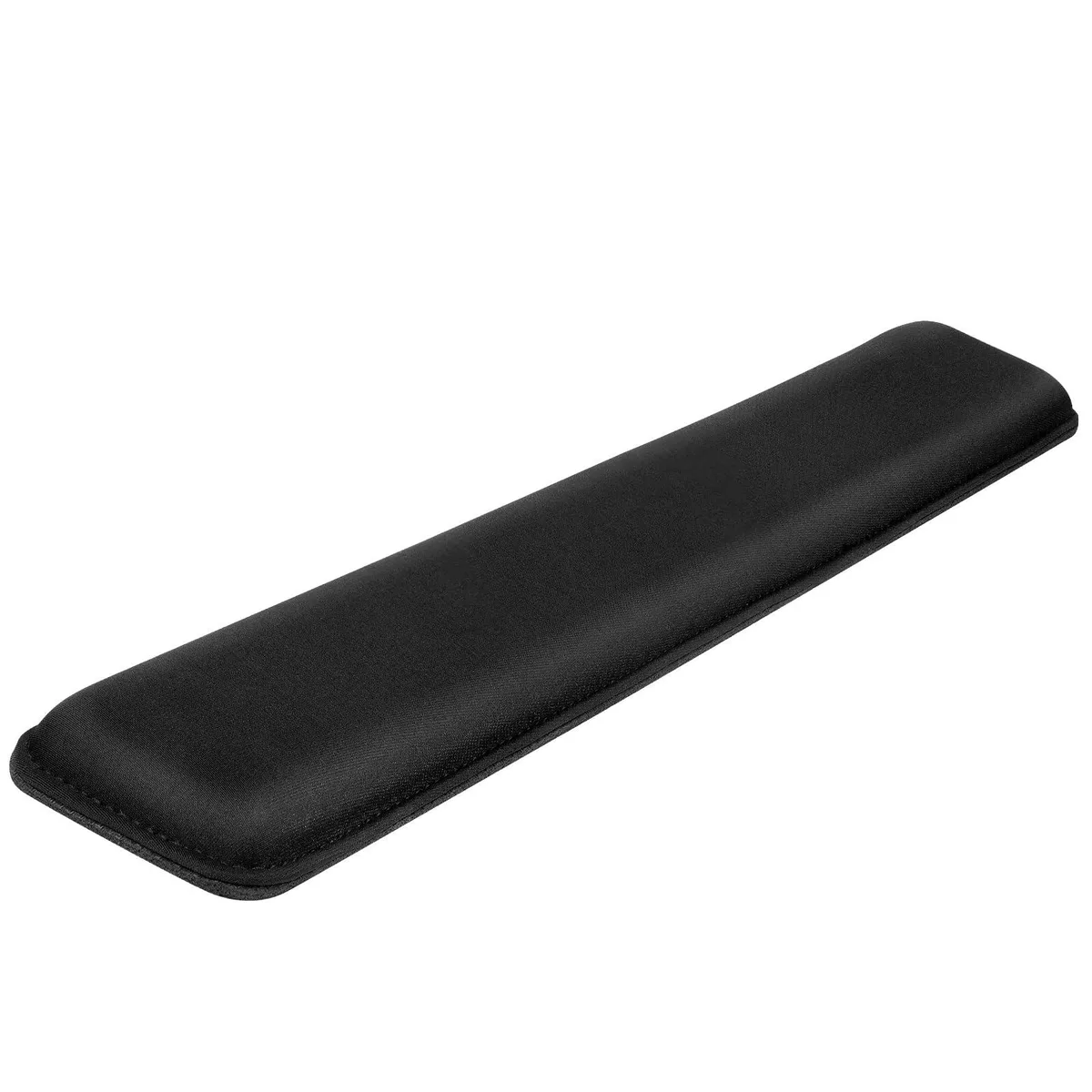
CaseSack 63033055 Case for Rii X8 Mini Keyboard Black
- Featured handy case…
- 6.75 in x 4.45 in x…
US$25.99
0.00033256BTC
재고 있음


Adesso
Wireless trackball with 4800 DPI optical sensor, seven programmable buttons and 30 ft range for ambidextrous use
The Adesso IMOUSE T50 is a wireless trackball mouse designed for users who prefer stationary cursor control. Its symmetrical shape suits both left- and right-handed operators. Optical tracking removes the need for a flat surface, making it practical for tight desks or unconventional workspaces.
The mouse runs on two included AAA batteries and connects through a 2.4 GHz USB receiver with a 30 ft range. No cable drag or charging downtime occurs during normal use. Optical tracking at up to 4800 dpi delivers consistent movement without the mechanical friction of traditional ball mice.
Seven buttons can be remapped through the supplied driver software to match specific workflow shortcuts. The trackball pops out from the rear for quick cleaning without tools. Two adjustable leg stands let the user set the typing angle, while the 2 inch ball diameter reduces the hand travel required for large-screen navigation.
| Brand | ADESSO |
|---|---|
| Model | IMOUSE T50 |
| Type | Trackball |
| Power Supply | 2 x AAA Batteries |
| Distance | 30 ft. |
| Hand Orientation | Both Hands |
| Tracking Method | Optical |
| Buttons | 7 |
| Scrolling Capability | Trackball |
| Color | Black |
| Resolution (DPI) | 4800 dpi |
| System Requirement | Operating System: Windows 2000 / XP / Vista / 7 / 8 / 10 Connectivity Interface: USB port for wireless dongle receiver |
| Features | Sold as 1 Each. |
| Package Contents | Adesso iMouse T50 2.4GHz Wireless Trackball Mouse USB Wireless Receiver (2) AAA Batteries Quick Start Guide |
| 배송 무게 | 0.91 kg |
| 포장 크기 | 305 × 254 × 203 mm |
Plug the USB wireless receiver into a free USB port, insert the two included AAA batteries into the mouse, then turn the power switch on. The step often missed is installing the programmable driver software first if you want to customise the seven buttons before use.
Push the 2-inch trackball out from the back of the housing, clean the ball and the three contact rollers inside the cavity, then press the ball back into place. No lubrication or replacement parts are required.
The optical sensor tops out at 4800 dpi across five selectable levels (400 to 4800). Most users find the highest level too jumpy for sustained precision work and prefer a middle setting.
이 진열대의 다른 상품
같은 진열대, 같은 체크아웃 — 코인 8종, 환율 잠금 30분.
결제할 코인과 가격을 확인할 통화입니다.
체크아웃 시 지갑에서 전송됩니다.
표시 전용 — 카탈로그 가격은 달러 기준입니다.
일치하는 통화가 없습니다.
사이트에서 사용할 언어를 선택하십시오.
일치하는 언어가 없습니다.
처음 방문하셨나요?
이미 계정이 있으신가요?
자동 재설정 기능은 없습니다. 이 쇼핑몰은 어떠한 메일도 보내지 않으므로 요청할 일회용 링크 자체가 없습니다. 계정에 등록된 이메일 주소를 그대로 두시면 담당자가 직접 확인해 처리합니다.
요청 접수
받은편지함으로 오는 것은 아무것도 없습니다 — 이 쇼핑몰은 메일을 전혀 보내지 않습니다. 담당자가 직접 확인해 처리합니다.
기억나셨나요?