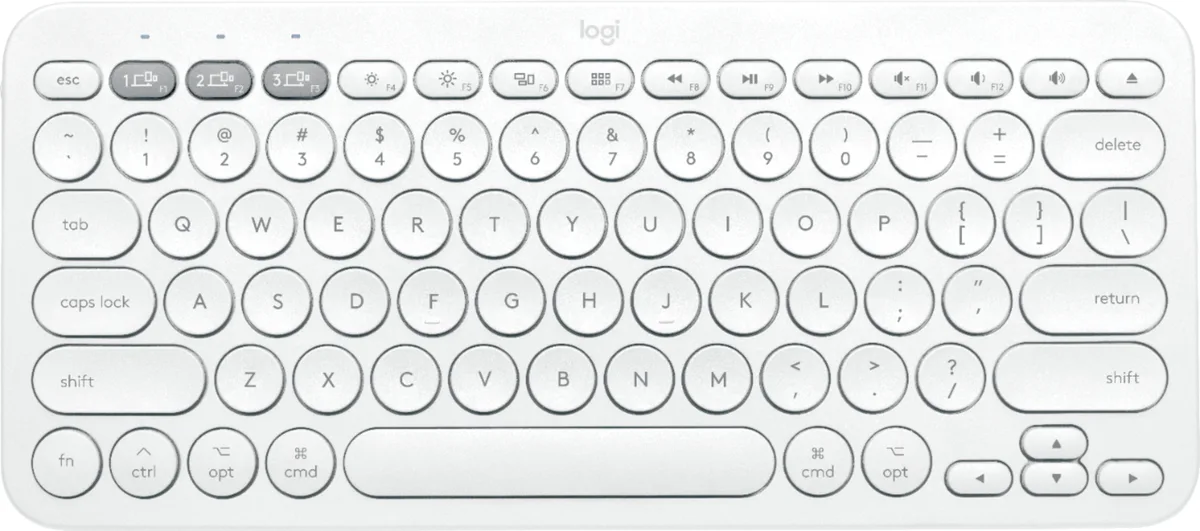
Das Keyboard
Das Keyboard DASK3MKPROCLI Model S Mechanical Keyboard Cherry MX Blue 2-Port USB Hub 104 Keys Black
- Model S
- USB 2.0
US$100.99
0.00128889BTC
現貨


Adesso
Wireless trackball with 4800 DPI optical sensor, seven programmable buttons and 30 ft range for ambidextrous use
The Adesso IMOUSE T50 is a wireless trackball mouse designed for users who prefer stationary cursor control. Its symmetrical shape suits both left- and right-handed operators. Optical tracking removes the need for a flat surface, making it practical for tight desks or unconventional workspaces.
The mouse runs on two included AAA batteries and connects through a 2.4 GHz USB receiver with a 30 ft range. No cable drag or charging downtime occurs during normal use. Optical tracking at up to 4800 dpi delivers consistent movement without the mechanical friction of traditional ball mice.
Seven buttons can be remapped through the supplied driver software to match specific workflow shortcuts. The trackball pops out from the rear for quick cleaning without tools. Two adjustable leg stands let the user set the typing angle, while the 2 inch ball diameter reduces the hand travel required for large-screen navigation.
| Brand | ADESSO |
|---|---|
| Model | IMOUSE T50 |
| Type | Trackball |
| Power Supply | 2 x AAA Batteries |
| Distance | 30 ft. |
| Hand Orientation | Both Hands |
| Tracking Method | Optical |
| Buttons | 7 |
| Scrolling Capability | Trackball |
| Color | Black |
| Resolution (DPI) | 4800 dpi |
| System Requirement | Operating System: Windows 2000 / XP / Vista / 7 / 8 / 10 Connectivity Interface: USB port for wireless dongle receiver |
| Features | Sold as 1 Each. |
| Package Contents | Adesso iMouse T50 2.4GHz Wireless Trackball Mouse USB Wireless Receiver (2) AAA Batteries Quick Start Guide |
| 出貨重量 | 0.91 kg |
| 包裝尺寸 | 305 × 254 × 203 mm |
Plug the USB wireless receiver into a free USB port, insert the two included AAA batteries into the mouse, then turn the power switch on. The step often missed is installing the programmable driver software first if you want to customise the seven buttons before use.
Push the 2-inch trackball out from the back of the housing, clean the ball and the three contact rollers inside the cavity, then press the ball back into place. No lubrication or replacement parts are required.
The optical sensor tops out at 4800 dpi across five selectable levels (400 to 4800). Most users find the highest level too jumpy for sustained precision work and prefer a middle setting.
同類商品
同一分類,同一套結帳流程 — 支援八種加密貨幣,匯率鎖定 30 分鐘。
您支付所用的幣種,以及查看價格所用的貨幣。
結帳時由您的錢包發送
僅供顯示 — 商品目錄以美元計價
查無符合的貨幣。
請選擇網站使用的語言。
查無符合的語言。
初次造訪?
已經有帳戶了嗎?
本店沒有自動重設密碼的機制:由於不寄送電子郵件,也就沒有一次性連結可供申請。只要將地址留在帳戶中,之後將由專人處理。
請求已收到
不會有任何郵件寄到您的信箱 — 本商店完全不寄送電子郵件。會有人親自處理這些申請。
想起來了嗎?