

Elo Touch Solutions
Elo Touch Solutions 1991L 19" Open-Frame Touchscreen Monitor
- 19"
US$615.99US$650.99−5%
0.00758263BTC
재고 있음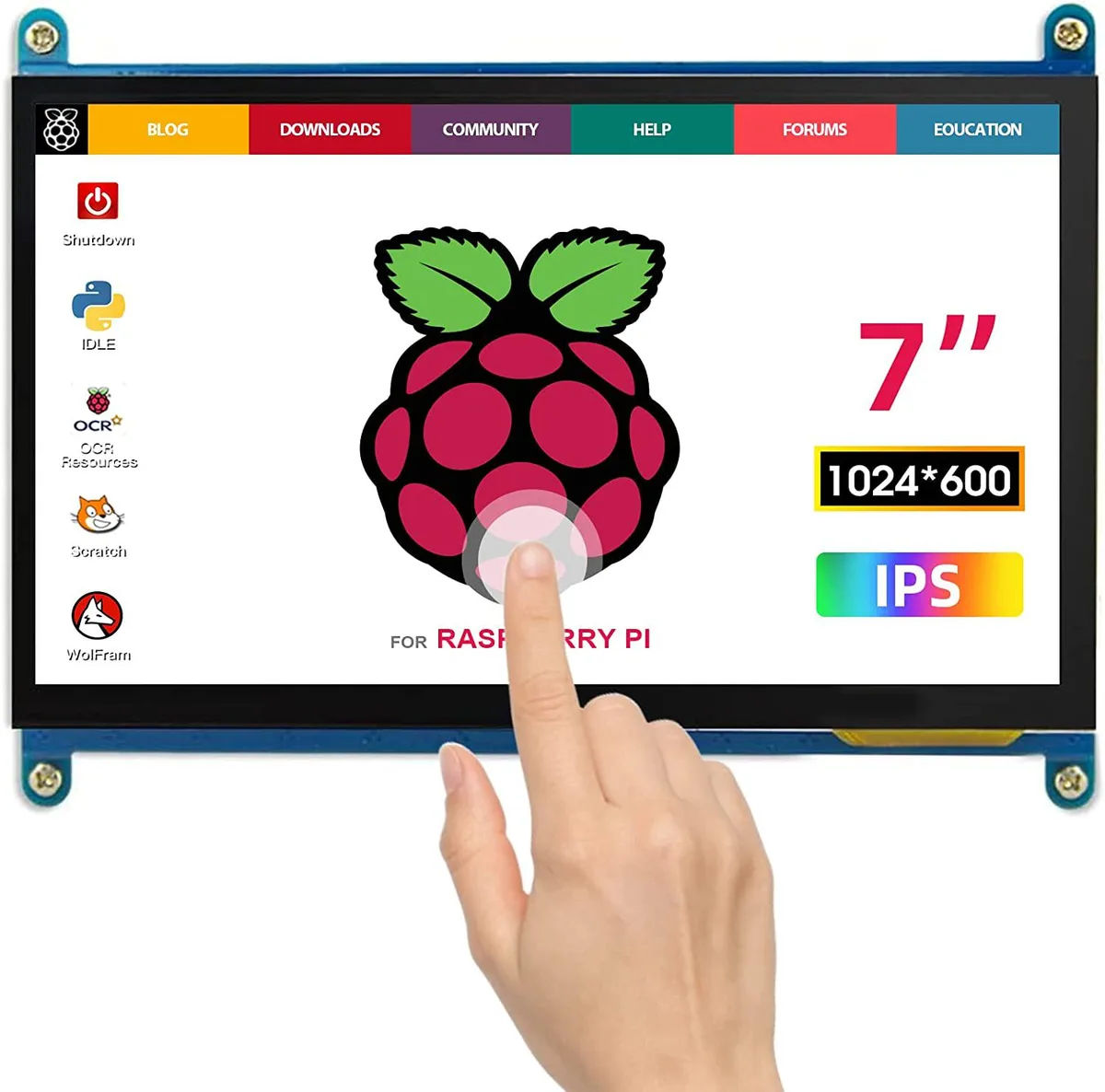


WaveShare
A 7-inch portable IPS touchscreen with 1024×600 resolution, plug-and-play over HDMI and USB for Raspberry Pi or Windows PCs
The WaveShare portable monitor delivers a 1024x600 IPS panel in a seven-inch form factor. Capacitive touch input works driver-free over USB with Windows and Raspberry Pi systems. Both micro-USB for touch and power and an HDMI cable for video are included. Plug-and-play operation makes it a straightforward secondary display.
This unit upgrades from a non-touch HDMI screen by adding capacitive touch and an IPS panel with wider viewing angles. The jump is worth it when you need interactive control on a Raspberry Pi 400, 4, 3B+ or similar mini PC. It also serves as a compact status panel mounted inside a PC case or attached to a TV box or game console.
The 1024x600 resolution handles Raspberry Pi desktop environments, simple monitoring dashboards and basic media playback comfortably. Touch response remains reliable for single-finger navigation and on-screen keyboards. It runs out when an application demands higher pixel density, multi-touch gestures beyond basic taps, or a larger viewing area for extended desktop work.
| CPU Type | Other |
|---|
The package includes a micro USB cable for touch and power and an HDMI cable for video; plug both into the Pi and the monitor works without drivers.
They forget to plug the micro USB cable into the PC's USB port, so the touch controller never receives power and the screen stays display-only.
Power off the monitor, then gently wipe the 7 inch screen with a dry microfibre cloth; avoid liquids or abrasive pads.
이 진열대의 다른 상품
같은 진열대, 같은 체크아웃 — 코인 8종, 환율 잠금 30분.
결제할 코인과 가격을 확인할 통화입니다.
체크아웃 시 지갑에서 전송됩니다.
표시 전용 — 카탈로그 가격은 달러 기준입니다.
일치하는 통화가 없습니다.
사이트에서 사용할 언어를 선택하십시오.
일치하는 언어가 없습니다.
처음 방문하셨나요?
이미 계정이 있으신가요?
자동 재설정 기능은 없습니다. 이 쇼핑몰은 어떠한 메일도 보내지 않으므로 요청할 일회용 링크 자체가 없습니다. 계정에 등록된 이메일 주소를 그대로 두시면 담당자가 직접 확인해 처리합니다.
요청 접수
받은편지함으로 오는 것은 아무것도 없습니다 — 이 쇼핑몰은 메일을 전혀 보내지 않습니다. 담당자가 직접 확인해 처리합니다.
기억나셨나요?



