
DELL
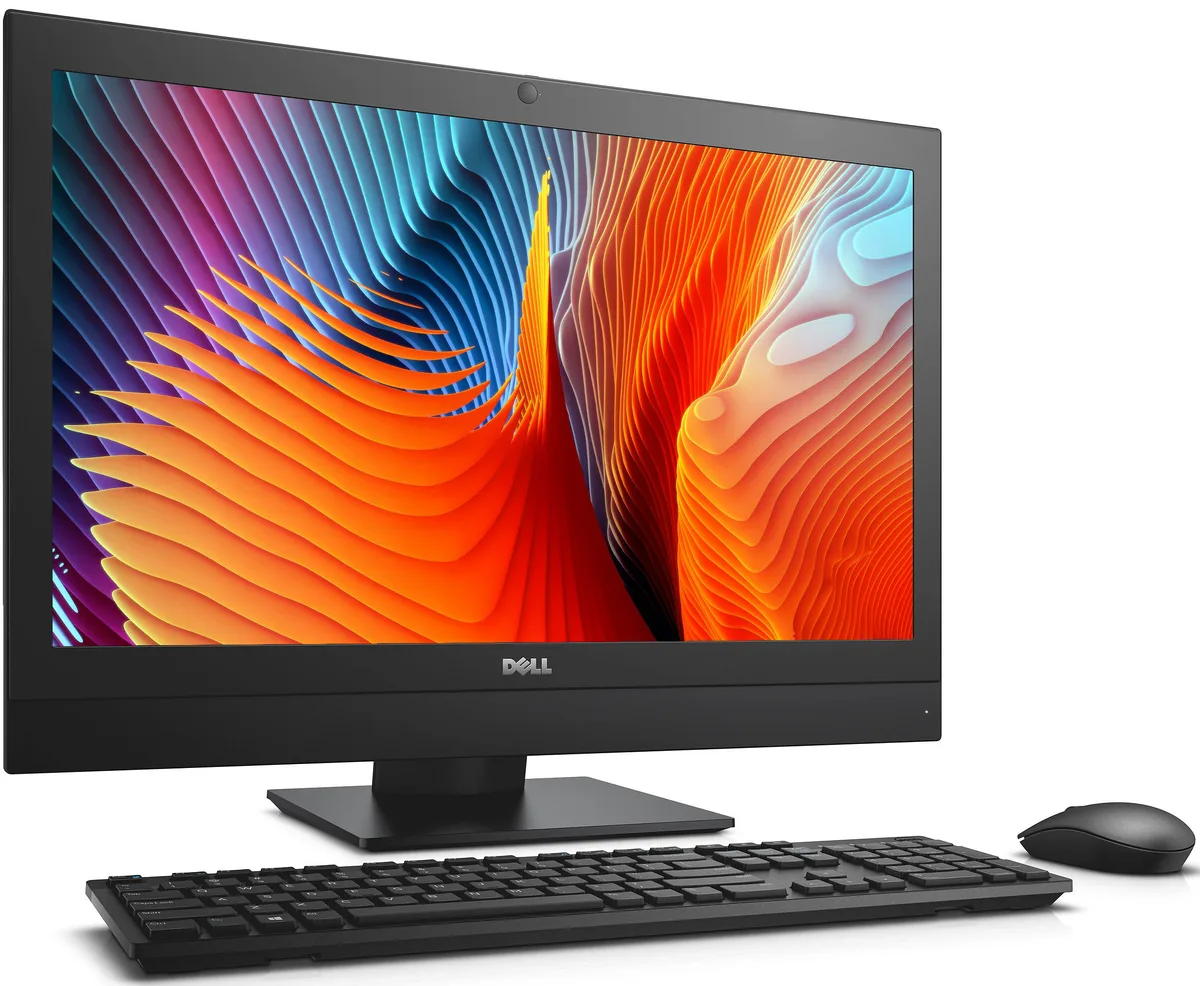
DELL OptiPlex 7440 All-in-One i5-6500 8 GB 500 GB 23.8
- All-in-One PC
- All-in-One
$232.99
0.00295373BTC
In stockWe take cryptocurrency — so the coins you hold can buy real hardware.Pay in crypto, spend it on real hardware. Free insured shipping worldwide over $399. Plain, unbranded boxes, sent from Germany.Free insured shipping over $399. Your rate is locked for 30 minutes once checkout opens.Rate locked 30 minutes. Every item sealed, serial-checked and covered by a 24-month warranty.Sealed, 24-month warranty.


Adamant Custom
A 24-core Intel Core i9-14900K desktop with an NVIDIA RTX A4000 GPU, 32GB DDR5 memory, 2TB NVMe SSD and 10TB HDD in a liquid-cooled chassis running Windows 11 Pro
The Adamant Custom desktop pairs a 24-core Intel Core i9-14900K with an NVIDIA RTX A4000 GPU and 32GB DDR5 memory. It targets engineers and designers who need certified drivers for SolidWorks, CAM and CAE workloads. Windows 11 Pro is pre-installed and the system is described as AI Ready.
The 360 mm liquid cooler and 850W power supply are factory fitted inside an Antec P20 mid-tower case. Builders adding extra drives must use the two internal 3.5"/2.5" bays or the two dedicated 2.5" slots. The motherboard offers four DDR5 slots with 192 GB maximum capacity, so memory upgrades are straightforward. Front-panel USB 3.2 Gen 2 Type-C and rear 2.5Gb Ethernet are ready to use.
The 2TB Samsung 990 PRO NVMe drive delivers up to 7450 MB/s read and 6900 MB/s write for active project files. A 10TB hard drive with 256 MB cache provides bulk storage for archives and datasets. The RTX A4000 handles complex 3D models and simulation datasets within its VRAM limit. Users running larger assemblies or multi-GPU render farms will exceed the single GPU and 32GB system memory configuration.
| Release Year | 2026 |
|---|---|
| Form Factor | Desktop |
| AI Features | AI Ready |
| Color | Black |
| Cooling System | Liquid Cooling |
| Operating System | Windows 11 Pro |
| Windows 11 | Ready |
| CPU Type | Intel Core i9 14th Gen |
| CPU Name | Intel Core i9-14900K |
| CPU Socket Type | LGA 1700 |
| GPU/VGA Type | NVIDIA RTX A4000 |
| Memory Capacity | 32GB DDR5 |
| Memory Slots (Available/Total) | 4 total |
| Maximum Memory Supported | 192 GB |
| SSD | 2TB NVMe |
| HDD | 10TB |
| Optical Drive Type | No |
| Screen Size | No Screen |
| Audio Chipset | Integrated |
| Audio Channels | 7.1 channels |
| LAN Chipset | Integrated |
| LAN Speed | 2.5Gbps |
| WLAN | 802.11ax Wireless LAN |
| WiFi Generation | Wi-Fi 6 |
| Bluetooth | Bluetooth 5.2 |
| RJ45 | 1 port |
Open Task Manager to confirm 24 cores and 32 threads on the CPU, check Device Manager for the NVIDIA RTX A4000 listing, and ensure the Samsung 990 PRO 2TB NVMe appears as the boot drive.
The system ships fully assembled with the Z790 AORUS motherboard, liquid CPU cooler, 32GB DDR5 RAM, 2TB NVMe SSD, 10TB HDD, RTX A4000 GPU, 850W PSU, Wi-Fi 6 and BLUETOOTH 5.2; only a monitor, keyboard and mouse are needed separately.
Start with the installed 32GB DDR5 across the four available slots; the board supports up to 192GB total, so add matched DDR5 modules later if assembly sizes demand more memory.
Also in this aisle
Same shelf, same checkout — eight coins and a 30-minute rate lock.
What you pay in, and what you read prices in.
Sent from your wallet at checkout
Display only — the catalogue is priced in USD
No currency matches that.
Pick the language the site speaks to you in.
New here?
Already have one?
There is no automatic reset: this shop sends no mail, so there is no one-time link to ask for. Leave the address on the account and it gets picked up by hand.
Request noted
Nothing is on its way to your inbox — this shop sends no mail at all. Someone picks these up by hand.
Remembered it?


