
DELL
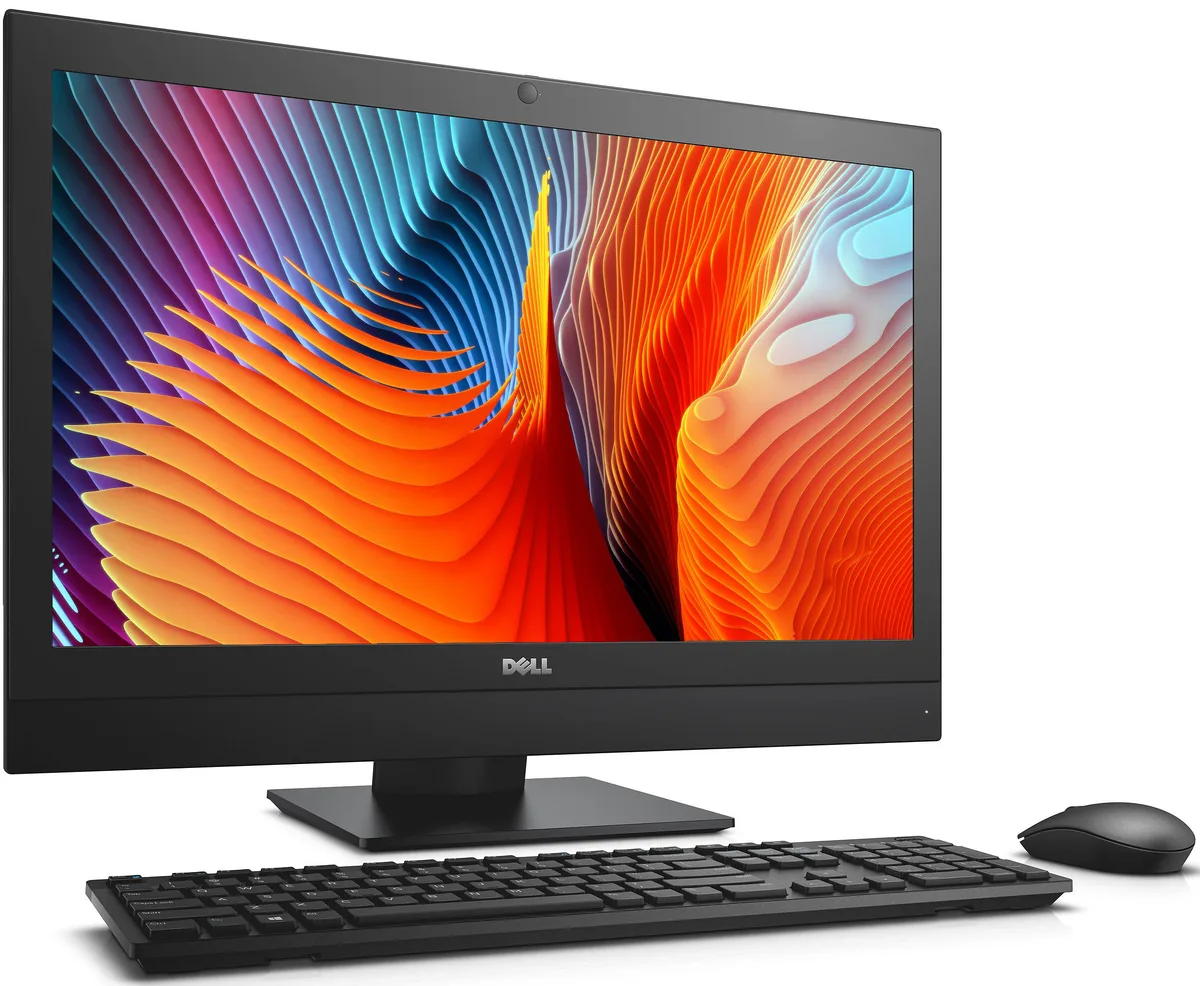
DELL OptiPlex 7440 All-in-One i5-6500 8 GB 500 GB 23.8
- All-in-One PC
- All-in-One
$232.99
0.00295373BTC
In stockWe take cryptocurrency — so the coins you hold can buy real hardware.Pay in crypto, spend it on real hardware. Free insured shipping worldwide over $399. Plain, unbranded boxes, sent from Germany.Free insured shipping over $399. Your rate is locked for 30 minutes once checkout opens.Rate locked 30 minutes. Every item sealed, serial-checked and covered by a 24-month warranty.Sealed, 24-month warranty.


Adamant Custom
Tower workstation with 24-core Intel Core i9-14900K, Nvidia RTX PRO 4000 Blackwell 24GB GPU, 32GB DDR5, 8TB NVMe SSD plus 10TB HDD, liquid cooling, Windows 11 Pro
This business desktop is built around a 24-core Intel Core i9-14900K processor and an Nvidia RTX PRO 4000 Blackwell graphics card with 24GB of video memory. It targets engineers and designers running SolidWorks, CAM and CAE workloads that demand high single-thread frequency and certified professional drivers. The tower chassis uses a 360mm liquid cooler to sustain boost clocks during long simulations. Windows 11 Pro 64-bit is pre-installed.
The single RTX PRO 4000 Blackwell fits workflows that rely on one professional GPU for viewport performance and light compute. Buyers who need multiple GPUs for offline rendering or large-scale GPU compute clusters should look elsewhere. The four memory slots allow expansion up to 192GB of DDR5, but the board does not support additional full-length cards in a multi-GPU configuration. Noise-sensitive offices benefit from the sound-dampened case and quiet cooling.
The graphics card provides 24GB of video memory, which determines whether large assemblies, high-resolution textures or GPU compute datasets fit in local memory. If your typical scene exceeds that capacity you will encounter swapping and slowdowns. The 8TB of NVMe storage and 10TB hard drive hold project libraries, but only the VRAM size governs real-time GPU workload capacity.
| Release Year | 2026 |
|---|---|
| Form Factor | Tower |
| AI Features | AI Ready |
| Color | Black |
| Cooling System | Liquid Cooling |
| Operating System | Windows 11 Pro |
| Windows 11 | Ready |
| CPU Type | Intel Core i9 14th Gen |
| CPU Name | Intel Core i9-14900K |
| CPU Socket Type | LGA 1700 |
| GPU/VGA Type | Nvidia RTX PRO 4000 Blackwell |
| Memory Capacity | 32GB DDR5 |
| Memory Slots (Available/Total) | 4 total |
| Maximum Memory Supported | 192 GB |
| SSD | 8TB NVMe |
| HDD | 10TB |
| Optical Drive Type | No |
| Screen Size | No Screen |
| Audio Chipset | Integrated |
| Audio Channels | 7.1 channels |
| LAN Chipset | Integrated |
| LAN Speed | 2.5Gbps |
| WLAN | 802.11ax Wireless LAN |
| WiFi Generation | Wi-Fi 6 |
| Bluetooth | Bluetooth 5.2 |
| RJ45 | 1 port |
The system uses an LGA 1700 socket on a Z790 PRIME motherboard inside a 477 x 220 x 486 mm mid-tower case with a 360 mm liquid cooler installed.
Mount the 360 mm radiator to the case fan brackets, attach the pump block to the LGA 1700 CPU socket, then connect the 850 W PSU 24-pin, CPU 8-pin and GPU power cables.
Replace the 10 TB HDD if SMART errors appear or capacity is full; add DDR5 modules up to 192 GB total across the four slots when workloads exceed 32 GB.
Also in this aisle
Same shelf, same checkout — eight coins and a 30-minute rate lock.
What you pay in, and what you read prices in.
Sent from your wallet at checkout
Display only — the catalogue is priced in USD
No currency matches that.
Pick the language the site speaks to you in.
New here?
Already have one?
There is no automatic reset: this shop sends no mail, so there is no one-time link to ask for. Leave the address on the account and it gets picked up by hand.
Request noted
Nothing is on its way to your inbox — this shop sends no mail at all. Someone picks these up by hand.
Remembered it?


