


Antec
Antec FLUX REAR Mid-Tower ATX PC Case
Mid-tower ATX case with front PSU chamber, five pre-installed PWM fans, 360 mm top radiator support, back-connect motherboard compatibility and wood accents
- TypeATX Mid Tower
- ColorBlack
- Case MaterialSteel / Plastic
- Motherboard CompatibilityATX / E-ATX / ITX / Micro ATX
- Side PanelTempered Glass Side Panel
- Dust FiltersBottom / Side / Top
Option FLUX REAR
- FLUX
- FLUX M
- FLUX Pro
- FLUX Pro White
- FLUX REAR
- FLUX SE
- Front-mounted PSU chamber directs cool air straight to the GPU
- Five pre-installed PWM fans deliver balanced airflow out of the box
- Top panel accepts 360 mm radiator for high-capacity liquid cooling
- Compatible with back-connect motherboards for cleaner cable routing
- Tool-free tempered glass and steel panels simplify build access
Engineered for Airflow and Aesthetics
The Antec FLUX REAR is a mid-tower ATX case built around the F-LUX Platform with a front-mounted PSU chamber to improve GPU thermals. A large mesh front panel and support for up to eight fans create strong intake and exhaust paths. Premium walnut wood-style accents and a 4mm tempered glass side panel give the chassis a distinctive, natural look.
Suits Clean Builds with Back-Connect Boards
Builders using back-connect motherboards will appreciate the reversed rear I/O layout and 37mm of cable management space behind the motherboard tray. Tool-free side panels simplify assembly and future upgrades. The front PSU chamber shifts the power supply away from the graphics card, so this layout works best when that thermal separation matters.
Five PWM Fans and a GPU Bracket Included
Two 140mm ARGB PWM fans at the front, two 120mm PWM reverse fans on the PSU shroud and one 140mm ARGB PWM fan at the rear are pre-installed for immediate airflow. A built-in GPU support bracket adds stability for heavy cards and a 13A extension cable ensures reliable power delivery to high-wattage units.
Highlights
- Front-mounted PSU chamber directs cool air straight to the GPU
- Five pre-installed PWM fans deliver balanced airflow out of the box
- Top panel accepts 360 mm radiator for high-capacity liquid cooling
- Compatible with back-connect motherboards for cleaner cable routing
- Tool-free tempered glass and steel panels simplify build access
Specifications
| Model | FLUX REAR |
|---|---|
| Type | ATX Mid Tower |
| Color | Black |
| Case Material | Steel / Plastic |
| Motherboard Compatibility | ATX / E-ATX / ITX / Micro ATX |
| Side Panel | Tempered Glass Side Panel |
| Dust Filters | Bottom / Side / Top |
| Internal 3.5" Drive Bays | 1 |
| Internal 2.5" Drive Bays | 2 |
| Expansion Slots | 7 |
| Fan Options | Front 3 x 140 / 3 x 120mm Top 2 x 140 / 3 x 120mm Power Supply Shroud 2 x 140 / 2 x 120mm Rear 1 x 140 / 1 x 120mm |
| Pre-installed Fans | Front - 2 x 140mm / Middle - 2 x 120mm / Rear - 1 x 140mm |
| Radiator Options | Front 120 / 140 / 240 / 280 / 360mm Top 120 / 140 / 240 / 280 / 360mm(Maximum RAM height: 52mm) Rear 120 / 140mm |
| Max GPU Length | 420 mm |
| Max CPU Cooler Height | 185 mm |
| Max PSU Length | 240 mm |
| Shipping weight | 9.80 kg |
| Package size | 533 × 508 × 318 mm |
Other versions of this model
5 more in the same range
Same family, different memory, cooler or clock — compare before you commit.
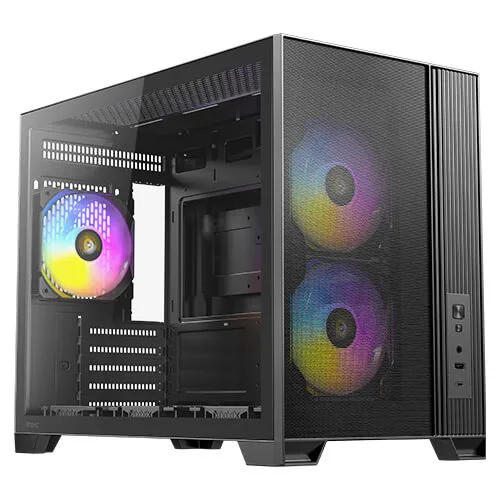

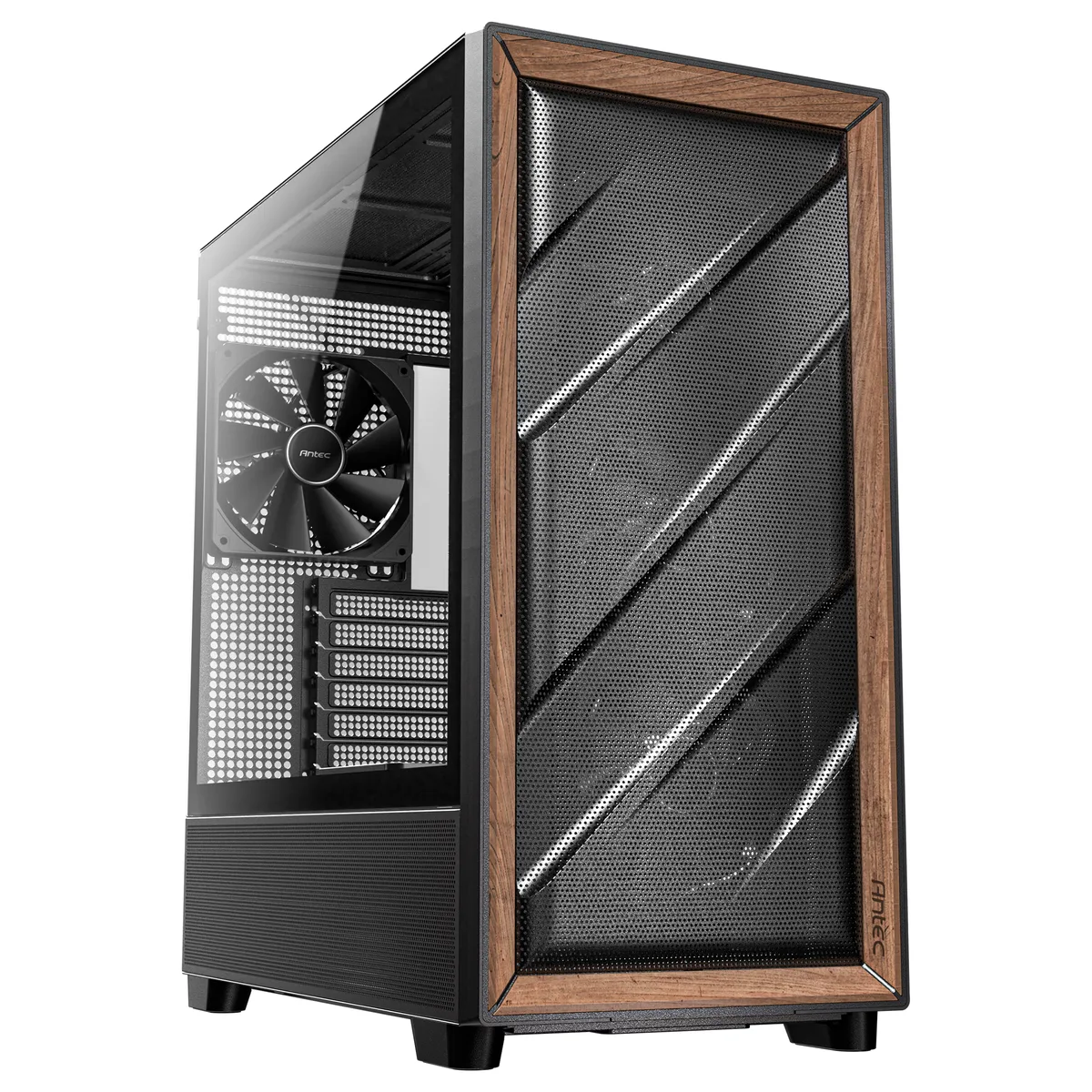
Antec
Antec FLUX Wood Mid-Tower E-ATX PC Case
- E-ATX Mid Tower Cha…
- Black
$119.99$139.99−14%
0.00154161BTC
In stock
Antec
Antec Flux SE Silent PC Case Walnut Wood Front Panel
- Black
- Steel / Plastic / W…
$129.99$174.99−26%
0.00167009BTC
In stock
Antec
Antec Flux Pro Walnut Wood Full-Tower PC Case
- E-ATX Full Tower Ca…
- Black
$149.99
0.00192705BTC
In stock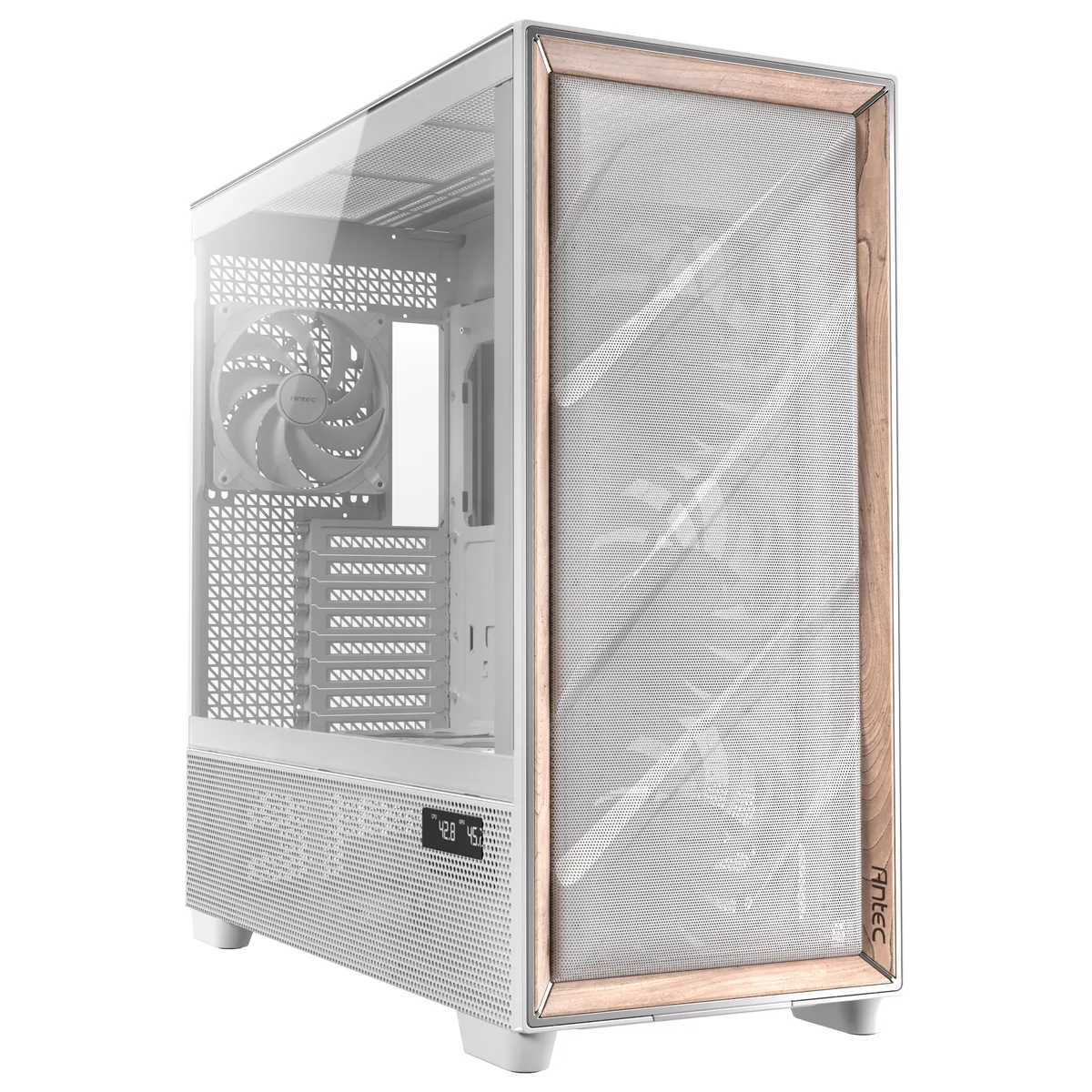
Antec
Antec Flux Pro White E-ATX Full-Tower PC Case
- E-ATX Full Tower Ca…
- White
$184.99
0.00237672BTC
In stockQuestions about this item
What motherboard form factors does the Antec FLUX REAR case support?
The case fits ATX, E-ATX, Micro ATX and ITX boards, so your existing board will mount as long as it matches one of those sizes.
Can I keep my current 360 mm liquid cooler when moving to this case?
Yes, the top panel accepts radiators up to 360 mm, and the front also supports 360 mm, so a 360 mm AIO will fit in either location.
How do I verify the pre-installed fans are running under PWM control after assembly?
Connect the fan headers to the motherboard, then use the BIOS or fan-utility software to confirm each fan reports a PWM duty cycle and spins between its minimum and maximum RPM.
Also in this aisle
People compared these
Same shelf, same checkout — eight coins and a 30-minute rate lock.

Micron Technology, Inc.
Micron Technology, Inc. MT4JTF12864AZ-1G4D1 1GB DDR3 1333 Desktop RAM
- 1GB
- DDR3 1333 (PC3 1060…
$28.99
0.00037246BTC
In stock
Kingston Technology Corp.
Kingston Technology Corp. KTD-DM8400A/512 512MB DDR2 desktop RAM
- 512MB
- CL4
$12.99
0.00016689BTC
In stock
