
Apple
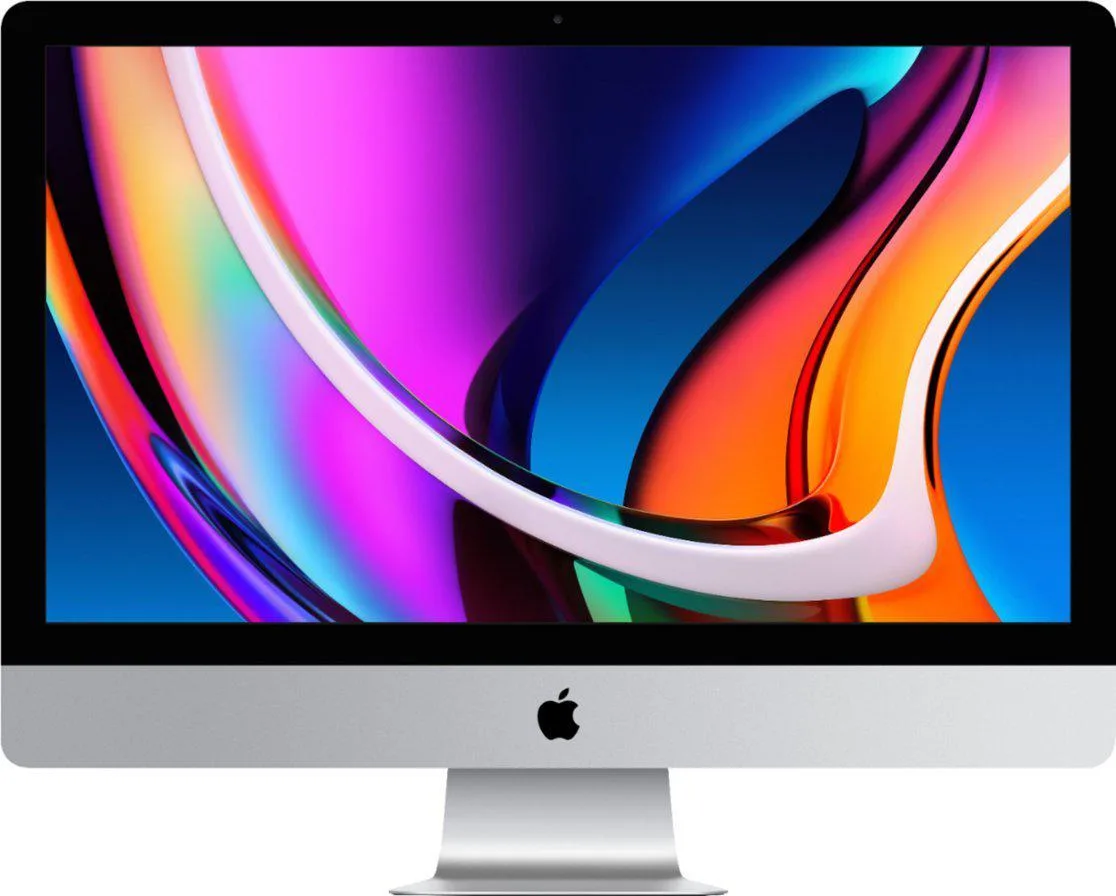
Apple iMac 27-inch A1419 2017 3.5 GHz Core i5 7600 64GB 1TB HDD 32GB SSD
27-inch Retina 5K desktop with 3.5 GHz Core i5-7600, 64 GB DDR4, 1 TB HDD plus 32 GB SSD, Radeon Pro 575 graphics, Thunderbolt 3 and Bluetooth 4.2
- Retina 5K 27-inch display with 5120 x 2880 resolution
- Kaby Lake Core i5-7600 four-core processor at 3.5 GHz
- 64 GB DDR4 memory for demanding multitasking
- Dual Thunderbolt 3 plus four USB 3.0 ports
- Radeon Pro 575 graphics with 4 GB dedicated VRAM
27-inch Retina 5K iMac A1419
This 2017 Apple iMac delivers a 27-inch 5120x2880 Retina 5K display driven by a 3.5 GHz Core i5-7600 processor and Radeon Pro 575 graphics with 4 GB VRAM. It ships with 64 GB of DDR4 memory and a 1 TB HDD paired with a 32 GB SSD. A third-party keyboard and mouse are included.
Suited for creative work and general productivity
The high-resolution screen and 64 GB memory handle photo editing, video timelines and multitasking comfortably. Buyers who need upgradeable internal storage or modern USB4 connectivity should look elsewhere. The system runs macOS and includes legacy Thunderbolt 3 ports for existing peripherals.
64 GB memory and hybrid 1 TB HDD plus 32 GB SSD
The large memory pool keeps demanding applications and virtual machines responsive. The Fusion-style drive accelerates boot and frequently used files while the hard drive provides bulk capacity. Users with multi-terabyte media libraries will find the 1 TB limit restrictive.
Highlights
- Retina 5K 27-inch display with 5120 x 2880 resolution
- Kaby Lake Core i5-7600 four-core processor at 3.5 GHz
- 64 GB DDR4 memory for demanding multitasking
- Dual Thunderbolt 3 plus four USB 3.0 ports
- Radeon Pro 575 graphics with 4 GB dedicated VRAM
Specifications
No published specifications for this item yet.
Questions about this item
What RAM type and speed must I have free slots for if I want to add memory later?
This iMac uses 2400 MHz DDR4 modules and ships with 64 GB already installed.
Will my existing Thunderbolt 3 dock work with the ports on this 2017 iMac?
Yes, the system provides dual Thunderbolt 3 (USB-C) ports compatible with Thunderbolt 3 peripherals.
How can I verify the Fusion drive is presenting as a single 1 TB volume after setup?
Open Disk Utility and confirm one logical volume of roughly 1 TB appears instead of separate 1 TB HDD and 32 GB SSD entries.
Also in this aisle
People compared these
Same shelf, same checkout — eight coins and a 30-minute rate lock.



HPE
HPE P22020B21 2U Cable Management Arm for DL38X Gen10 Plus Rail Kit
$52.99$67.99−22%
0.00067603BTC
In stock
Lenovo
Lenovo ThinkSystem ST250 V3 7DCEA01YNA Tower Server Xeon E-2434 16 GB RAM
$1,267.99
0.01617664BTC
In stock