


ASRock
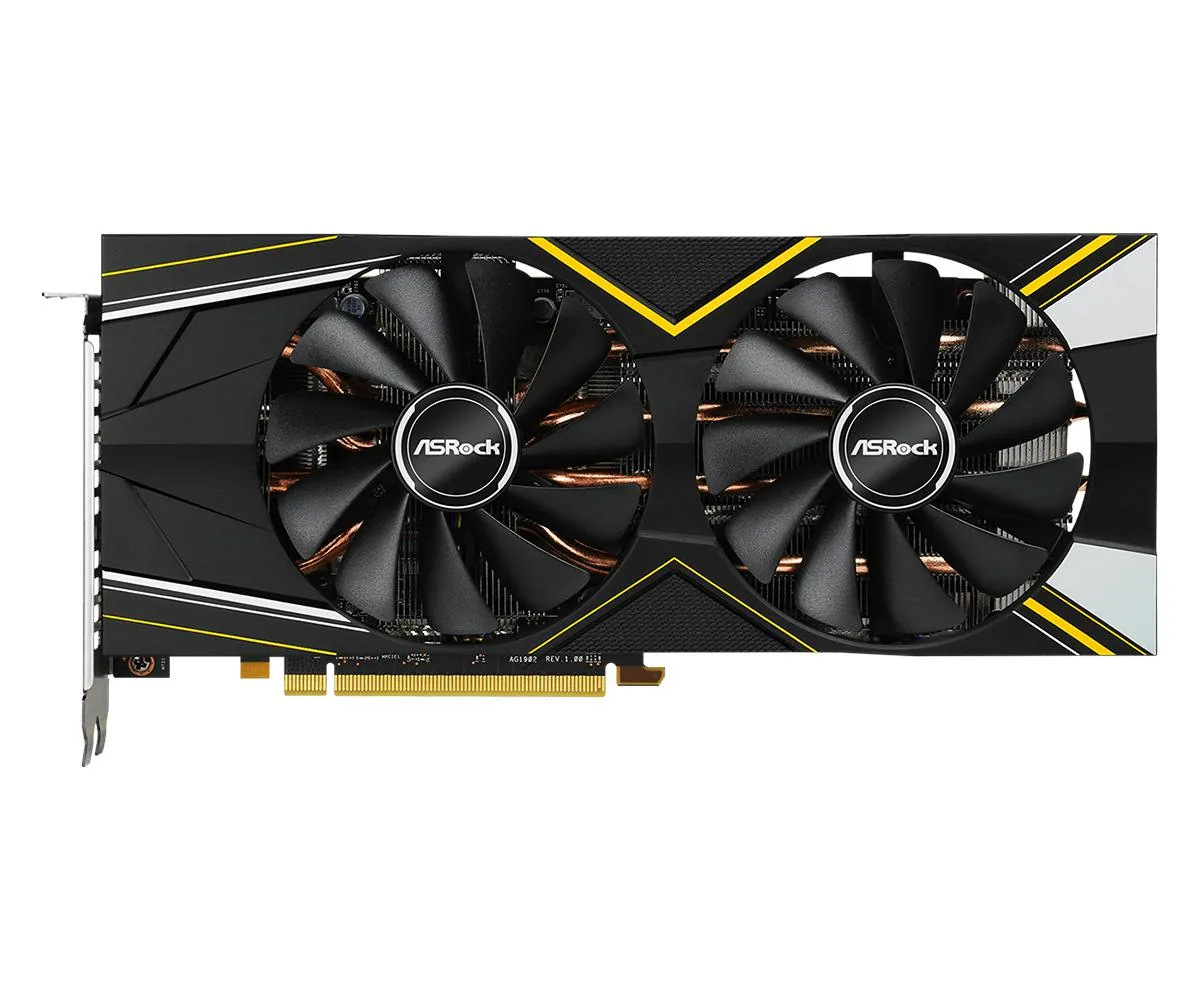
ASRock Radeon RX 5700 XT Challenger D 8G OC graphics card
Delivers 8GB GDDR6 performance with 2560 stream processors at up to 1905 MHz boost, 14 Gbps memory and PCIe 4.0 support
- Memory Size8GB
- Memory TypeGDDR6
- 8GB 256-bit GDDR6 memory feeds high-resolution textures at 14 Gbps
- Dynamic boost clock reaches 1905 MHz for responsive 1440p gaming
- 2560 stream processors handle compute-heavy workloads
- PCI Express 4.0 support doubles host bandwidth headroom
- Compact 281 x 137 x 42 mm design fits most mid-tower cases
Radeon RX 5700 XT for 1440p gaming
This graphics card targets players who want smooth 1440p performance in modern titles. The RDNA architecture delivers 2560 stream processors and 8GB of GDDR6 memory on a 256-bit bus. PCI Express 4.0 support ensures full bandwidth on compatible platforms. It drives up to four displays via three DisplayPort 1.4 outputs and one HDMI 2.0b port.
Thermals noise and power in normal use
The dual-fan Challenger D cooler keeps the GPU within its rated clocks during extended sessions. Base frequency sits at 1650 MHz with a gaming frequency up to 1795 MHz and a dynamic boost up to 1905 MHz. Memory runs at 14 Gbps across the 256-bit interface. A 600W power supply is recommended to feed the two 8-pin connectors.
Upgrade from older mid-range cards
Moving from a 4GB or 6GB card removes the texture budget ceiling that forces quality compromises at 1440p. The 8GB frame buffer and 256-bit bus handle high-resolution assets without stutter. DirectX 12 and OpenGL 4.6 support covers current and near-future APIs. The jump is worth it when your current GPU hits memory limits before compute limits.
Highlights
- 8GB 256-bit GDDR6 memory feeds high-resolution textures at 14 Gbps
- Dynamic boost clock reaches 1905 MHz for responsive 1440p gaming
- 2560 stream processors handle compute-heavy workloads
- PCI Express 4.0 support doubles host bandwidth headroom
- Compact 281 x 137 x 42 mm design fits most mid-tower cases
Specifications
| Memory Size | 8GB |
|---|---|
| Memory Type | GDDR6 |
Questions about this item
How do I install the card and what is the step people often miss?
Mount the 281 x 137 x 42mm card into a PCI Express 4.0 slot, connect both 8-pin power connectors, and ensure your power supply meets the 600W recommendation.
What maintenance or replacement will this card need later?
Clean dust from the heatsink and fans periodically; replace thermal paste if GPU temperatures rise above normal after several years of use.
What limit appears first under sustained load?
The GPU will hit its 1905 MHz dynamic boost ceiling and then throttle clocks to stay within the 600W power envelope and thermal limits.
Also in this aisle
People compared these
Same shelf, same checkout — eight coins and a 30-minute rate lock.


PrimoChill
PrimoChill Praxis Wetbench Open-Air Test Bench 461.8mm
- Open-Air
$274.89
0.00353779BTC
In stock
Silverstone Technology
SilverStone Technology Strider 1200W 80 Plus Platinum Modular Power Supply
- ATX Mid Tower
- 1200W
$324.03
0.00417022BTC
In stock