

Micron Technology, Inc.
Micron Technology, Inc. MT4JTF12864AZ-1G4D1 1GB DDR3 1333 Desktop RAM
- 1GB
- DDR3 1333 (PC3 1060…
$28.99
0.00037452BTC
In stockWe take cryptocurrency — so the coins you hold can buy real hardware.Pay in crypto, spend it on real hardware. Free insured shipping worldwide over $399. Plain, unbranded boxes, sent from Germany.Free insured shipping over $399. Your rate is locked for 30 minutes once checkout opens.Rate locked 30 minutes. Every item sealed, serial-checked and covered by a 24-month warranty.Sealed, 24-month warranty.


ASUS
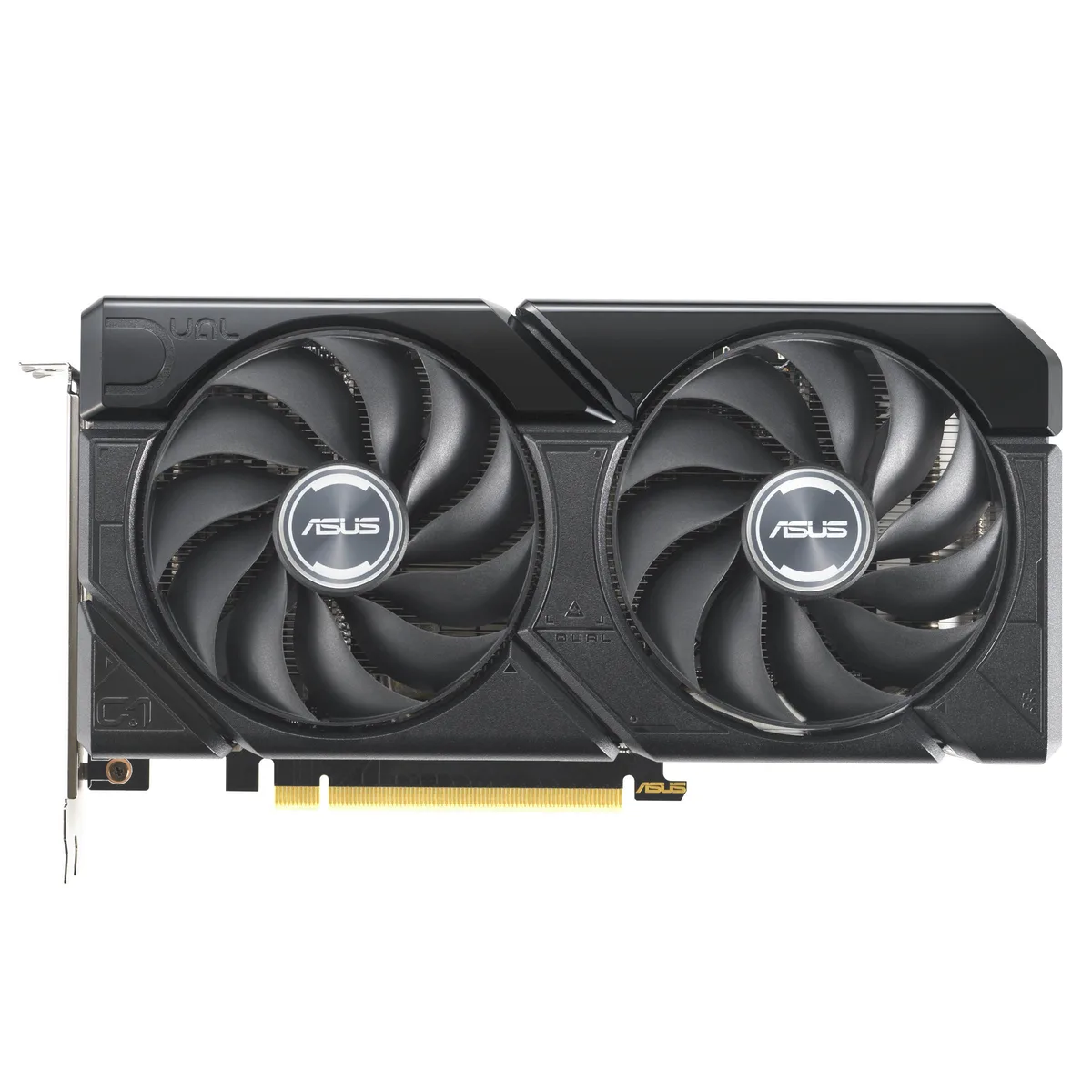
A graphics card with 16 GB GDDR6 memory and a PCIe 4.0 interface for high-resolution gaming and content creation
The ASUS Dual GeForce RTX 4060 Ti EVO 16GB OC Edition delivers 16 GB of GDDR6 memory over a PCIe 4.0 interface. It targets gamers and creators who need extra frame buffer for 1440p workloads. The dual-fan design fits standard builds without special clearance planning.
Moving to this 16 GB version removes the memory bottleneck seen in 8 GB 4060 Ti cards at higher texture settings. The jump is worth it when texture packs or mods push VRAM use past 8 GB. Buyers staying at 1080p with standard assets gain less from the extra capacity.
| Brand | ASUS |
|---|---|
| Model | 90YV0JH8-M0NA00 |
| Memory Type | Computer Accessories |
The card uses a standard PCIe 4.0 x16 slot. Ensure your motherboard has a free x16 lane and that the case allows the card length without blocking drive cages.
Seat the card fully in the PCIe 4.0 slot first, then attach the required power connectors, and finally plug the DisplayPort or HDMI cables so the ports are not strained.
Also in this aisle
Same shelf, same checkout — eight coins and a 30-minute rate lock.
What you pay in, and what you read prices in.
Sent from your wallet at checkout
Display only — the catalogue is priced in USD
No currency matches that.
Pick the language the site speaks to you in.
New here?
Already have one?
There is no automatic reset: this shop sends no mail, so there is no one-time link to ask for. Leave the address on the account and it gets picked up by hand.
Request noted
Nothing is on its way to your inbox — this shop sends no mail at all. Someone picks these up by hand.
Remembered it?



