NEMIX RAM
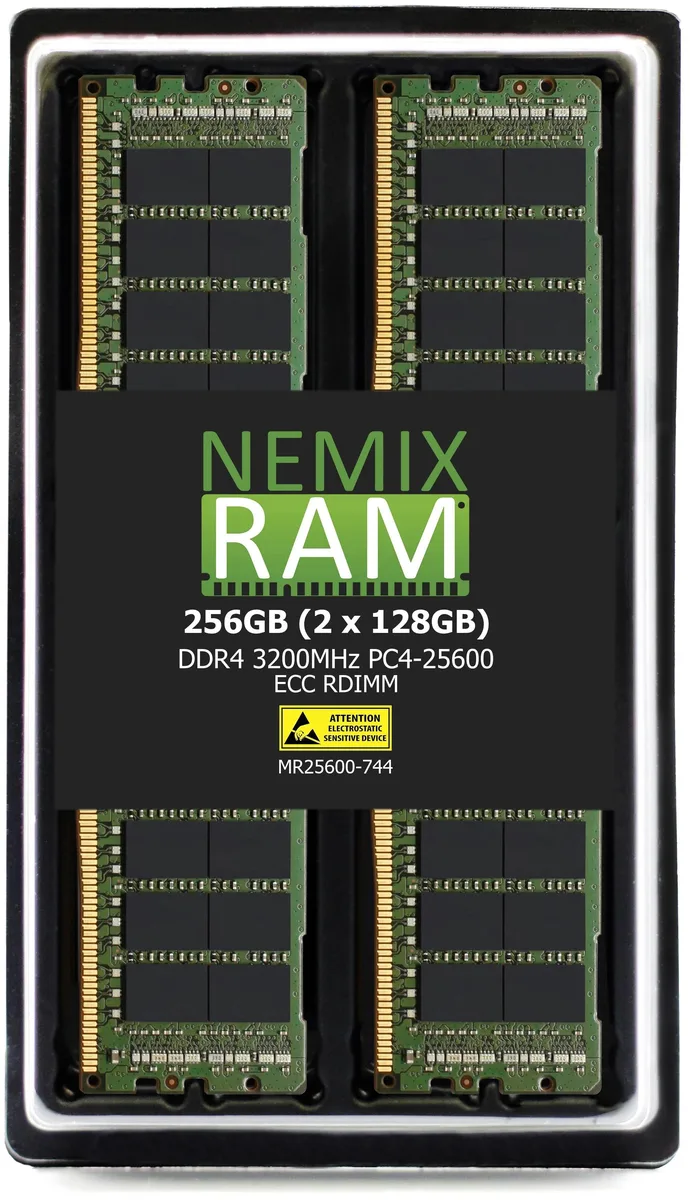
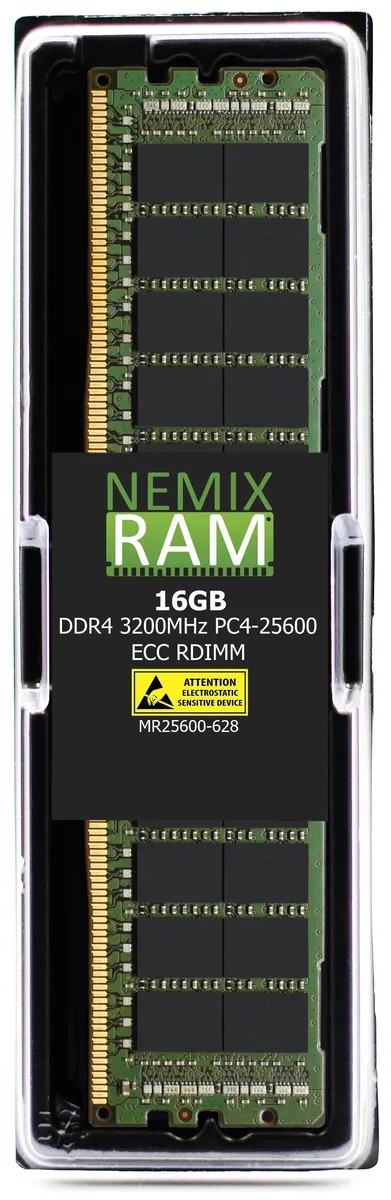
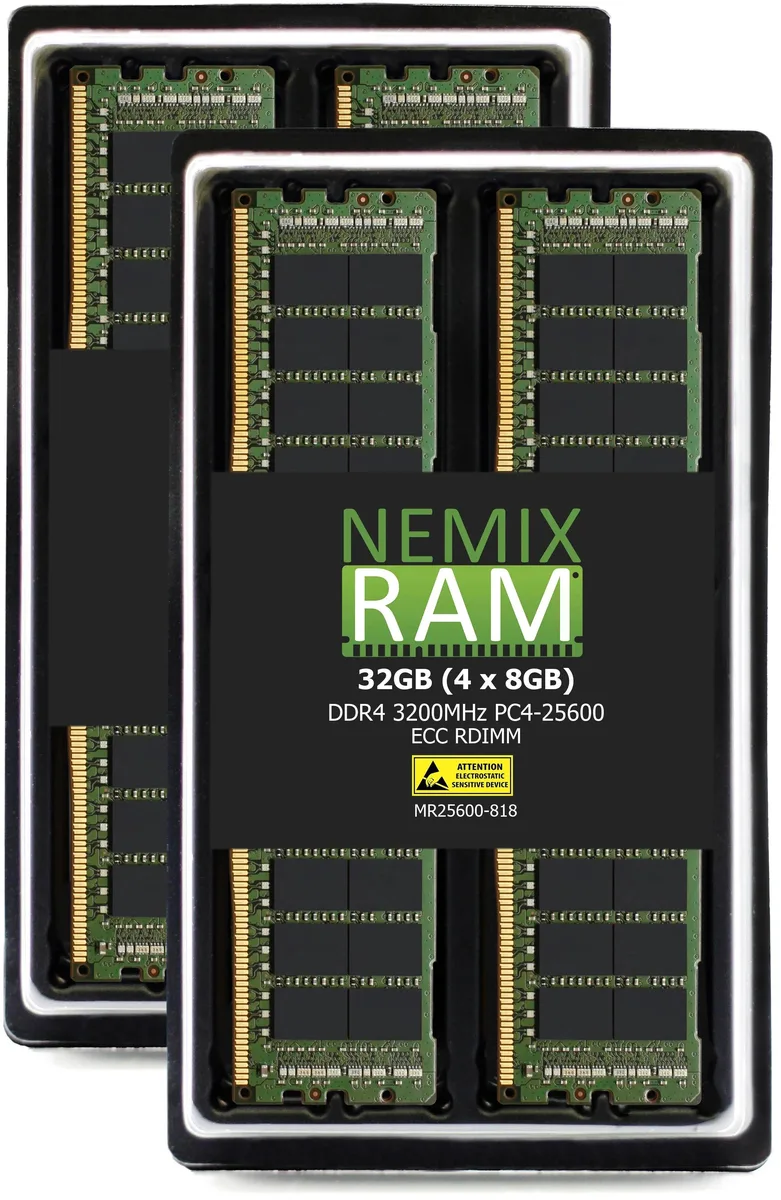
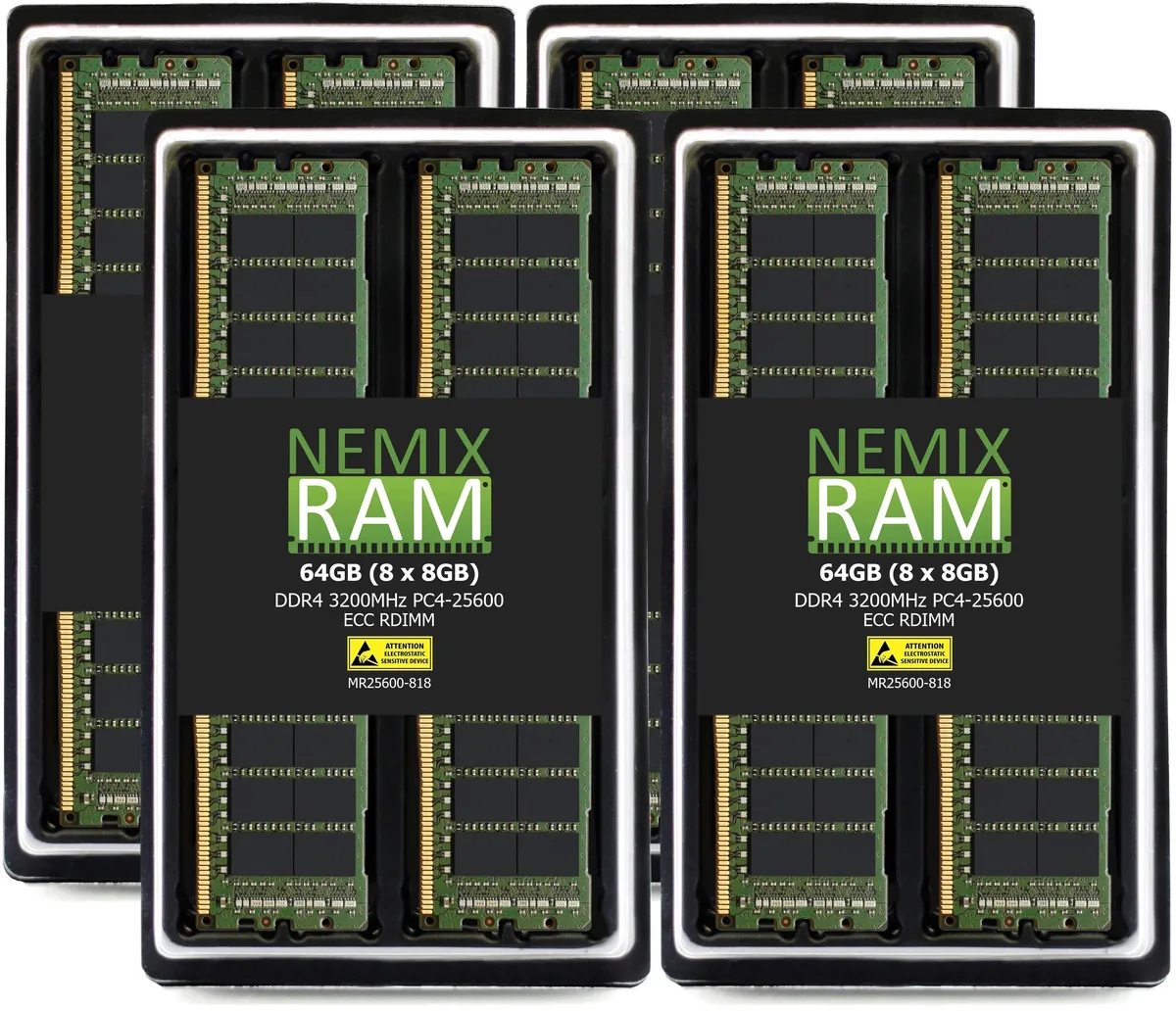
NEMIX RAM 64GB (8x8GB) DDR4 3200 CL22 ECC RDIMM memory upgrade
- 64GB (8 x 8GB)
- DDR4 3200 (PC4 2560…
$582.99
0.00743335BTC
In stockWe take cryptocurrency — so the coins you hold can buy real hardware.Pay in crypto, spend it on real hardware. Free insured shipping worldwide over $399. Plain, unbranded boxes, sent from Germany.Free insured shipping over $399. Your rate is locked for 30 minutes once checkout opens.Rate locked 30 minutes. Every item sealed, serial-checked and covered by a 24-month warranty.Sealed, 24-month warranty.


ASUS
A compact barebone mini PC with a 13th Gen Intel Core i5-1340P processor, 32 GB DDR4 memory, 1 TB storage, dual Thunderbolt 4 ports, 2.5 GbE LAN, Wi-Fi 6E and Bluetooth 5.3
The ASUS NUC13ANKi5 is a compact barebone mini PC built around a 13th Generation Intel Core i5-1340P processor with 12 cores and 16 threads. It ships with 32GB of DDR4-3200 memory and a 1TB M.2 2242 SATA SSD already installed. The system targets professionals who need a ready-to-deploy desktop for office productivity, multi-display setups, and remote management.
This unit suits buyers who want a small, quiet device with dual Thunderbolt 4 ports, 2.5Gbps Ethernet, and Wi-Fi 6E for modern peripherals and fast network access. It is not for users who require a discrete graphics card, additional 2.5-inch drive bays, or more than 64GB of total memory. Builders needing legacy serial or parallel ports should look elsewhere.
The pre-installed 1TB M.2 2242 SATA SSD determines whether this configuration matches the buyer's storage protocol and capacity needs. A second M.2 2280 slot accepts PCIe Gen 4 NVMe drives for expansion, but the factory drive uses the SATA interface.
| Brand | ASUS |
|---|---|
| Series | Arena Canyon |
| Model | NUC13ANKi5 |
| Integrated Graphics | Intel Iris Xe Graphics |
| Wireless LAN | 802.11ax |
| Bluetooth | Bluetooth 5.3 |
| LAN | Intel i226V |
| Max LAN Speed | 2.5Gbps |
| HDMI | 2 x HDMI 2.1 (TMDS) |
| Thunderbolt | 2 x Thunderbolt 4 Type-C |
| Rear USB | 1 x USB 3.2 Gen 2 Type-A 1 x USB 2.0 Type-A |
| RJ45 | 1 x RJ45 LAN |
| Memory slot | 2 x 262Pin SO-DIMM |
| Memory Type Supported | DDR4 3200 |
| Max Memory Supported | 64GB |
| Dual Channel Memory Supported | Yes |
| Memory installed | 32GB |
| Serial ATA | 1 x 128GB~1TB M.2 2242 SATA SSD |
| Storage Installed | 1TB |
| M.2 Slot | 1 x M.2 |
| CPU Type | Intel Core i5 13th Gen |
| Onboard Audio | Integrated |
| Channel | Realtek ALC269 |
| Front USB | 2 x USB 3.2 Gen2 Type-A |
| Front Audio Ports | 1 x 3.5mm Headset Jack |
| Other Front Ports | 1 x Kensington Lock |
| Input | 20VDC, 6.0A |
| Power Supply | 120W |
| Dimensions | 117 x 112 x 54mm |
| Weight | 502g |
| Packaging | Original packaging |
Yes, the 2242 key B slot accepts M.2 2242 SATA SSDs from 128 GB to 1 TB, matching the installed drive form factor.
Remove the four base screws, lift the cover, then insert the DDR4 3200 SO-DIMM at an angle until it clicks; the common error is not pressing firmly enough to seat the 262-pin connector.
Re-paste every 24 months or if throttling appears; use a thin layer of non-conductive paste on the CPU die before reattaching the heatsink.
Also in this aisle
Same shelf, same checkout — eight coins and a 30-minute rate lock.
What you pay in, and what you read prices in.
Sent from your wallet at checkout
Display only — the catalogue is priced in USD
No currency matches that.
Pick the language the site speaks to you in.
New here?
Already have one?
There is no automatic reset: this shop sends no mail, so there is no one-time link to ask for. Leave the address on the account and it gets picked up by hand.
Request noted
Nothing is on its way to your inbox — this shop sends no mail at all. Someone picks these up by hand.
Remembered it?