


ASUS
ASUS PRIME B650-PLUS WIFI AMD motherboard & Ryzen 9 9900X CPU combo
A B650 ATX motherboard paired with a 12-core Ryzen 9 9900X CPU, supporting DDR5 up to 7600 MT/s, PCIe 5.0 M.2, 2.5 Gbps LAN, WIFI 6E and Thunderbolt 4 header
- CPU Socket TypeAM5
- ChipsetAMD B650
- Number of Memory Slots4x288pin (DDR5)
- Memory Standard7600+(OC)/7200(OC)/7000(OC)/6800(OC)/6600(OC)/6400(OC)/6200(
- Maximum Memory Supported192GB
- Channel SupportedDual Channel
model PRIME B650-PLUS WIFI
+CPU +Ryzen 9 9900X
- Ready for AMD Ryzen 9000, 8000 and 7000 series processors with AM5 socket
- 12 cores and 24 threads on Zen 5 architecture with 5.6 GHz max boost
- DDR5 memory support up to 7600 MT/s overclocked across four slots for 192 GB capacity
- PCIe 5.0 M.2, 2.5 Gb Ethernet, WIFI 6E and USB 10 Gbps Type-C for ultrafast connectivity
- VRM, M.2 and PCH heatsinks plus hybrid fan headers with Fan Xpert 2+ for comprehensive cooling
Combo overview
The package pairs an ASUS PRIME B650-PLUS WIFI motherboard with an AMD Ryzen 9 9900X processor, delivering a ready-to-build platform for AM5 socket CPUs. The board supports Ryzen 9000, 8000 and 7000 series chips, while the included 9900X brings 12 cores and 24 threads based on Zen 5 architecture. Dual-channel DDR5 memory scales up to 192 GB across four slots, and a BIOS update may be required for the newest processors.
Thermals and power
Comprehensive cooling covers the VRM, M.2 and PCH areas with dedicated heatsinks, while hybrid fan headers and Fan Xpert 2+ software manage airflow. The Ryzen 9 9900X operates with a 5.6 GHz maximum boost clock and unlocked multiplier for overclocking, drawing power through the board's robust delivery system. WIFI 6E and 2.5 Gbps LAN add connectivity without adding significant thermal load.
Build and connectivity
ATX form factor provides four SATA 6 Gbps ports, one PCIe 4.0 x16 slot and a PCIe 5.0 M.2 interface for high-speed storage. Rear I/O includes USB 10 Gbps Type-C, while a front-panel USB 5 Gbps Type-C header and Thunderbolt 4 header expand front-panel options. Addressable Gen 2 RGB headers and a standard Aura RGB header allow synchronised lighting, and BIOS FlashBack enables updates without a CPU installed.
Highlights
- Ready for AMD Ryzen 9000, 8000 and 7000 series processors with AM5 socket
- 12 cores and 24 threads on Zen 5 architecture with 5.6 GHz max boost
- DDR5 memory support up to 7600 MT/s overclocked across four slots for 192 GB capacity
- PCIe 5.0 M.2, 2.5 Gb Ethernet, WIFI 6E and USB 10 Gbps Type-C for ultrafast connectivity
- VRM, M.2 and PCH heatsinks plus hybrid fan headers with Fan Xpert 2+ for comprehensive cooling
Specifications
| Brand | ASUS |
|---|---|
| Series | B650 |
| Model | PRIME B650-PLUS WIFI+R9 9900X |
| CPU Socket Type | AM5 |
| Chipset | AMD B650 |
| Number of Memory Slots | 4x288pin (DDR5) |
| Memory Standard | 7600+(OC)/7200(OC)/7000(OC)/6800(OC)/6600(OC)/6400(OC)/6200(OC)/6000(OC)/5800(OC)/5600(OC)/5400(OC)/5200/5000 |
| Maximum Memory Supported | 192GB |
| Channel Supported | Dual Channel |
| ECC Supported | Non-ECC |
| PCI Express 4.0 x16 | AMD Ryzen™ 9000 & 7000 Series Desktop Processors* 1 x PCIe 4.0 x16 slot (supports x16 mode) AMD Ryzen™ 8000 Series Desktop Processors 1 x PCIe 4.0 x16 slot (supports x8/x4 mode)** |
| Serial ATA (SATA) | 4 x SATA 6Gb/s |
| Audio Channels | 7.1 Channels |
| Max LAN Speed | 2.5Gbps |
| Wireless LAN | WIFI 6E |
| Bluetooth | Yes |
| Form Factor | ATX |
| Windows 11 | Supported |
Other versions of this model
5 more in the same range
Same family, different memory, cooler or clock — compare before you commit.
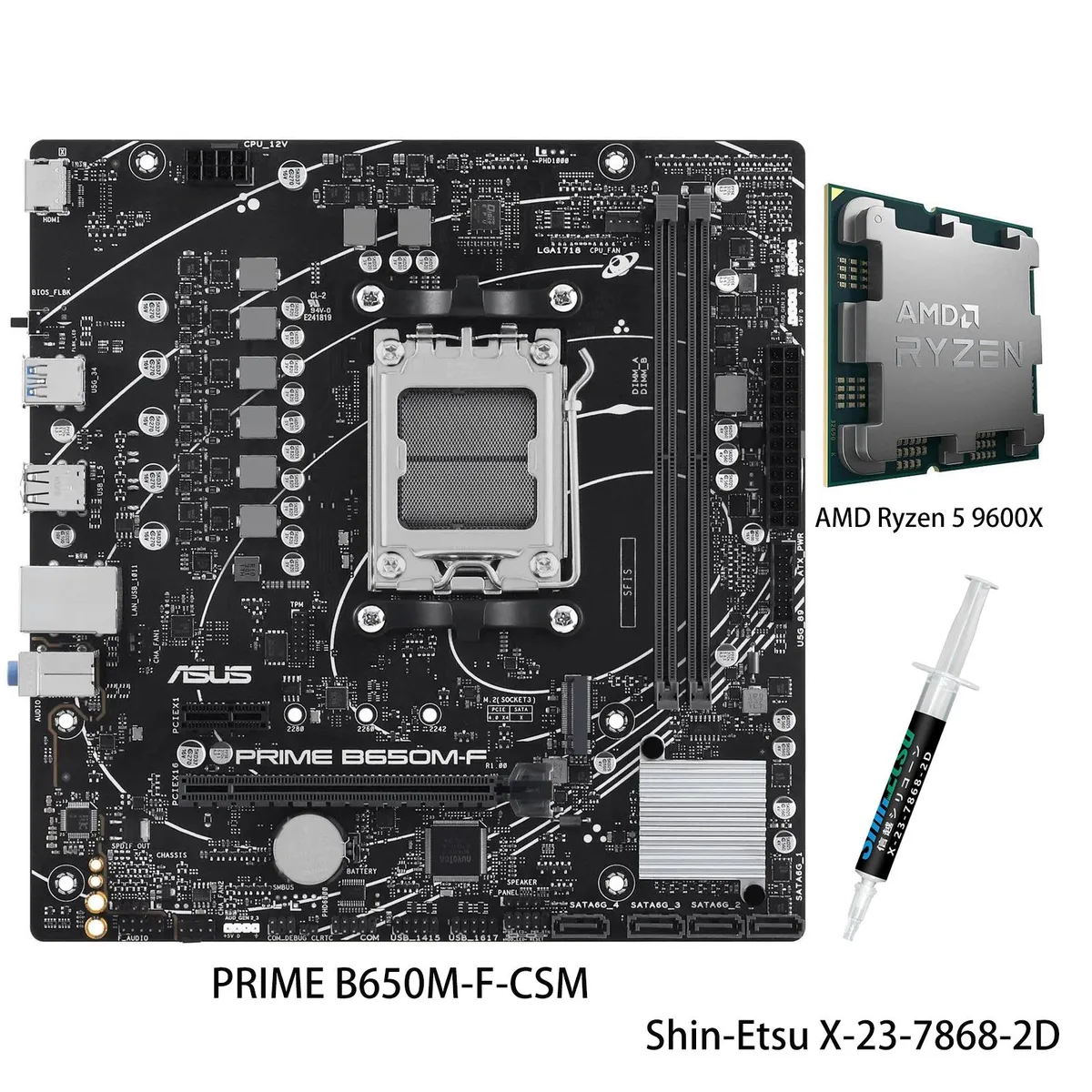

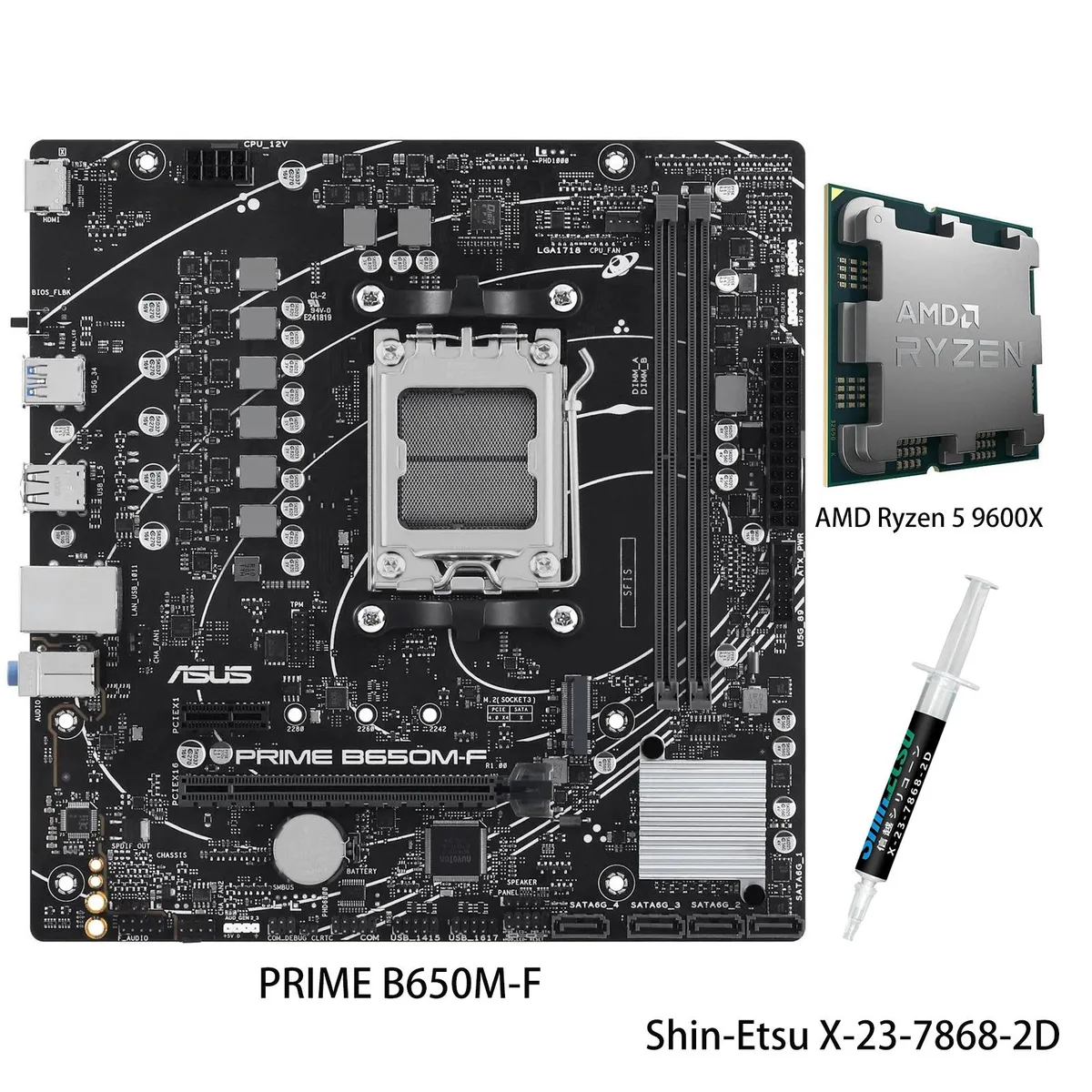
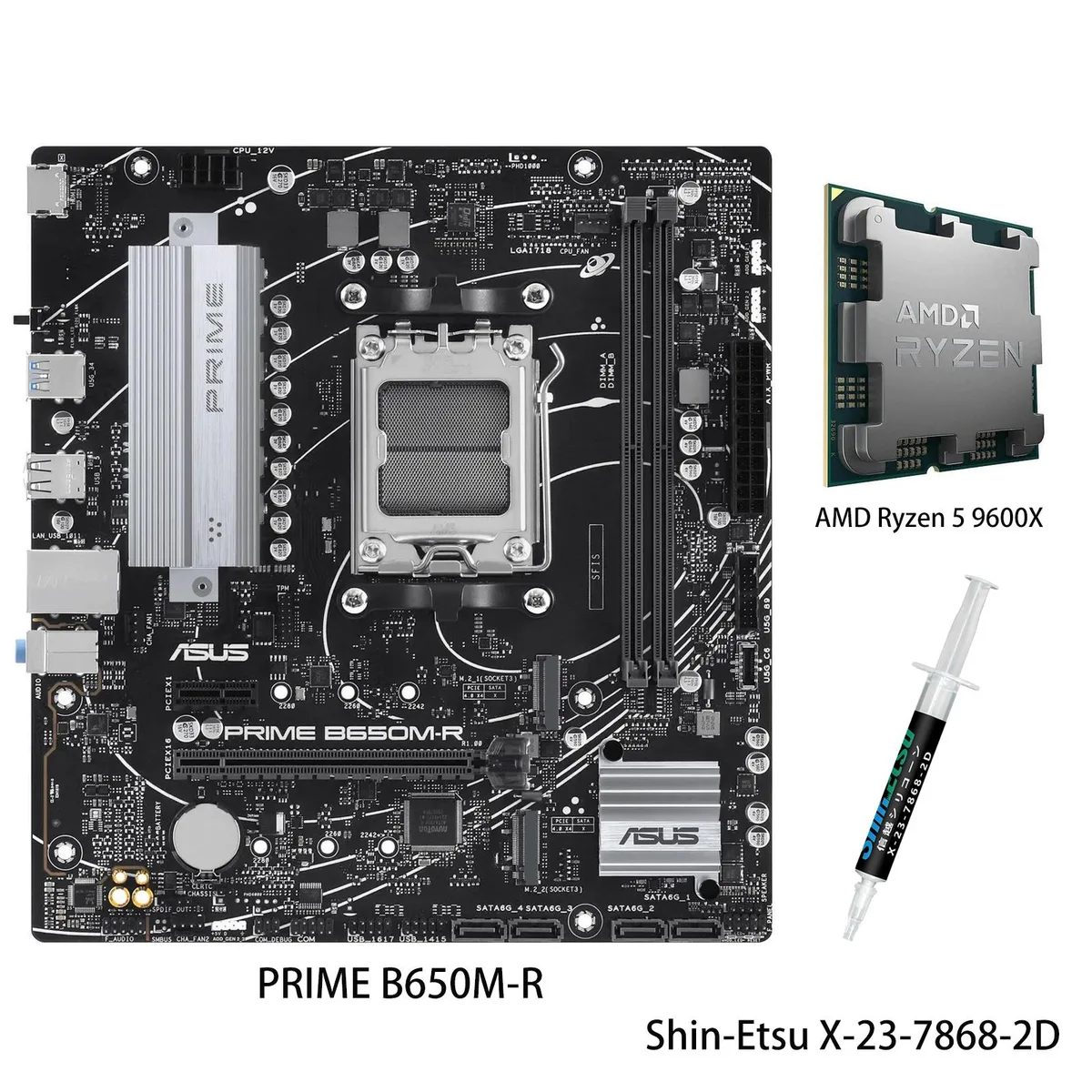

ASUS
ASUS TX GAMING B650EM WIFI W AMD Motherboard & Ryzen 5 9600X CPU Combo
- AM5
$479.79
0.00619836BTC
In stock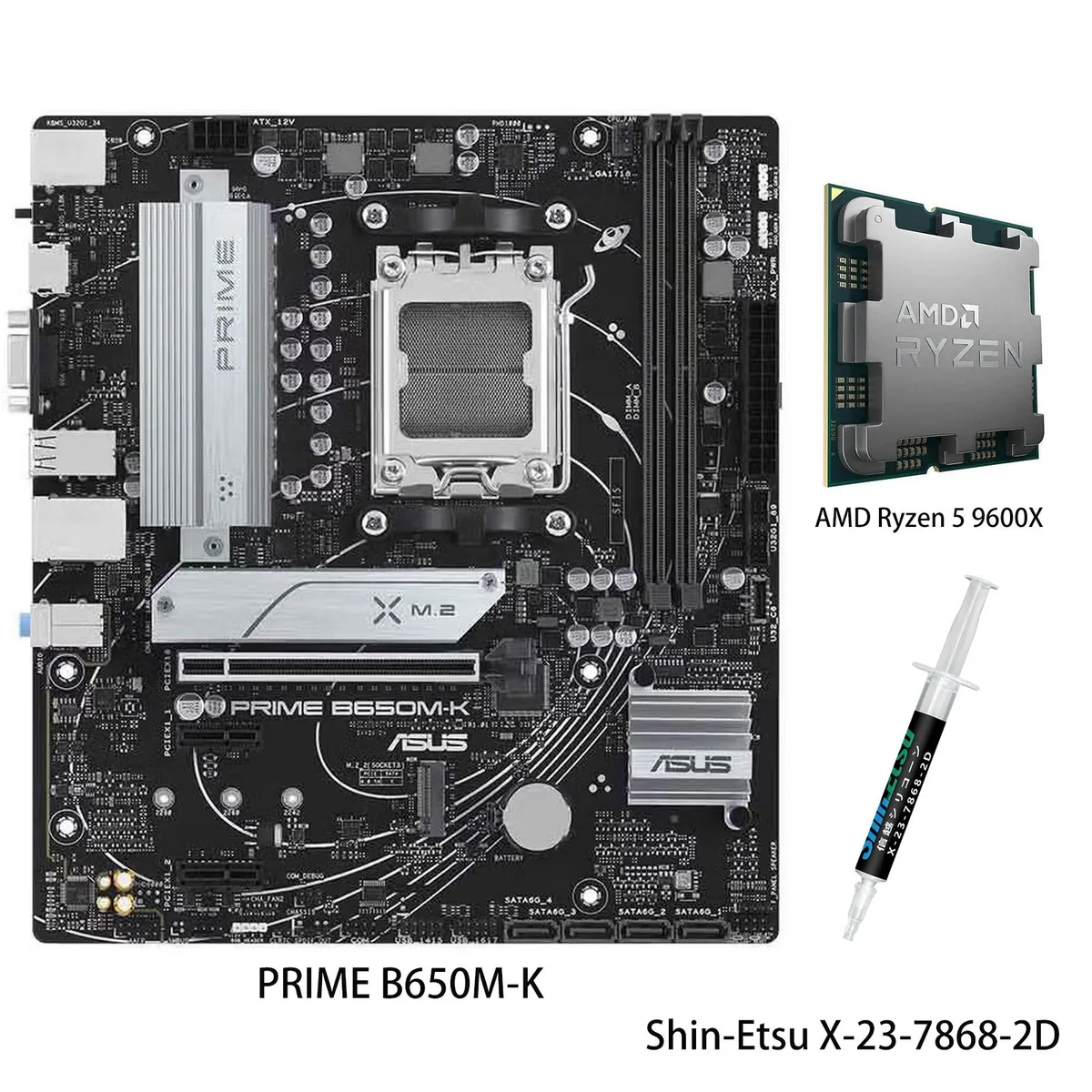
ASUS
ASUS PRIME B650M-K + Ryzen 5 9600X AMD motherboard CPU combo
- Computer Accessories
$479.99
0.00620094BTC
In stockQuestions about this item
How do I install the Ryzen 9 9900X into the AM5 socket without bending pins?
Lift the retention lever, align the gold triangle on the CPU with the socket corner, place the chip gently without pressure, lower the lever until it clicks. The step people miss is removing the plastic protective cover from the socket before insertion.
What maintenance will the VRM heatsink and M.2 heatsink need over time?
Dust the VRM heatsink and M.2 heatsink fins every 6–12 months with compressed air; the thermal pads on the M.2 heatsink may need replacement if SSD temperatures rise noticeably after years of use.
At what point does the 2.5Gb Ethernet or WIFI 6E become the bottleneck during sustained transfers?
The 2.5Gbps LAN caps wired throughput at roughly 2.5 Gbps, while WIFI 6E real-world speeds typically peak lower; either interface will saturate before the PCIe 5.0 M.2 or USB 10Gbps Type-C headers do.
Also in this aisle
People compared these
Same shelf, same checkout — eight coins and a 30-minute rate lock.

Micron Technology, Inc.
Micron Technology, Inc. MT4JTF12864AZ-1G4D1 1GB DDR3 1333 Desktop RAM
- 1GB
- DDR3 1333 (PC3 1060…
$28.99
0.00037452BTC
In stock
Kingston Technology Corp.
Kingston Technology Corp. KTD-DM8400A/512 512MB DDR2 desktop RAM
- 512MB
- CL4
$12.99
0.00016782BTC
In stock
