


ASUS
ASUS PRIME H610M-D D4 Intel H610 LGA 1700 micro-ATX motherboard DDR4 PCIe 4.0 M.2 slot Realtek 1 Gb Ethernet
Micro-ATX board for 12th, 13th and 14th Gen Intel CPUs with DDR4 memory, a 32 Gbps M.2 slot, Realtek 1 Gb Ethernet and USB 3.2 Gen 1 ports
- CPU Socket TypeLGA 1700
H610 PRIME H610M-D D4
- PRIME H610M-A WIFI
- Pro H810M-C-CSM
- PRIME H610M-R D4
- PRIME H610M-R
- PRIME H610M-K ARGB
- PRIME H610M-K D4-CSM
- PRIME H610M-K D4 ARGB-CSM
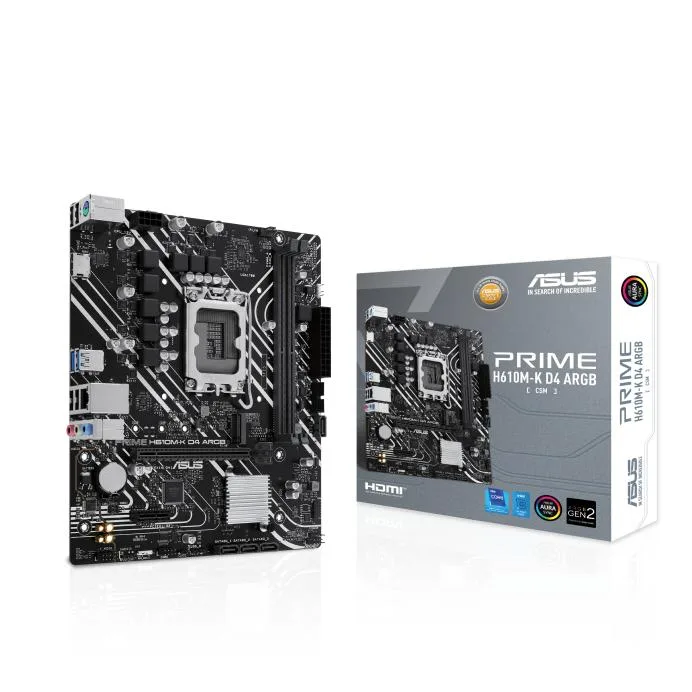
- PRIME H610M-K D4 ARGB
- PRIME H610M-K D4
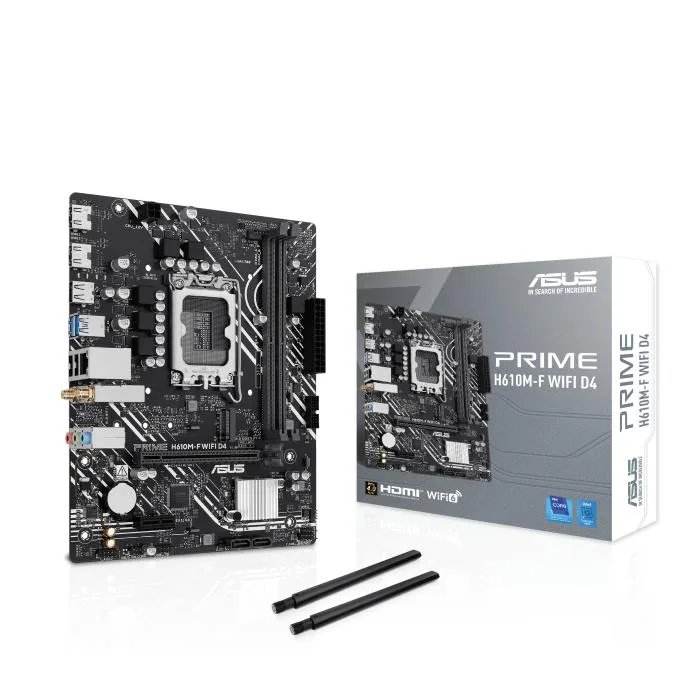
- PRIME H610M-F WIFI D4
- PRIME H610M-F D4 R2.0
- PRIME H610M-E D4
- PRIME H610M-E D5
- PRIME H610M-D D4
- PRIME H610M-D
- PRIME H610M-A D4-CSM
- PRIME H610M-A D4
- PRIME H610M-A D5
- PRIME H610I-PLUS D4
- Pro H610M-C D4-CSM
- Pro H610M-C-CSM
- H610M-AYW D4
Struck-through versions exist but are not stocked here.
- Ready for 12th, 13th and 14th Gen Intel CPUs with LGA 1700 socket
- PCH heatsink plus Fan Xpert keep temperatures controlled
- 32 Gbps M.2 slot enables fast storage upgrades
- Realtek 1 Gb Ethernet and USB 3.2 Gen 1 give quick wired links
- 5X Protection III hardware safeguards defend the board against faults
Socket and form factor
The ASUS PRIME H610M-D D4 is a micro-ATX motherboard built around the Intel H610 chipset and LGA 1700 socket. It supports 12th, 13th and 14th Gen Intel processors and uses DDR4 memory.
Who this suits
This board suits builders who want a compact foundation for a 12th, 13th or 14th Gen Intel CPU with DDR4 memory and a single 32 Gbps M.2 slot. Buyers needing more than one M.2 drive, additional PCIe 4.0 lanes, or integrated Wi-Fi should consider other chipsets.
Deciding specification
The H610 chipset provides one PCIe 4.0 M.2 slot running at up to 32 Gbps, which is the single spec that determines whether this board matches your storage and expansion plans.
Highlights
- Ready for 12th, 13th and 14th Gen Intel CPUs with LGA 1700 socket
- PCH heatsink plus Fan Xpert keep temperatures controlled
- 32 Gbps M.2 slot enables fast storage upgrades
- Realtek 1 Gb Ethernet and USB 3.2 Gen 1 give quick wired links
- 5X Protection III hardware safeguards defend the board against faults
Specifications
| CPU Socket Type | LGA 1700 |
|---|
Other versions of this model
5 more in the same range
Same family, different memory, cooler or clock — compare before you commit.




Questions about this item
How do I install the M.2 drive and which step is often missed?
Insert the M.2 drive into the 32Gbps slot at an angle, press it flat, and secure it with the screw — many forget the screw and the drive lifts, breaking contact.
What maintenance or replacement will the board need later?
The CMOS battery will eventually need replacement to keep BIOS settings; fan headers may need cleaning, and the PCH heatsink should stay dust-free for cooling.
What limit appears first under sustained heavy use?
The PCH heatsink relies on passive cooling and Fan Xpert airflow; without good case airflow the chipset can throttle before the CPU does.
Also in this aisle
People compared these
Same shelf, same checkout — eight coins and a 30-minute rate lock.

Micron Technology, Inc.
Micron Technology, Inc. MT4JTF12864AZ-1G4D1 1GB DDR3 1333 Desktop RAM
- 1GB
- DDR3 1333 (PC3 1060…
$28.99
0.00037452BTC
In stock
Kingston Technology Corp.
Kingston Technology Corp. KTD-DM8400A/512 512MB DDR2 desktop RAM
- 512MB
- CL4
$12.99
0.00016782BTC
In stock
