


ASUS
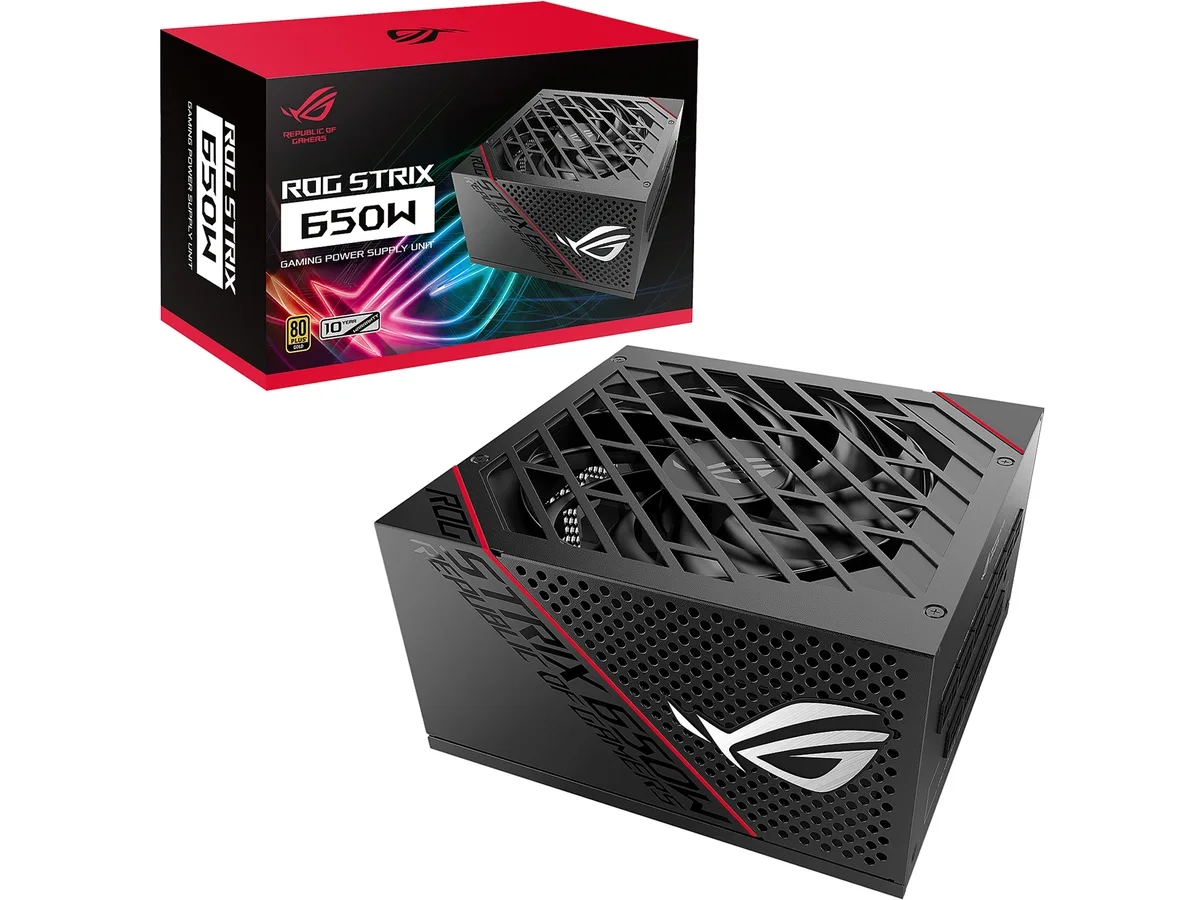
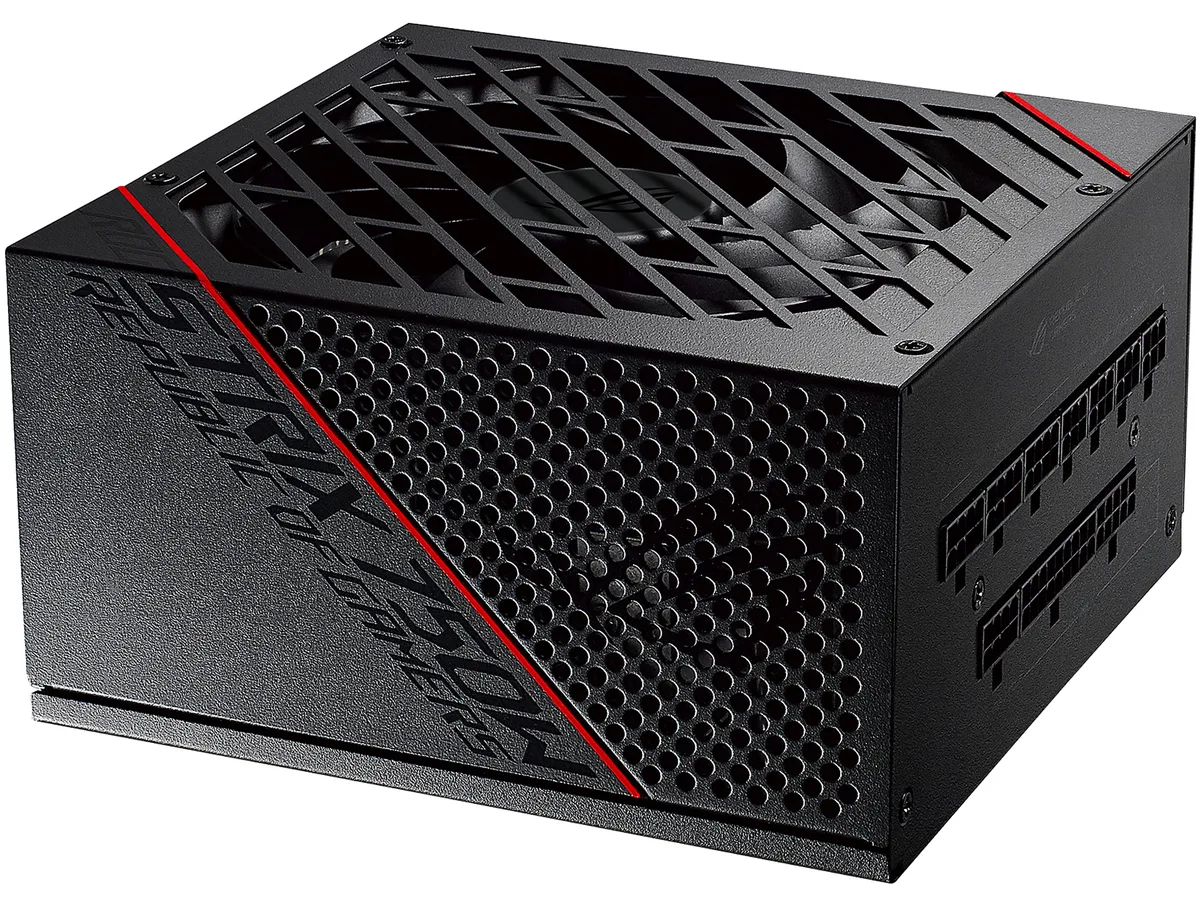
ASUS ROG-STRIX-1000G 1000W power supply
A 1000 W ATX12V unit with 80 Plus Gold efficiency, fully modular cables, a 135 mm dual ball bearing fan and 0dB mode for silent low-load operation
- TypeATX12V
- Maximum Power1000 W
- Fans1 x 135mm Dual Ball Bearing Fan
- Main Connector20+4Pin
- +12V RailsSingle
- PCI-Express Connector6 x 6+2-Pin
Options ATX 80+ Gold (1000W)
- ATX 80+ Gold (1000W)
- ATX 80+ Gold (550W)
- ATX 80+ Gold (650W)
- ATX 80+ Gold (750W)
- ATX 80+ Gold (850W)
Edition Black
- Black
- GUNDAM EDITION
- 1000 W output powers high-end builds
- 80 PLUS Gold efficiency cuts waste heat
- 135 mm dual ball-bearing fan runs quieter for longer
- Fully modular cables keep the interior tidy
- ROG heatsinks lower component temps for extended life
Power and Form Factor
This ASUS ROG Strix unit is a 1000 W ATX12V power supply built for high-end desktop builds. It uses a fully modular cable design and a single +12 V rail rated at 83 A. The chassis measures 160 mm in length and fits standard ATX mounting points.
Who This Suits and Who It Doesn't
Builders running multi-GPU configurations or heavily overclocked CPUs will appreciate the six PCIe 6+2-pin connectors and 80 PLUS Gold efficiency. Systems that only need a single graphics card or have tight case clearance under 160 mm should consider a smaller, lower-wattage unit instead.
Deciding Specification: 1000 W Output
The 1000 W maximum power rating is the single figure that determines whether this unit matches your hardware. If your total system draw under load stays well below this level, a lower-capacity supply will cost less and run more efficiently.
Highlights
- 1000 W output powers high-end builds
- 80 PLUS Gold efficiency cuts waste heat
- 135 mm dual ball-bearing fan runs quieter for longer
- Fully modular cables keep the interior tidy
- ROG heatsinks lower component temps for extended life
Specifications
| Brand | ASUS |
|---|---|
| Series | ROG Strix Series |
| Model | ROG-STRIX-1000G |
| Type | ATX12V |
| Maximum Power | 1000 W |
| Fans | 1 x 135mm Dual Ball Bearing Fan |
| Main Connector | 20+4Pin |
| +12V Rails | Single |
| PCI-Express Connector | 6 x 6+2-Pin |
| SATA Power Connector | 8 |
| Max PSU Length | 160 mm |
| Modular | Full Modular |
| Energy-Efficient | 80 PLUS GOLD Certified |
| Protection | OPP / OVP / UVP / SCP / OCP / OTP |
| Input Voltage | 100 - 240 V |
| Output | +3.3V@25A, +5V@25A, +12V@83A, [email protected] , +5VSB@3A |
| Connectors | 1 x MB 24/20-pin 2 x CPU 4+4-pin 6 x PCI-E 6+2-pin 8 x SATA 6 x Peripheral |
| Features | ROG heatsinks cover critical components. Lower temps result in a longer lifespan and reduced noise. Axial-tech fan design features a smaller fan hub that facilitates longer blades and a barrier ring that increases downward air pressure. Dual ball fan bearings can last up to twice as long as sleeve bearing designs. 0dB Technology lets you enjoy light gaming in relative silence. An 80 Plus Gold Certification is the result of Japanese capacitors and other premium components. Cosmetic customization is enabled by a magnetic logo and stickers that help you reskin the visible side to your l |
| Dimensions | 3.39" x 5.91" x 6.30" |
| Weight | 4.16 lbs. |
| Package Content | 1 x Power Cord 1 x Motherboard Power Cable 2 x CPU Cable 1000mm 3 x PCI-E Cable 2 x SATA Cable 2 x Peripheral 2 x ROG badge 1 x ROG logo magnet 3 x ROG label *MB/ CPU/ PCI-E cables come with embedded capacitors in the middle. |
| Shipping weight | 3.54 kg |
| Package size | 310 × 180 × 114 mm |
Other versions of this model
4 more in the same range
Same family, different memory, cooler or clock — compare before you commit.



Questions about this item
Will the 160 mm length and ATX12V form factor fit my case?
The unit is 160 mm long and follows the ATX12V standard, so it fits any case that accepts a regular ATX power supply up to that depth.
Which cables must stay plugged in during installation, and which can I leave out?
Only the 24-pin motherboard cable and the two 4+4-pin CPU cables are fixed; the six PCIe 6+2-pin, eight SATA and six peripheral cables are fully modular and can be omitted.
How often should I clean the 135 mm dual ball bearing fan to keep 0dB mode working?
Blow dust out of the fan intake every six to twelve months; the dual ball bearings are rated for long life and do not need lubrication.
Also in this aisle
People compared these
Same shelf, same checkout — eight coins and a 30-minute rate lock.

Micron Technology, Inc.
Micron Technology, Inc. MT4JTF12864AZ-1G4D1 1GB DDR3 1333 Desktop RAM
- 1GB
- DDR3 1333 (PC3 1060…
$28.99
0.00037461BTC
In stock
Kingston Technology Corp.
Kingston Technology Corp. KTD-DM8400A/512 512MB DDR2 desktop RAM
- 512MB
- CL4
$12.99
0.00016786BTC
In stock
