ASUS
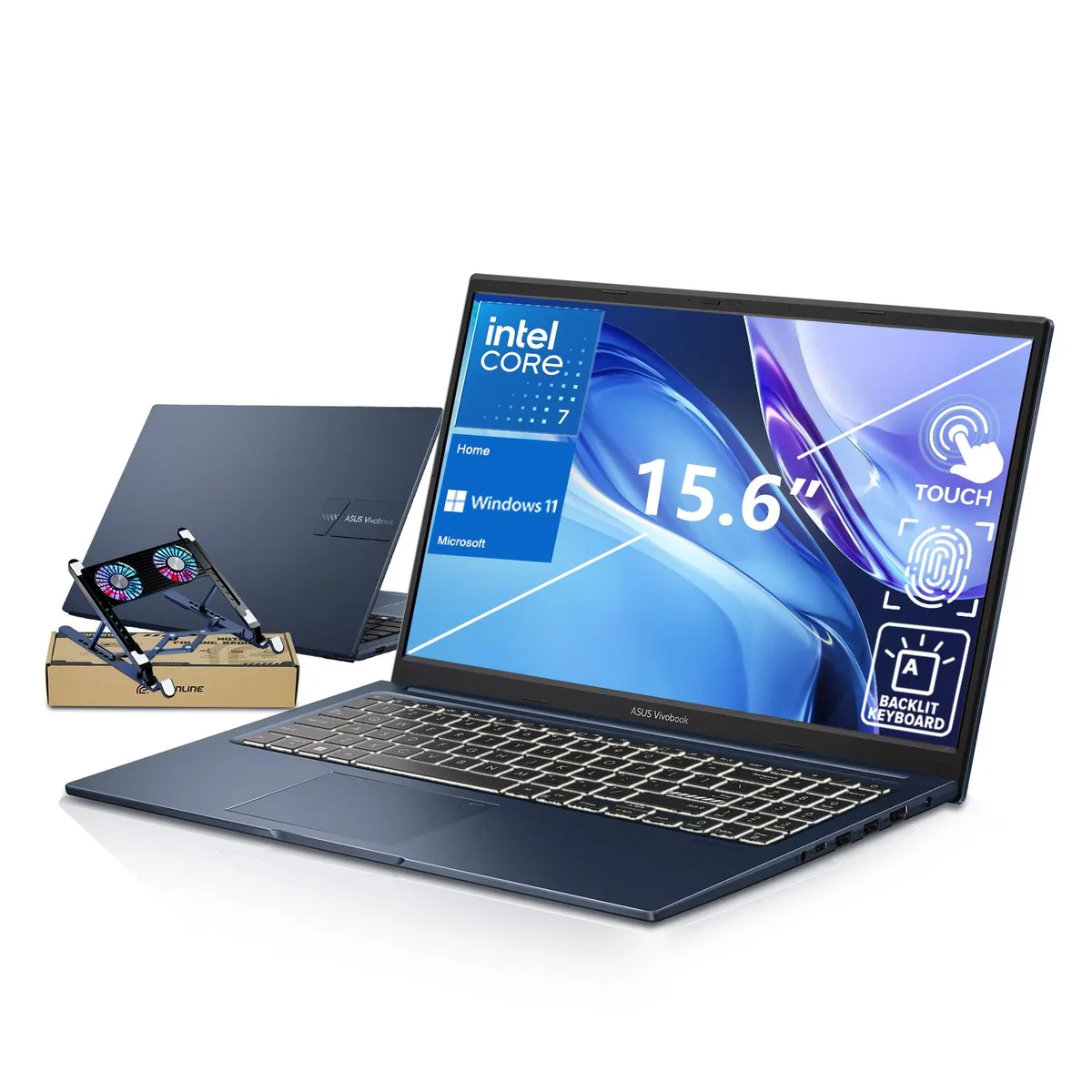
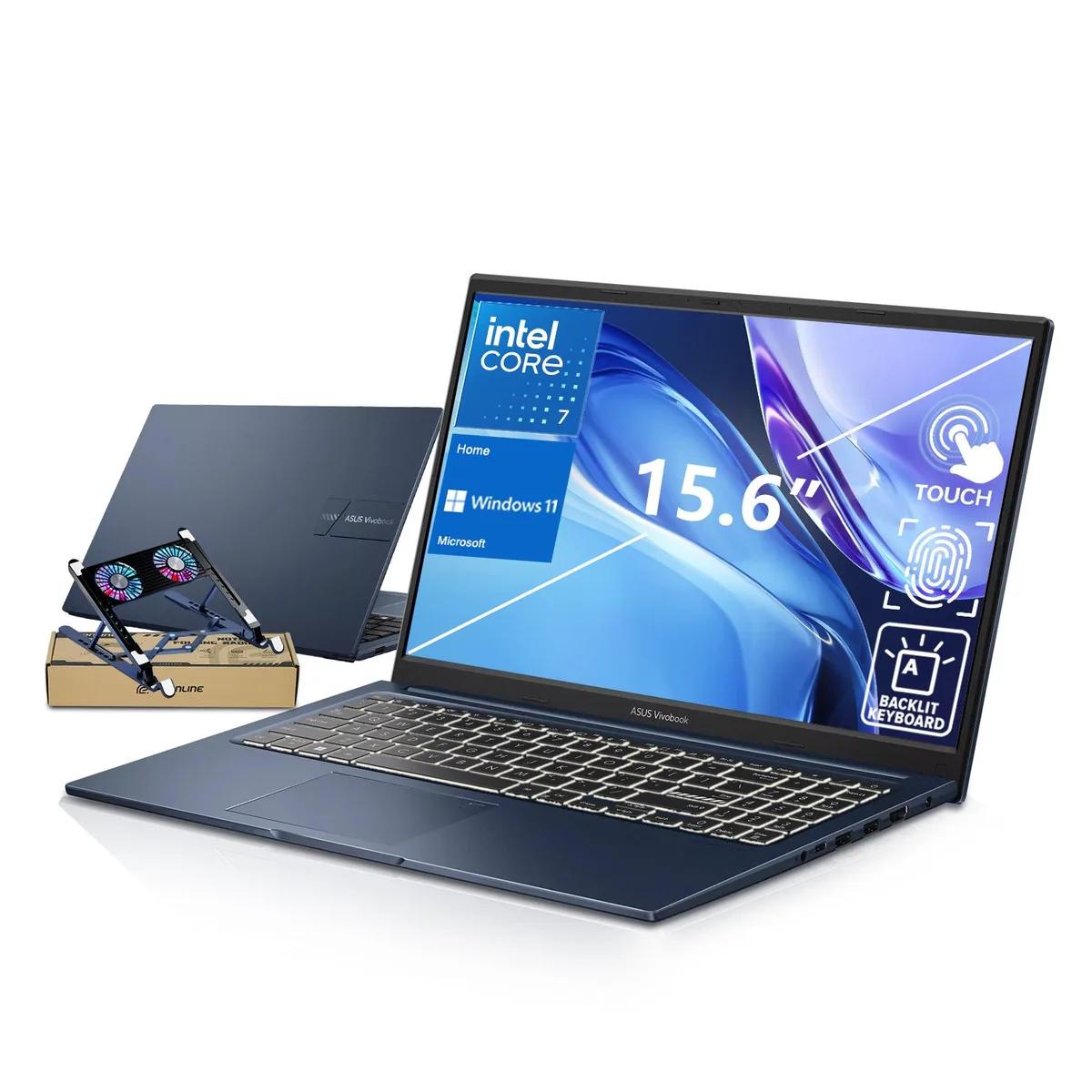
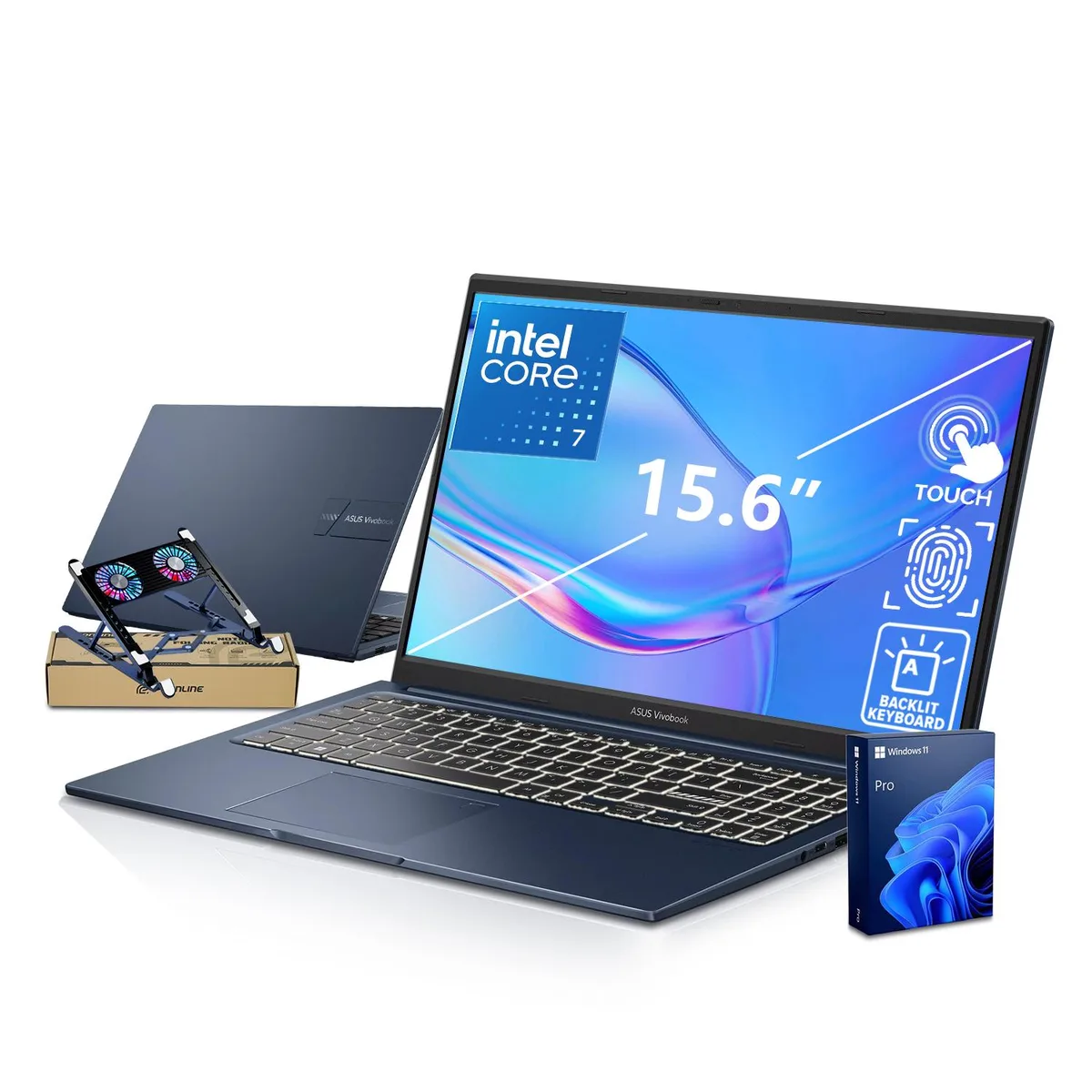
ASUS Vivobook 15 laptop, Core 7 150U, 16GB DDR5, 512GB SSD, 15.6" FHD touchscreen, Blue, PCO cooler
- Blue
- Windows 11 Home
$704.99
0.00896295BTC
In stockWe take cryptocurrency — so the coins you hold can buy real hardware.Pay in crypto, spend it on real hardware. Free insured shipping worldwide over $399. Plain, unbranded boxes, sent from Germany.Free insured shipping over $399. Your rate is locked for 30 minutes once checkout opens.Rate locked 30 minutes. Every item sealed, serial-checked and covered by a 24-month warranty.Sealed, 24-month warranty.


ASUS
A 15.6-inch FHD touchscreen laptop with a 10-core Intel Core 7 150U, 40GB DDR5 RAM, 1TB PCIe SSD and a bundled PCO cooler
Sizeneame 40GB RAM | 1TB SSD
This ASUS Vivobook 15 pairs an Intel Core 7 150U processor with 40GB DDR5 RAM and a 1TB PCIe SSD. The 10-core CPU reaches 5.40GHz turbo frequency for demanding workloads. Windows 11 Home and a fingerprint reader provide a secure, professional environment out of the box.
A 15.6-inch FHD IPS touchscreen with 1920 x 1080 resolution supports direct interaction. Ports include two USB 3.2 Gen 1 Type-A, one USB 3.2 Gen 1 Type-C, one USB 2.0 Type-A, HDMI 1.4, and a 3.5mm audio jack. Wi-Fi 6 and Bluetooth handle wireless needs. The included PCO cooler helps manage thermals during sustained use.
Suits users who want a responsive touchscreen, large memory capacity, and integrated graphics for office applications. The non-RGB backlit keyboard and numeric keypad aid data entry. Buyers who need discrete graphics performance, higher refresh rates, or upgradeable memory beyond 40GB should consider other configurations.
| Brand | ASUS |
|---|---|
| Series | VivoBook |
| Model | 15 |
| Color | Blue |
| Operating System | Windows 11 Home |
| CPU Type | Intel Core 7 |
| Processor Name | Intel Core 7 150U |
| Turbo Frequency | 5.40GHz |
| Number of Cores | 10-core Processor |
| CPU L3 Cache | 12 MB |
| Screen Size | 15.6" |
| Touchscreen | Touch Screen |
| Display Type | FHD |
| Resolution | 1920 x 1080 |
| Panel | IPS |
| Refresh Rate | 60 Hz |
| GPU/VPU | Intel Graphics |
| Graphic Type | Integrated Card |
| SSD | 1TB PCIe |
| HDD | No |
| Memory | 40GB DDR5 |
| Memory Speed | DDR5 4800 |
| Max Memory Supported | 64 GB |
| WLAN | 802.11ax Wireless LAN |
| WiFi Generation | Wi-Fi 6 |
| Bluetooth | Yes |
| USB | 4 |
| Video Port | 1 x HDMI |
| HDMI | 1 x HDMI |
| Audio Ports | Yes |
| Audio | Integrated Sound card |
| Speaker | Internal Speakers |
| Touchpad | Yes |
| Backlit Keyboard | Backlit |
| Webcam | Yes |
| Style | Standard |
| Type | Home / Personal |
| Usage | Home / Personal |
| AC Adapter/Charger | 45-watt AC Adapter |
| Battery | Lithium Ion |
| Battery Life | Up to 10 Hours |
| Dimensions (W x D x H) | 14.16" x 9.15" x 0.7" |
| Weight | 3 - 3.9 lbs. |
Other versions of this model
Same family, different memory, cooler or clock — compare before you commit.
The included PCO cooler is bundled to maintain optimal thermal performance during intensive workloads, helping the 10-core processor sustain higher speeds for longer periods.
The external PCO cooler handles intensive thermal loads, reducing reliance on the internal fans so the laptop stays quieter during extended sessions.
You will need monitors with HDMI 1.4 inputs for the HDMI port, and displays that accept video over USB 3.2 Gen 1 Type-C for the USB-C port.
Also in this aisle
Same shelf, same checkout — eight coins and a 30-minute rate lock.
What you pay in, and what you read prices in.
Sent from your wallet at checkout
Display only — the catalogue is priced in USD
No currency matches that.
Pick the language the site speaks to you in.
New here?
Already have one?
There is no automatic reset: this shop sends no mail, so there is no one-time link to ask for. Leave the address on the account and it gets picked up by hand.
Request noted
Nothing is on its way to your inbox — this shop sends no mail at all. Someone picks these up by hand.
Remembered it?