


ASUS
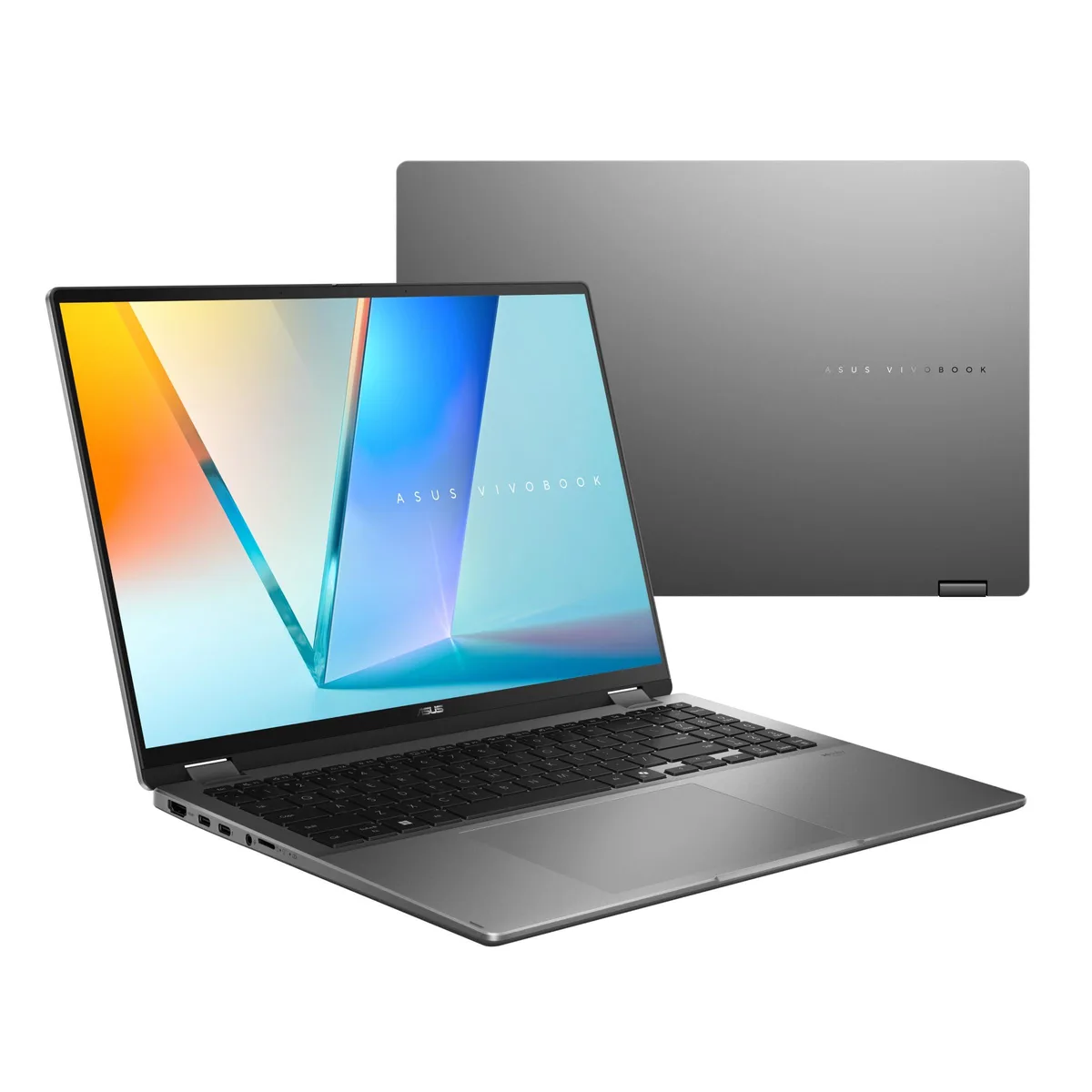
ASUS Vivobook Go Flip J1400KA-DS01T-CA-R 14" FHD Touch Celeron N4500 4GB 128GB eMMC Blue laptop
A 14-inch touchscreen convertible with an Intel Celeron N4500, 4 GB memory and 128 GB eMMC storage running Windows 11 in S mode
- ColorBlue
- Operating SystemWindows 11 in S mode
- CPU TypeIntel Celeron
- Core NameIntel Celeron N4500
- Number of CoresDual-core Processor
- Screen Size14.0"
- Touchscreen supports stylus input for precise drawing
- 0-inch FHD IPS-level panel delivers 1920 x 1080 resolution
- Intel Celeron N4500 dual-core processor reaches up to 2.8 GHz
- 128 GB eMMC storage and 4 GB memory run Windows 11 in S mode
- Bluetooth 4.2 and 802.11ac wireless keep you connected
Flip touchscreen laptop for light tasks
The ASUS Vivobook Go Flip is a 14-inch touchscreen laptop with an Intel Celeron N4500 processor, 4GB memory and 128GB eMMC storage. It runs Windows 11 in S mode and includes a stylus-supported display. The 1920 x 1080 IPS-level panel covers 45% NTSC at 250 nits.
Students and casual users needing pen input
This device suits learners who want a convertible screen for note-taking and web browsing on a tight budget. Buyers who need more memory for multitasking or a larger local drive for media libraries should look elsewhere. The integrated graphics and dual-core CPU limit heavier workloads.
4GB soldered memory cannot be upgraded
The single specification that decides fit is the fixed 4GB memory paired with a Celeron N4500. No SO-DIMM slots exist, so capacity stays at 4GB for the life of the unit. If your workflow regularly exceeds this limit, this model will not meet the need.
Highlights
- Touchscreen supports stylus input for precise drawing
- 0-inch FHD IPS-level panel delivers 1920 x 1080 resolution
- Intel Celeron N4500 dual-core processor reaches up to 2.8 GHz
- 128 GB eMMC storage and 4 GB memory run Windows 11 in S mode
- Bluetooth 4.2 and 802.11ac wireless keep you connected
Specifications
| Brand | ASUS |
|---|---|
| Model | Vivobook Go Flip |
| Part Number | J1400KA-DS01T-CA-R |
| Color | Blue |
| Operating System | Windows 11 in S mode |
| CPU Type | Intel Celeron |
| Core Name | Intel Celeron N4500 |
| Number of Cores | Dual-core Processor |
| Screen Size | 14.0" |
| Touchscreen | Yes |
| Resolution | 1920 x 1080 |
| GPU/VPU | Intel UHD Graphics |
| Video Memory | Shared system memory |
| Graphic Type | Integrated Graphics |
| SSD | 128 GB |
| HDD | No |
| Memory | 4GB |
| Memory Spec | 4 |
| Optical Drive Type | No |
| LAN | No |
| WLAN | 802.11ac Wireless LAN |
| Bluetooth | Bluetooth 4.2 |
| USB | 1 x USB 3.2 Gen 1 Type-C (data speed up to 5Gbps) 1 x USB 3.2 Gen 1 Type-A (data speed up to 5Gbps) 1 x USB 2.0 Type-A (data speed up to 480Mbps), 1x DC-in |
| Video Port | 1 x HDMI 1.4 |
| Ethernet | No |
| Audio Ports | 1 x 3.5mm Combo Audio Jack |
| Speaker | Built-in speaker |
| Keyboard | Chiclet Keyboard, 1.4mm Key-travel, Touchpad |
| Webcam | 720p HD camera |
| Type | Mainstream |
| Battery | 2-cell Li-ion |
| Weight | 3.31 |
| Shipping weight | 1.50 kg |
| Package size | 321 × 217 × 17 mm |
Questions about this item
What are the screen size and resolution of the 14.0-inch FHD touch display?
The screen measures 14.0 inches diagonally with a 1920 x 1080 resolution and an 83% screen-to-body ratio.
How do I exit Windows 11 in S mode to install apps from outside the Microsoft Store?
Open Settings, go to Activation, and select the option to switch out of S mode; the change is one-way and requires an internet connection.
Can the 4GB memory or 128GB eMMC storage be upgraded later?
The 4GB memory is soldered and not upgradeable; the 128GB eMMC is also soldered, so neither can be replaced or expanded.
Also in this aisle
People compared these
Same shelf, same checkout — eight coins and a 30-minute rate lock.

MSI
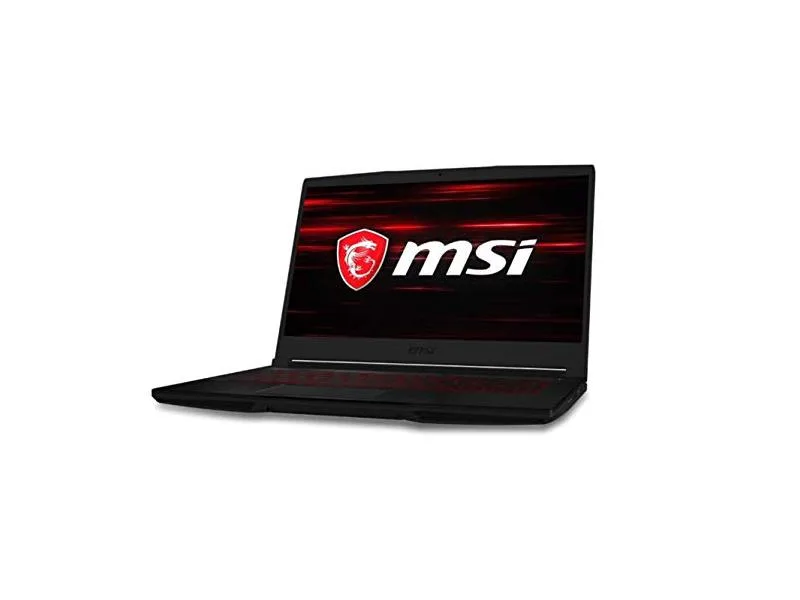
MSI GF63 Thin 10SCXR-222 15.6 laptop i5-10300H 8GB 256GB GTX 1650 4.1GB Black
- 15.6"
- Mainstream
$657.99
0.00836467BTC
In stock