ASUS
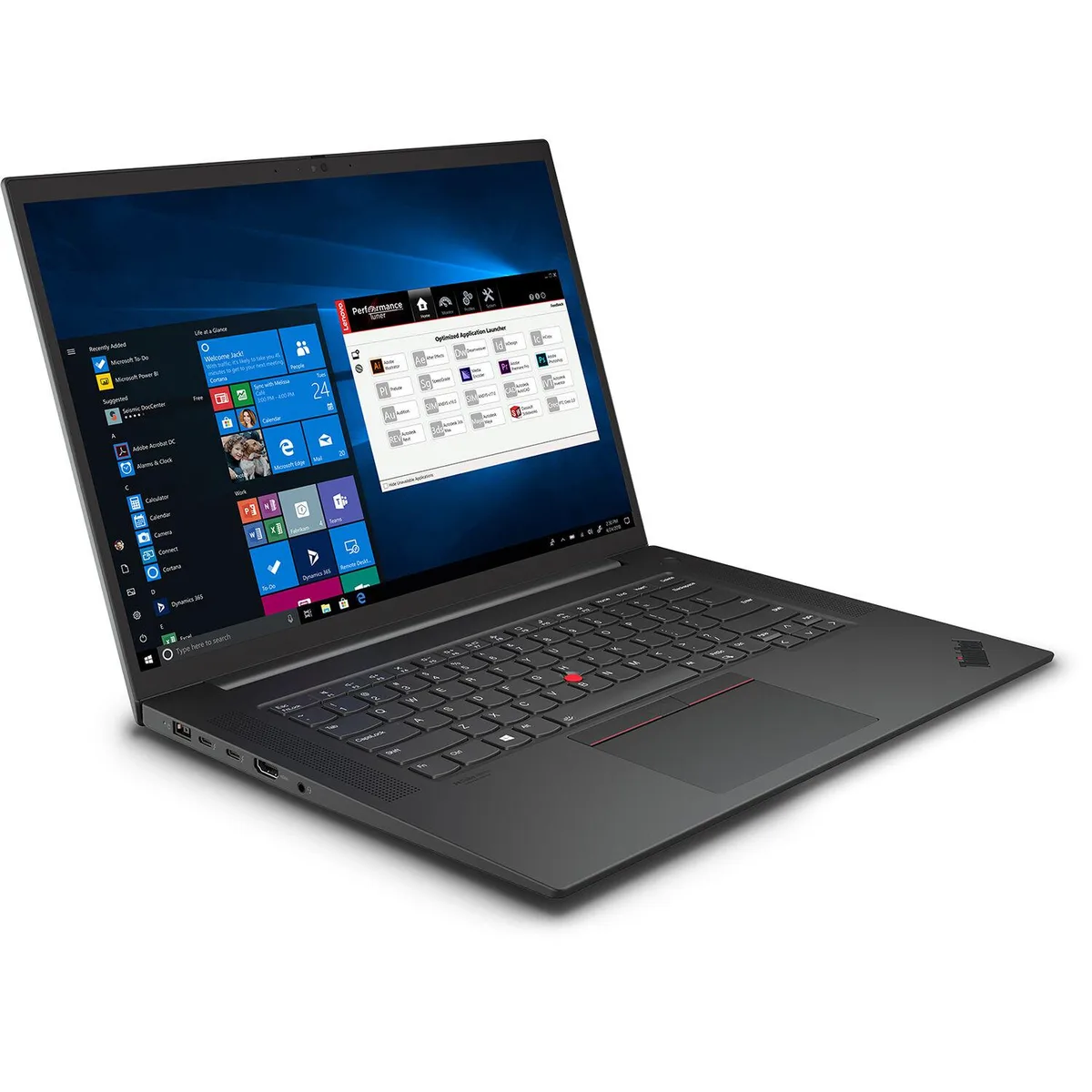
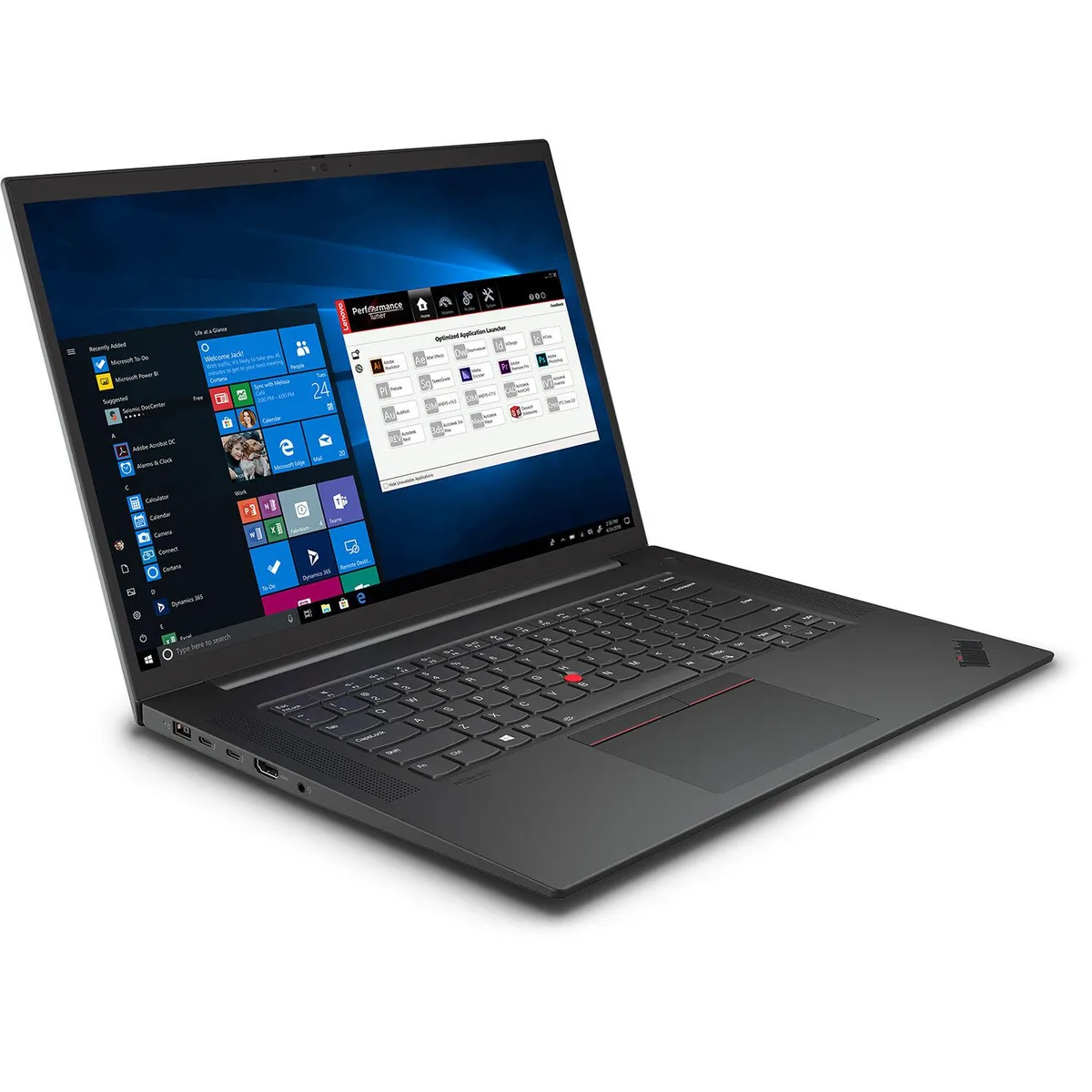
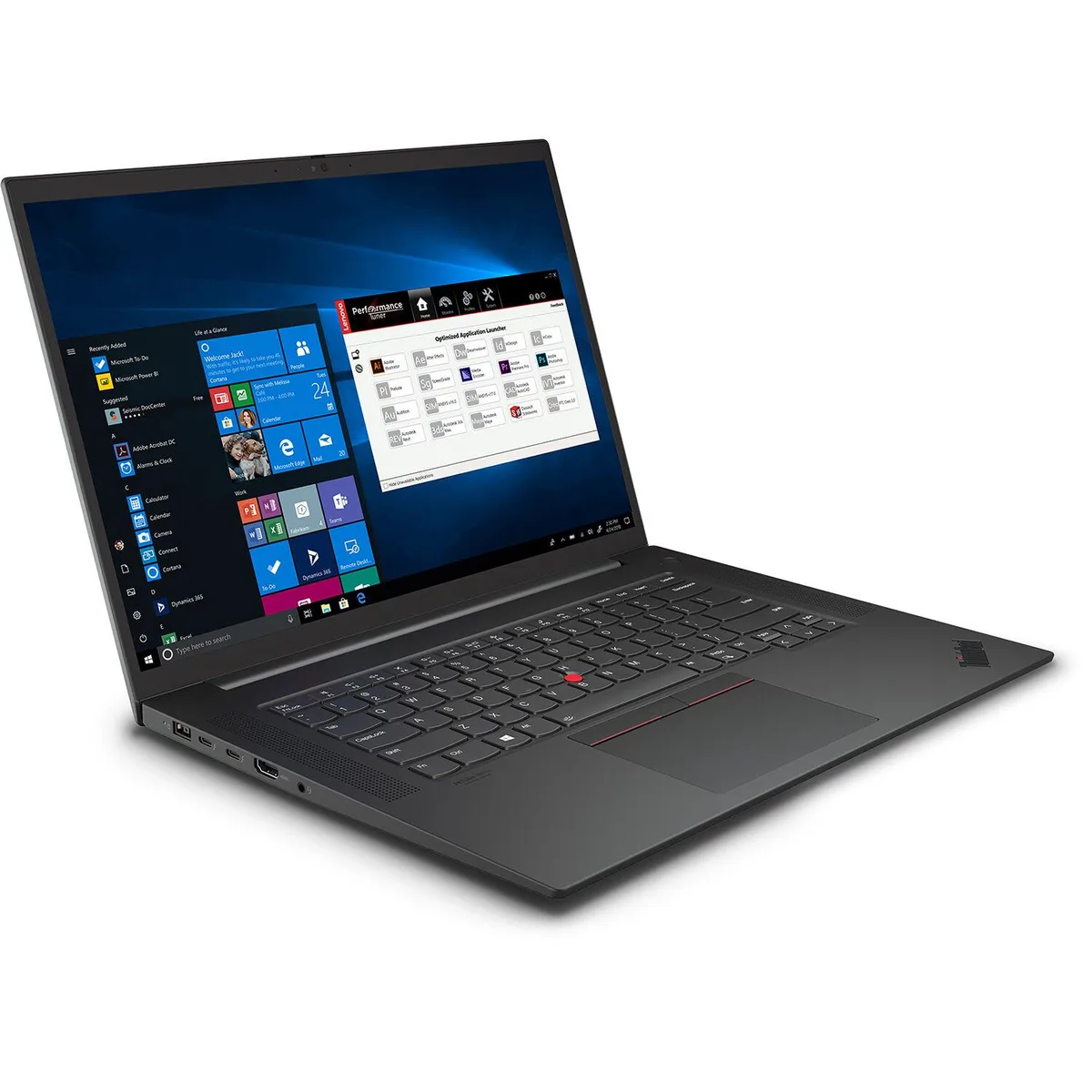
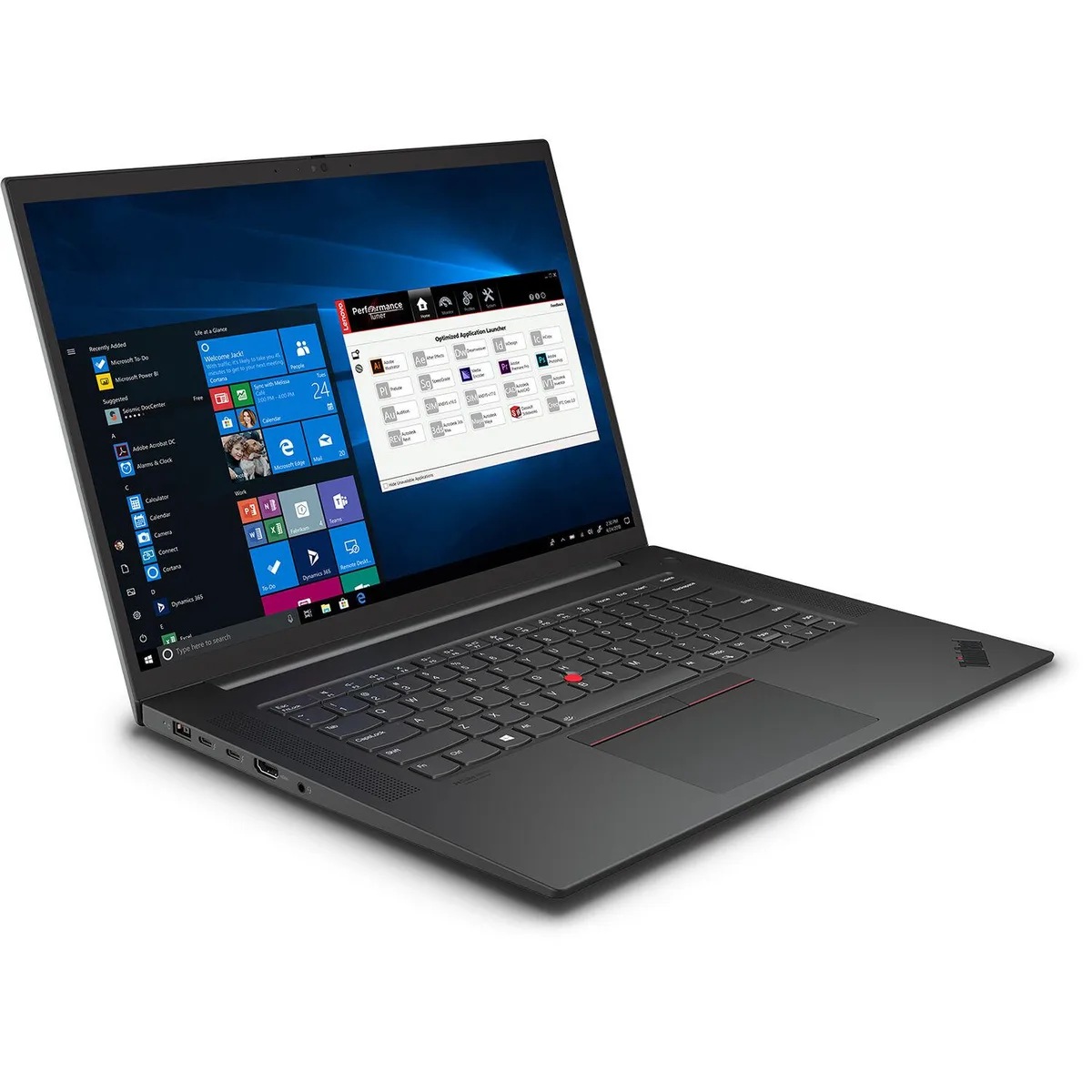
ASUS Vivobook S S5507QAD-PS96 laptop Snapdragon X Elite 12-core 16GB 1TB 15.6 3K 120Hz OLED
- Cool Silver
- Copilot+ PC, the mo…
$1,089.99
0.01384589BTC
In stockWe take cryptocurrency — so the coins you hold can buy real hardware.Pay in crypto, spend it on real hardware. Free insured shipping worldwide over $399. Plain, unbranded boxes, sent from Germany.Free insured shipping over $399. Your rate is locked for 30 minutes once checkout opens.Rate locked 30 minutes. Every item sealed, serial-checked and covered by a 24-month warranty.Sealed, 24-month warranty.


ASUS
A 16.0" Windows 11 laptop with an 8-core Snapdragon X X1-26-100 processor, 16GB LPDDR5X memory, 512GB PCIe storage and a 1920 x 1200 anti-glare display
Options 16GB RAM / 512GB SSD
The 16.0" screen shows 1920 x 1200 resolution in a 16:10 aspect ratio with anti-glare coating and 300 nits brightness. Wide viewing angles suit office work and media consumption. Non-touch operation keeps the panel simple and smudge-free.
The Qualcomm Snapdragon X X1-26-100 delivers eight cores and 30 MB L3 cache for everyday multitasking and AI-ready workloads. Windows 11 Home runs on ARM architecture with integrated graphics sharing 16 GB LPDDR5X memory. Buyers who need discrete GPU power for gaming or heavy rendering should look elsewhere.
Storage is a 512 GB PCIe Gen 4 drive with no user-accessible expansion slot mentioned. Connectivity includes Wi-Fi 6E and Bluetooth 5.3 plus two USB 3.2 Gen 1 Type-A ports and two USB 4.0 Gen 3 Type-C ports supporting display and power delivery up to 40 Gbps. An HDMI 2.1 TMDS output handles external monitors.
| Brand | ASUS |
|---|---|
| Series | VivoBook |
| Model | X1607QA-DS54 |
| Color | Quiet Blue |
| AI Features | AI Ready |
| Operating System | Windows 11 Home |
| CPU Type | Qualcomm Snapdragon X |
| Processor Name | Qualcomm Snapdragon X X1-26-100 |
| Number of Cores | 8-core Processor |
| CPU L3 Cache | 30 MB |
| Screen Size | 16.0" |
| Touchscreen | Non-Touch Screen |
| Wide Screen Support | Yes |
| Display Type | WUXGA |
| Resolution | 1920 x 1200 |
| Display Features | 16:10 300nits Anti-Glare |
| GPU/VPU | Integrated Graphics |
| Video Memory | Shared system memory |
| Graphic Type | Integrated Card |
| SSD | 512GB PCIe |
| Storage Spec | 512 GB PCIE G4 SSD |
| Memory | 16GB |
| Memory Spec | 16GB LPDDR5X on board |
| Optical Drive Type | No |
| WLAN | 802.11ax Wireless LAN |
| WiFi Generation | Wi-Fi 6E |
| Bluetooth | Bluetooth 5.3 |
| USB | 2 x USB 3.2 Gen 1 Type-A (data speed up to 5Gbps) 2 x USB 4.0 Gen 3 Type-C with support for display / power delivery (data speed up to 40Gbps) |
| HDMI | 1 x HDMI 2.1 TMDS |
| Audio Ports | 1 x 3.5mm Combo Audio Jack |
| Keyboard | Backlit Chiclet Keyboard with Num-key |
| Backlit Keyboard | Backlit |
| Webcam | FHD camera with IR function to support Windows Hello//With privacy shutter |
| Style | Standard |
| Type | Home / Personal |
| Usage | Consumer |
| Battery | 50WHrs, 3S1P, 3-cell Li-ion |
| Dimensions (W x D x H) | 14.06" x 9.87" x 0.70" - 0.78" |
| Weight | 3.88 lbs. |
| Shipping weight | 3.02 kg |
| Package size | 489 × 311 × 64 mm |
Other versions of this model
Same family, different memory, cooler or clock — compare before you commit.
The 512 GB PCIe G4 SSD fits a standard M.2 2280 slot inside the chassis.
Boot from a USB 3.2 Gen 1 Type-A drive, then install the Qualcomm Adreno graphics driver after Windows setup finishes — skipping that driver leaves the display at basic resolution.
The 512 GB PCIe G4 SSD is the only user-replaceable part; remove the bottom cover, swap the M.2 module, then reinstall Windows 11 Home.
Also in this aisle
Same shelf, same checkout — eight coins and a 30-minute rate lock.
What you pay in, and what you read prices in.
Sent from your wallet at checkout
Display only — the catalogue is priced in USD
No currency matches that.
Pick the language the site speaks to you in.
New here?
Already have one?
There is no automatic reset: this shop sends no mail, so there is no one-time link to ask for. Leave the address on the account and it gets picked up by hand.
Request noted
Nothing is on its way to your inbox — this shop sends no mail at all. Someone picks these up by hand.
Remembered it?