


ASUS
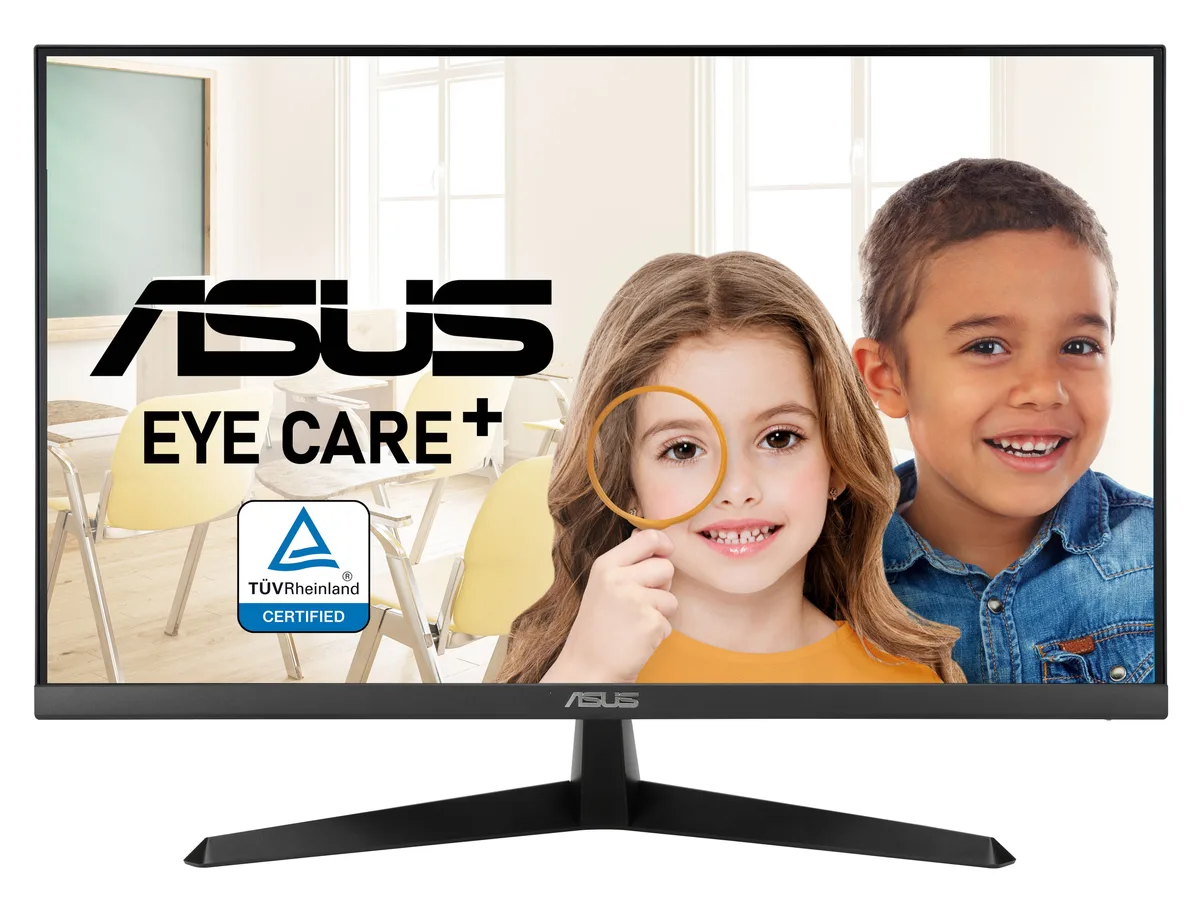
ASUS VY27UQ 90LM09U3-B011B0 27" 4K IPS 60Hz monitor
A 27-inch 4K IPS monitor with HDR10, Adaptive Sync and built-in speakers, plus antibacterial bezels and eye-care modes for comfortable long sessions
- Cabinet ColorBlack
- Screen Size27"
- Glare ScreenNon-glare
- WidescreenYes
- Resolution3840 x 2160 (4K)
- Refresh Rate60Hz
- Sharp 4K UHD detail on a 27-inch IPS panel
- Wide 178° viewing angles keep colours consistent from any seat
- HDR10 support expands contrast for richer highlights and shadows
- Adaptive Sync removes tearing for smooth motion at 60Hz
- Antibacterial bezels and hotkeys reduce germ build-up on high-touch surfaces
27-inch 4K IPS monitor for colour-critical work
The ASUS VY27UQ delivers a 3840 x 2160 resolution on a 27-inch IPS panel with 178° viewing angles, 350 cd/m2 brightness and a 1,000:1 typical contrast ratio. HDR10 support extends dynamic range while Adaptive Sync keeps motion smooth at 60Hz. A 10-bit colour depth of 1073.7M colours and factory calibration suit creative professionals who need accurate colour reproduction.
Who this suits and who should look elsewhere
Creative professionals, office workers and home users who value colour accuracy, eye comfort and antibacterial surfaces will benefit from the Color Augmentation mode, Rest Reminder, flicker-free backlight and low blue-light certification. Competitive gamers who need refresh rates above 60Hz or response times below 5ms GTG should consider a gaming-focused display. Buyers requiring USB-C video input, built-in KVM or higher peak brightness for true HDR impact will need a different model.
Check your setup before ordering
Verify your graphics card can drive 3840 x 2160 at 60Hz over DisplayPort 1.4 or HDMI 2.0 and that you have a free port of the matching type. Ensure 100 x 100mm VESA mounting holes if you plan to use a monitor arm instead of the included tilt-only stand (-5° to +23°). Confirm desk space for a 27-inch flat panel and note the 23.5W typical power draw from a 100-240V supply.
Highlights
- Sharp 4K UHD detail on a 27-inch IPS panel
- Wide 178° viewing angles keep colours consistent from any seat
- HDR10 support expands contrast for richer highlights and shadows
- Adaptive Sync removes tearing for smooth motion at 60Hz
- Antibacterial bezels and hotkeys reduce germ build-up on high-touch surfaces
Specifications
| Brand | ASUS |
|---|---|
| Model | VY27UQ |
| Part Number | 90LM09U3-B011B0 |
| Cabinet Color | Black |
| Screen Size | 27" |
| Glare Screen | Non-glare |
| Widescreen | Yes |
| Resolution | 3840 x 2160 (4K) |
| Refresh Rate | 60Hz |
| Viewing Angle | 178° (H) / 178° (V) |
| Monitor Pixel Density | 0.155mm x 0.155mm |
| Display Colors | 1073.7M (10 bit) |
| Brightness | 350 cd/m2 |
| Contrast Ratio | 1,000:1 (Typ.), 3,000:1 (Dynamic) |
| Aspect Ratio | 16:9 |
| Response Time | 5ms (GTG) |
| Panel | IPS |
| Display Type | FHD |
| HDR Standard | HDR10 |
| Curved Surface Screen | Flat Panel |
| Video Ports | 1 x DisplayPort 1.4 / 2 x HDMI 2.0 |
| Headphone | Earphone Jack |
| Power Supply | 100 - 240 VAC, 50/60Hz |
| Power Consumption | Power Consumption: <23.5W Power Saving Mode: <0.5W Power Off Mode: <0.3W |
| Regulatory Approvals | Energy Star, EPEAT Silver, TCO Certified, TÜV Flicker-free , TÜV Low Blue Light, FSC MIX |
| Stand Adjustments | Tilt: +23° ~ -5° |
| Built-in Speakers | 2 x 2W |
| VESA Compatibility - Mountable | 100 x 100mm |
| Features | Flicker-free Trace Free Technology SPLENDID Technology Dynamically Local Dimming GamePlus QuickFit DisplayWidget Center Low Blue Light Eye Care+ Technology |
| Dimensions | 17.17" x 24.13" x 7.95" w/ stand 14.37" x 24.13" x 1.97" w/o stand |
| Weight | 11.24 lbs. w/ stand 10.47 lbs. w/o stand |
| Package Contents | HDMI cable L-shaped Screwdriver Power cord Quick start guide Warranty Card |
| Shipping weight | 5.90 kg |
| Package size | 660 × 432 × 140 mm |
Questions about this item
Which cables do I need to connect the VY27UQ to a PC that only has one DisplayPort 1.4 and two HDMI 2.0 outputs?
The box includes one DisplayPort cable and one HDMI cable so you can plug straight in; a second HDMI cable is required only if you want to use both HDMI ports simultaneously.
Will my older graphics card that tops out at HDMI 1.4 still drive the 3840 x 2160 panel at 60 Hz?
HDMI 1.4 is limited to 30 Hz at 4K; you must use the DisplayPort 1.4 connection to reach the full 60 Hz refresh rate.
How can I confirm the monitor is actually running at 3840 x 2160 and 60 Hz after setup?
Open the on-screen menu via the joystick, select Information, and verify the resolution reads 3840 x 2160 and the refresh rate reads 60 Hz.
Also in this aisle
People compared these
Same shelf, same checkout — eight coins and a 30-minute rate lock.


Acer America
Acer America UM.HX1AA.103 Nitro XF273 X1 27" 1920x1080 200Hz monitor
- Black
- 27"
$199.99
0.00258365BTC
In stock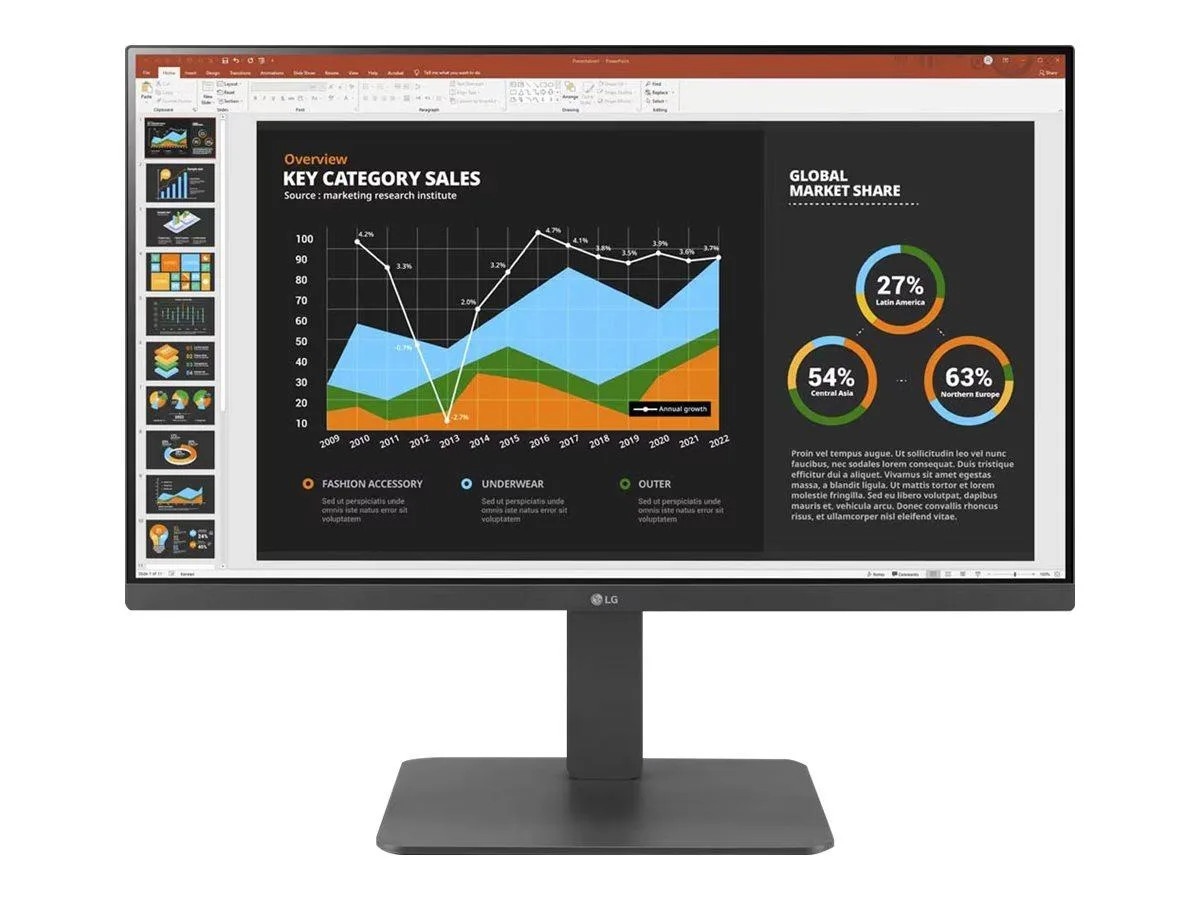
LG Electronics
LG Electronics 24BR650B-C 23.8" 1920x1080 IPS monitor
- Black
- 23.8" (Viewable)
$279.99
0.00361716BTC
In stock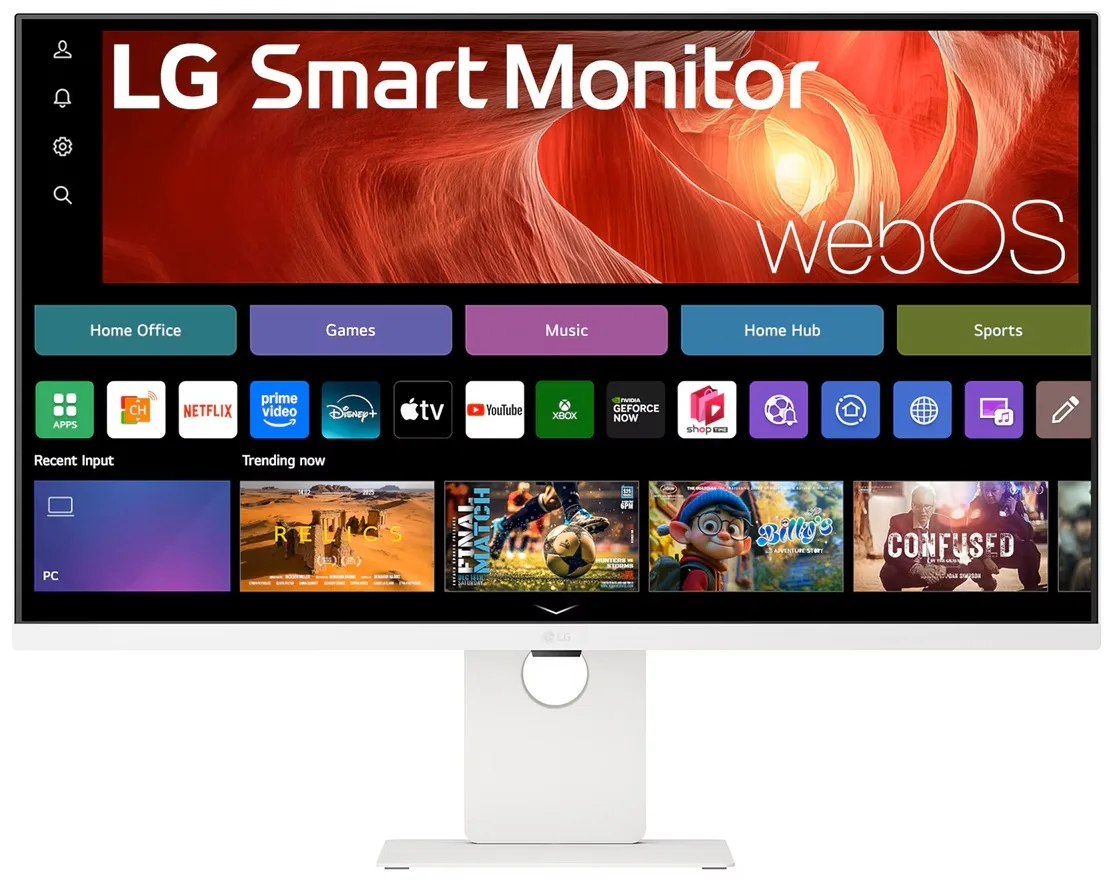
LG Electronics
LG Electronics 37U730SA-W 37" 4K UHD IPS Smart Monitor webOS White
- White
- webOS
$584.99
0.00755742BTC
In stock