Cswur
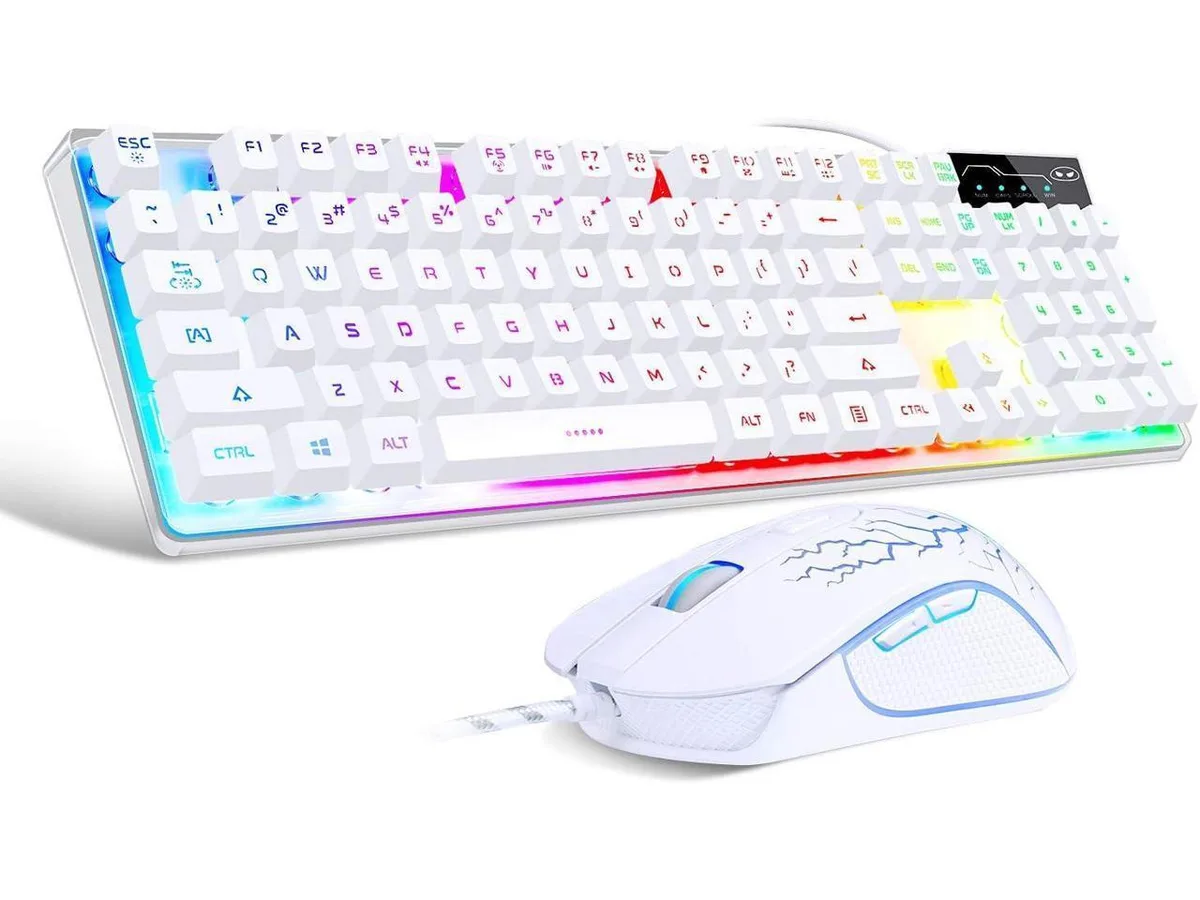
Cswur 104-Key Mechanical Gaming Keyboard Outemu Brown Switches Aluminum Frame Rainbow Backlight
- Full-size
$86.99
0.00111223BTC
In stockWe take cryptocurrency — so the coins you hold can buy real hardware.Pay in crypto, spend it on real hardware. Free insured shipping worldwide over $399. Plain, unbranded boxes, sent from Germany.Free insured shipping over $399. Your rate is locked for 30 minutes once checkout opens.Rate locked 30 minutes. Every item sealed, serial-checked and covered by a 24-month warranty.Sealed, 24-month warranty.


A 99-key hot-swappable mechanical keyboard with gasket structure, pre-lubed linear switches, RGB backlighting and tri-mode 2.4 GHz, BT 3.0 and BT 5.0 wireless plus USB‑C wired connectivity
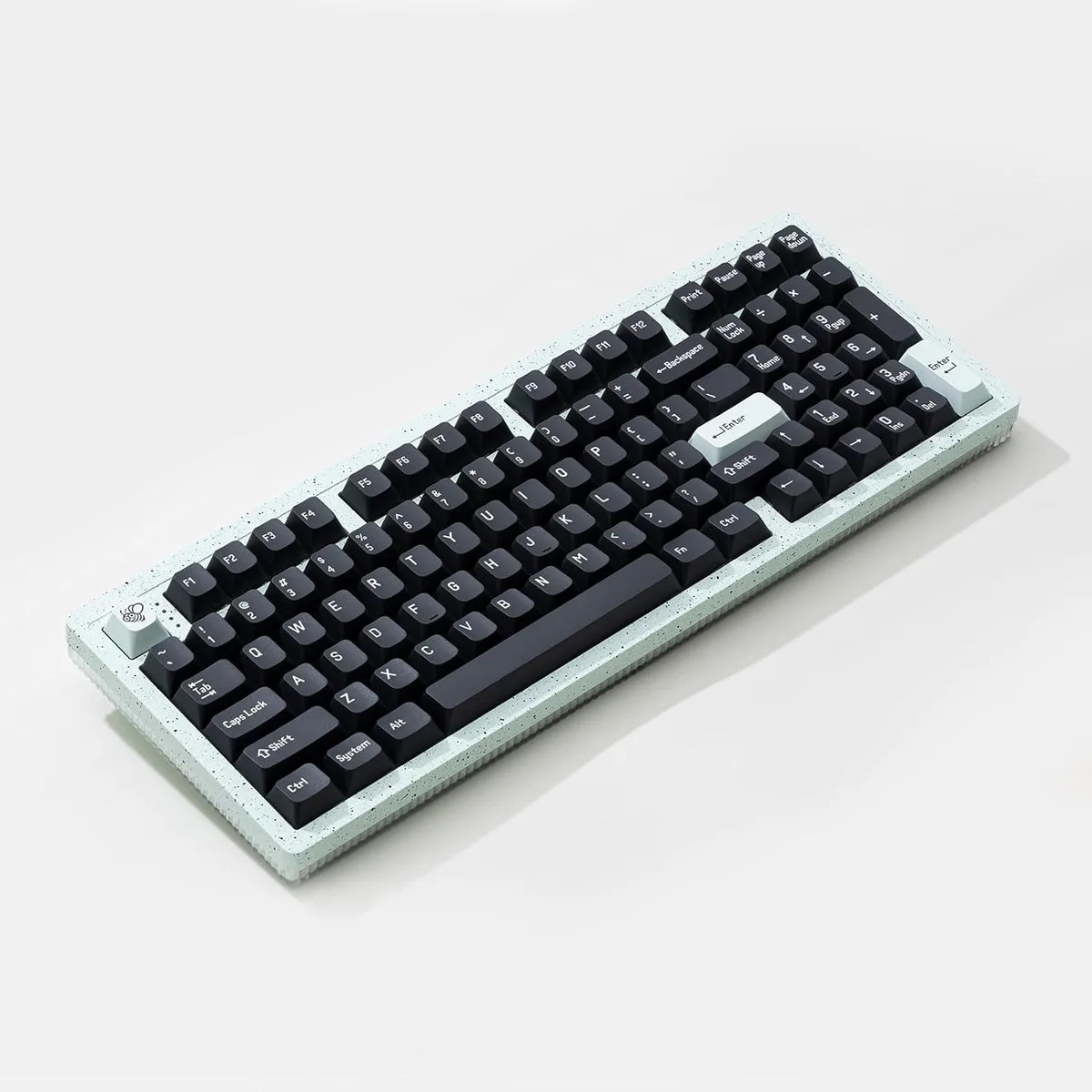
The AULA F99 Pro is a 99-key mechanical keyboard with a rotary knob that connects via 2.4 GHz wireless, BT3.0/5.0 and USB-C. It pairs with up to five devices and switches between them using FN key combinations or the side button. The white chassis uses a gasket structure with five layers of silencing material and an extended silicone pad for a softer, quieter typing feel. Pre-lubed linear switches and south-facing RGB backlighting complete the package.
This keyboard suits users who want a low-noise mechanical experience across multiple devices without soldering. The hot-swap PCB accepts both 3-pin and 5-pin switches and the kit includes a puller for quick changes. Buyers who need a compact layout without a numeric cluster or a dedicated function row should look elsewhere, as the 99-key format retains the number pad and arrow keys. Anyone who prefers tactile or clicky feedback out of the box will not find it here.
The built-in 8000 mAh battery powers the tri-mode wireless operation and per-key RGB lighting. This single figure determines how long the keyboard runs between charges in 2.4 GHz or Bluetooth modes. No other specification in the data governs wireless endurance.
| Brand | AULA |
|---|---|
| Series | F99 Pro |
| Name | F99 Pro |
| Model | F99 Pro |
| Material | Plastic |
| Keyboard Interface | 2.4GHz Wireless, BT3.0/5.0 |
| Design Style | Rainbow |
| Palm Rest | Contemporary |
| Mechanical Keyboard | Keycap/Switches Puller x1 / Linear |
| Key Switch | Linear |
| Key Switch Type | Linear |
| Keyboard Color | White |
| Backlit | RGB |
| Type | BT3.0/5.0 |
| Mouse Included | Contemporary |
| Mouse Interface | 2.4GHz Wireless |
| Mouse DPI | Mechanical |
| Hand Orientation | Ambidextrous |
| Tracking Method | Silent |
| Scrolling Capability | Programmable Keys |
| Mouse Color | White |
| Power Source | Battery Powered, BT3.0/5.0 |
| Operating Time | Battery Powered, true |
| System Requirement | 2.4GHz Wireless |
| Features | rgb, Plastic, Ambidextrous, BT3.0/5.0 |
The compact 99-key design includes a multifunction knob and fits most standard trays; measure your tray width against the keyboard's footprint before buying.
Insert the 2.4 GHz receiver into a USB port, turn the keyboard on, then press the designated FN combination to activate wireless mode — users often forget the FN step.
Switches are hot-swappable for 3-pin and 5-pin types; use the included puller to remove and replace any switch that feels scratchy or fails to register.
Also in this aisle
Same shelf, same checkout — eight coins and a 30-minute rate lock.
What you pay in, and what you read prices in.
Sent from your wallet at checkout
Display only — the catalogue is priced in USD
No currency matches that.
Pick the language the site speaks to you in.
New here?
Already have one?
There is no automatic reset: this shop sends no mail, so there is no one-time link to ask for. Leave the address on the account and it gets picked up by hand.
Request noted
Nothing is on its way to your inbox — this shop sends no mail at all. Someone picks these up by hand.
Remembered it?