Cswur
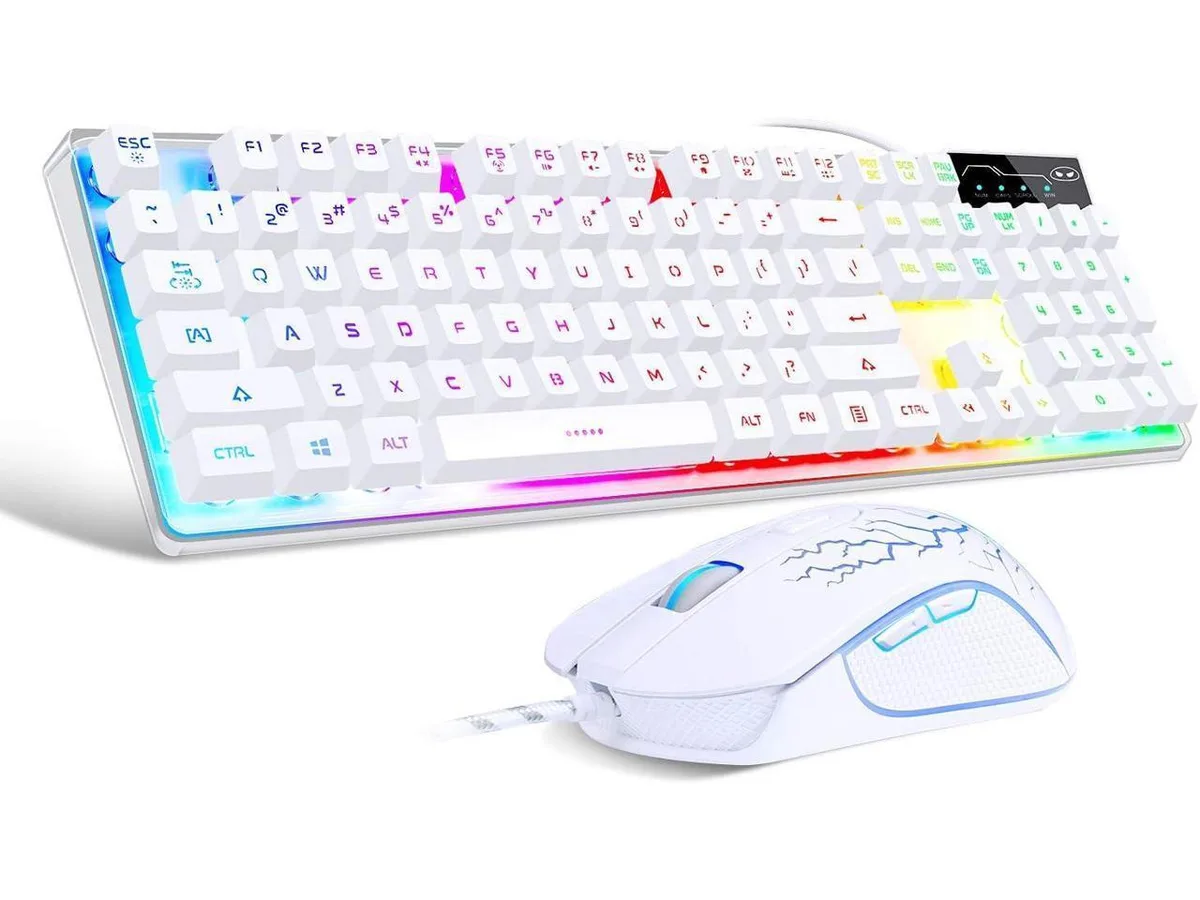
Cswur 104-Key Mechanical Gaming Keyboard Outemu Brown Switches Aluminum Frame Rainbow Backlight
- Full-size
$86.99
0.00110777BTC
In stockWe take cryptocurrency — so the coins you hold can buy real hardware.Pay in crypto, spend it on real hardware. Free insured shipping worldwide over $399. Plain, unbranded boxes, sent from Germany.Free insured shipping over $399. Your rate is locked for 30 minutes once checkout opens.Rate locked 30 minutes. Every item sealed, serial-checked and covered by a 24-month warranty.Sealed, 24-month warranty.
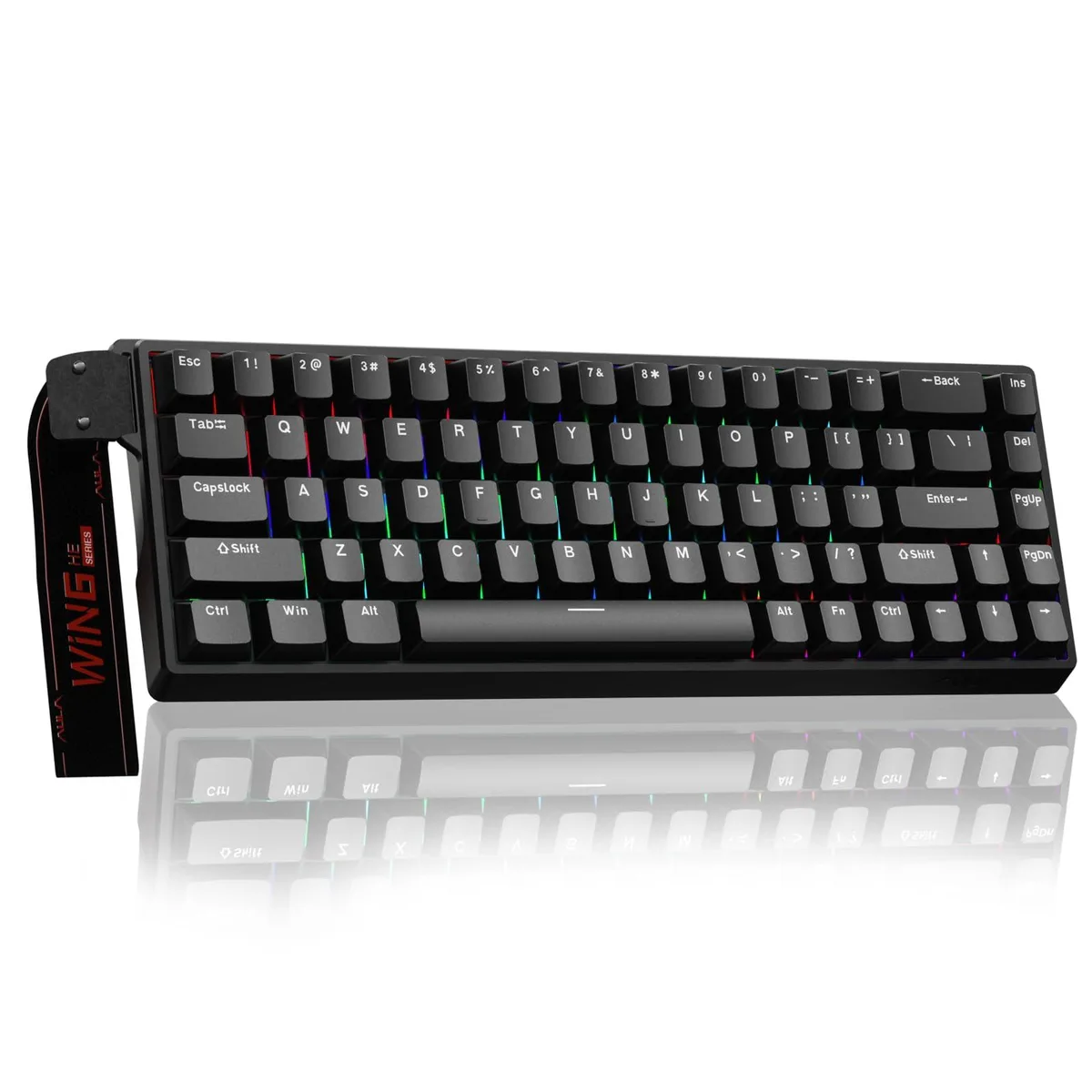


Compact 60% Hall Effect keyboard with adjustable actuation, 8000 Hz polling and RGB backlighting
The AULA WIN68 Standard Edition is a 60 percent wired gaming keyboard that uses Hall Effect magnetic switches with an adjustable actuation range of 0.02 mm to 3.44 mm. An 8000 Hz polling rate and 0.3 ms latency give near-instant command registration for competitive play and fast typing workflows. RGB backlighting and a black plastic chassis complete the package.
Gamers and coders who want per-key actuation tuning down to 0.1 mm increments will benefit from the magnetic switch design and web-based driver. The driver runs only on Windows and does not support macOS, so buyers needing native Mac configuration should look elsewhere. No mouse is included despite references in the data, so users requiring a bundled pointing device must purchase separately.
Configuration is handled through a browser-based driver at the supplied link, avoiding a traditional software install on Windows. Because the driver is Windows-only, Mac owners cannot adjust RT, SOCD, DKS, MT, TGL functions, macros or RGB profiles. The compact 60 percent layout omits dedicated function and navigation keys, which may require a learning curve for users accustomed to full-size boards.
| Brand | AULA |
|---|---|
| Series | WIN68 Standard Edition |
| Name | WIN68 Standard Edition |
| Model | WIN68 Standard Edition |
| Part Number | WIN68 Standard Edition |
| Material | Plastic |
| Design Style | Rainbow |
| Palm Rest | Contemporary |
| Mechanical Keyboard | Keyboard*1 / Linear |
| Key Switch | Linear |
| Key Switch Type | Linear |
| Keyboard Color | Black |
| Backlit | RGB |
| Dimensions | 2.4 in x 3.96 in x 1.3 in |
| Mouse Included | Contemporary |
| Mouse DPI | Gaming |
| Hand Orientation | Ambidextrous |
| Tracking Method | Portable |
| Scrolling Capability | Hot-Swappable |
| Mouse Color | Black |
| Power Source | Corded Electric |
| Operating Time | Corded Electric, false |
| Distance | 14 L x 6 W x 1.7 H inches |
| Features | rgb, Plastic, Ambidextrous |
A USB-C port on a Windows PC is required to achieve the 8000Hz polling rate; the web driver for RT, SOCD, DKS, MT and TGL settings runs only on Windows.
The Hall Effect switches and their 0.1mm actuation granularity operate independently of the hub, but the 8000Hz polling rate and 0.3ms latency need a direct USB-C connection.
Open the web driver at bit.ly/m/AULA on Windows, confirm the polling rate reads 8000Hz, set a unique actuation value per key, then check that each key lights individually.
Also in this aisle
Same shelf, same checkout — eight coins and a 30-minute rate lock.
What you pay in, and what you read prices in.
Sent from your wallet at checkout
Display only — the catalogue is priced in USD
No currency matches that.
Pick the language the site speaks to you in.
New here?
Already have one?
There is no automatic reset: this shop sends no mail, so there is no one-time link to ask for. Leave the address on the account and it gets picked up by hand.
Request noted
Nothing is on its way to your inbox — this shop sends no mail at all. Someone picks these up by hand.
Remembered it?