AUTYUE
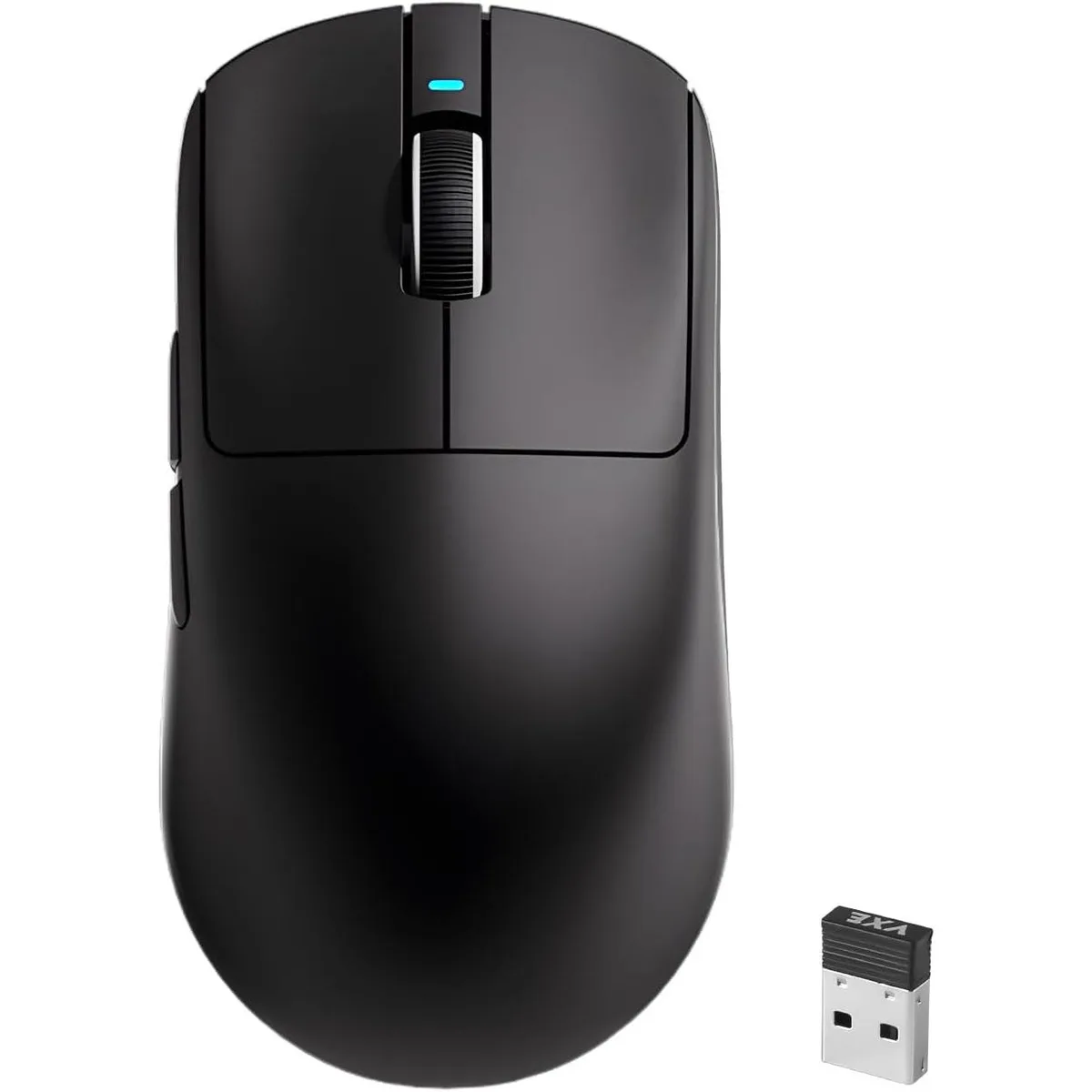
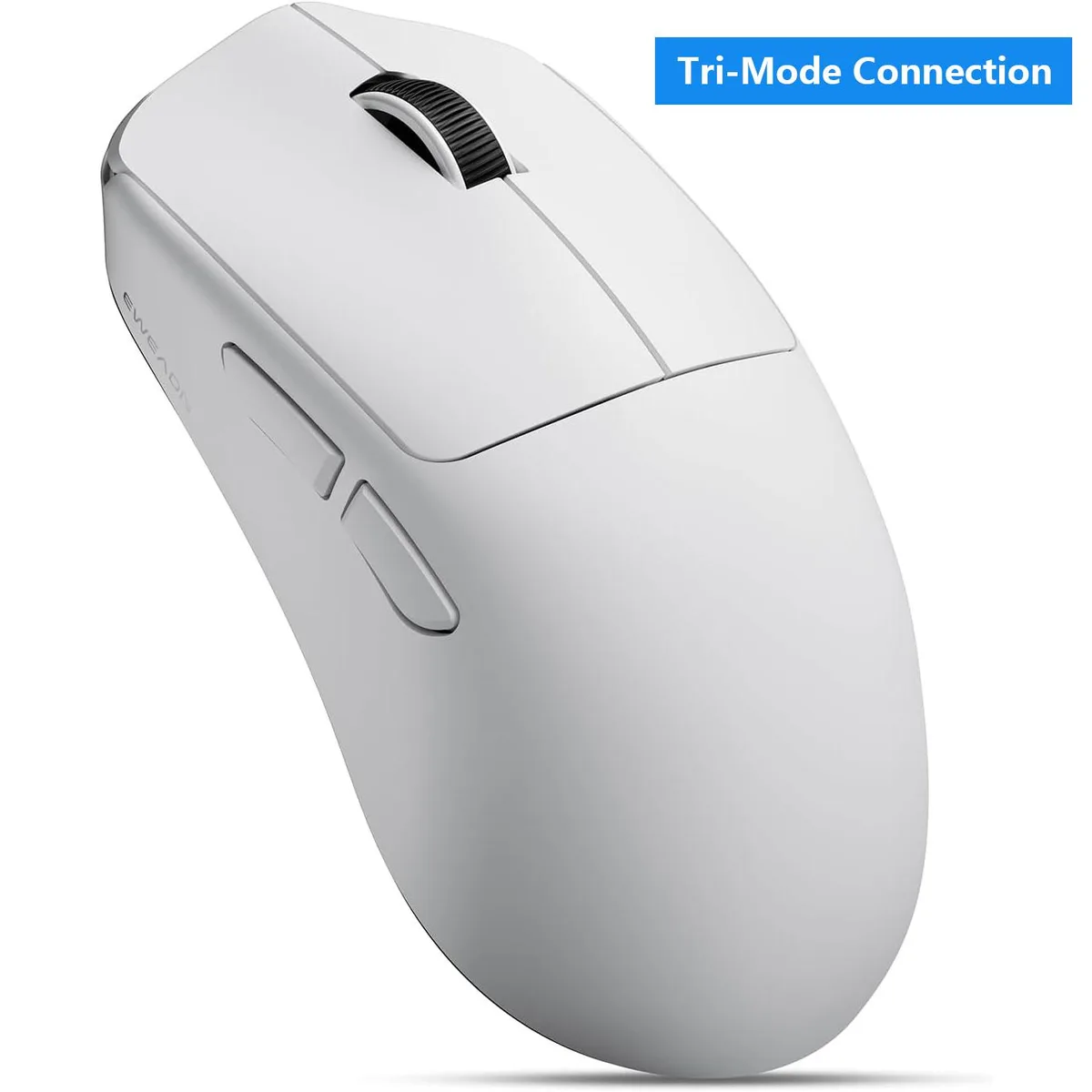
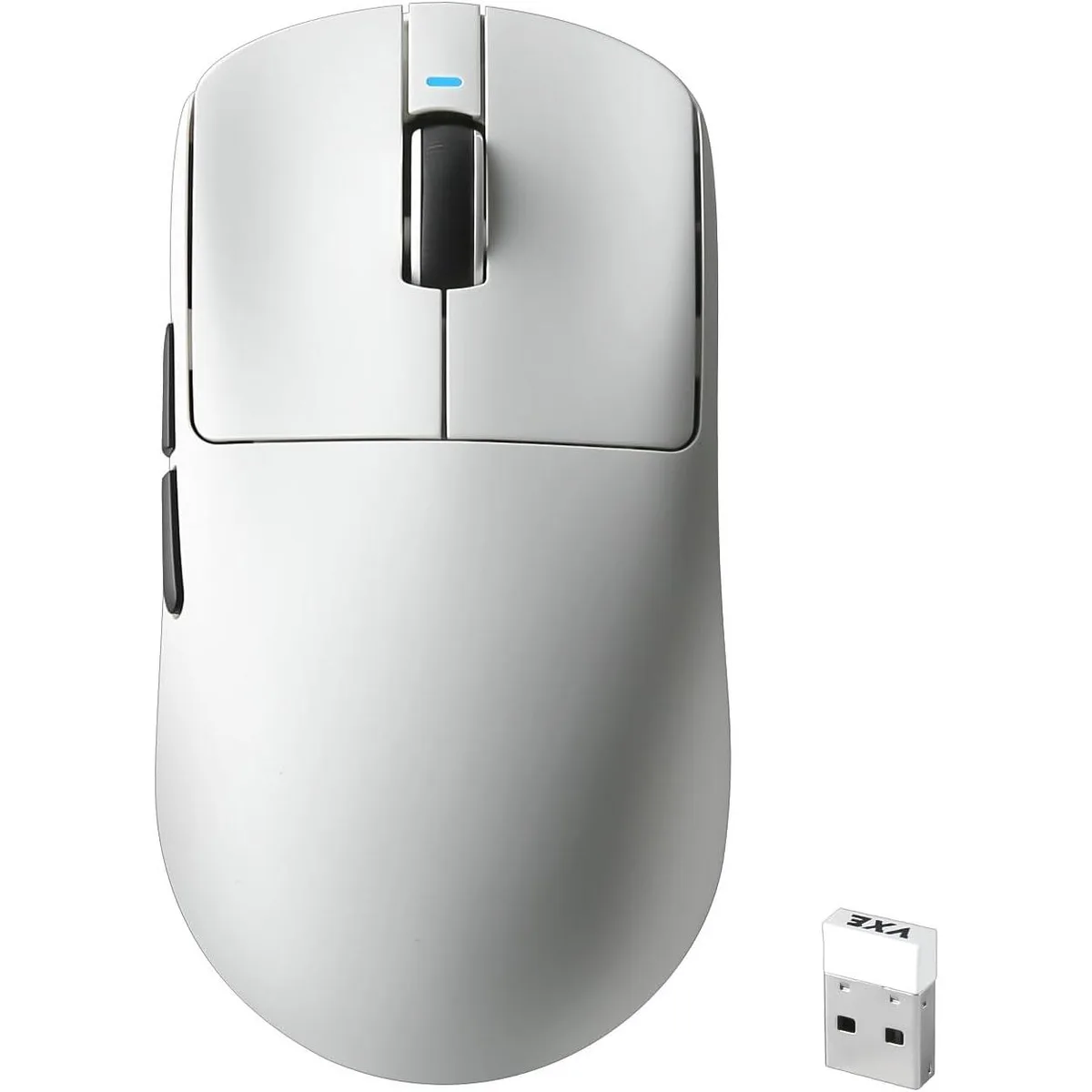
AUTYUE R1 SE Gaming Mouse 55g PAW3395SE 18000 DPI Tri-Mode White
- Bluetooth / 2.4GHz…
- USB & Bluetooth
$26.99
0.00034338BTC
In stockWe take cryptocurrency — so the coins you hold can buy real hardware.Pay in crypto, spend it on real hardware. Free insured shipping worldwide over $399. Plain, unbranded boxes, sent from Germany.Free insured shipping over $399. Your rate is locked for 30 minutes once checkout opens.Rate locked 30 minutes. Every item sealed, serial-checked and covered by a 24-month warranty.Sealed, 24-month warranty.


AUTYUE
Tri-mode 2.4 GHz, BT 5.0 and USB-C gaming mouse with PAW3311 sensor, 12000 DPI, six programmable buttons, 49 g weight and 20-day battery life
Color Black
The AUTYUE X23 Pro is a 49g gaming mouse built around a PAW3311 sensor with a maximum resolution of 12000 DPI. It connects through 2.4G wireless, BT5.0 wireless or USB-C wired modes and stores up to four device profiles. Six programmable buttons and a touch scroll wheel complete the control layout for competitive and everyday use.
The mouse works with Windows 7/8/10/XP/Vista, Mac OS, Linux and Android, so it plugs straight into a laptop, desktop or tablet without a dedicated receiver for Bluetooth mode. The 2.4G dongle and USB-C cable travel in the same bag, and the bottom switch toggles between saved connections instantly. No additional software is required for basic operation across all supported platforms.
The package supplies a USB cable, manual and six non-slip stickers that resist oil and sweat during long sessions. Using the optional driver, each of the six buttons can be mapped to macros and the six DPI steps — 800, 1600, 2400, 3200, 6400, 12000 — can be reassigned, while four polling-rate presets adjust reporting speed. The 800mAh battery delivers 20 days at five hours daily use and recharges over the same USB-C cable.
| Model | X23 Pro |
|---|---|
| Type | Bluetooth / 2.4GHz / Wired |
| Interface | USB & Bluetooth |
| Resolution (DPI) | 12000 dpi |
| Buttons | 6 |
| Operating System Supported | The wireless mouse widely supports Windows 7/8/10/XP/Vista, Mac OS, Linux, and Android systems, making it suitable for PCs, laptops, Macs, and other devices to meet users' multiple needs. |
| Features | Wireless, Programmable Buttons, Lightweight, Portable, Soundless, Touch Scroll |
| Package Contents | Gaming Mouse USB Cable Manual Non-slip stickers |
Other versions of this model
Same family, different memory, cooler or clock — compare before you commit.
The 800mAh battery delivers about 20 days of use at five hours per day before it needs recharging via the USB-C cable.
The PAW3311 sensor and lightweight shell run cool and silent; there are no moving parts that generate audible noise or noticeable heat.
A free USB-A port for the included 2.4G receiver is all that is required; no extra software is needed for basic operation.
Also in this aisle
Same shelf, same checkout — eight coins and a 30-minute rate lock.
What you pay in, and what you read prices in.
Sent from your wallet at checkout
Display only — the catalogue is priced in USD
No currency matches that.
Pick the language the site speaks to you in.
New here?
Already have one?
There is no automatic reset: this shop sends no mail, so there is no one-time link to ask for. Leave the address on the account and it gets picked up by hand.
Request noted
Nothing is on its way to your inbox — this shop sends no mail at all. Someone picks these up by hand.
Remembered it?