


BenQ
BenQ GW2486TC 24" 100Hz IPS monitor
A 24 inch IPS panel with 100 Hz refresh, 99 percent sRGB colour and USB-C 65 W power delivery plus daisy-chain DisplayPort out for tidy multi-screen setups
- Cabinet ColorWhite
- Screen Size24"
- Glare ScreenAnti-glare
- WidescreenYes
- Resolution1920 x 1080
- Refresh Rate100Hz
- USB-C delivers 65W power while carrying video and data
- 100Hz refresh rate makes motion smoother for everyday tasks
- 99% sRGB coverage on an IPS panel gives accurate colour for creative work
- Daisy-Chain via DisplayPort out keeps multi-monitor cabling tidy
- Height-adjustable stand with tilt, pivot and swivel lets you set the screen at eye level
24-inch 100Hz IPS monitor for office work
The BenQ GW2486TC is a 24-inch Full HD IPS monitor with a 100Hz refresh rate and 99% sRGB colour coverage. It targets home-office users who need accurate colour, a fast panel for smooth scrolling, and a single-cable USB-C connection that delivers up to 65W of power to a laptop. The anti-glare coating and factory calibration support long text-based sessions.
Suits single-screen coders
This model fits developers who want a dedicated coding mode and an ergonomic stand with tilt, pivot, swivel and height adjustment. It also suits anyone planning a daisy-chained multi-monitor layout through the DisplayPort MST output. Buyers who need higher resolution, wider gamut coverage or built-in speakers should look at other models.
Check laptop USB-C video and power specs
Verify that your laptop’s USB-C port supports DisplayPort Alt Mode and can accept 65W power delivery; the monitor’s microphone only functions over that same USB-C link. Ensure your graphics driver can drive 1920 x 1080 at 100Hz over HDMI 1.4 or DisplayPort 1.2. Desk space for the fully extended stand height should also be confirmed.
Highlights
- USB-C delivers 65W power while carrying video and data
- 100Hz refresh rate makes motion smoother for everyday tasks
- 99% sRGB coverage on an IPS panel gives accurate colour for creative work
- Daisy-Chain via DisplayPort out keeps multi-monitor cabling tidy
- Height-adjustable stand with tilt, pivot and swivel lets you set the screen at eye level
Specifications
| Brand | BenQ |
|---|---|
| Model | GW2486TC |
| Cabinet Color | White |
| Screen Size | 24" |
| Glare Screen | Anti-glare |
| Widescreen | Yes |
| Resolution | 1920 x 1080 |
| Refresh Rate | 100Hz |
| Viewing Angle | 178° (H) / 178° (V) |
| Display Colors | 16.7 Million |
| Brightness | 250 cd/m2 |
| Contrast Ratio | 1,300:1 (typ.), 20M:1 (DCR) |
| Aspect Ratio | 16:9 |
| Response Time | 5ms (GtG) |
| Panel | IPS |
| Display Type | FHD |
| Color Gamut | 99% sRGB |
| Curved Surface Screen | Flat Panel |
| Video Ports | 1 x HDMI (v1.4) 1 x DisplayPort (v1.2) 1 x DisplayPort out (MST) 1 x USB C (Power Delivery 65W, DisplayPort Alt Mode) |
| USB Ports | 2 x USB 3.2 Gen1 Type-A |
| HDMI | 1 x HDMI 1.4 |
| DisplayPort | 1 x DisplayPort 1.2 |
| USB 3.0 | 2 |
| Headphone | Yes |
| Power Supply | 100-240 VAC |
| Power Consumption | Power Consumption (Standby mode): <0.5W Power Consumption (Normal): 14.6W Power Consumption (max): 115W |
| Stand Adjustments | Tilt (down/up): -5° / 20° Swivel (left/right): 45° / 45° Pivot: -90° / 90° Height Adjustment Stand (mm): 130 |
| Built-in Speakers | 2 x 2W |
| Built-in Webcam | No |
| VESA Compatibility - Mountable | 100 x 100mm |
| Features | Noise Cancellation Microphone Wide Viewing Angle IPS Panel Height Adjustment Stand Ergonomic Design Daisy Chain Technology (MST) Brightness Intelligence Technology (B.I. Gen2) Low Blue Light Plus Flicker-free Technology e-Paper Color Weakness |
| Dimensions | 13.00" x 21.30" x 2.40" w/o stand 16.00"-19.70" x 21.30" x 7.30" w/ stand |
| Weight | 13.67 lbs. |
| Shipping weight | 7.94 kg |
| Package size | 610 × 508 × 178 mm |
Questions about this item
Will the USB-C port charge my laptop while it drives the display?
Yes, the USB-C connection delivers up to 65W of power while transmitting video and data, so most ultrabooks can charge and run from the single cable.
Can I run a second monitor from this one without extra cables to the PC?
The DisplayPort output supports MST daisy-chaining, letting you connect a second display directly from this monitor.
Does the built-in microphone work with any video source?
The noise-cancelling microphone is active only when the monitor is linked to the host via USB-C; it does not function with HDMI or DisplayPort alone.
Also in this aisle
People compared these
Same shelf, same checkout — eight coins and a 30-minute rate lock.


Acer America
Acer America UM.HX1AA.103 Nitro XF273 X1 27" 1920x1080 200Hz monitor
- Black
- 27"
$199.99
0.00258432BTC
In stock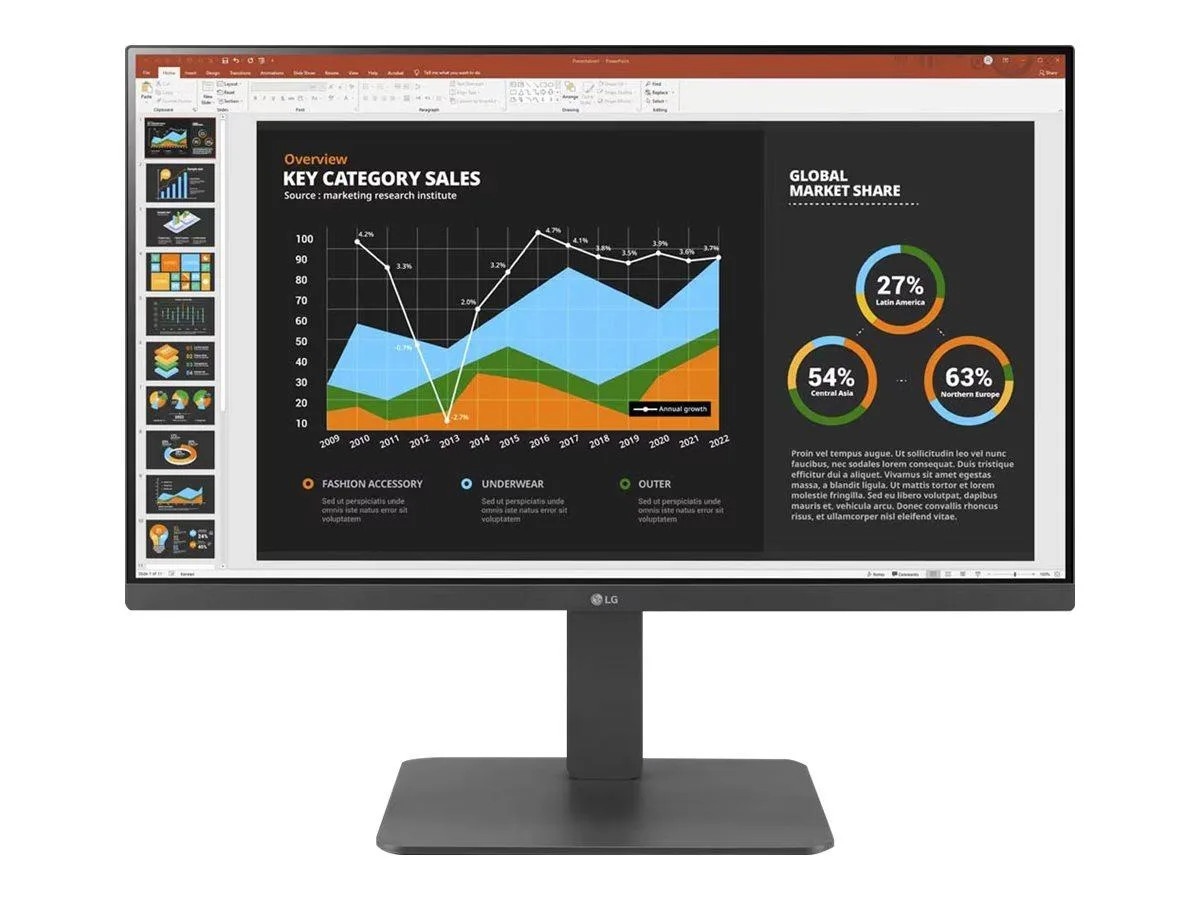
LG Electronics
LG Electronics 24BR650B-C 23.8" 1920x1080 IPS monitor
- Black
- 23.8" (Viewable)
$279.99
0.0036181BTC
In stock
LG Electronics
LG Electronics 37U730SA-W 37" 4K UHD IPS Smart Monitor webOS White
- White
- webOS
$584.99
0.00755938BTC
In stock