


BenQ
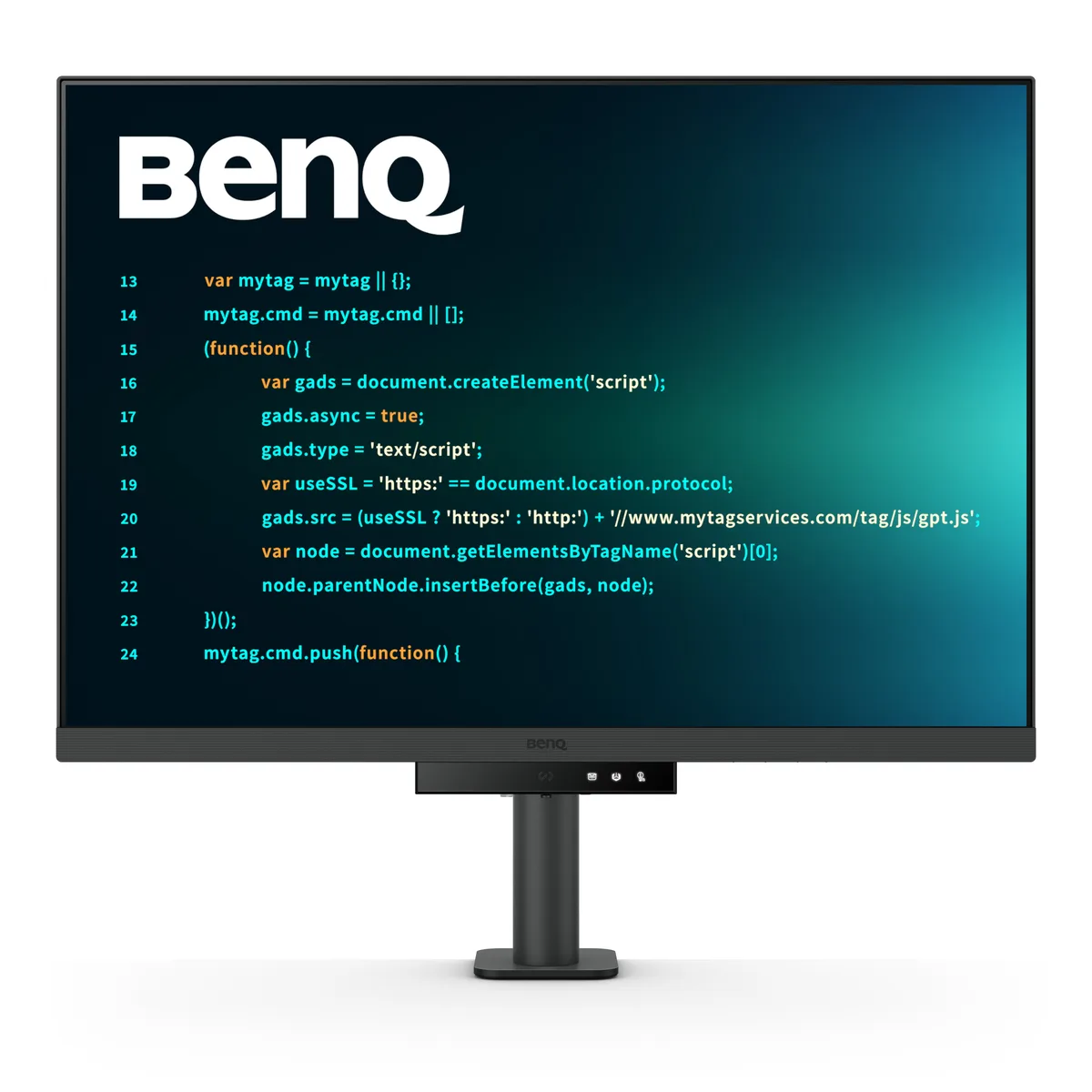
BenQ RD280UA 28.2" 3840x2560 monitor
A 28.2 inch 3:2 4K IPS monitor with 90 W USB-C power delivery, an integrated flexible arm stand and anti-glare Fine-Coated panel for coding comfort
- Cabinet ColorMetallic Grey
- Screen Size28.2"
- Glare ScreenAnti-glare
- LED BacklightYes
- Resolution3840 x 2560 (4K)
- Refresh Rate60Hz
- Sharp text for code on a 3:2 3840x2560 IPS panel
- Reduced glare and reflections with the exclusive Fine-Coated anti-glare surface
- Single-cable docking via USB-C with 90W power delivery and MST daisy-chaining
- Flexible positioning from the Ergo Arm stand with tilt, swivel and height adjustment
- Eye comfort during long sessions with Night Hours Protection and Brightness Intelligence Gen2
28.2″ 3:2 coding monitor
The BenQ RD280UA is a 28.2-inch IPS display with a 3840 x 2560 resolution and a 3:2 aspect ratio. Its Fine-Coated anti-glare panel and dedicated coding modes are built for developers who spend long hours reading and writing code. A 60 Hz refresh rate and 5 ms response time suit typical desktop work.
Sustained load with 90 W USB-C power
The monitor delivers up to 90 W of USB-C Power Delivery while simultaneously handling video and data, so a connected laptop stays charged during full-day sessions. Typical power draw is 34 W and peaks at 205 W when the USB hub and HDR backlight are both under heavy use. Brightness Intelligence Gen2 and Night Hours Protection automatically adjust luminance to reduce eye strain over extended periods.
Check host port and desk mounting before ordering
Your computer must provide a USB-C port with DisplayPort Alt Mode and Power Delivery to use the single-cable dock, 90 W charging and MST daisy-chain features. The included Ergo Arm stand offers tilt from -5° to 30°, swivel and height adjustment, and the cabinet also supports 100 x 100 mm VESA mounting if you prefer a monitor arm. Verify cable reach for the HDMI 2.0 and DisplayPort 1.4 inputs if you plan to connect multiple sources.
Highlights
- Sharp text for code on a 3:2 3840x2560 IPS panel
- Reduced glare and reflections with the exclusive Fine-Coated anti-glare surface
- Single-cable docking via USB-C with 90W power delivery and MST daisy-chaining
- Flexible positioning from the Ergo Arm stand with tilt, swivel and height adjustment
- Eye comfort during long sessions with Night Hours Protection and Brightness Intelligence Gen2
Specifications
| Brand | BenQ |
|---|---|
| Model | RD280UA |
| Cabinet Color | Metallic Grey |
| Screen Size | 28.2" |
| Glare Screen | Anti-glare |
| LED Backlight | Yes |
| Resolution | 3840 x 2560 (4K) |
| Refresh Rate | 60Hz |
| Viewing Angle | 178° (H) / 178° (V) |
| Display Colors | 1.07 Billion |
| Brightness | 350 nits (typ.), 400 nits (peak)(HDR) |
| Contrast Ratio | 1,200:1 |
| Aspect Ratio | 3:2 |
| Response Time | 5 ms (GtG) |
| Panel | IPS |
| HDR Standard | HDR10 |
| VESA Certified DisplayHDR | DisplayHDR 400 |
| Curved Surface Screen | Flat Panel |
| Video Ports | 1 x HDMI (v2.0) 1 x DisplayPort (v1.4) 1 x USB C (PowerDelivery 90W, DisplayPort Alt Mode, Data) Daisy Chain Technology: USB C out (MST) |
| USB Ports | 1 x USB Type-B upstream (USB 3.2 Gen 1, 5 Gbps, data only) 3 x USB Type-A downstream (USB 3.2 Gen 1, 5 Gbps, power charging 4.5W) 1 x USB Type-C downstream (USB 3.2 Gen 1, 5 Gbps, power charging 7.5W) |
| Headphone | Yes |
| Power Supply | 100-240 VAC |
| Power Consumption | Power Consumption (normal): 34 W Power Consumption (max): 205 W Power Consumption (sleep mode): <0.5 W |
| Stand Adjustments | Tilt (down/up): -5° - 30° Swivel (left/right): 275°/ 275° Pivot: 90° Height Adjustment Stand: 130 mm |
| Built-in Speakers | 2 x 2W |
| VESA Compatibility - Mountable | 100 x 100mm |
| Features | Flicker-free Technology Brightness Intelligence Gen2 (B.I. Gen2) Low Blue Light Plus Color Weakness ePaper Eye Reminder Night Hours Protection KVM Switch FW update by USB MoonHalo |
| Dimensions | 23.70"-28.80" x 24.00" x 18.70" w/ stand 16.80" x 24.00" x 3.40" w/o stand |
| Weight | 25.00 lbs. w/ stand 16.50 lbs. w/o stand |
| Package Contents | QSG, Safety Instruction, Warranty Card |
Questions about this item
How much power does the monitor draw when it runs all day at typical brightness?
Typical power consumption is listed at 34 W, rising to a maximum of 205 W when the 90 W USB-C port is fully loaded, and dropping below 0.5 W in sleep mode.
Which video cable must I already have to get 3840×2560 at 60 Hz?
You need either an HDMI 2.0 cable, a DisplayPort 1.4 cable, or a USB-C cable that supports DisplayPort Alt Mode; all three ports can drive the native resolution at 60 Hz.
Will my older laptop with only an HDMI 1.4 port drive the 3840×2560 panel at 60 Hz?
HDMI 1.4 is limited to 4K at 30 Hz, so the monitor would run at a lower refresh rate; use the DisplayPort 1.4 or USB-C input instead for full 60 Hz operation.
Also in this aisle
People compared these
Same shelf, same checkout — eight coins and a 30-minute rate lock.


Acer America
Acer America UM.HX1AA.103 Nitro XF273 X1 27" 1920x1080 200Hz monitor
- Black
- 27"
$199.99
0.00258432BTC
In stock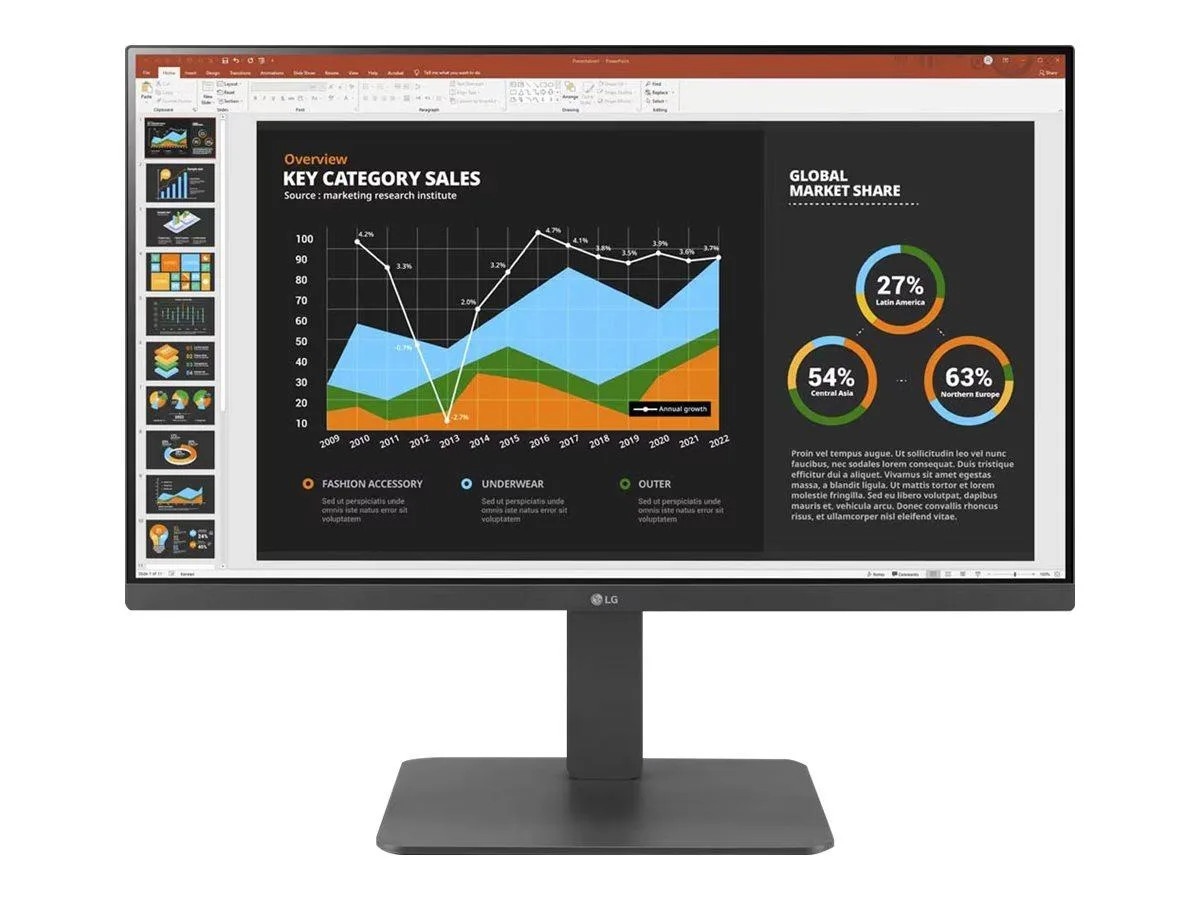
LG Electronics
LG Electronics 24BR650B-C 23.8" 1920x1080 IPS monitor
- Black
- 23.8" (Viewable)
$279.99
0.0036181BTC
In stock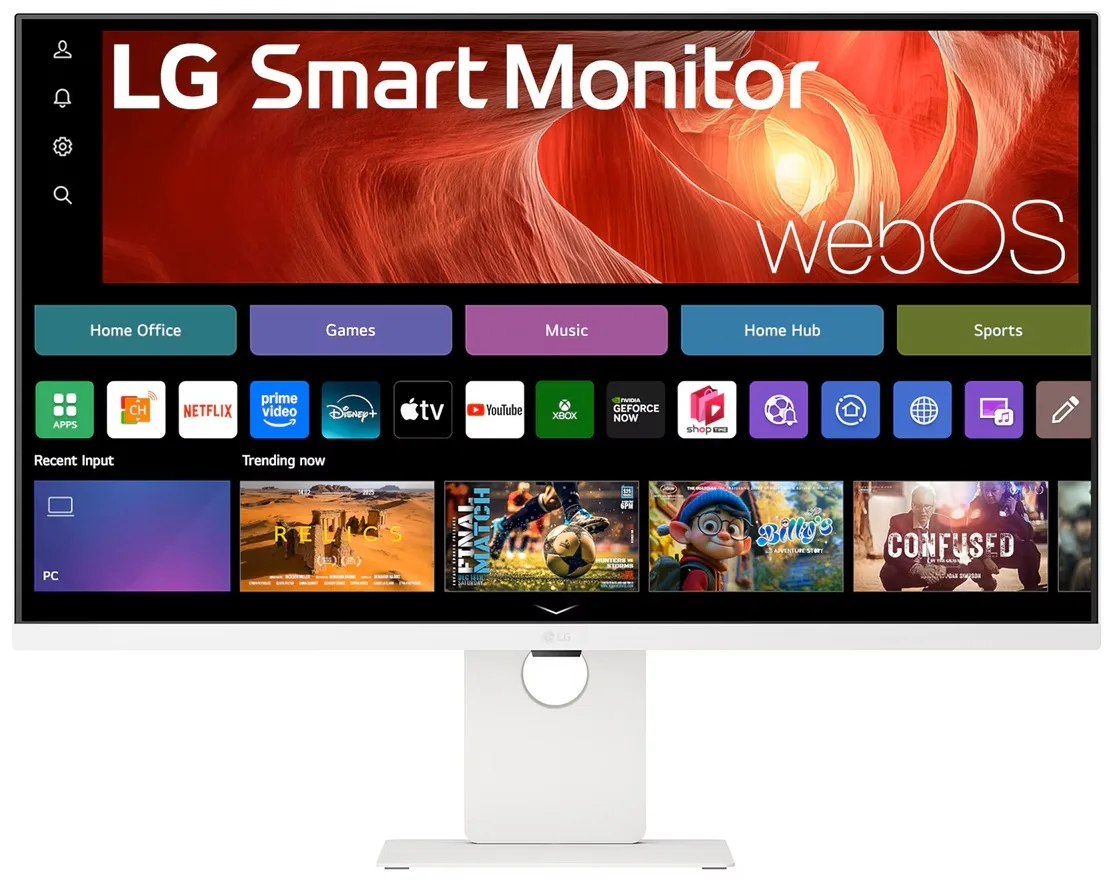
LG Electronics
LG Electronics 37U730SA-W 37" 4K UHD IPS Smart Monitor webOS White
- White
- webOS
$584.99
0.00755938BTC
In stock