


BenQ
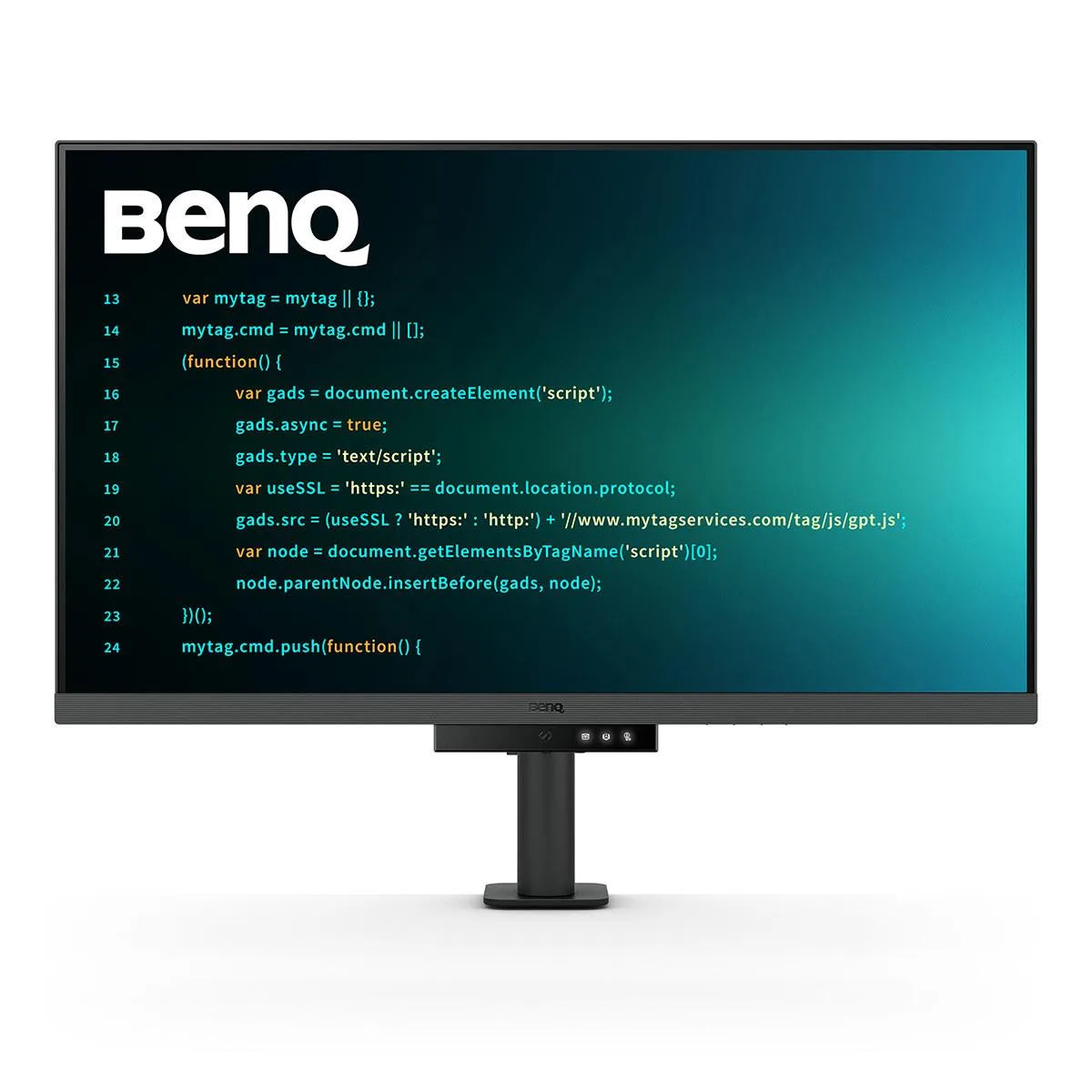
BenQ RD320UA 31.5" 4K monitor
A 31.5 inch 4K IPS programming monitor with 2000:1 contrast, 98% P3 colour, 90 W USB-C power delivery and an ergonomic arm stand
- Cabinet ColorBlack
- Screen Size31.5"
- WidescreenYes
- Resolution3840 x 2160 (4K)
- Refresh Rate60Hz
- Viewing Angle178° (H) / 178° (V)
- 4K resolution with 3840 x 2160 pixels for sharp code readability
- Nano Matte Panel cuts glare so text stays clear in bright rooms
- 90W USB-C powers a laptop while carrying video and data
- Night Hours Protection drops brightness for comfortable late-night coding
- Ergonomic stand adjusts height tilt swivel for a healthier posture
Built for code clarity
The BenQ RD320UA is a 31.5 inch 4K monitor with a 3840 x 2160 IPS panel and a 2000:1 contrast ratio. Its Nano Matte surface reduces reflections while 98% P3 color coverage and DisplayHDR 400 certification provide accurate color for development work. A 90 W USB-C upstream port delivers video, data and power over a single cable.
Who this suits and who should look elsewhere
Developers who want a large, high-contrast screen with dedicated coding modes and Night Hours Protection will benefit from the ergonomic arm stand and MoonHalo bias lighting. Buyers who need a refresh rate above 60 Hz for competitive gaming should look elsewhere. Users who require multiple USB-C video inputs for daisy-chaining displays will not find that connectivity here.
The spec that decides the purchase
The single specification that determines fit is the 90 W USB-C power delivery combined with 4K 60 Hz video over one cable; if your laptop charges at or below 90 W and runs 3840 x 2160 at 60 Hz, this monitor serves as dock and display in one.
Highlights
- 4K resolution with 3840 x 2160 pixels for sharp code readability
- Nano Matte Panel cuts glare so text stays clear in bright rooms
- 90W USB-C powers a laptop while carrying video and data
- Night Hours Protection drops brightness for comfortable late-night coding
- Ergonomic stand adjusts height tilt swivel for a healthier posture
Specifications
| Brand | BenQ |
|---|---|
| Model | RD320UA |
| Cabinet Color | Black |
| Screen Size | 31.5" |
| Widescreen | Yes |
| Resolution | 3840 x 2160 (4K) |
| Refresh Rate | 60Hz |
| Viewing Angle | 178° (H) / 178° (V) |
| Display Colors | 1.07 Billion |
| Brightness | 400 cd/m2 |
| Contrast Ratio | 2000:1 |
| Aspect Ratio | 16:9 |
| Response Time | 5 ms |
| Panel | IPS |
| Color Gamut | 98% P3 |
| HDR Standard | HDR10 |
| VESA Certified DisplayHDR | DisplayHDR 400 |
| Curved Surface Screen | Flat Panel |
| Video Ports | 1 x DisplayPort 1.4 / 2 x HDMI 2.0 |
| USB Ports | 1 x USB Type-B Upstream (USB 3.2 Gen 1, 5 Gbps, Data only) 2 x USB Type-A Downstream (USB 3.2 Gen 2, 10 Gbps, power charging 4.5W) 1 x USB Type-C Downstream (USB 3.2 Gen 2, 10 Gbps, power charging 4.5W) 1 x USB Type-C Downstream (USB 3.2 Gen 2, 10 Gbps, power charging 7.5W) |
| Headphone | Yes |
| Power Supply | 100 - 240 VAC, 50/60Hz |
| Power Consumption | Power Consumption (normal): 30W Power Consumption (max): 220W Power Consumption (sleep mode): <0.5W Power Delivery(USB C / Thunderbolt): 90W |
| Stand Adjustments | Tilt (down/up): -5° - 20° Swivel (left/right): 275° / 275° Pivot: 90° Height Adjustment Stand: 110 mm |
| Built-in Speakers | Yes |
| VESA Compatibility - Mountable | 100 x 100mm |
| Dimensions | 18.5"-23.7" x 28.1" x 18.8" with base 16.7" x 28.1" x 3.5" without base |
| Weight | 24.2 lbs. with base 16 lbs. without base |
| Shipping weight | 19.43 kg |
| Package size | 830 × 515 × 283 mm |
Questions about this item
Which video cable do I need already to run this 31.5" 4K panel at 60 Hz?
A DisplayPort 1.4 cable or an HDMI 2.0 cable will drive the 3840 x 2160 resolution at the full 60 Hz refresh rate.
Can I keep using my older DisplayPort 1.2 or HDMI 1.4 cables with this monitor?
Yes, older cables will work but they are limited to lower bandwidth, so you may not reach the full 4K 60 Hz signal.
How can I confirm the Nano Matte Panel is reducing glare as intended after I set it up?
View a bright window or lamp reflection on the screen; the anti-glare coating should diffuse the highlight into a soft, low-contrast glow rather than a sharp mirror image.
Also in this aisle
People compared these
Same shelf, same checkout — eight coins and a 30-minute rate lock.


Acer America
Acer America UM.HX1AA.103 Nitro XF273 X1 27" 1920x1080 200Hz monitor
- Black
- 27"
$199.99
0.00258365BTC
In stock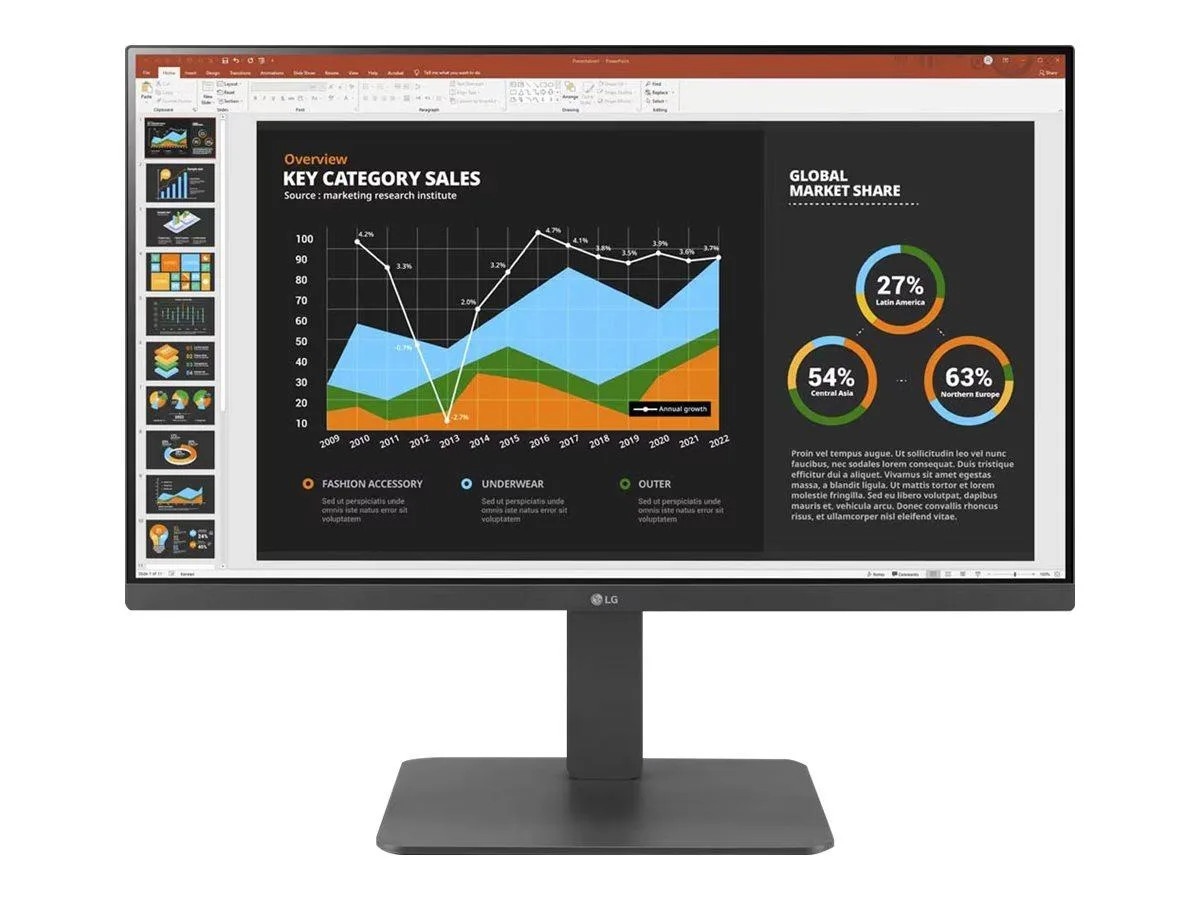
LG Electronics
LG Electronics 24BR650B-C 23.8" 1920x1080 IPS monitor
- Black
- 23.8" (Viewable)
$279.99
0.00361716BTC
In stock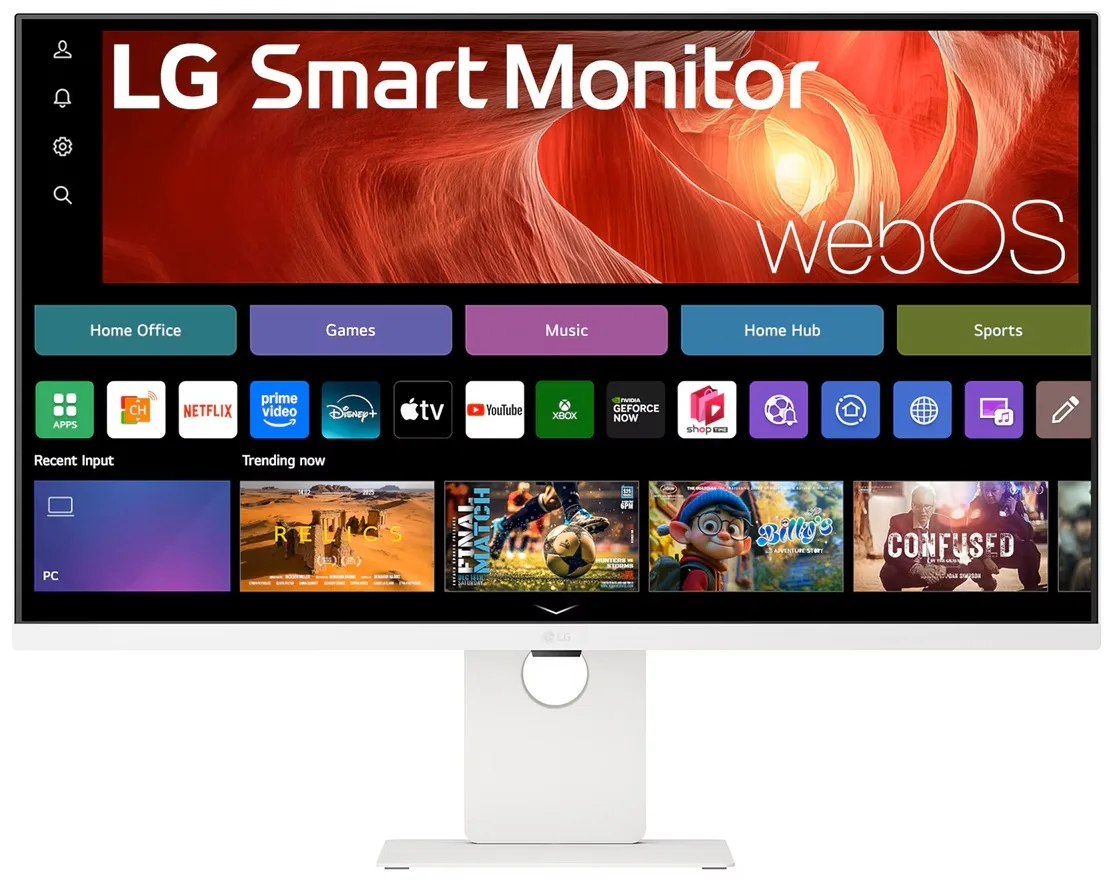
LG Electronics
LG Electronics 37U730SA-W 37" 4K UHD IPS Smart Monitor webOS White
- White
- webOS
$584.99
0.00755742BTC
In stock