

SanDisk
SanDisk Cruzer Blade 8 GB USB 2.0 USB flash drive Black SDCZ50-008G-B35
$391.99
0.00501343BTC
In stockWe take cryptocurrency — so the coins you hold can buy real hardware.Pay in crypto, spend it on real hardware. Free insured shipping worldwide over $399. Plain, unbranded boxes, sent from Germany.Free insured shipping over $399. Your rate is locked for 30 minutes once checkout opens.Rate locked 30 minutes. Every item sealed, serial-checked and covered by a 24-month warranty.Sealed, 24-month warranty.
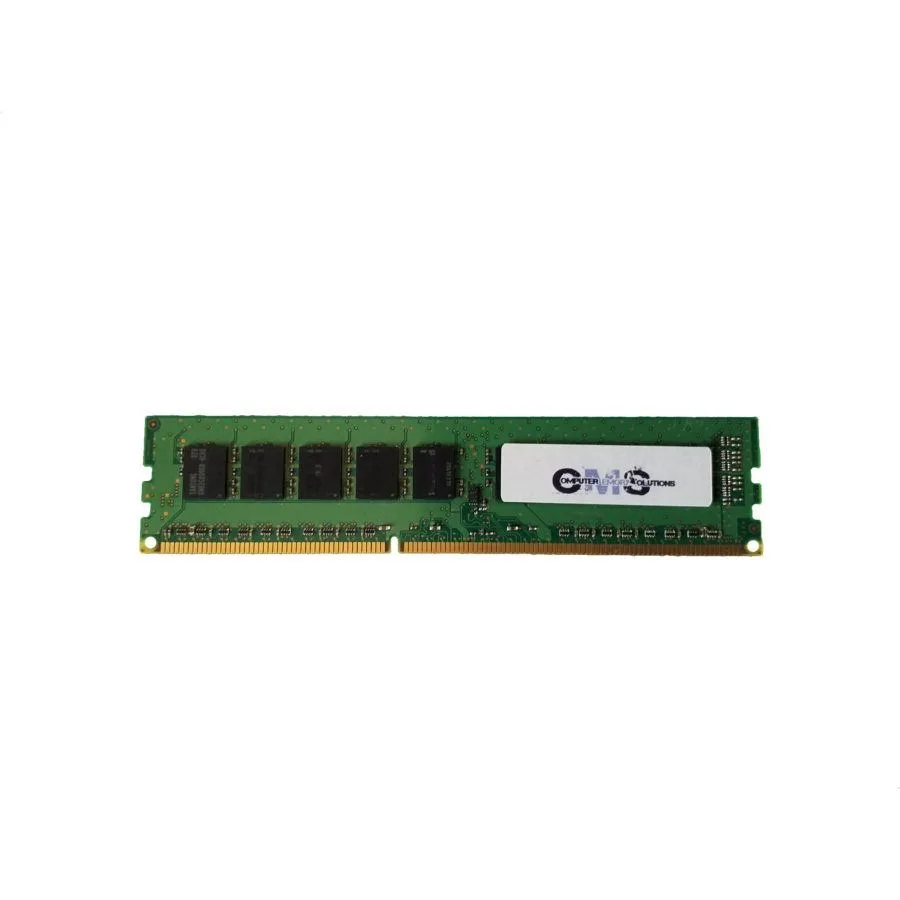


Computer Memory Solutions
16 GB DDR4-2133 CL15 DIMM upgrades a Dell XPS 8910 desktop to 64 GB maximum
This 16GB DDR4 module is built specifically for the Dell XPS 8910 desktop. It installs as a single DIMM to raise total system memory toward the platform maximum of 64GB across four sockets. The unbuffered, non-ECC design matches the factory specification for this workstation.
Operating at 1.2V, the stick runs at standard DDR4 voltage without a heat spreader. CL15 timing at 2133MHz keeps power draw low during typical desktop workloads. Passive cooling relies on chassis airflow, so noise remains unchanged from the stock configuration.
The 288-pin PCB uses a major-brand chipset in a 2Rx8 organisation for reliable signalling. No heat spreader means the module fits tight slots without clearance issues. A limited lifetime warranty from Computer Memory Solutions covers exchange if a defect appears.
| Brand | Computer Memory Solutions |
|---|---|
| Model | CM2048642133DIMM |
| Capacity | 16GB |
| Type | 288-Pin DDR4 SDRAM |
| Speed | DDR4 2133 (PC4 17000) |
| CAS Latency | CL15 |
| Timing | 15-15-15 |
| Voltage | 1.2V |
| ECC | No |
| Buffered/Registered | Unbuffered |
| Rank | 2Rx8 |
| Chipset | Major Brand Chipset |
| Heat Spreader | No |
| Compatible System | Dell XPS 8910 Desktop |
| Package Content | 1 Memory RAM Stick |
Power off the desktop, open the case, and press the module firmly into an empty slot until both side clips click; the step often missed is fully seating both ends so the clips engage automatically.
No routine maintenance is required; the module is covered by a limited lifetime warranty for exchange if a hardware fault develops during normal use.
The system maximum of 64GB across four slots is the first hard limit; thermal throttling may occur before speed limits if case airflow is restricted.
Also in this aisle
Same shelf, same checkout — eight coins and a 30-minute rate lock.
What you pay in, and what you read prices in.
Sent from your wallet at checkout
Display only — the catalogue is priced in USD
No currency matches that.
Pick the language the site speaks to you in.
No language matches that.
New here?
Already have one?
There is no automatic reset: this shop sends no mail, so there is no one-time link to ask for. Leave the address on the account and it gets picked up by hand.
Request noted
Nothing is on its way to your inbox — this shop sends no mail at all. Someone picks these up by hand.
Remembered it?



