Corsair
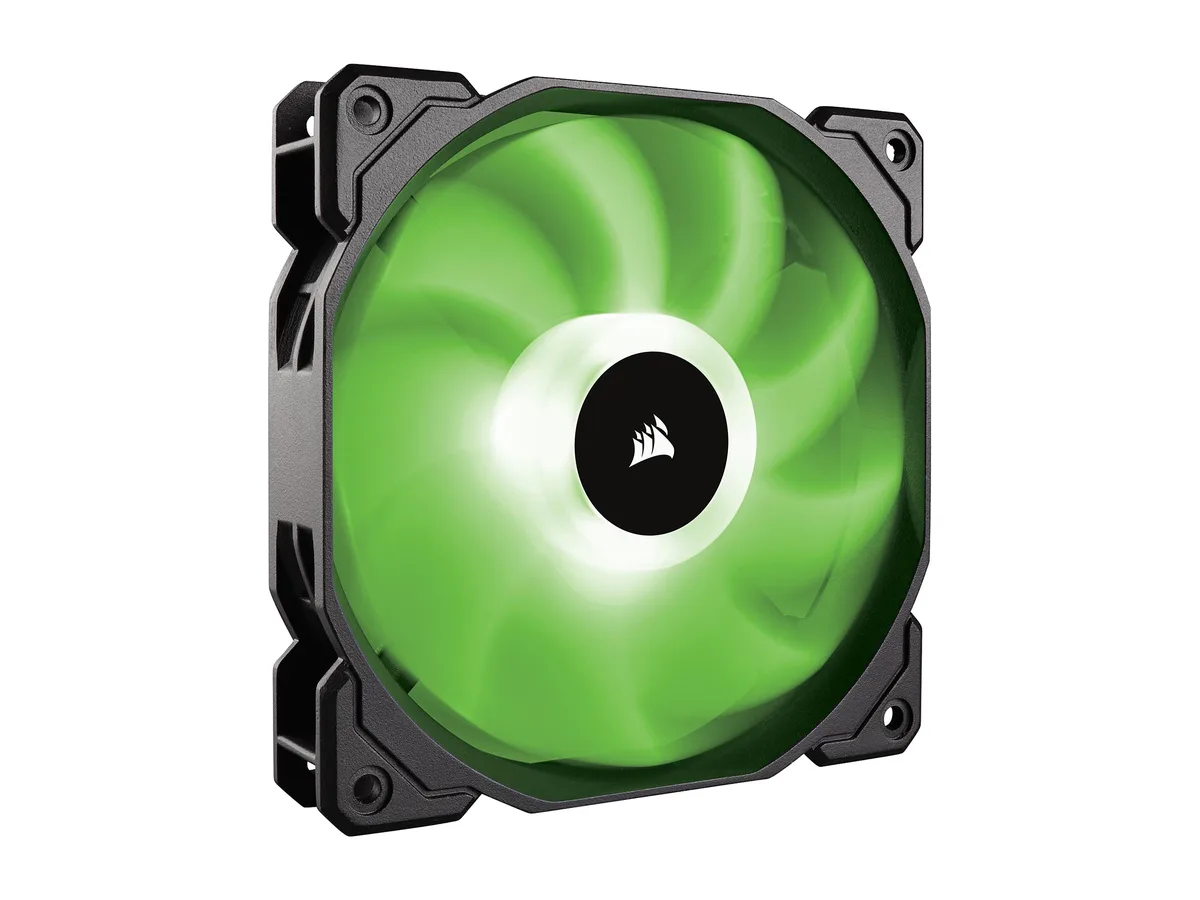
Corsair SP120 RGB 120mm Case Fan CO-9050059-WW
- 1 Fan
- No Controller
$14.99$16.49−9%
0.00019089BTC
In stockWe take cryptocurrency — so the coins you hold can buy real hardware.Pay in crypto, spend it on real hardware. Free insured shipping worldwide over $399. Plain, unbranded boxes, sent from Germany.Free insured shipping over $399. Your rate is locked for 30 minutes once checkout opens.Rate locked 30 minutes. Every item sealed, serial-checked and covered by a 24-month warranty.Sealed, 24-month warranty.


Corsair
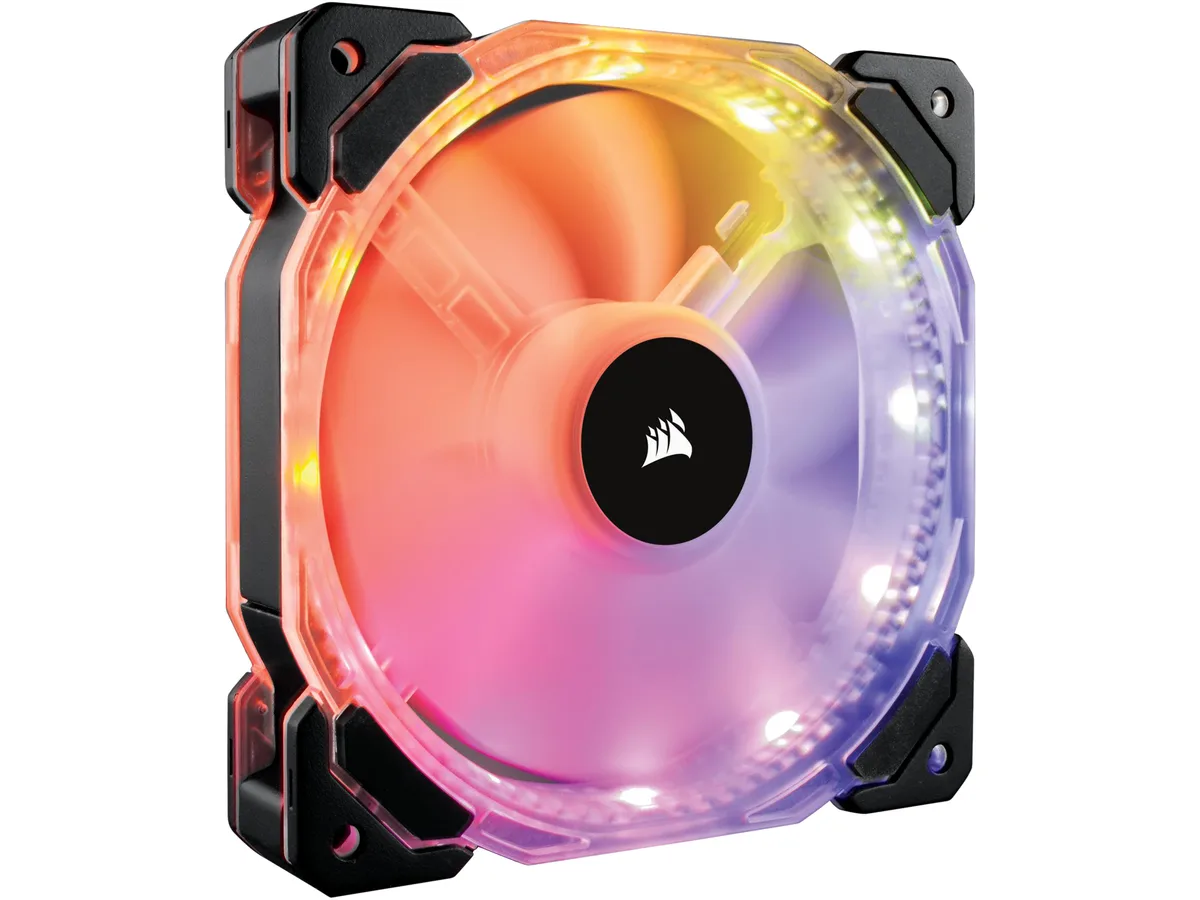
120 mm RGB case fan with twelve independent LEDs, hydraulic bearing, 800–1725 RPM PWM control, 54.4 CFM airflow and 18–30 dBA noise
Model HD120
Option 1 Fan, No Controller
This 120mm case fan uses a hydraulic bearing and a 4-pin PWM connector to deliver airflow between 800 and 1725 RPM. Twelve independent RGB LEDs built into the frame provide addressable lighting without extra cables. The fan measures 120 by 120 by 25mm and includes four mounting screws.
The fan suits builders who need strong static pressure of 2.25 mm-H2O for radiators or restrictive meshes and who prefer hardware lighting control via the included 3-button controller. Buyers who require a fan hub or software-only RGB ecosystems should look at other options.
At full speed the fan moves 54.4 CFM while noise remains at the upper end of the rated range. The hydraulic bearing is rated for 40000 hours at 25°C, and the ultra-thin blades reduce vibration during continuous load. Fan and LED cables are each 600mm long for flexible routing.
| Brand | Corsair |
|---|---|
| Model | CO-9050065-WW |
| Fan Counts | 1 Fan |
| Fan Controller | No Controller |
| Type | Case Fan |
| Compatibility | Case |
| Fan Thickness | 25mm |
| Bearing Type | Hydraulic |
| RPM | 800 - 1725 +/- 10% |
| Air Flow | 54.4 CFM |
| Noise Level | 18 - 30 dBA |
| Power Connector | 4 Pin |
| LED | RGB |
| Features | 12 independent RGB LEDs 7 unique lighting effects with speed control Intuitive 3-button RGB LED controller PWM Control High static pressure tuned for optimal air delivery Ultra-thin fan blades ensure quieter performance Rated Voltage - Fan: 12V Rated Voltage - RGB LED's: 5V Operating Voltage - Fan: 7V - 13.2V Startup Voltage - Fan: 7V Rated Current - Fan: 0.30A Rated Current - RGB LED's: 0.47A +/- 10% Static Pressure: 2.25 mm-H2O Cable Length - Fan (mm): 600 Cable Length - RGB LED's (mm): 600 MTBF - Life Expectation: 40,000 hours @ 25c GB LED Controller: 3 button (Effect Speed, Color |
| Dimensions | 120.00 x 120.00 x 25.00mm |
| Package Contents | 1 x HD120 RGB LED Fan 4 x Mounting Screws |
| Shipping weight | 0.25 kg |
| Package size | 155 × 130 × 38 mm |
Other versions of this model
Same family, different memory, cooler or clock — compare before you commit.
Yes, the fan uses a 4-pin PWM connector for power and speed regulation, drawing up to 0.30A at 12V from the motherboard header.
Yes, the included 3-button wired controller lets you cycle through 7 lighting effects, adjust effect speed, and select colours without any software.
Monitor the fan speed in your BIOS hardware monitor or a Windows utility; it should report a value between 800 and 1725 RPM under PWM control.
Also in this aisle
Same shelf, same checkout — eight coins and a 30-minute rate lock.
What you pay in, and what you read prices in.
Sent from your wallet at checkout
Display only — the catalogue is priced in USD
No currency matches that.
Pick the language the site speaks to you in.
New here?
Already have one?
There is no automatic reset: this shop sends no mail, so there is no one-time link to ask for. Leave the address on the account and it gets picked up by hand.
Request noted
Nothing is on its way to your inbox — this shop sends no mail at all. Someone picks these up by hand.
Remembered it?