


CRUA
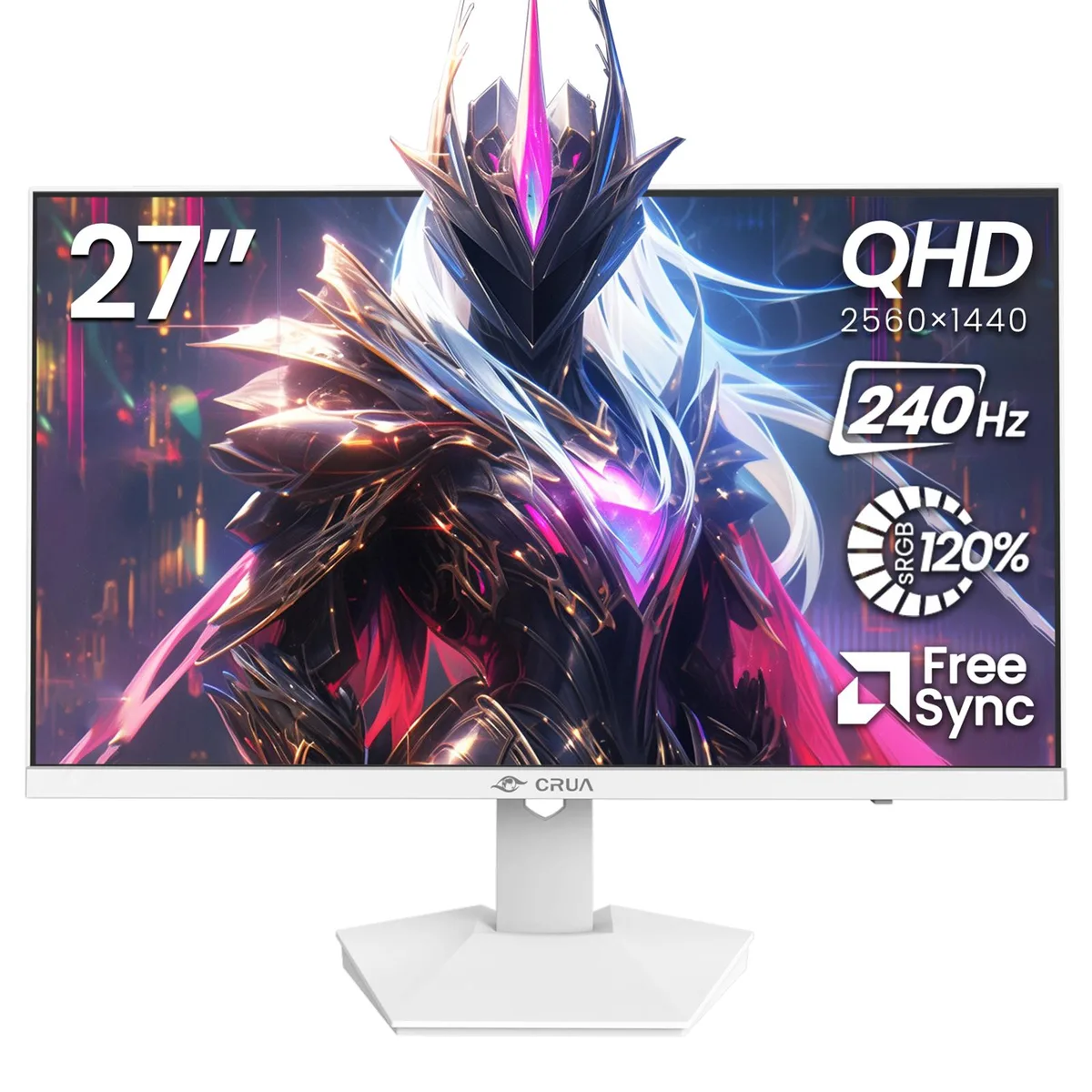
CRUA 27" 240Hz QHD IPS Gaming Monitor White
A 27-inch IPS panel runs at 240 Hz and 2560×1440 with 120% sRGB, plus HDMI 2.0, DP 1.4, built-in speakers and a blue-light filter
Configuration Parameters 27-QHD-240Hz-IPS-White
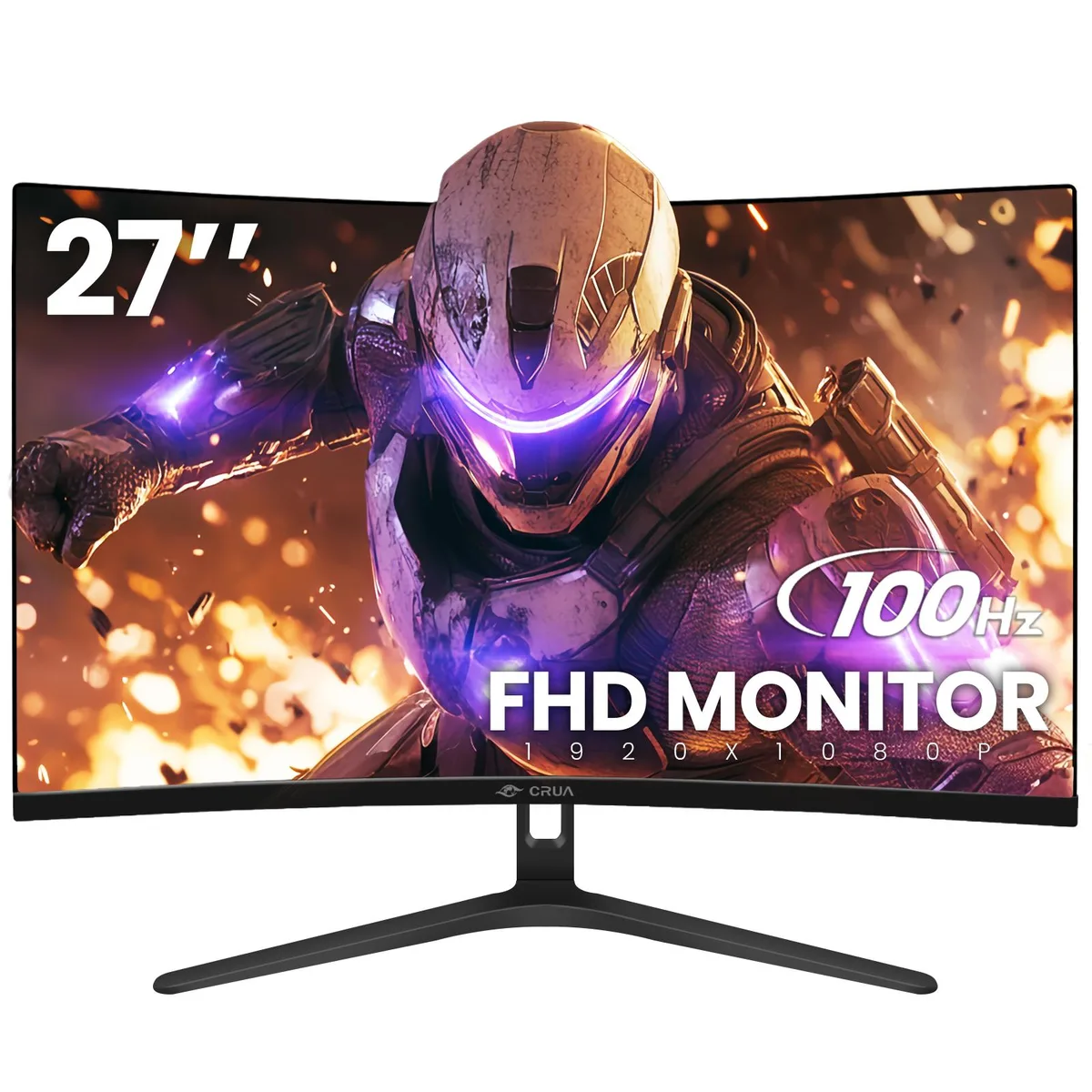
- 27-FHD-100Hz-Curved-Black
- 27-FHD-165Hz-Curved-1800R-Black
- 27-FHD-165Hz-Curved-1800R-Black2
- 27-FHD-200Hz-Curved-1800R-White
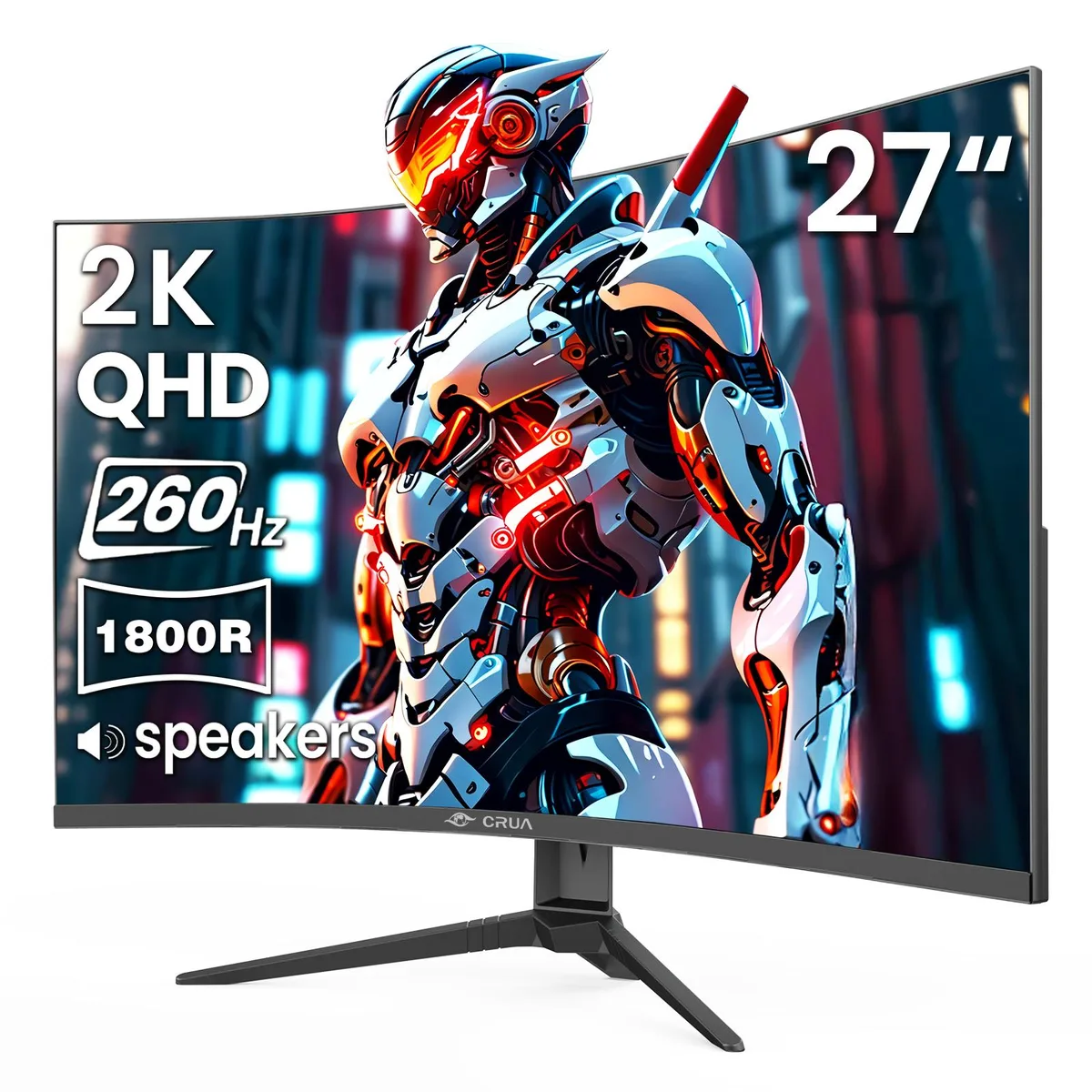
- 27-QHD-260Hz-Curved-1800R-Black
- 27-QHD-240Hz-IPS-White
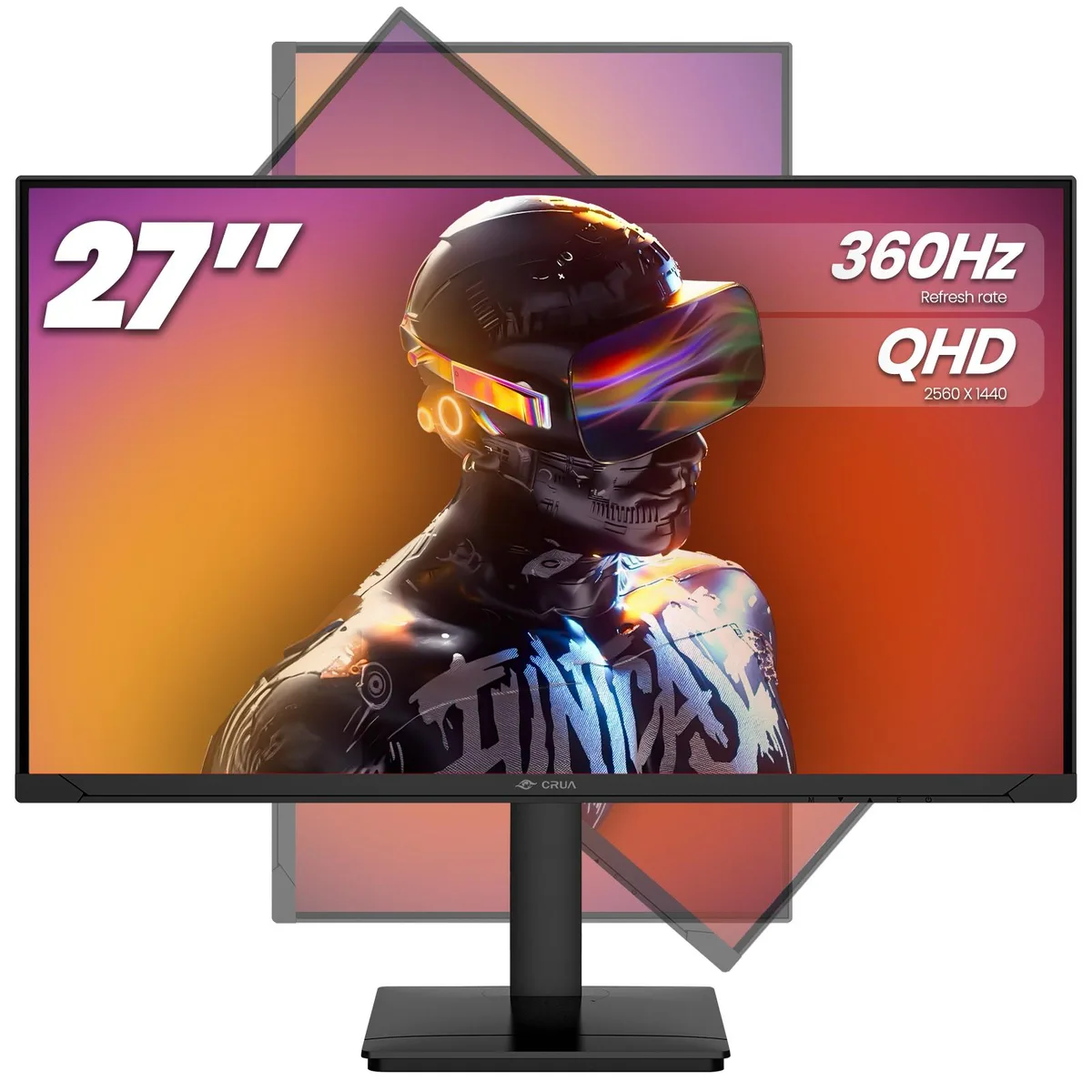
- 27-QHD-360Hz-IPS-Black
Struck-through versions exist but are not stocked here.
- 240 Hz refresh rate keeps fast action smooth
- 2560×1440 QHD resolution shows sharp detail
- IPS panel with 120 % sRGB gives vivid colour
- Blue-light filter and flicker-free design reduce eye strain
- HDMI 2.0 and DP 1.4 ports connect PC and consoles
Built for competitive play
The 27 inch display targets players who need a 240Hz refresh rate and 2560 by 1440 resolution. An IPS panel covers 120 percent sRGB for accurate colour. AMD FreeSync keeps frames aligned with the GPU. The white finish suits bright desk setups.
Cool and quiet operation
No active cooling is mentioned so the monitor runs silently. Typical IPS power draw stays modest at this size. A blue light filter and flicker free backlight reduce eye strain during long sessions. No fan noise or thermal throttling occurs.
Ready to mount and play
HDMI 2.0 and DP 1.4 inputs connect PCs and consoles without extra adapters. Built in speakers remove the need for separate audio hardware. VESA mounting points allow wall or arm installation. No software suite or calibration tool is bundled.
Highlights
- 240 Hz refresh rate keeps fast action smooth
- 2560×1440 QHD resolution shows sharp detail
- IPS panel with 120 % sRGB gives vivid colour
- Blue-light filter and flicker-free design reduce eye strain
- HDMI 2.0 and DP 1.4 ports connect PC and consoles
Specifications
No published specifications for this item yet.
Other versions of this model
5 more in the same range
Same family, different memory, cooler or clock — compare before you commit.


Questions about this item
How do I connect this monitor to my PC using the DP 1.4 port for the full 240Hz at 2560×1440?
Use the included DisplayPort cable to connect the DP 1.4 input on the monitor to a compatible graphics card output. Select 240Hz in your OS display settings after connection, as some systems default to 60Hz. Ensure your GPU supports DSC or sufficient bandwidth for 240Hz at QHD.
Will the built-in speakers need any maintenance or replacement over time?
The integrated speakers are solid-state with no moving parts and require no routine maintenance. They are not user-replaceable; if audio fails, use the HDMI 2.0 or DP 1.4 connection to route sound to external speakers or headphones instead.
What is the first limit I will hit during long gaming sessions at 240Hz?
Sustained 240Hz output at 2560×1440 demands continuous high bandwidth over DP 1.4 or HDMI 2.0. The first limit is typically GPU thermal throttling or cable bandwidth saturation, which can force the link to drop to a lower refresh rate.
Also in this aisle
People compared these
Same shelf, same checkout — eight coins and a 30-minute rate lock.



