


Crucial
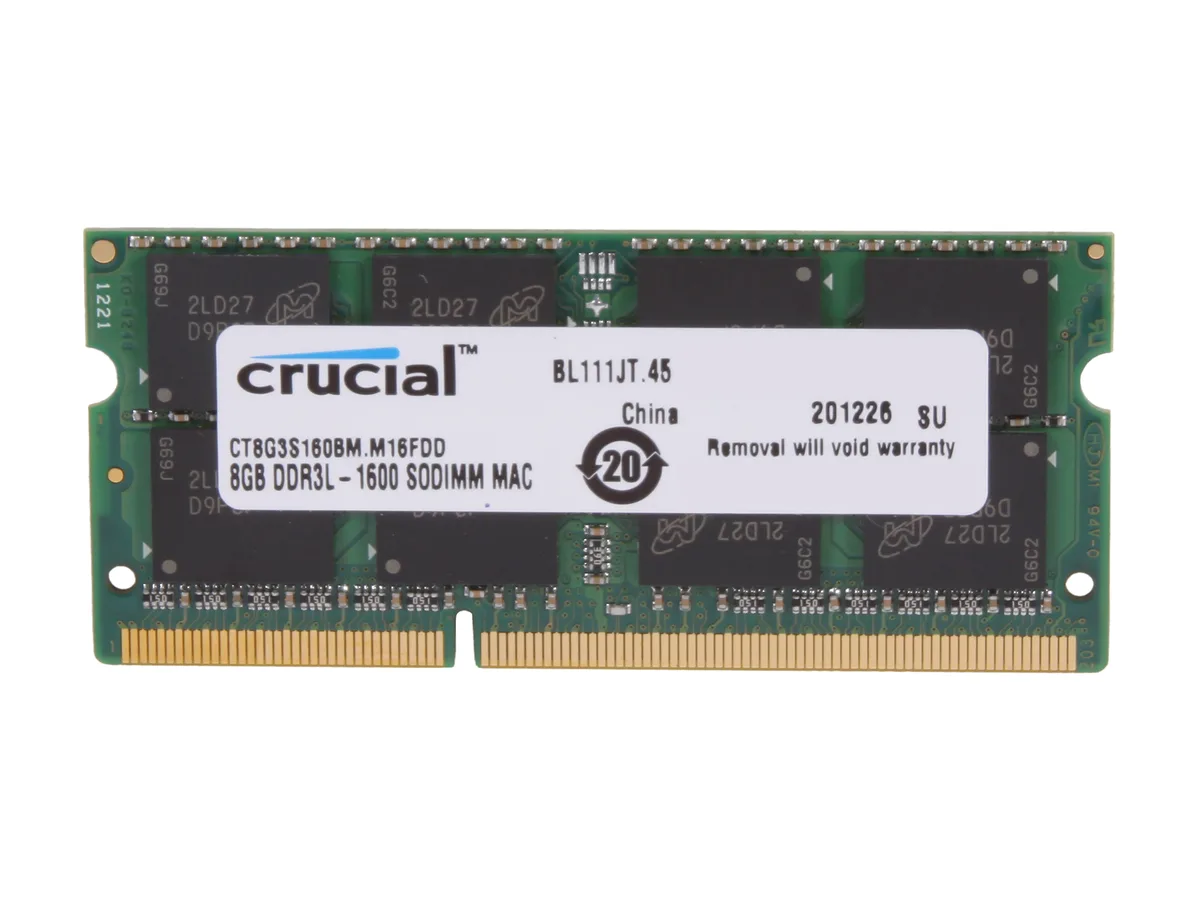
Crucial CT8G3S160BM 8GB DDR3 1600 SO-DIMM memory upgrade
8GB DDR3 1600 SO-DIMM module with CL11 latency and dual 1.35V/1.5V operation for compatible Apple notebooks
- Type204-Pin DDR3 SO-DIMM
- CompatibilityFor Apple Notebook
- Capacity8GB
- SpeedDDR3 1600 (PC3 12800)
- CAS Latency11
- Voltage1.35V/1.5V
- 8GB capacity lets you run more apps simultaneously
- DDR3 1600 MT/s speed boosts data transfer for responsive multitasking
- CL11 latency reduces delays in memory access
- Dual-voltage 1.35V/1.5V operation matches Mac power requirements
- 204-pin SO-DIMM form factor fits compatible Apple notebooks
Mac notebook upgrade
This 8 GB DDR3 SO-DIMM is built for Apple notebooks that accept 204-pin memory. It adds capacity to systems running at 1600 MT/s and helps improve responsiveness in everyday tasks.
Thermals and power
The module operates at either 1.35 V or 1.5 V without active cooling. As an unbuffered, non-ECC part it draws minimal power and runs silently inside the notebook chassis.
Deciding specification
The 204-pin DDR3 1600 interface with CL11 latency determines whether the module fits and runs at the correct speed. Buyers whose notebooks require a different pin count, voltage range or DDR generation cannot use this part.
Highlights
- 8GB capacity lets you run more apps simultaneously
- DDR3 1600 MT/s speed boosts data transfer for responsive multitasking
- CL11 latency reduces delays in memory access
- Dual-voltage 1.35V/1.5V operation matches Mac power requirements
- 204-pin SO-DIMM form factor fits compatible Apple notebooks
Specifications
| Brand | Crucial |
|---|---|
| Model | CT8G3S160BM |
| Type | 204-Pin DDR3 SO-DIMM |
| Compatibility | For Apple Notebook |
| Capacity | 8GB |
| Speed | DDR3 1600 (PC3 12800) |
| CAS Latency | 11 |
| Voltage | 1.35V/1.5V |
| ECC | No |
| Buffered/Registered | Unbuffered |
| Features | Increases system performance Compatible with Mac systems Every single module extensively tested at the component and module level for functionality Meets or exceeds Apple's own quality requirements Easy installation |
| Shipping weight | 0.04 kg |
| Package size | 177 × 123 × 13 mm |
Questions about this item
How do I install this 204-pin DDR3 SO-DIMM in my Mac notebook, and what step is often missed?
Power off the Mac, remove the battery if accessible, open the memory door, align the notch on the 204-pin module with the slot key, press firmly until the side clips click; the step often missed is pressing hard enough to fully seat both clips.
What maintenance or replacement will this 8GB DDR3 1600 module need over time?
No scheduled maintenance is required; keep the slot and contacts dust-free, and replace the module only if memory errors appear or a larger capacity is desired.
What limit appears first when this CL11 1.35V/1.5V memory runs under sustained load?
The DDR3 1600 MT/s data rate and CL11 latency set the throughput ceiling; the memory controller will throttle before voltage or temperature becomes a bottleneck.
Also in this aisle
People compared these
Same shelf, same checkout — eight coins and a 30-minute rate lock.


Shenzhen Junxiangcheng Technology Co.,
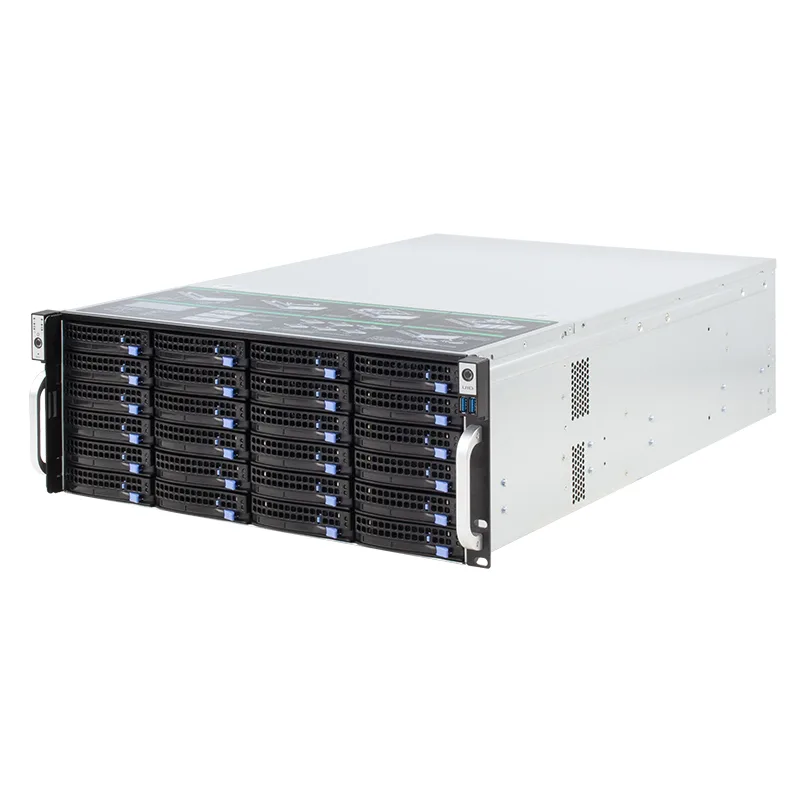
Shenzhen Junxiangcheng Technology Co., 24-Bay 6Gb/s miniSAS 4U Server Chassis
- Rackmount
- 4U
$1,024.99
0.01309607BTC
In stock
STARTECH
STARTECH 4PCIE-PCIE-ENCLOSURE server chassis
- Accessories
$438.99$531.99−17%
0.00560888BTC
In stock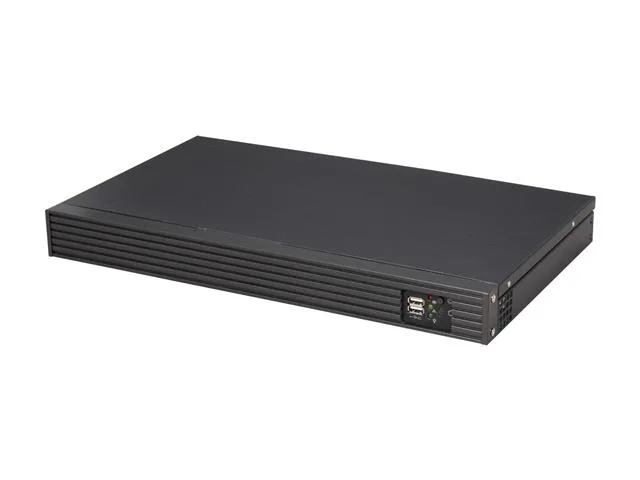
iStarUSA Inc.
iStarUSA Inc. D-118V2-ITX-DT 1U server chassis 11" depth
- 1U
- Black
$245.99
0.00314296BTC
In stock