


CUNPU
CUNPU M27U2200AC 27" 2560x1440 200Hz gaming monitor
A 27-inch QHD IPS gaming monitor with a 200Hz refresh rate, 1ms response time, HDR support, FreeSync and G-Sync compatibility, and a fully adjustable ergonomic stand
- Cabinet ColorBlack
- Screen Size27"
- PanelIPS
- Resolution2560 x 1440
- Aspect Ratio16:9
- Response Time1 ms
Resolution 1440p
- 1080p
- 1440p
- 27 inch QHD resolution delivers crisp detail at 2560 x 1440 pixels
- 200Hz refresh rate with 1ms response time keeps fast motion sharp
- Fast IPS panel covers 125% sRGB and 100% DCI-P3 for vivid colour
- FreeSync and G-Sync compatibility removes tearing for smooth gameplay
- Ergonomic stand adjusts height, tilt, swivel and pivot for comfortable viewing
CUNPU M27U2200AC 27-inch QHD gaming monitor
This 27-inch display delivers a 2560x1440 resolution at a 200Hz refresh rate using a fast IPS panel. It covers 125% sRGB and 100% DCI-P3 with 16.7 million colours for vivid, natural images. The monitor targets competitive gamers who want high refresh performance and accurate colour in a 16:9 format. It also includes a built-in TV tuner for media versatility beyond gaming.
Quick-release stand with height pivot swivel tilt
A tool-free quick mounting bracket connects the stand to the base without screws, simplifying the initial setup. The ergonomic stand provides height adjustment of 5.11 inches, tilt from -5 to 15°, swivel of -90 to 90° and pivot of -90 to 90° for flexible positioning. VESA 100x100 mm compatibility allows wall or arm mounting if desk space is limited. Ensure the graphics card can output 200Hz over DisplayPort 1.4 or HDMI 2.0 to avoid refresh-rate mismatches.
Sustained 200Hz with HDR10 and variable refresh
The panel maintains a 200Hz refresh rate during extended sessions with a 1ms response time and 1000:1 dynamic contrast ratio. HDR10 support enhances highlights in compatible content while FreeSync and G-Sync compatibility keep frame delivery smooth under variable GPU load. The 8-bit IPS panel provides consistent colour and viewing angles over long periods without the brightness flicker sometimes seen on VA alternatives. Thermal performance remains stable thanks to the monitor's standard operating design.
Highlights
- 27 inch QHD resolution delivers crisp detail at 2560 x 1440 pixels
- 200Hz refresh rate with 1ms response time keeps fast motion sharp
- Fast IPS panel covers 125% sRGB and 100% DCI-P3 for vivid colour
- FreeSync and G-Sync compatibility removes tearing for smooth gameplay
- Ergonomic stand adjusts height, tilt, swivel and pivot for comfortable viewing
Specifications
| Brand | CUNPU |
|---|---|
| Model | M27U2200AC |
| Cabinet Color | Black |
| Screen Size | 27" |
| Panel | IPS |
| Resolution | 2560 x 1440 |
| Aspect Ratio | 16:9 |
| Response Time | 1 ms |
| Display Colors | 16.7 Million |
| Refresh Rate | 200Hz |
| Video | DisplayPort 1.4 + HDMI 2.0 |
| HDMI | 2 x HDMI 2.0 |
| Stand Adjustments | Height, Pivot, Swivel, Tilt |
| Built-in TV Tuner | Yes |
Other versions of this model
5 more in the same range
Same family, different memory, cooler or clock — compare before you commit.


CUNPU
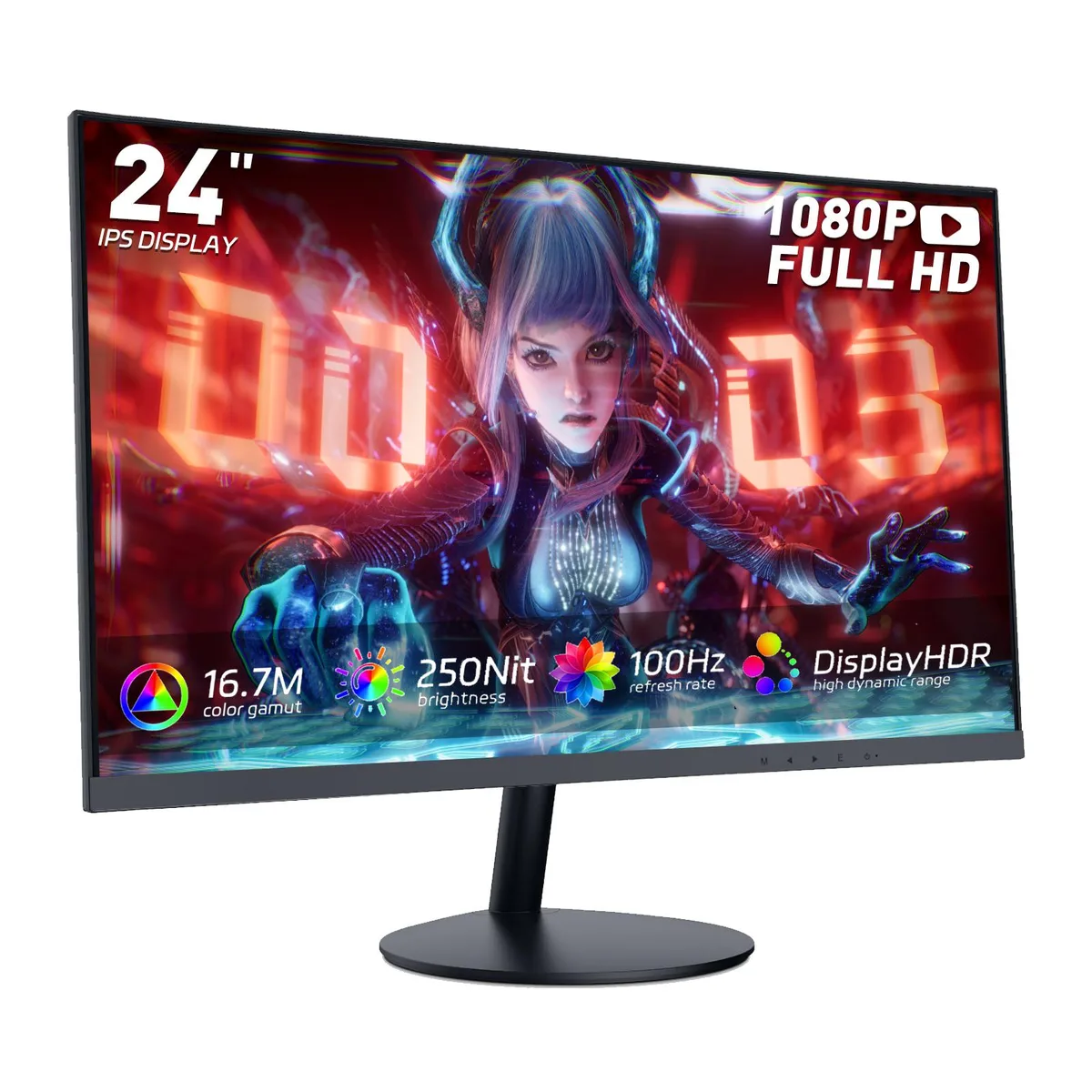
CUNPU G2411P 24" 200Hz Fast IPS gaming monitor
- Black
- 3 Sided Frameless
$95.99
0.00124137BTC
In stock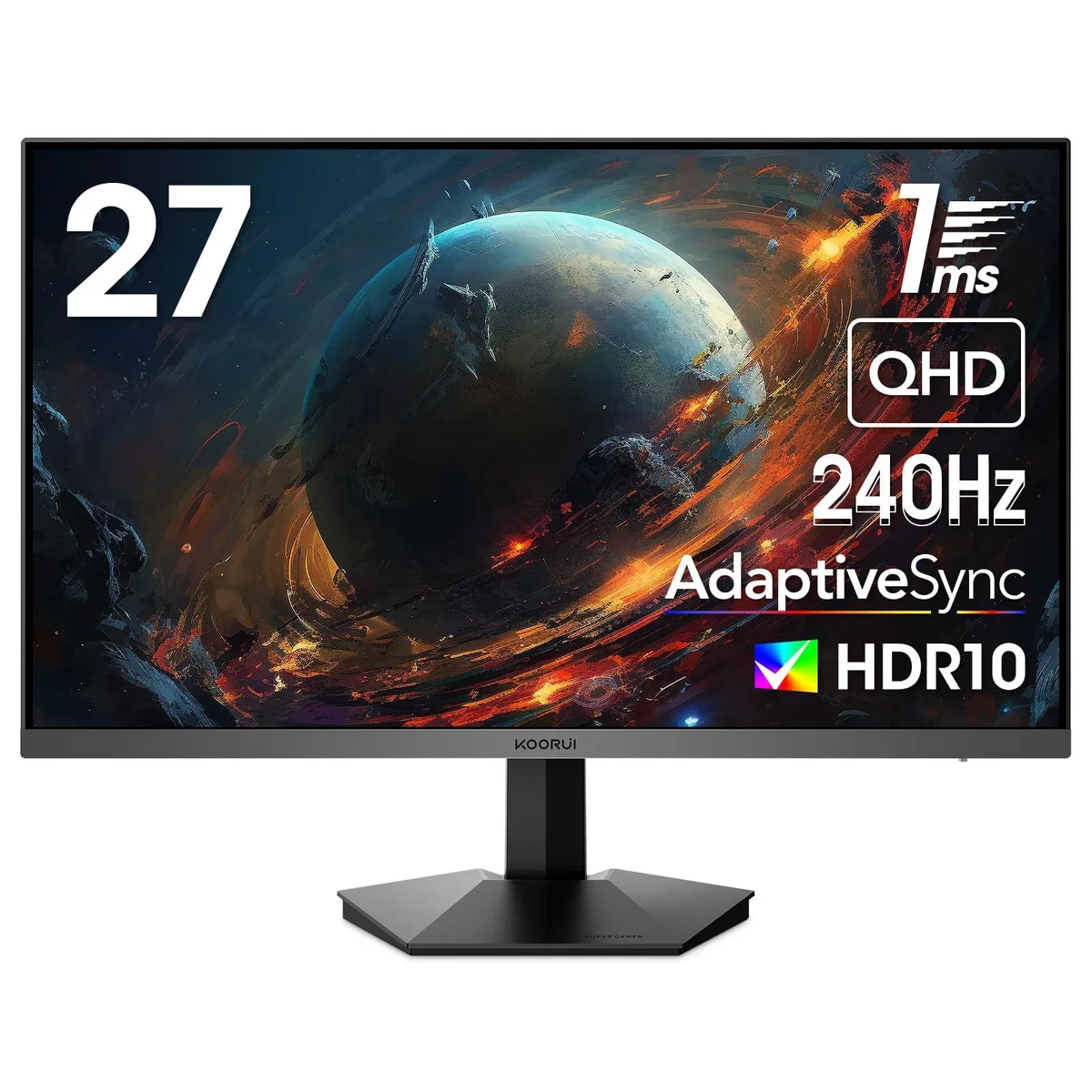
CUNPU
CUNPU GN05AC 27" WQHD 240Hz VA gaming monitor
- Black
- 3 Sided Frameless
$185.99
0.00240527BTC
In stock
Questions about this item
How do I confirm the monitor is running at 200 Hz after connecting it?
Open the on-screen display, navigate to the information page, and verify that the current refresh rate reads 200 Hz; also check Windows display settings or your GPU control panel to ensure the output is set to 2560 x 1440 at 200 Hz.
What cables and accessories are included, and what must I buy separately?
The box contains the 27 inch fast IPS panel, an ergonomic stand with height, pivot, swivel and tilt adjustments, a quick-release mounting bracket, and a power cable; you will need to provide your own DisplayPort 1.4 or HDMI 2.0 cable for video.
Should I choose the 200 Hz IPS model or the 240 Hz VA alternative?
Pick the 200 Hz IPS version if you want wider viewing angles and 125 percent sRGB coverage; choose the 240 Hz VA model only if you prioritise the higher refresh rate and can accept narrower viewing angles.
Also in this aisle
People compared these
Same shelf, same checkout — eight coins and a 30-minute rate lock.


Lenovo
Lenovo Legion Pro 32UD-10 31.5 inch 144 Hz gaming monitor
- 31.5 inch"
- 144 Hz
$819.99
0.01060432BTC
In stock