Cswur
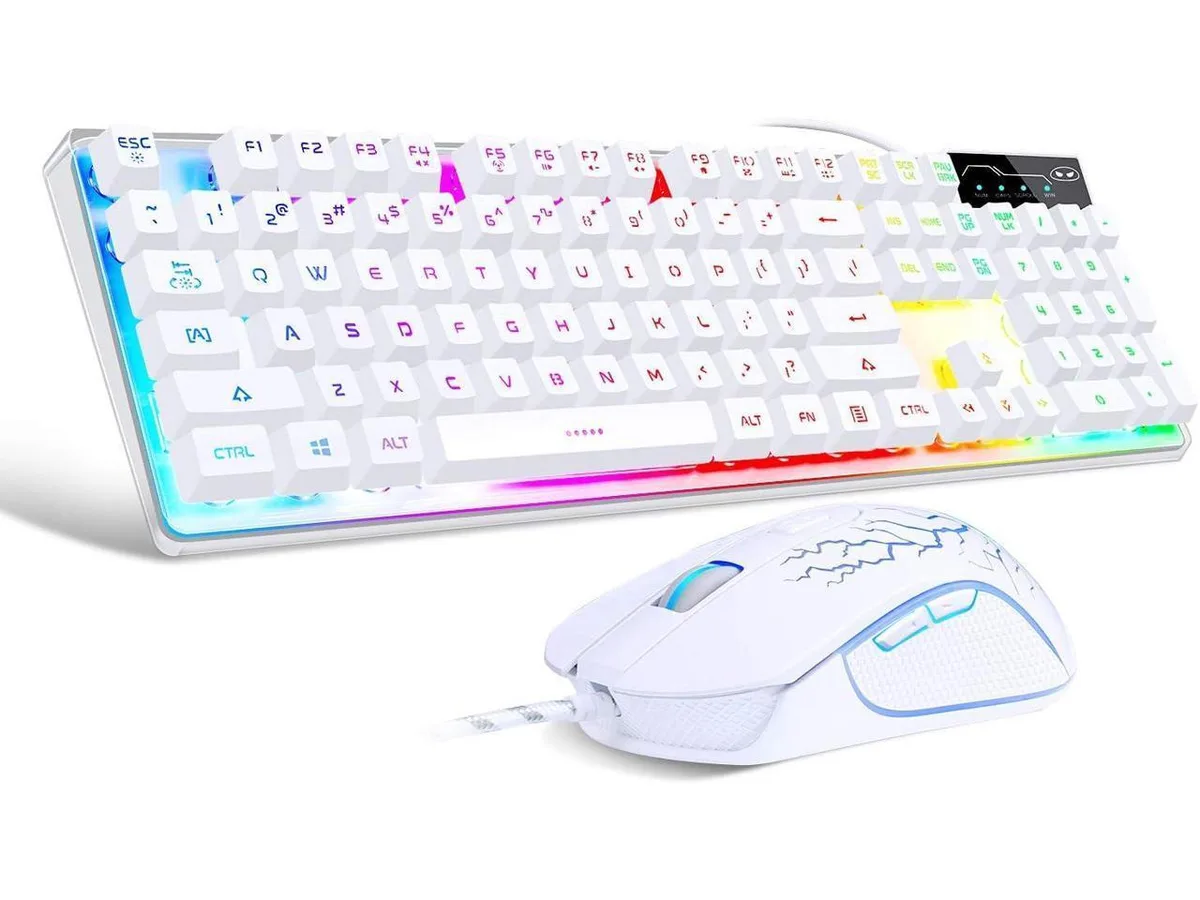
Cswur 104-Key Mechanical Gaming Keyboard Outemu Brown Switches Aluminum Frame Rainbow Backlight
- Full-size
$86.99
0.00110849BTC
In stockWe take cryptocurrency — so the coins you hold can buy real hardware.Pay in crypto, spend it on real hardware. Free insured shipping worldwide over $399. Plain, unbranded boxes, sent from Germany.Free insured shipping over $399. Your rate is locked for 30 minutes once checkout opens.Rate locked 30 minutes. Every item sealed, serial-checked and covered by a 24-month warranty.Sealed, 24-month warranty.


Das Keyboard
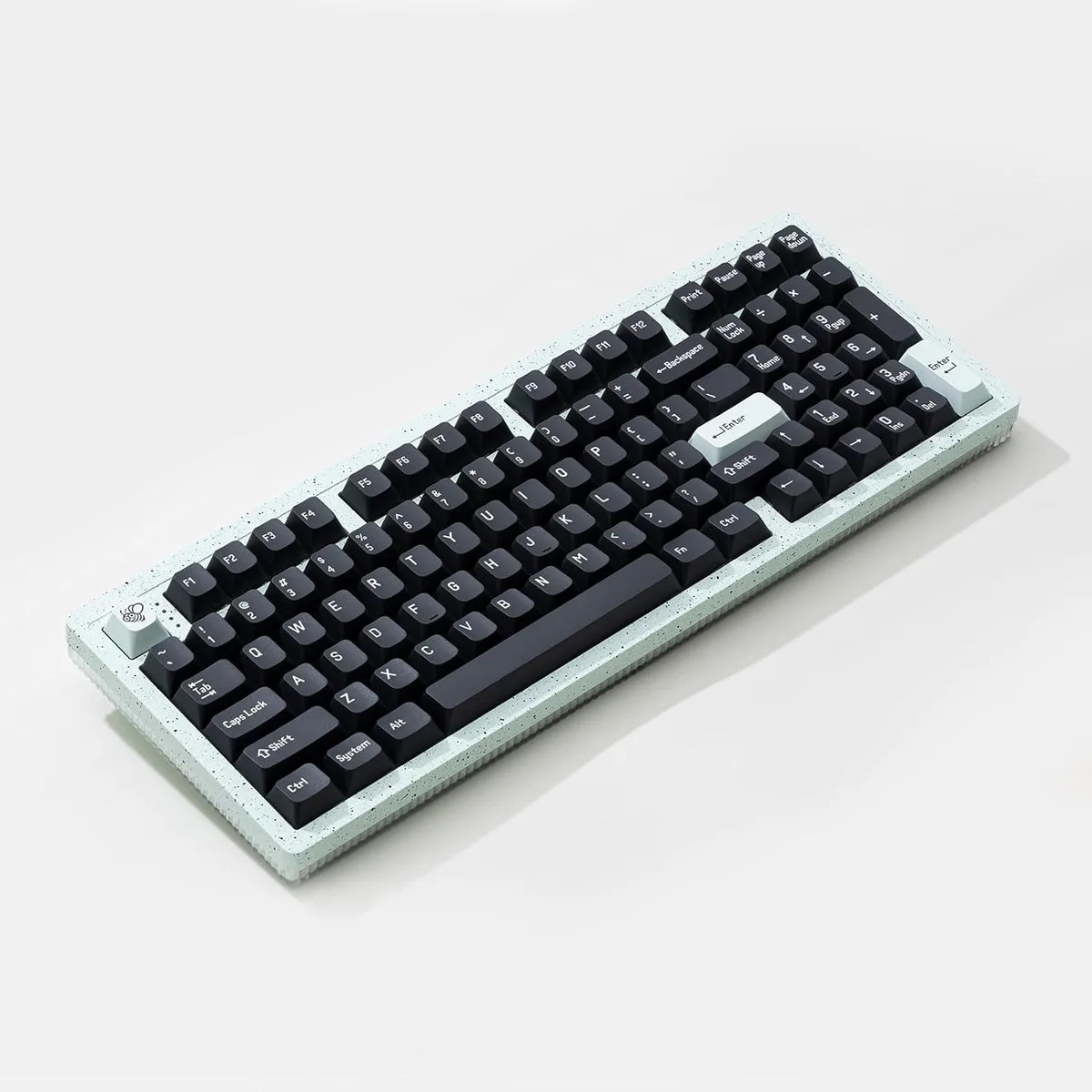
Full-size gaming keyboard with Cherry MX Red linear switches and US layout
The Das Keyboard 5QS Mark II is a full-size gaming keyboard equipped with Cherry MX Red linear switches and a US layout. It uses a standard design style and is supplied in new condition. The model is built for typing and gaming sessions that benefit from a consistent, light actuation feel.
This keyboard suits enthusiasts who prefer Cherry MX Red switches and need a full-size US layout for work and play. Buyers who want tactile or clicky switch feedback, a compact form factor, or a non-US regional layout should look at other options.
| Brand | Das Keyboard |
|---|---|
| Design Style | Standard |
| Layout | Full-size |
| Shipping weight | 2.36 kg |
| Package size | 559 × 241 × 76 mm |
The full-size layout needs a continuous rectangular area wide enough for all keys including the number pad, plus clearance for the detachable USB-C cable to run without sharp bends.
After plugging in the detachable USB-C cable, install the Das Keyboard Q software to enable per-key RGB control, cloud applets and the real-time API that drives the keyboard's signature notifications.
Also in this aisle
Same shelf, same checkout — eight coins and a 30-minute rate lock.
What you pay in, and what you read prices in.
Sent from your wallet at checkout
Display only — the catalogue is priced in USD
No currency matches that.
Pick the language the site speaks to you in.
New here?
Already have one?
There is no automatic reset: this shop sends no mail, so there is no one-time link to ask for. Leave the address on the account and it gets picked up by hand.
Request noted
Nothing is on its way to your inbox — this shop sends no mail at all. Someone picks these up by hand.
Remembered it?