HP
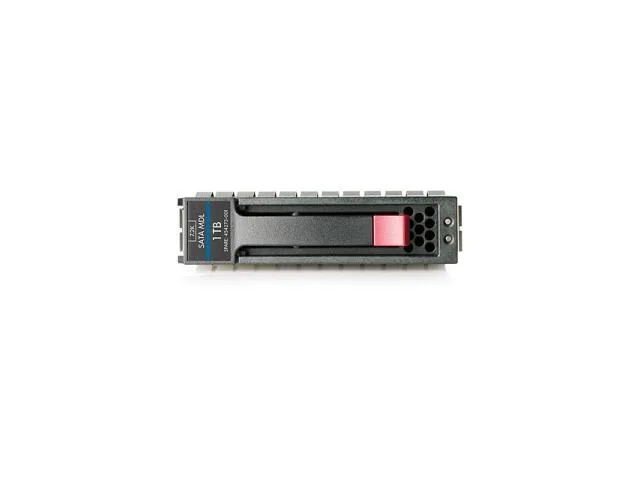
HP 657750-S21 1TB 7200 RPM SATA 6.0Gb/s 3.5" internal hard drive
- Bare Drive
- SATA 6.0Gb/s
$275.99
0.00351898BTC
In stockWe take cryptocurrency — so the coins you hold can buy real hardware.Pay in crypto, spend it on real hardware. Free insured shipping worldwide over $399. Plain, unbranded boxes, sent from Germany.Free insured shipping over $399. Your rate is locked for 30 minutes once checkout opens.Rate locked 30 minutes. Every item sealed, serial-checked and covered by a 24-month warranty.Sealed, 24-month warranty.


DELL
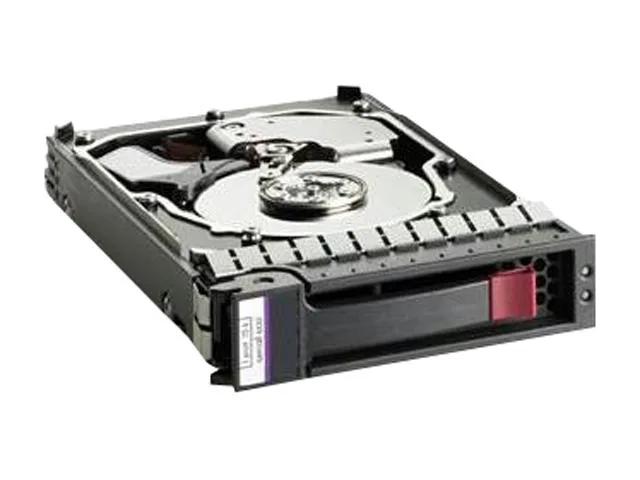
A 146 GB 15 000 RPM SAS hard drive with a 16 MB buffer in a 3.5 inch form factor
This new Dell 146 GB 3.5 inch internal hard drive spins at 15000 RPM and connects through a SAS 3 Gb/s interface. It is built for servers and workstations that need low-latency access to small data sets. The 16 MB buffer helps smooth burst workloads.
It fits 3.5 inch LFF bays in Dell systems and other platforms that accept SAS 3 Gb/s drives. Buyers who need more capacity or a faster 6 Gb/s link should look elsewhere. The 15K spindle targets transaction-heavy workloads rather than bulk storage.
The 15000 RPM rotational speed is the key specification that determines whether this drive meets the performance profile of the target application. It delivers the high IOPS required for database logs, email queues and similar latency-sensitive tasks.
No published specifications for this item yet.
Mount the drive in a 3.5-inch bay, attach the SAS data and power cables, then configure the drive in the RAID controller BIOS before the OS sees it.
The 15000RPM mechanical drive has no user-serviceable parts; plan to replace the entire unit when SMART errors appear or capacity is exceeded.
The 3Gb/s SAS interface caps sustained throughput, so the bus saturates before the 16MB cache or 15000RPM platters reach their own limits.
Also in this aisle
Same shelf, same checkout — eight coins and a 30-minute rate lock.
What you pay in, and what you read prices in.
Sent from your wallet at checkout
Display only — the catalogue is priced in USD
No currency matches that.
Pick the language the site speaks to you in.
New here?
Already have one?
There is no automatic reset: this shop sends no mail, so there is no one-time link to ask for. Leave the address on the account and it gets picked up by hand.
Request noted
Nothing is on its way to your inbox — this shop sends no mail at all. Someone picks these up by hand.
Remembered it?